Features

Everything you need for polls, surveys and votes

StrawPoll stays simple for voters and gives you the controls when you need them. Here’s all of it, in the real app.

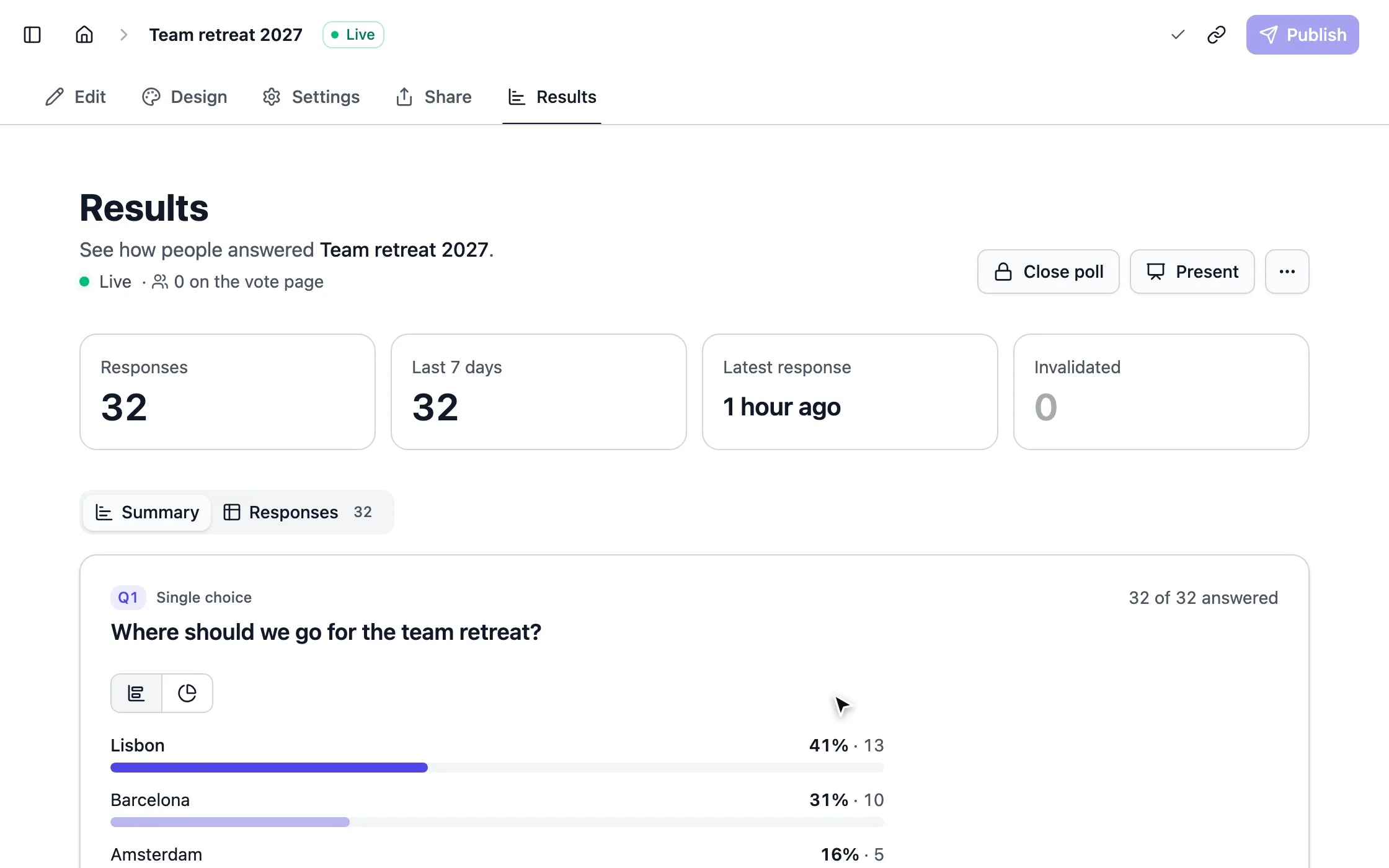
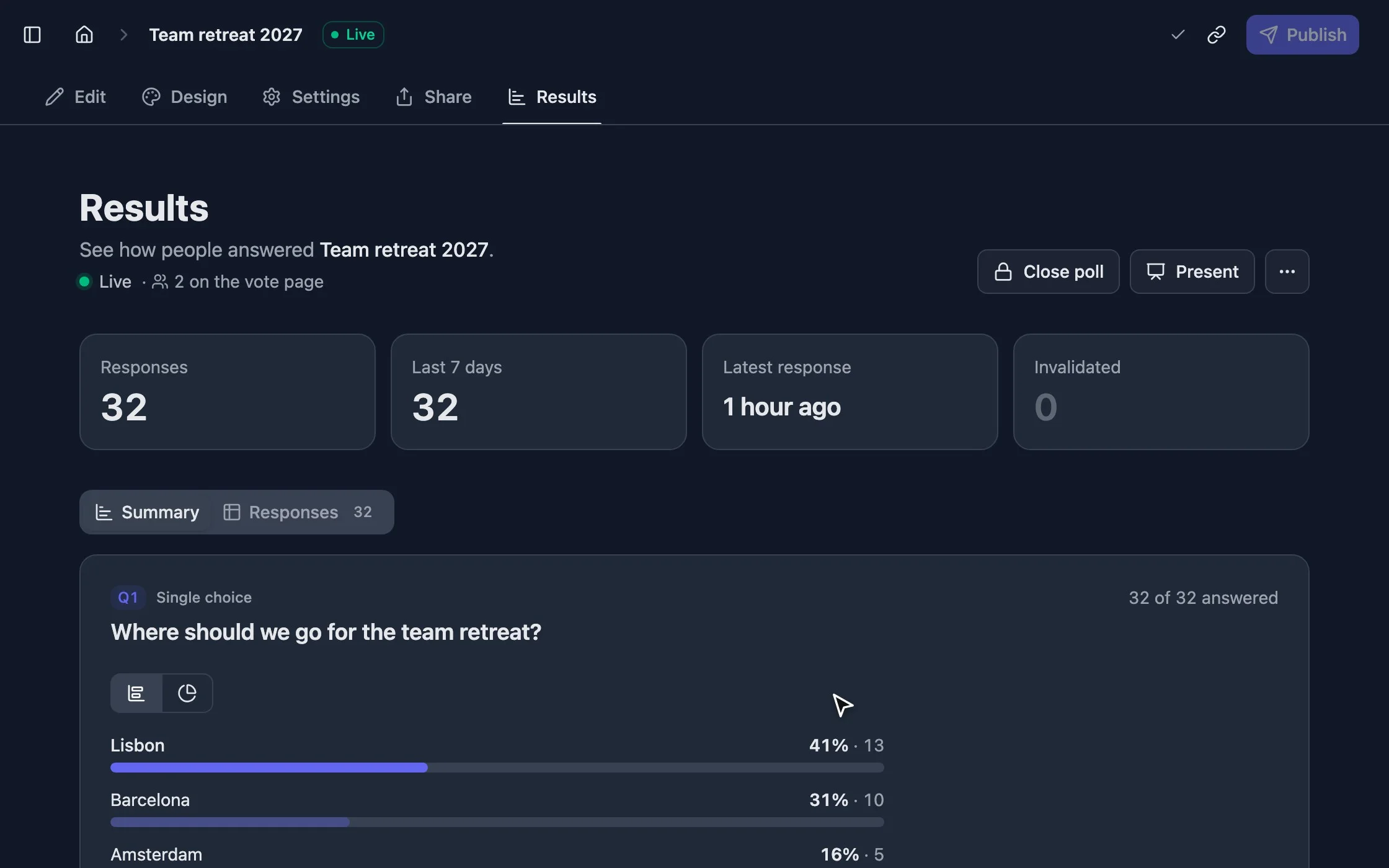
strawpoll.com/forms/team-retreat/results
Votes arriving on the results page of a team retreat poll

Ask

Ask exactly what you mean

Start with a single question or build a full form. Everything is edited right on the page, the way voters will see it.

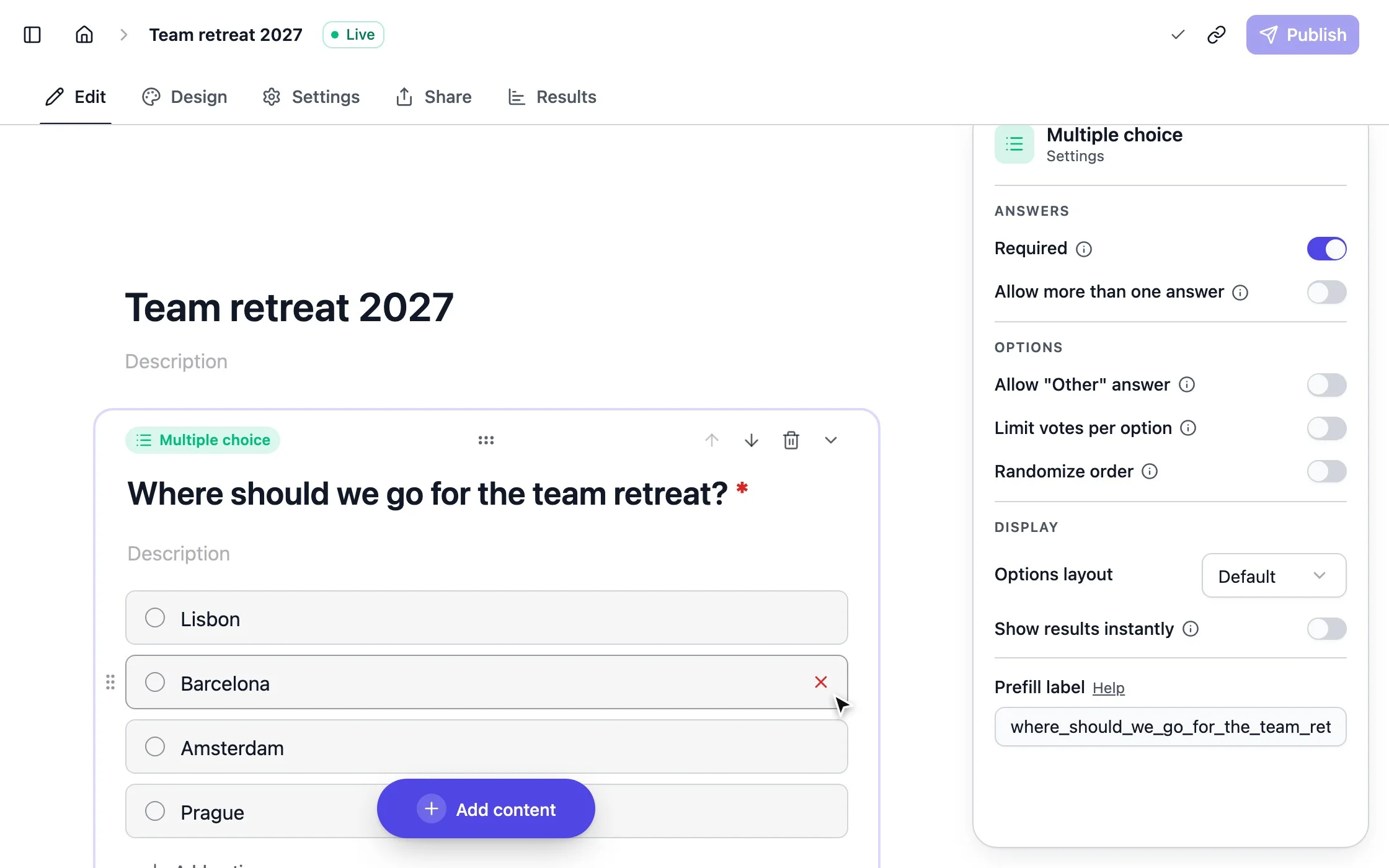
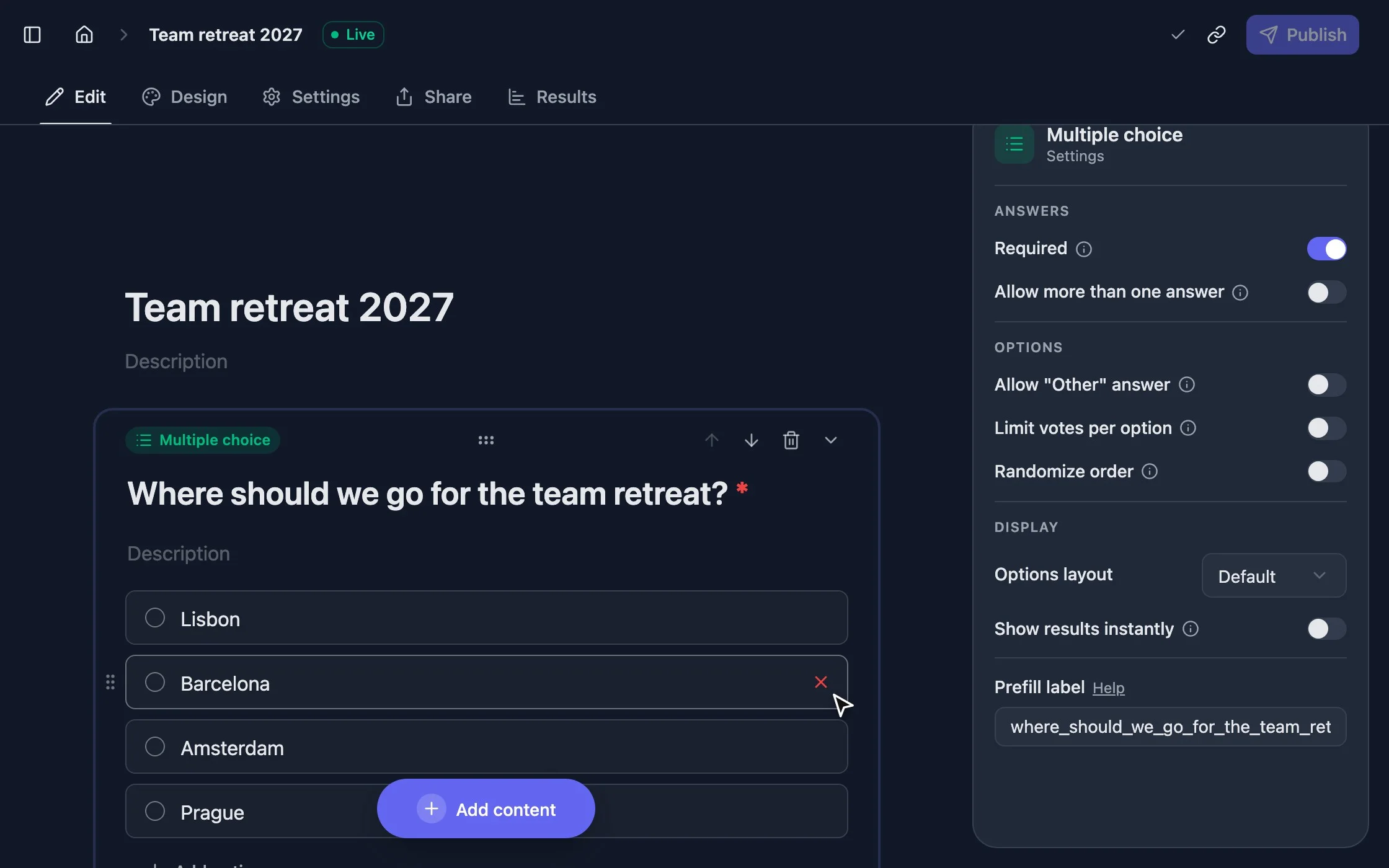
strawpoll.com/forms/team-retreat/edit
Adding an option and a new question in the StrawPoll editor

Build it by typing

Add options, flip a setting and drop in new questions. There’s nothing to learn first.

  • 28 question types

    Multiple choice, ranking, pictures, ratings, scales, text, word clouds, meeting times and more.

    Learn more
  • Multi-page forms

    Add welcome and thank-you screens, split questions across pages or send people to a link at the end.

  • Images and media

    Add pictures to options and content blocks so every question is clear at a glance.

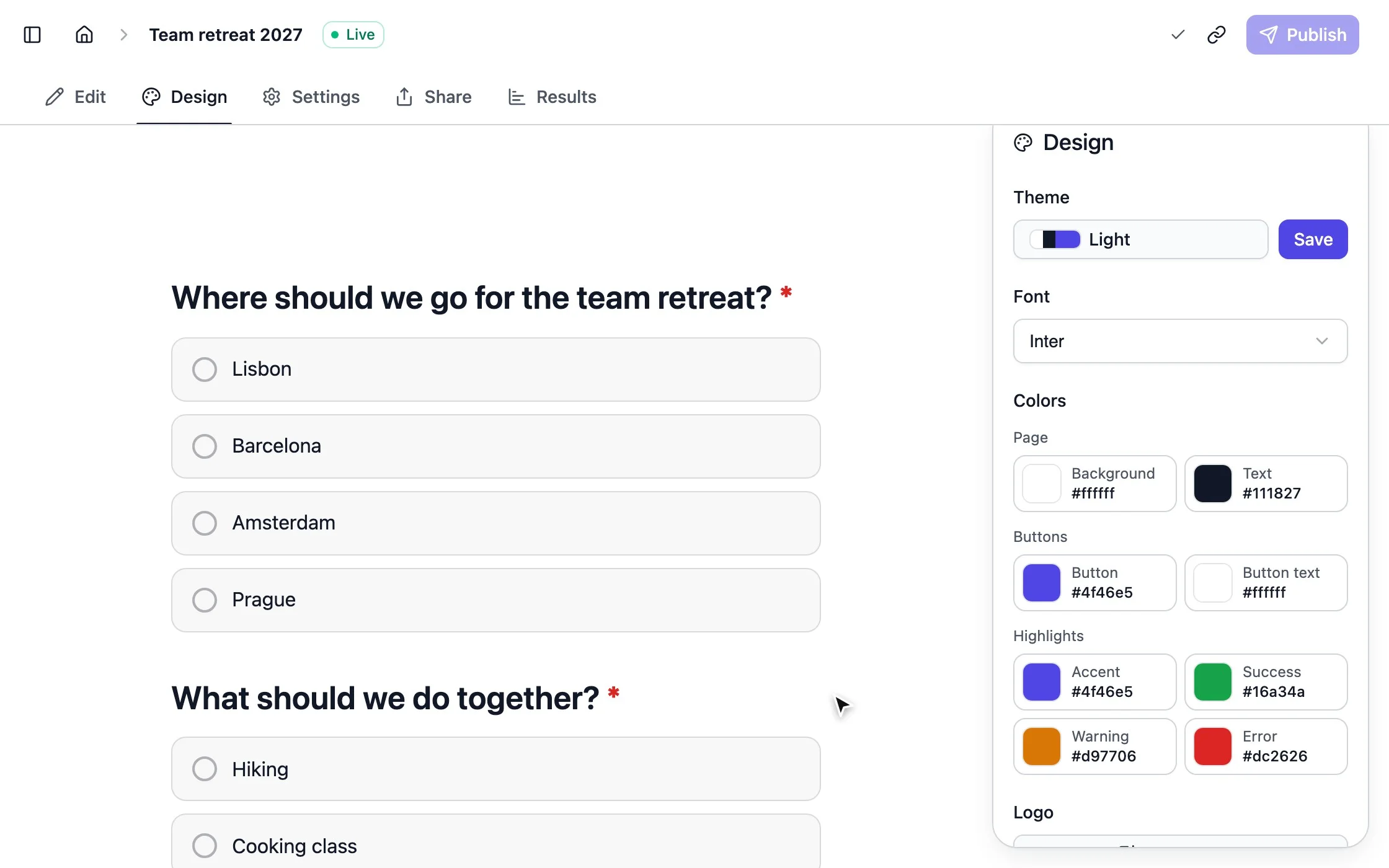
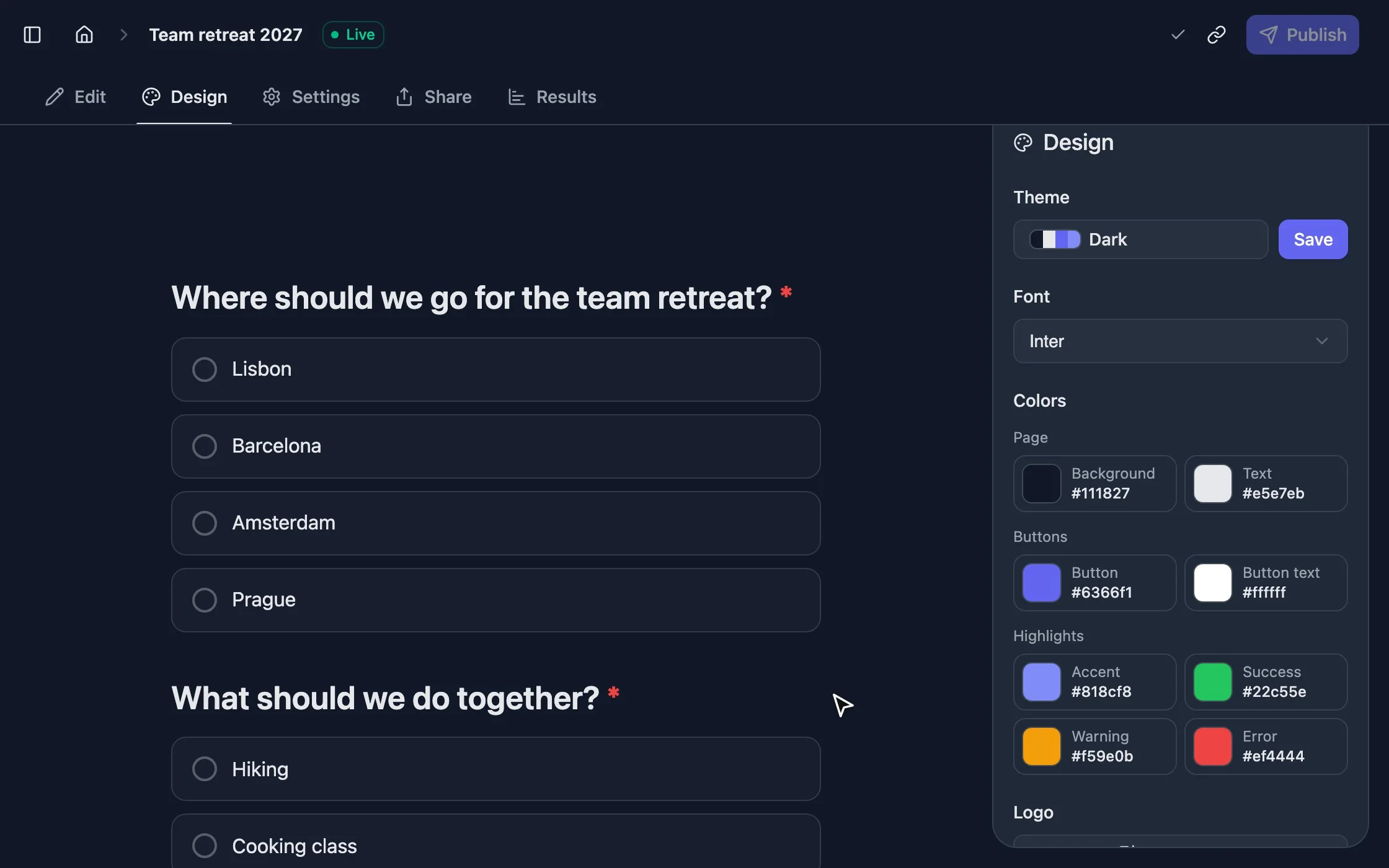
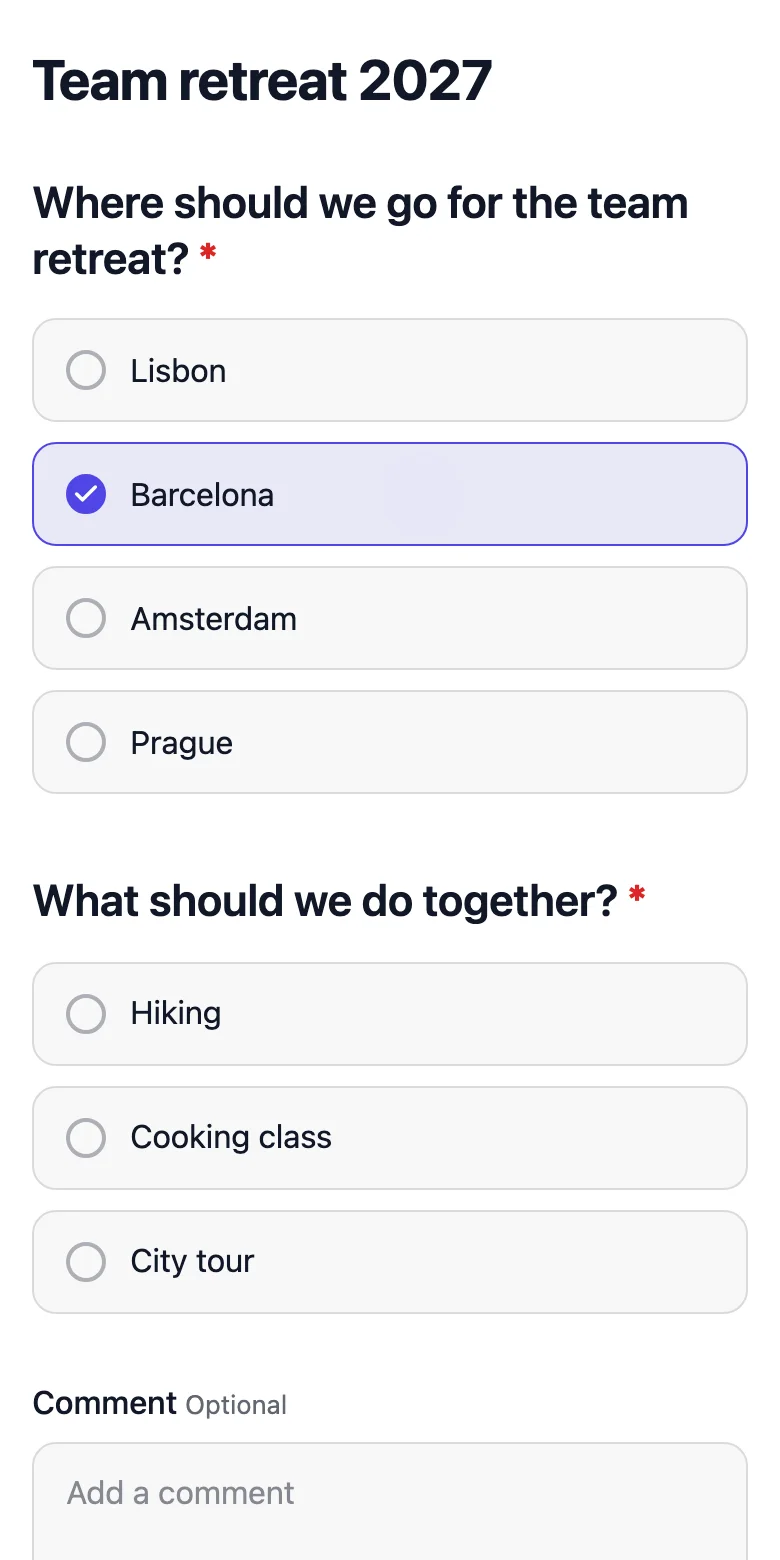
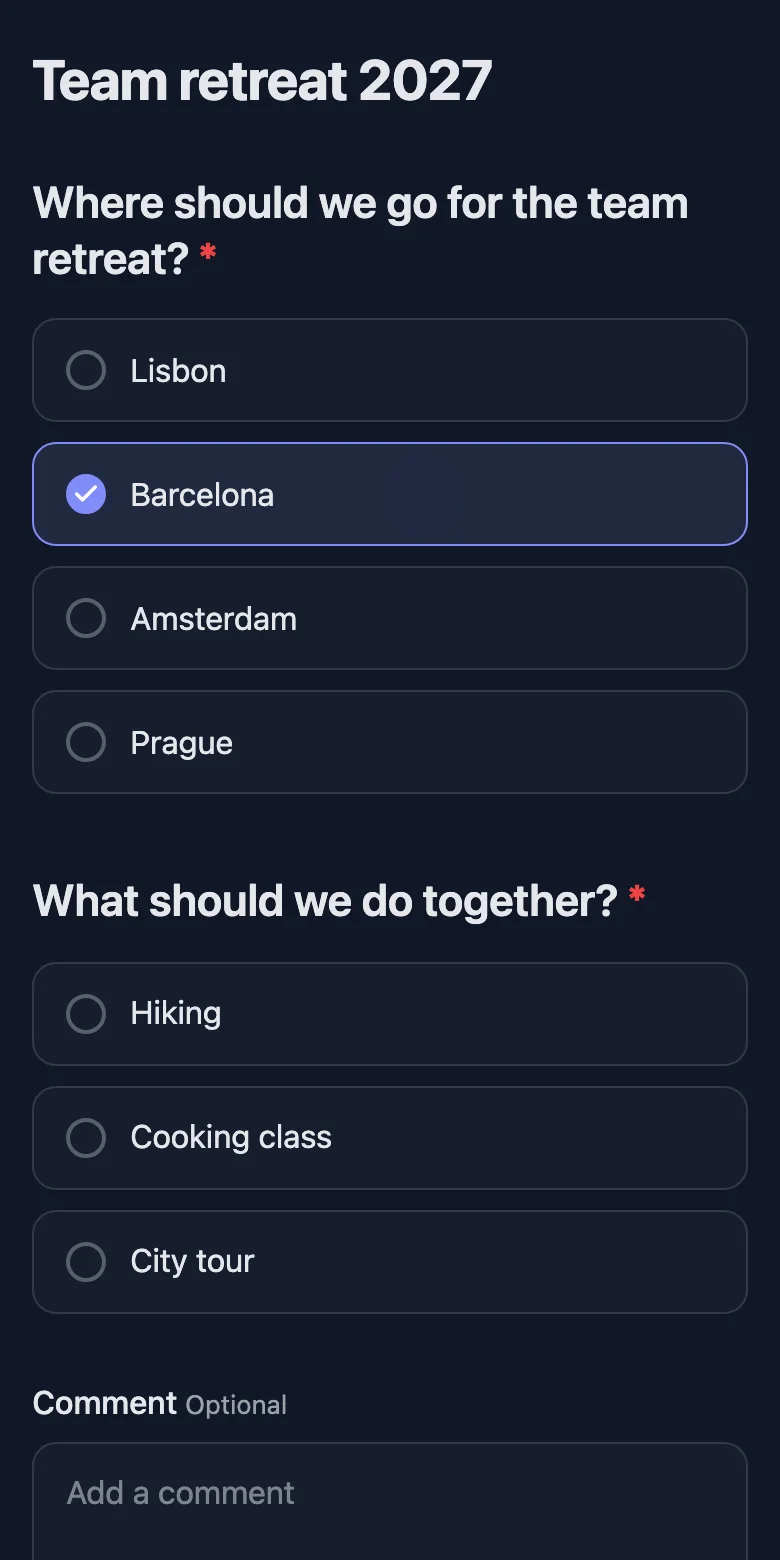
strawpoll.com/forms/team-retreat/design
Switching a poll between two themes on the design page

Make it look like yours

Switch a theme and the whole poll changes with it, before anyone sees it.

  • Themes

    Pick colors for the background, text and buttons, and reuse your theme across polls.

  • Conditional logic

    Show a question only when earlier answers match, and skip what doesn’t apply.

    Learn more
  • Quiz mode

    Mark the right answers, score every respondent and rank them on a leaderboard.

    Learn more
  • Six languages

    The voting page speaks English, German, French, Spanish, Italian and Portuguese.

  • Templates

    Start from ready-made polls for decisions, events, feedback, teams and classrooms.

    Learn more

Share

Reach people wherever they are

Voters never need an account. They open the link on any device and answer.

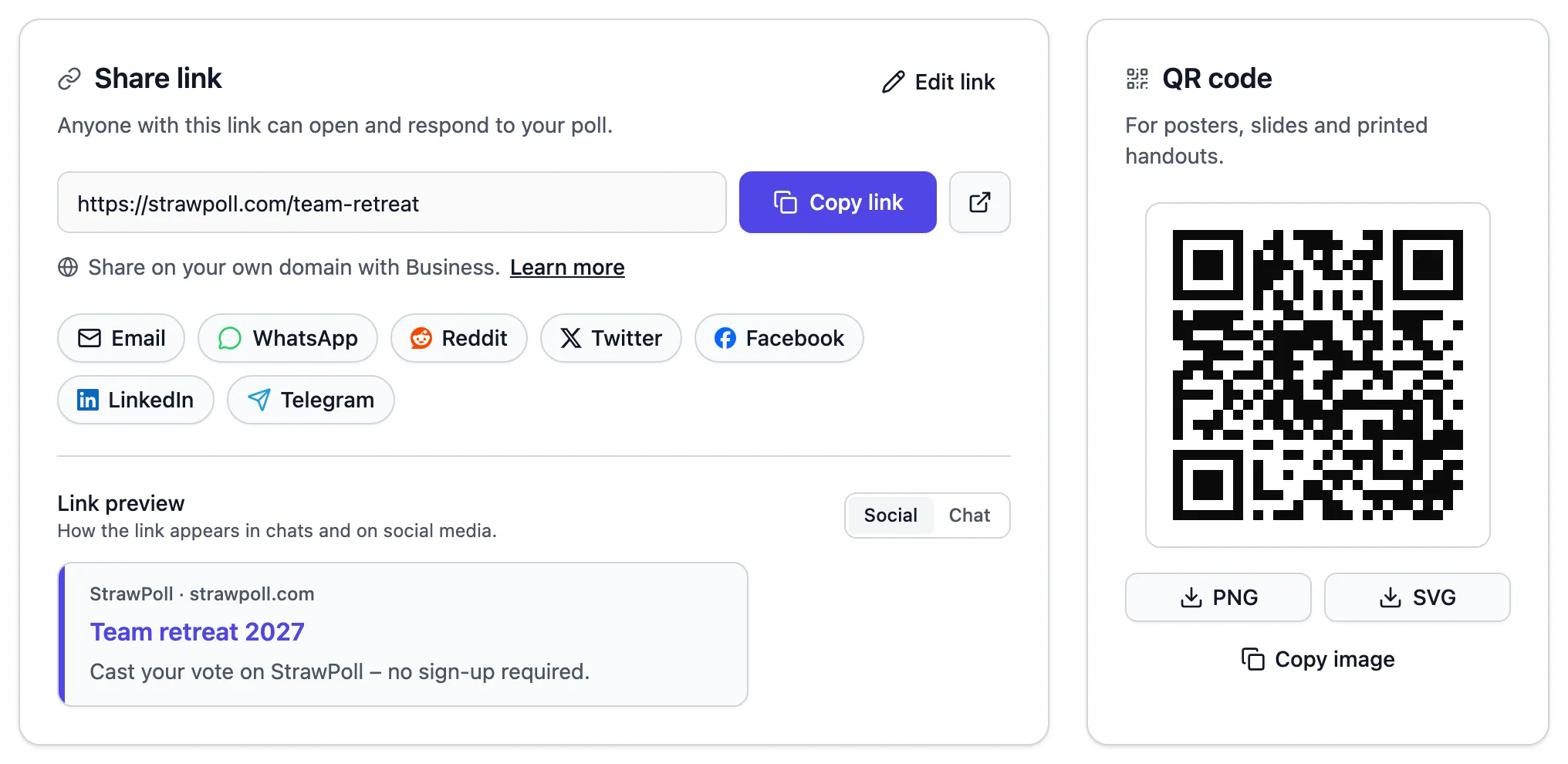
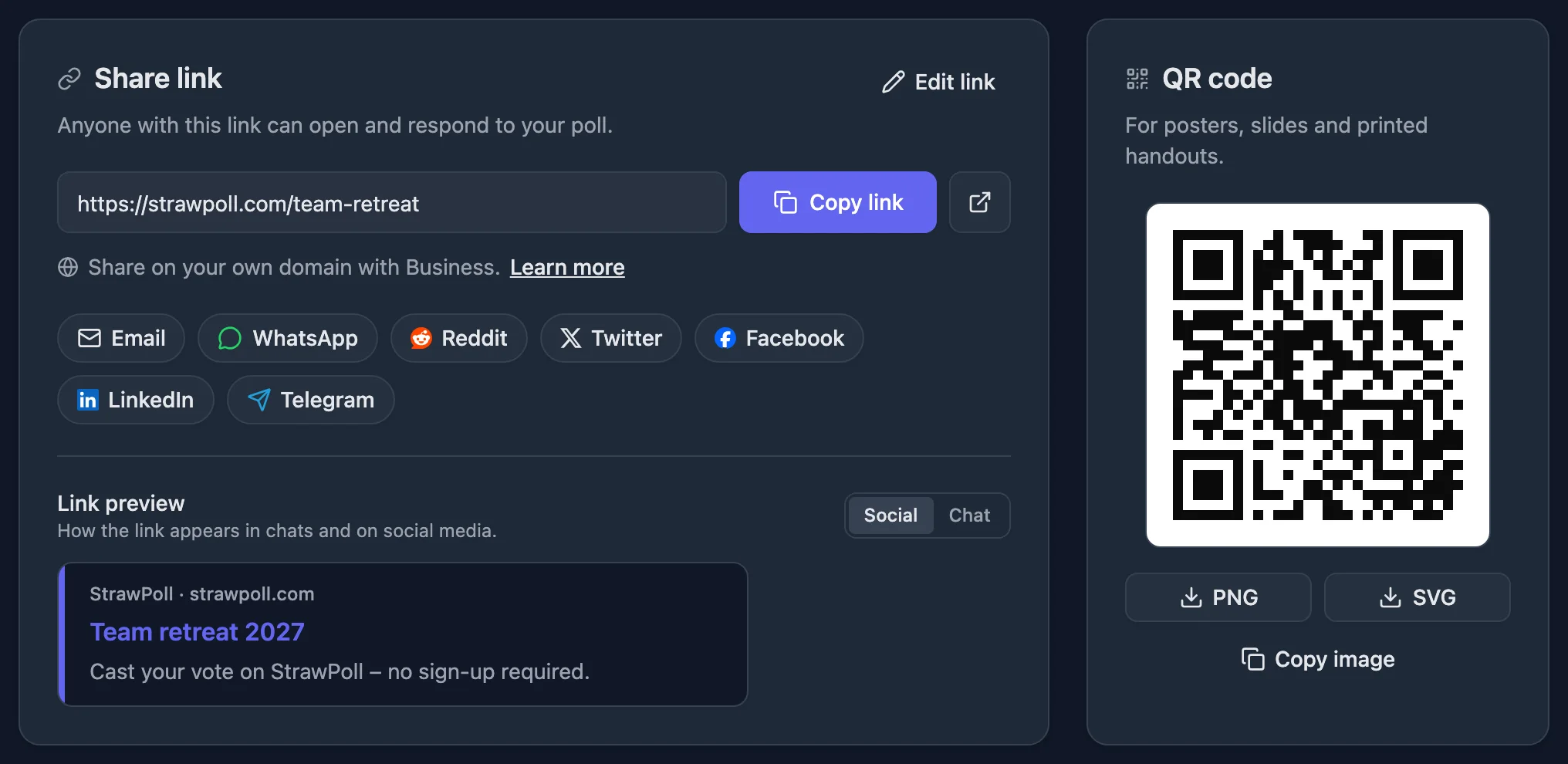
The share page with a poll link, share buttons and a QR code

One link, on every device

Every poll comes with its link and QR code ready to go, and a preview of how it looks when shared.

  • One short link

    Paste it into any chat, email or social post. Voting works on every device.

  • QR codes

    Put a code on a slide, a poster or the classroom board so people can join instantly.

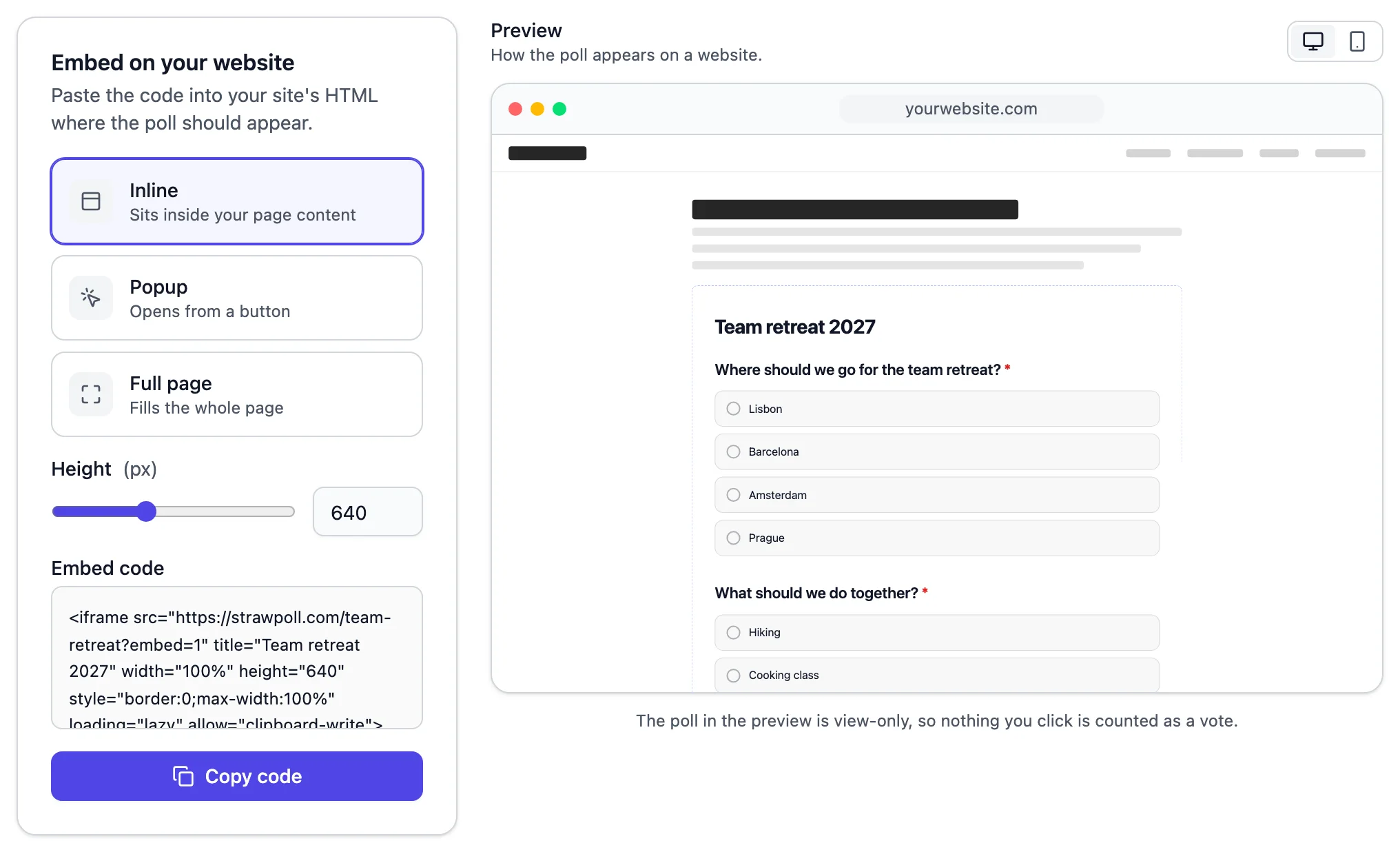
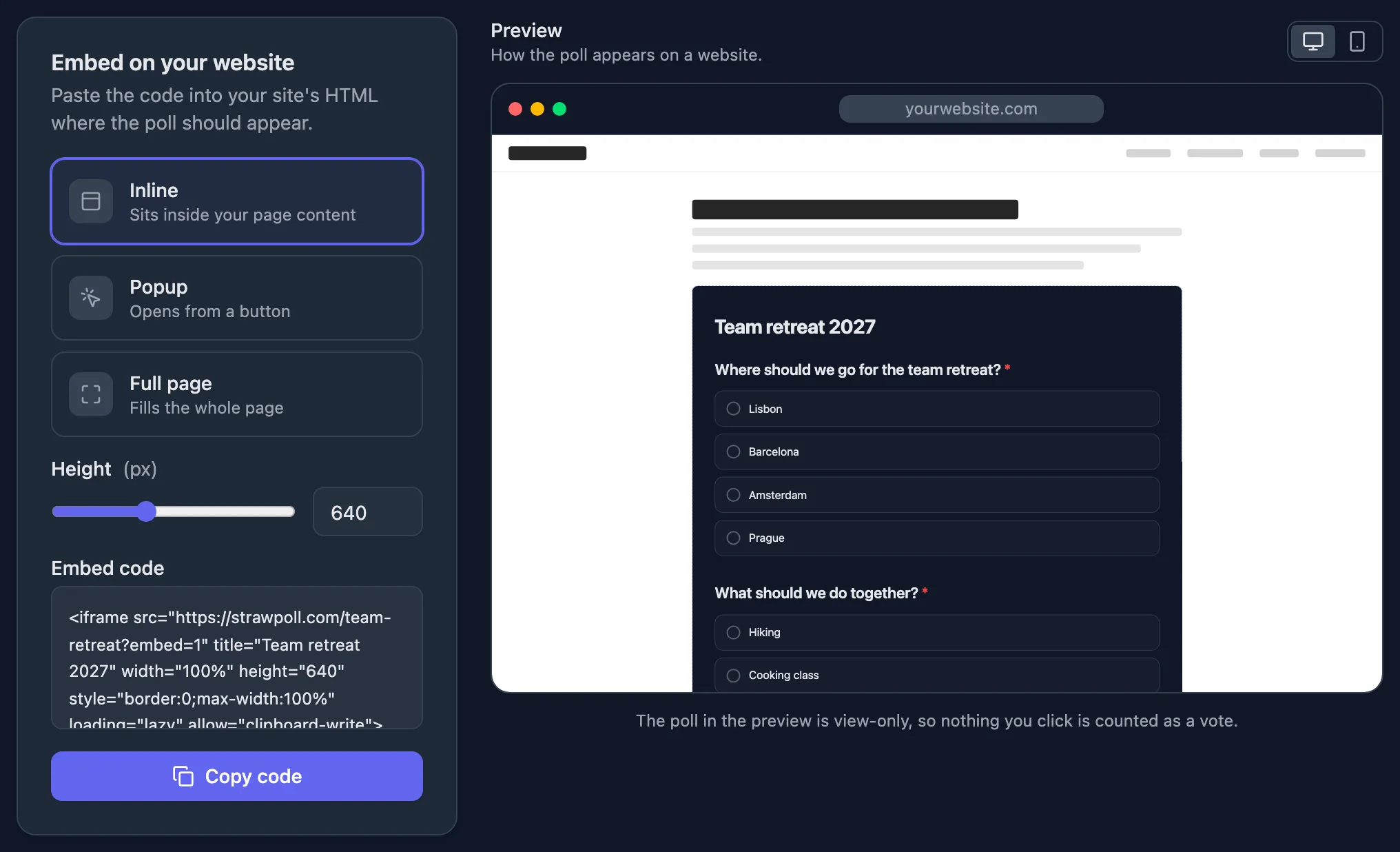
Embed options with a preview of the poll on a website

Right on your own site

Pick inline, popup or full page, preview it and copy the code.

  • Embed anywhere

    Add the poll to your website or blog with a few lines of code.

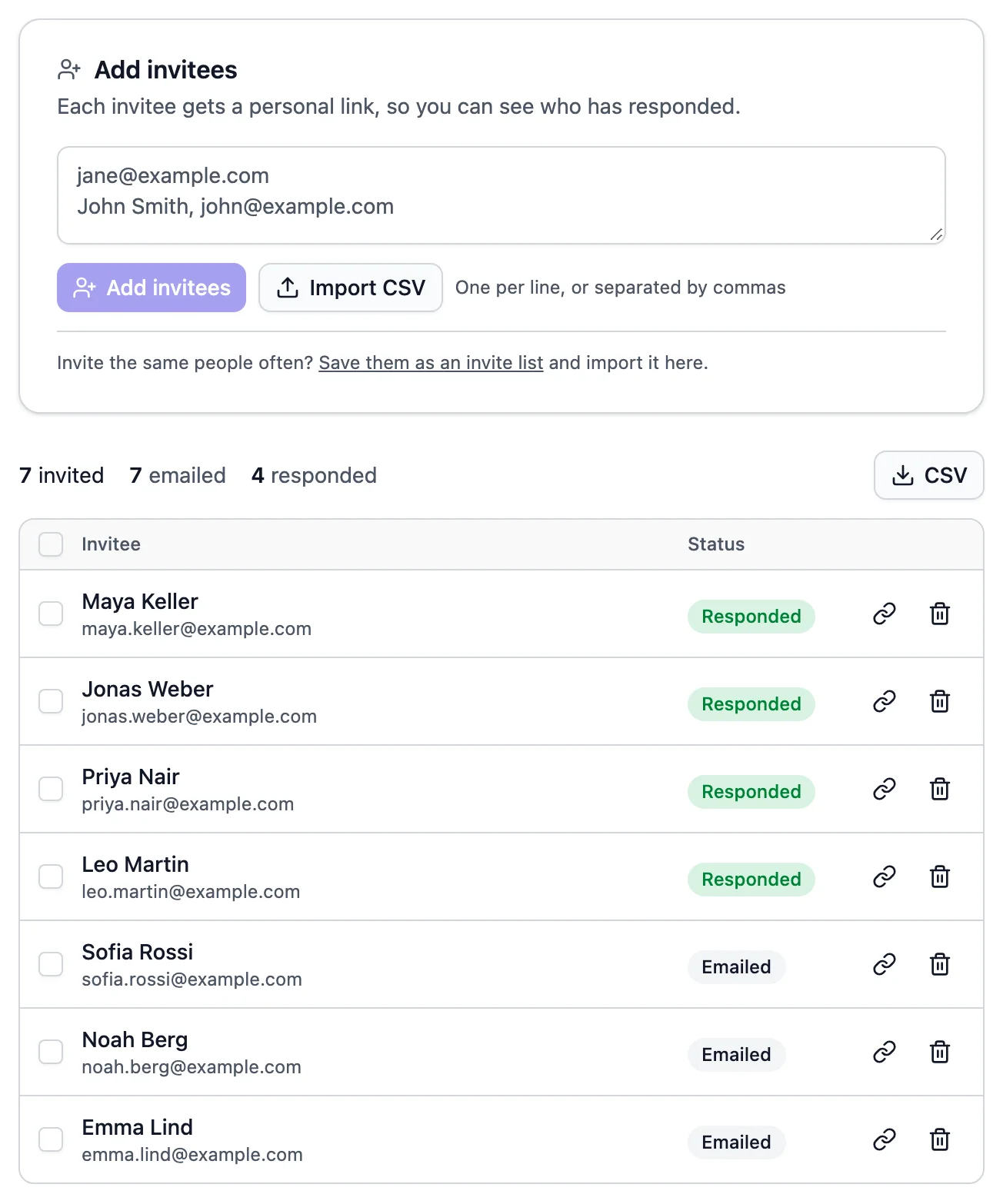
  • A list of invitees showing who has responded

    Email invites

    Send personal invite links and keep reusable invite lists for the people you ask often.

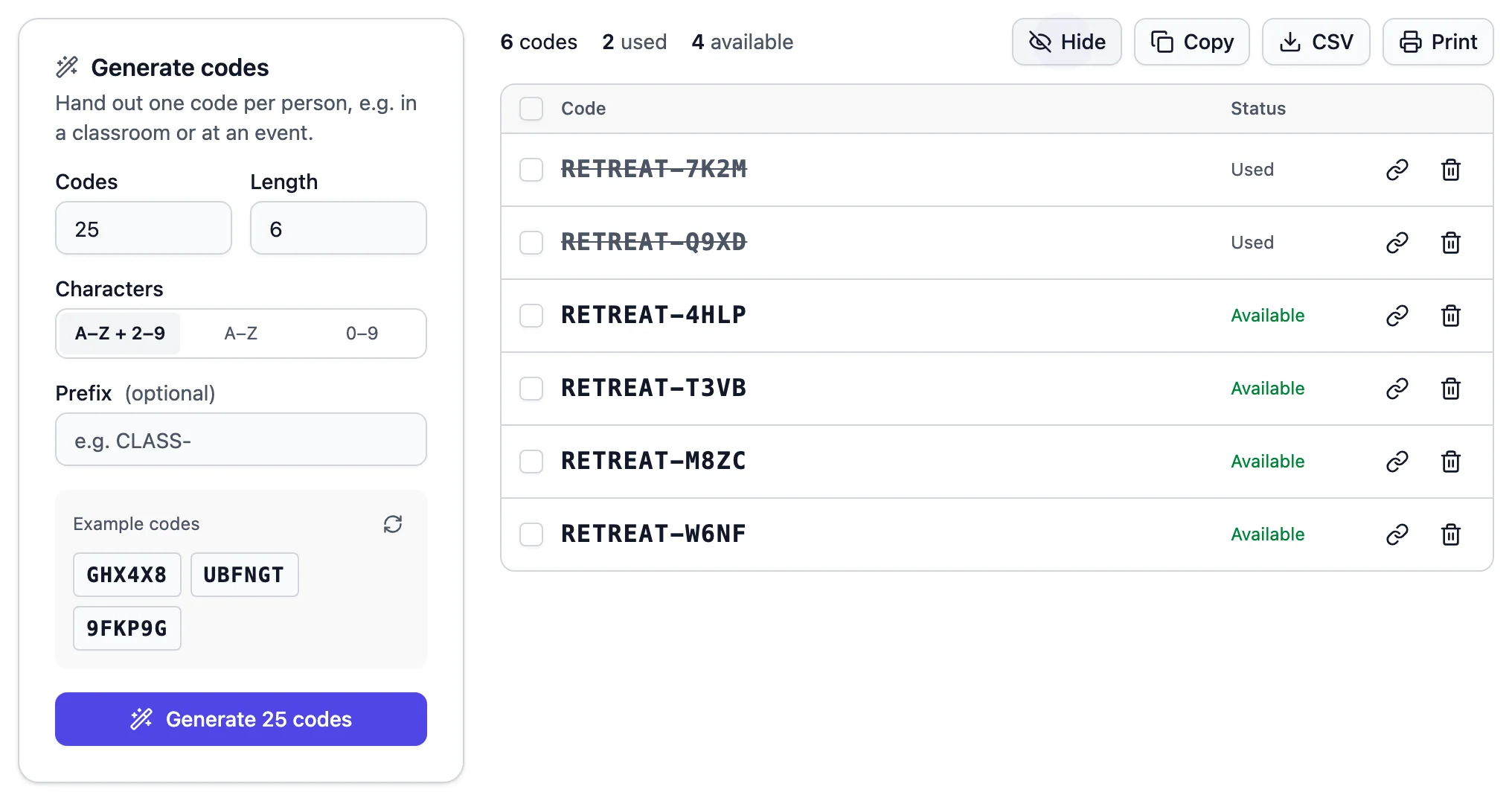
  • Generating a batch of single-use voting codes

    Unique codes

    Hand out single-use codes when only certain people should be able to vote.

Control

Decide who votes, and when

Open polls stay open to anyone. When a result matters, tighten the rules in a few clicks.

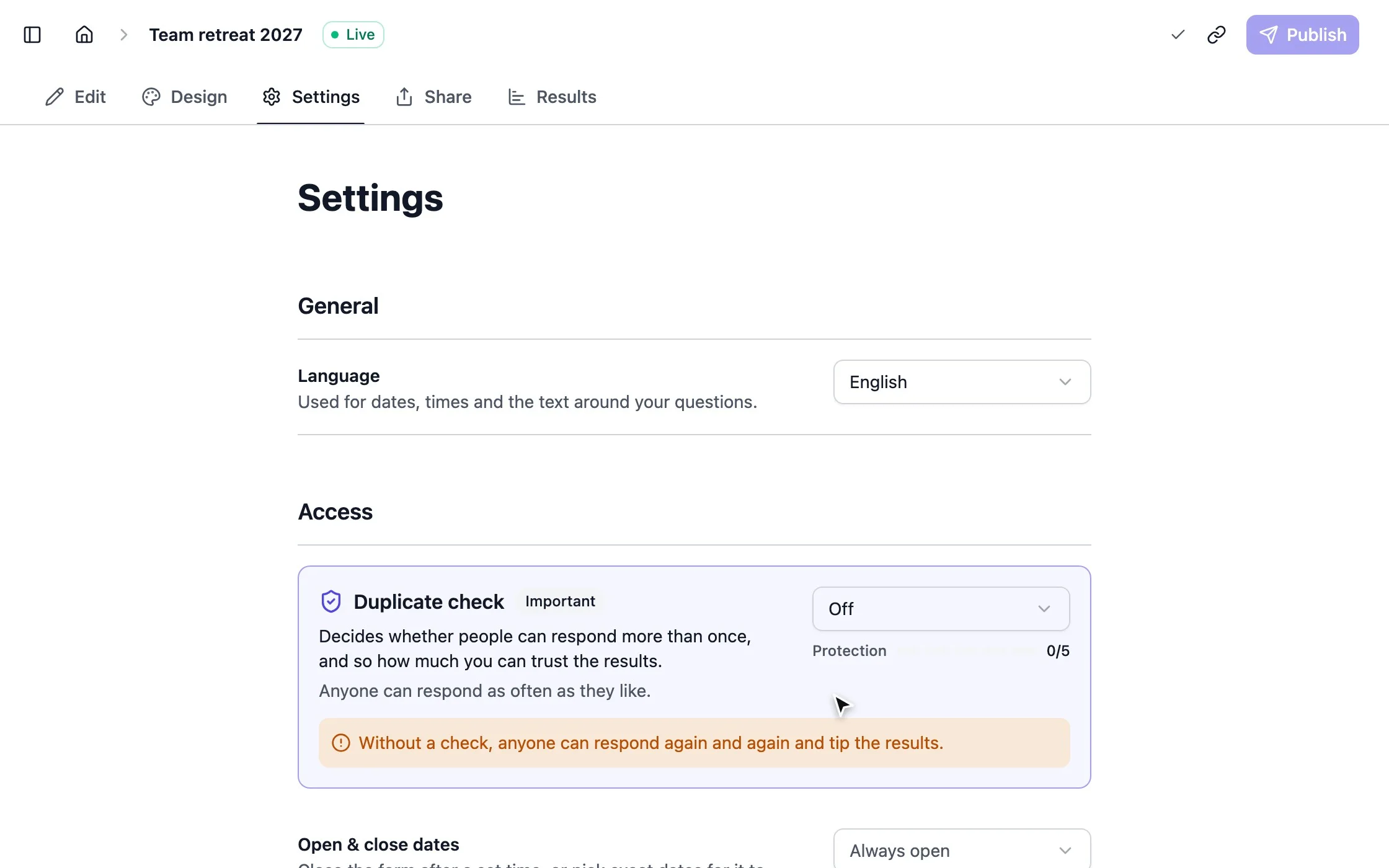
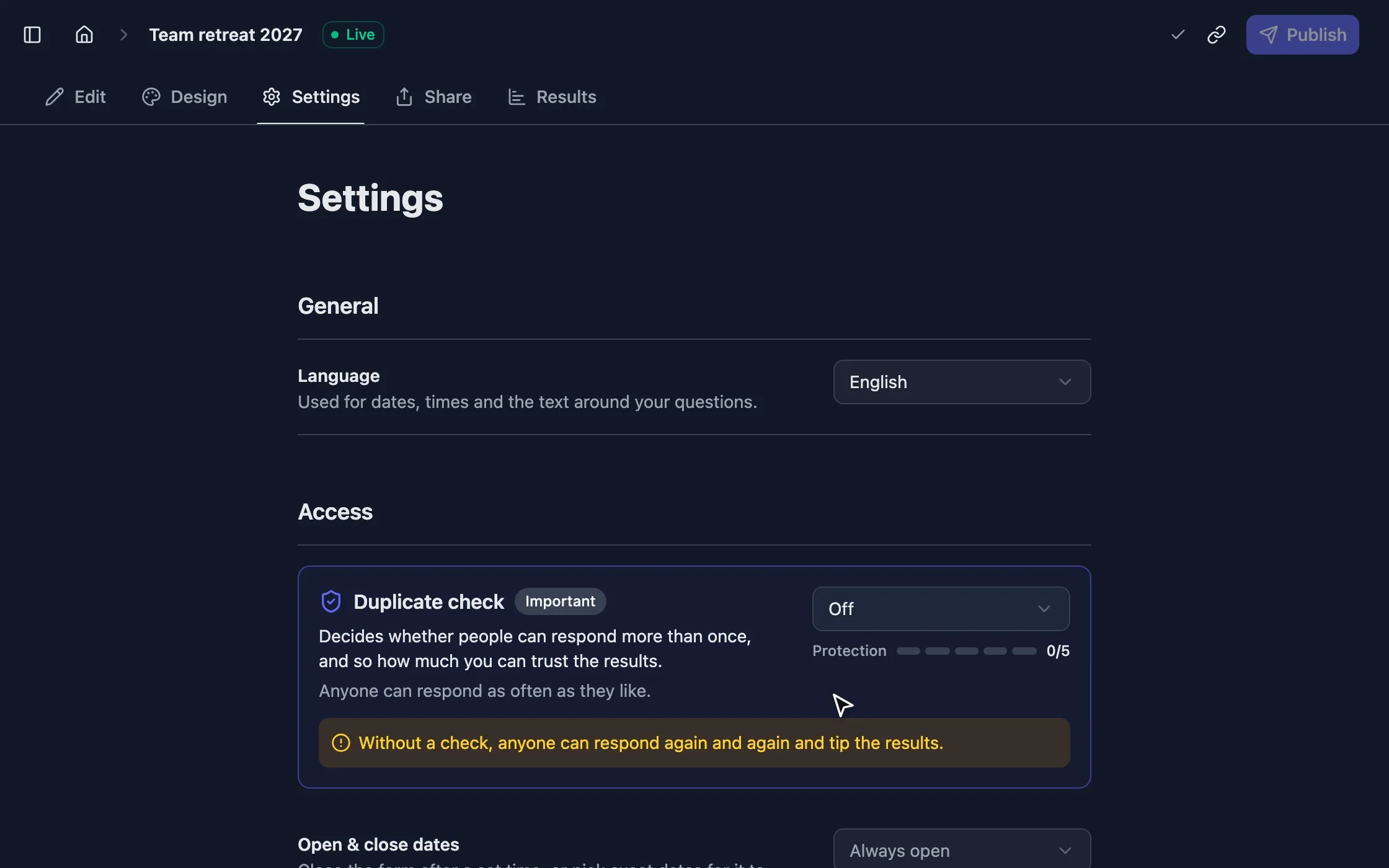
strawpoll.com/forms/team-retreat/settings
Raising the duplicate check on the poll settings page

Results you can trust

Choose how strict the duplicate check is, and the page shows you how much protection you’ve got.

  • One vote per person

    Allow one vote per browser, IP address, name, verified email or code. Block VPNs and add a captcha.

    Learn more
  • Opening and closing dates

    Schedule when a poll opens and closes, down to the minute.

  • Response limits

    Close a poll after a number of responses, or limit how many people can pick each option.

  • Result visibility

    Show results to everyone, only to voters, after the poll closes or only to you.

  • Editable responses

    Let people change their answer later, or make every response final.

  • Comments

    Let voters explain their choice, publicly or just for you.

Decide

Turn answers into decisions

Watch the answer take shape, put it on the big screen, then dig into who said what.

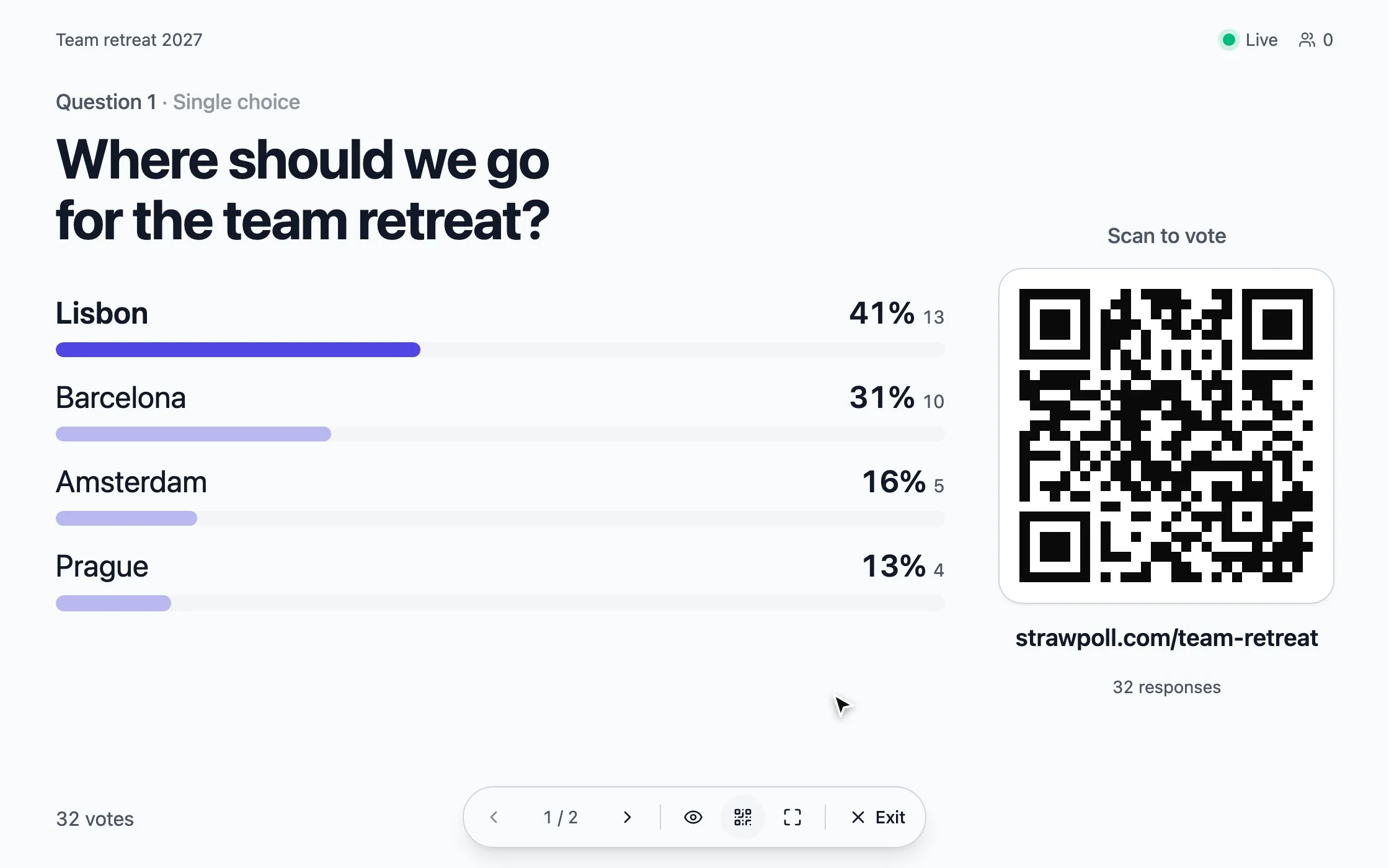
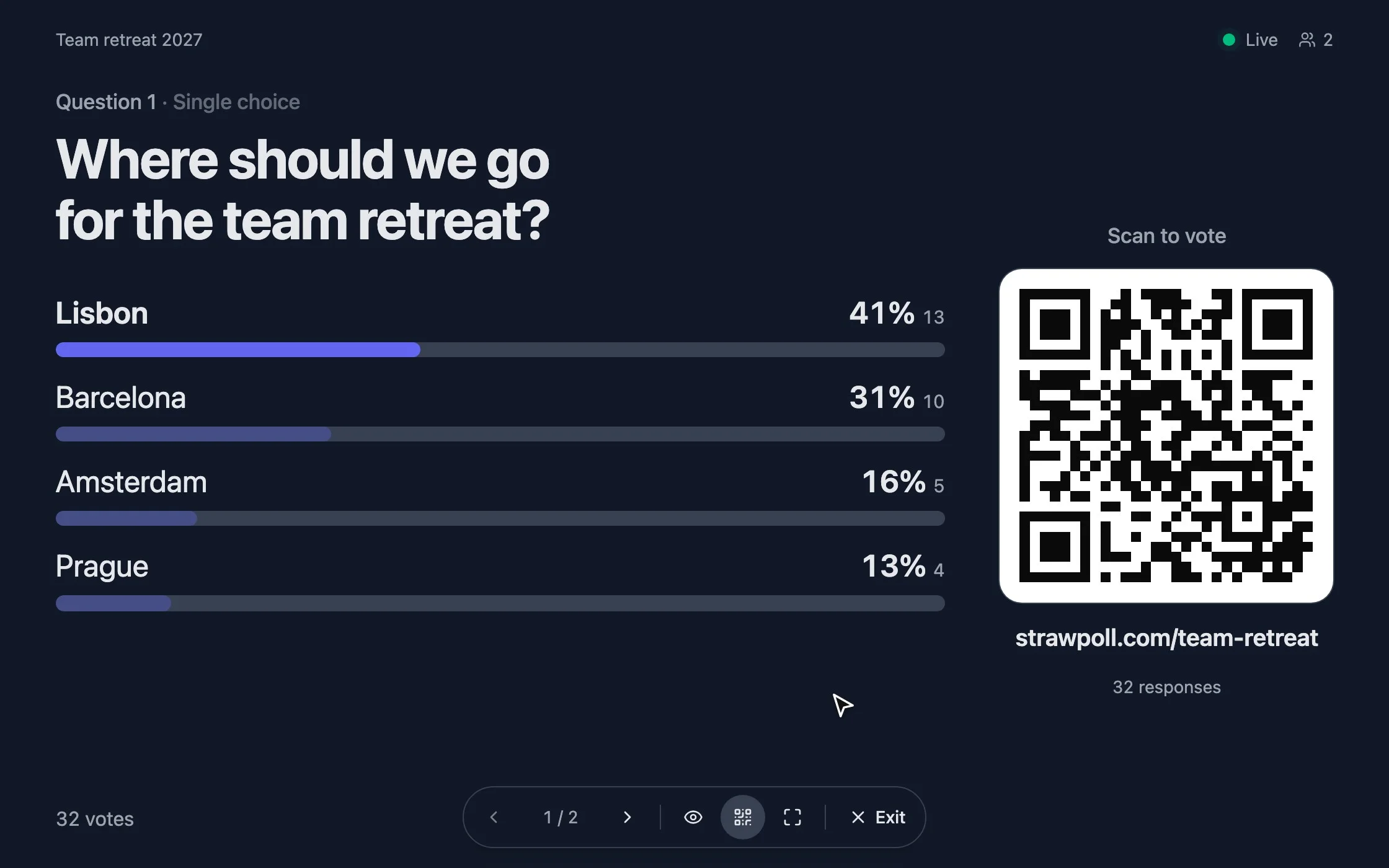
strawpoll.com/forms/team-retreat/present
Present mode with a QR code and results moving as votes arrive

Put it on the big screen

The room scans the code and the bars move as people vote.

  • Present mode

    Show the poll and its results full screen while the room answers.

    Learn more
  • Live results

    Charts update as each vote arrives. Nobody has to refresh.

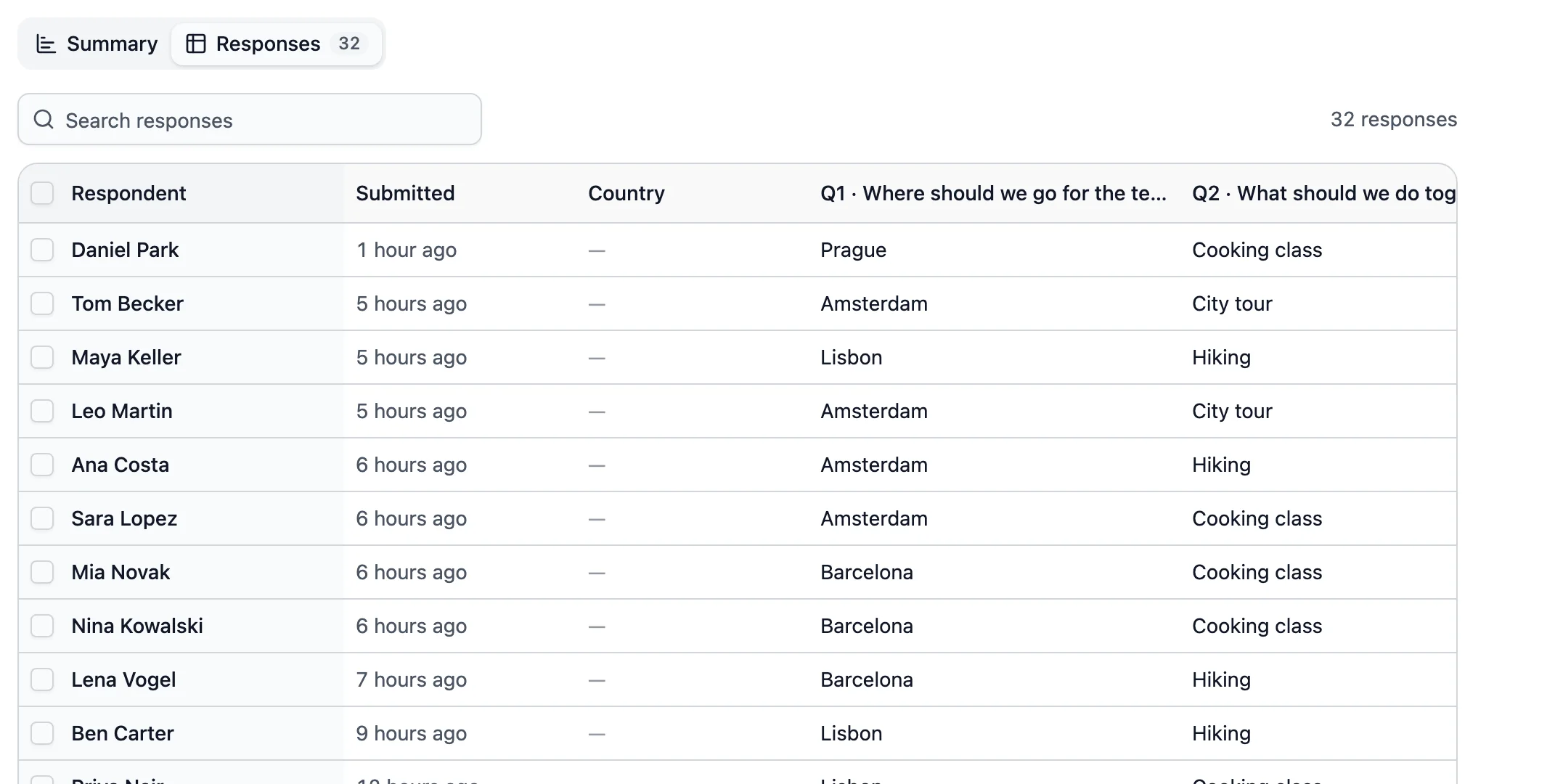
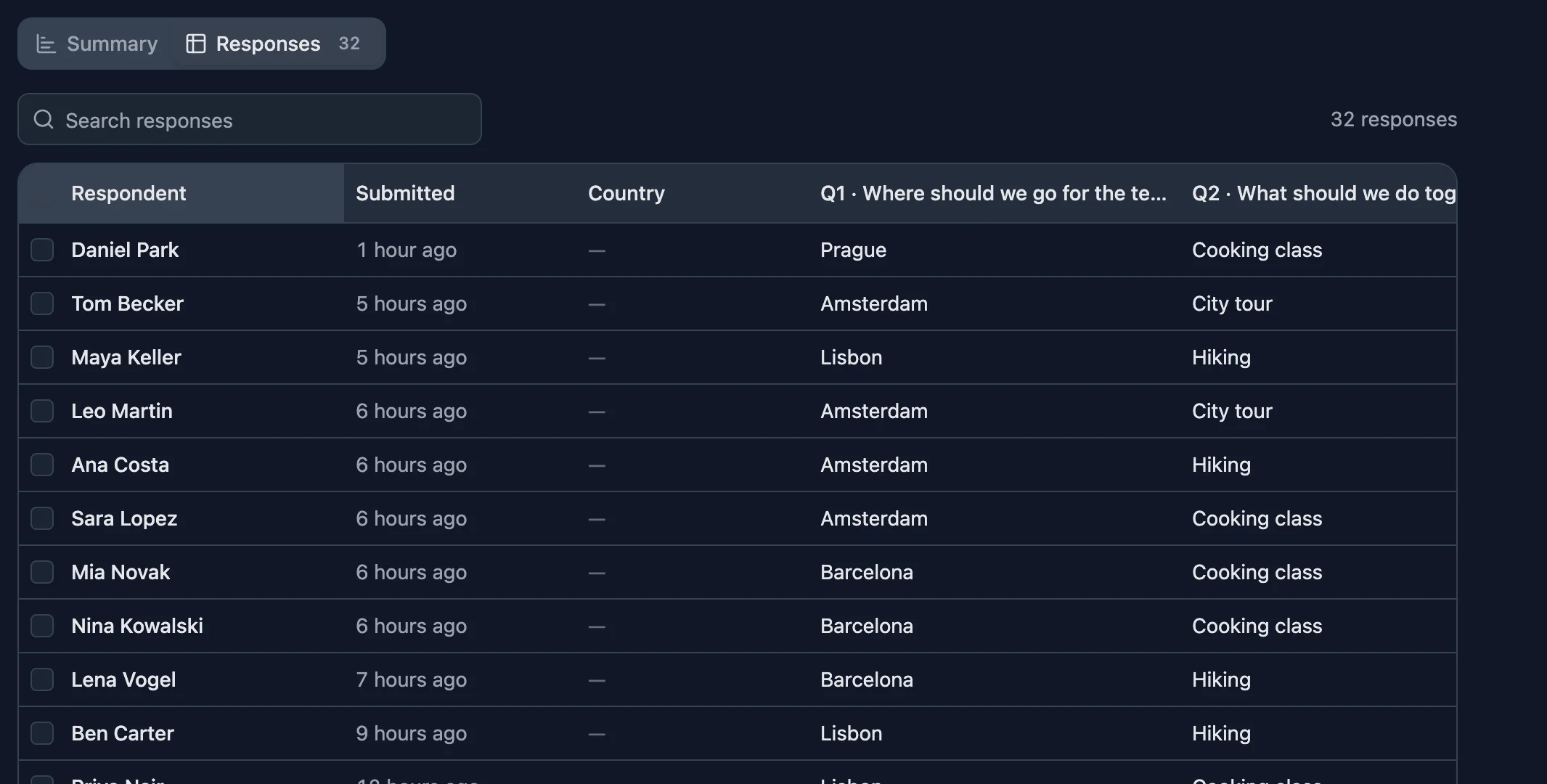
A table of responses with names and answers

Every answer, in one table

Search the responses or take them with you.

  • Every response

    Browse individual answers in a sortable table, with names and comments when you collect them.

  • CSV export

    Download all responses to work with them in a spreadsheet.

  • Email notifications

    Hear about new responses, and send respondents a copy of their answers.

Work together

Built for teams

Keep the team’s polls in one place and send every response to the tools you already use.

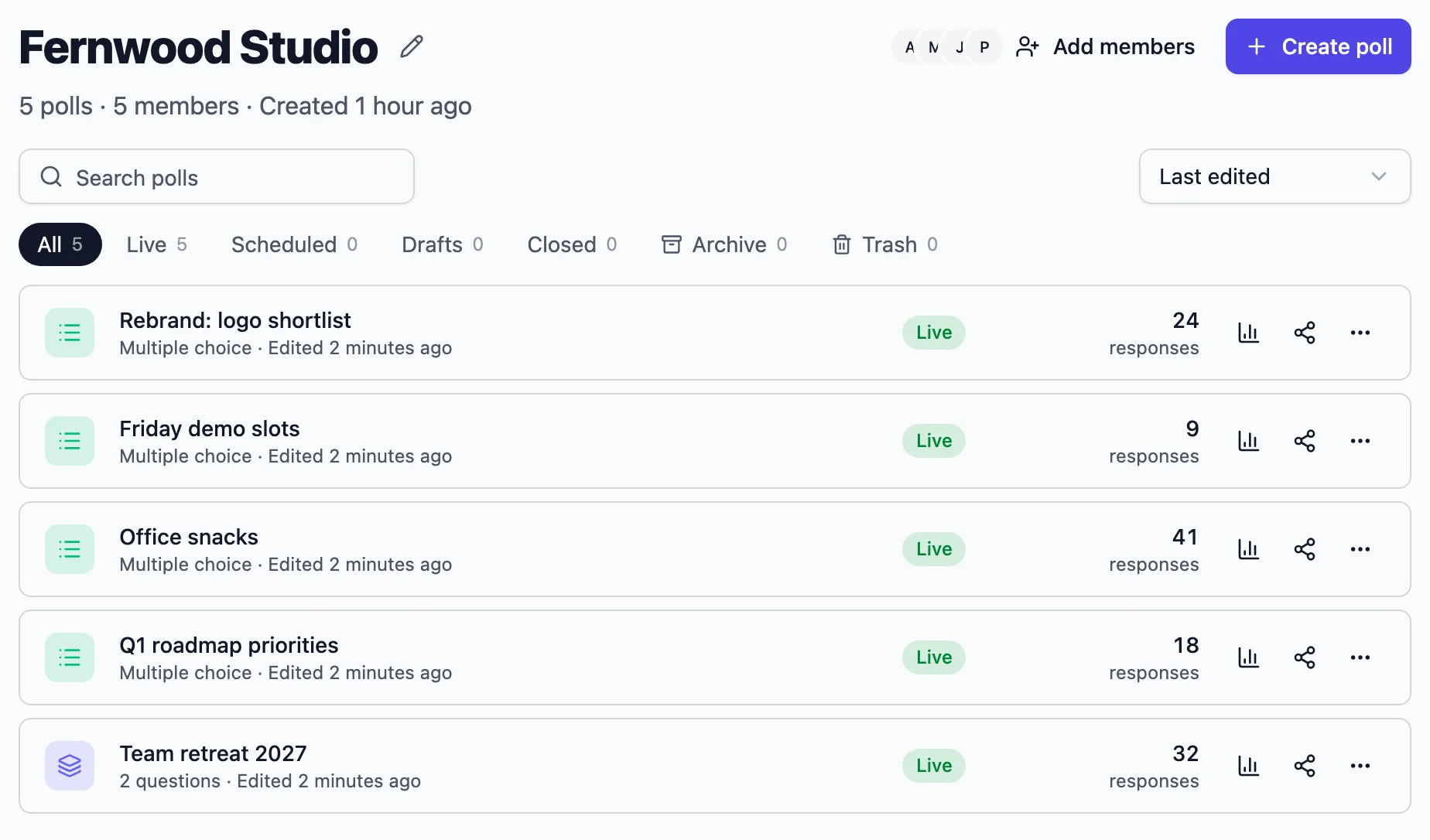
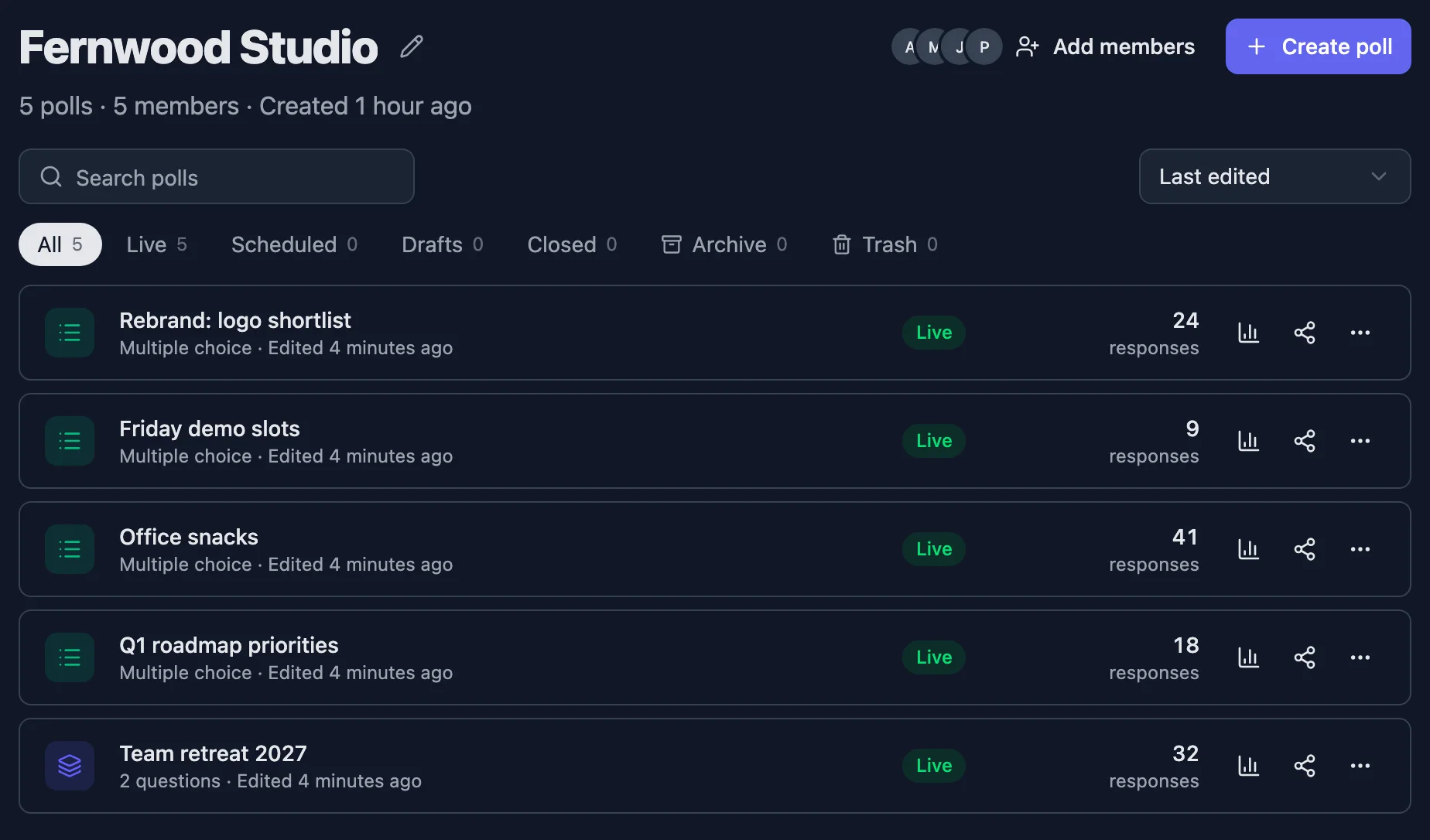
A shared workspace listing the team’s polls and members

One home for the team

Everyone sees the same polls, with their results one click away.

  • Workspaces

    Share polls, themes and invite lists with your colleagues in one place.

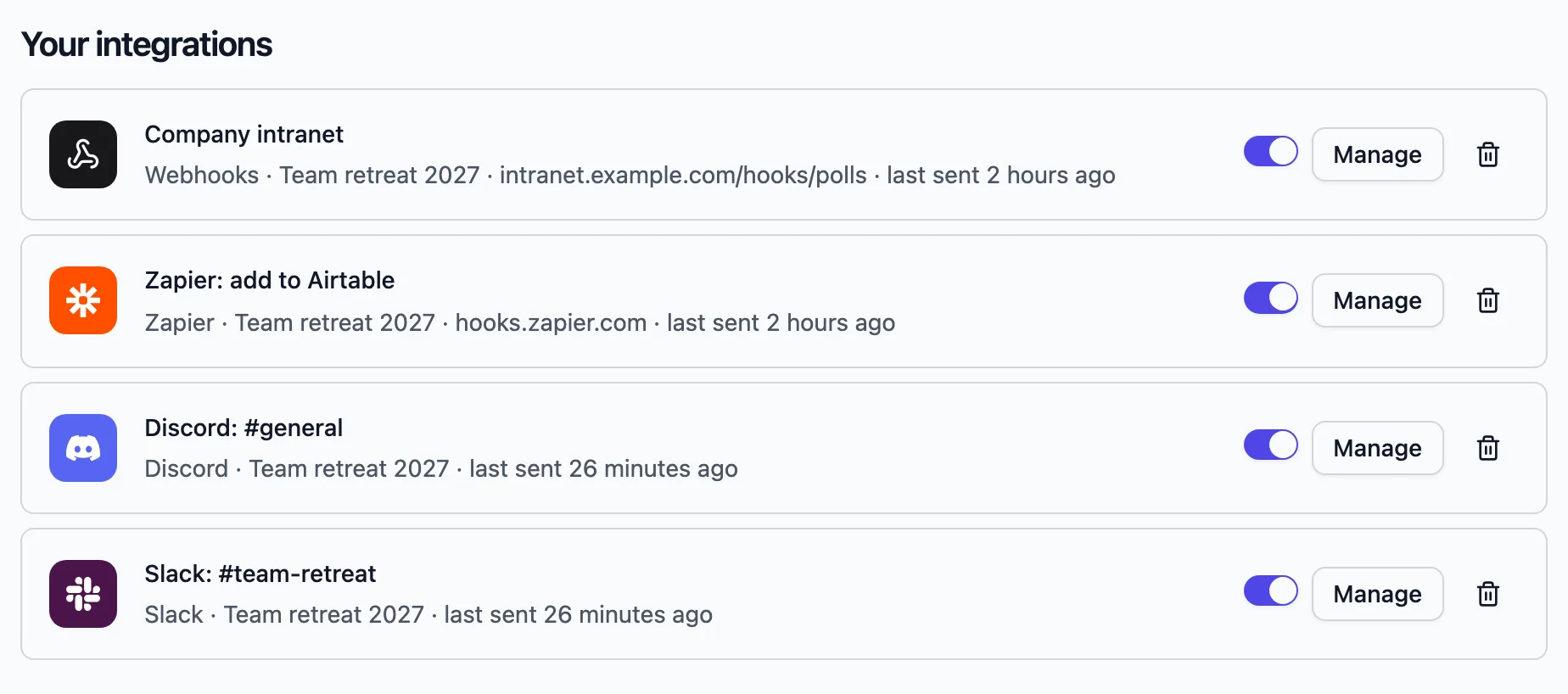
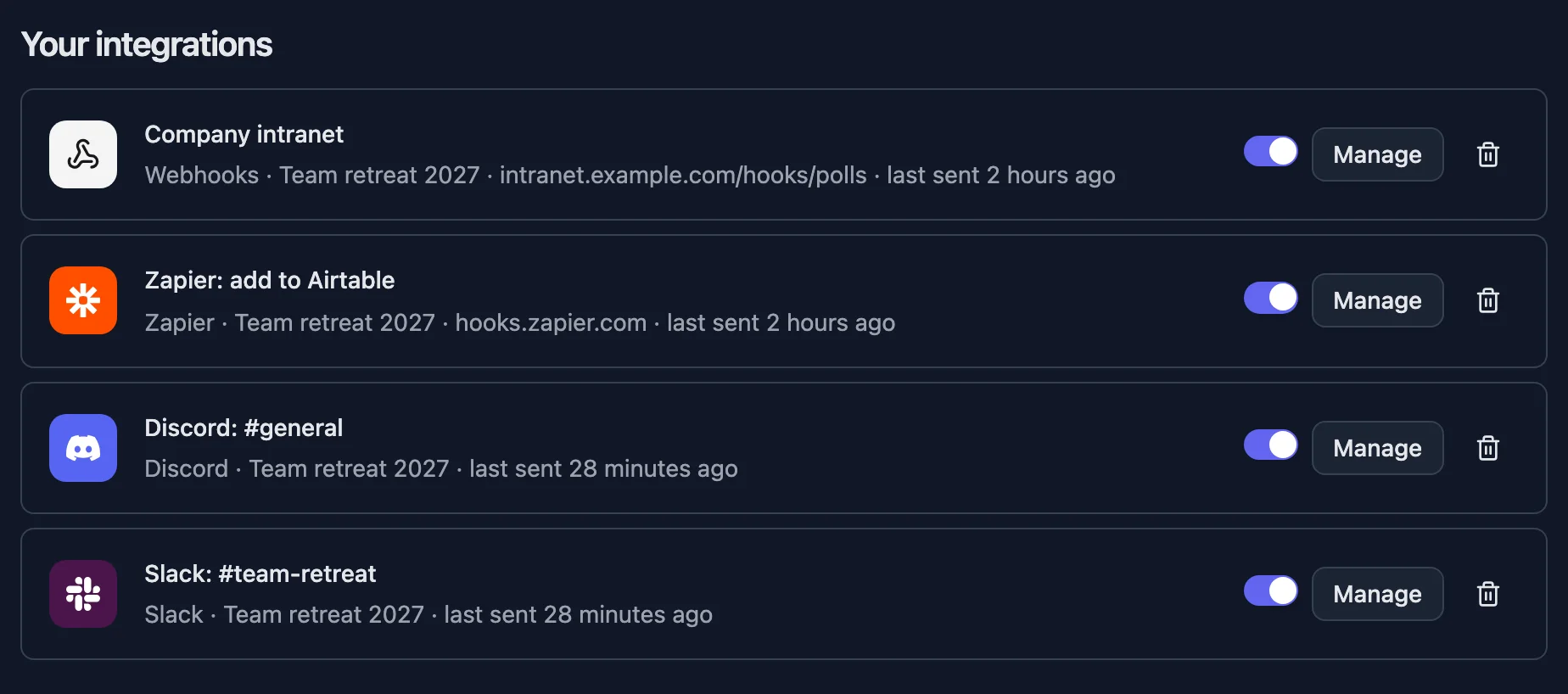
Connected integrations with the last time each one sent a response

Responses go where you work

Integrations run in the background each time someone responds.

  • Slack and Discord

    Post a message to a channel whenever a response comes in.

  • Google Sheets

    Add each response as a row to a Google Sheet that stays in your Drive.

  • Webhooks

    Send every response as a signed payload to your own server, Zapier, Make, n8n or any other tool.

Good to know

Getting started with StrawPoll

What to set up first, which settings matter for which kind of poll, and how polls, forms and surveys fit together, so you can use everything on this page without reading it all.

2 min read

One editor for polls, surveys and forms

Everything starts with Create a poll. A one-question poll, a ten-page survey and a registration form are the same thing in StrawPoll: questions, pages and settings. Start with one question and add more with Add content when you need them.

The quickest start is a template: each one comes with questions that work and a theme, and you change what you like.

Four settings that decide most results

  • Duplicate check: how StrawPoll keeps it to one answer per person. Browser session for groups on one Wi-Fi, IP address for public polls, email or codes when it must hold up.
  • Access to results: whether people see the results right away, after answering, after the close or never.
  • Show respondent names: whether names appear next to the results. Keep it private for honest answers.
  • Open & close dates: one voting window for everyone.

All four are in the Settings tab. Set them before you share: votes already in can’t be checked again.

Sharing and showing results

Share the link in any chat, show a QR code or join code, send personal email invites or embed the poll on your site. In a room, present mode puts each question on the big screen with the results updating live.

Results update without refreshing. Export every response as a CSV, or read them through the API.

Make it yours

Themes set colors, fonts and buttons, and they’re free on every plan. Pro adds your logo and removes StrawPoll branding. In a workspace, you share polls, themes and invite lists with colleagues, and set a theme for every new poll.

Connect it to the rest of your tools

Integrations send each response somewhere else as it arrives: Slack and Discord channels, Google Sheets, Notion, Airtable, Zapier, Make, n8n or your own server with a signed webhook. Your first integration is free; paid plans include unlimited integrations. Assistants like Claude can create and read polls through the StrawPoll MCP server.