

Start from what you want to know
Before you pick a type, finish the sentence “After this poll, I’ll know…”. The answer points to the type:
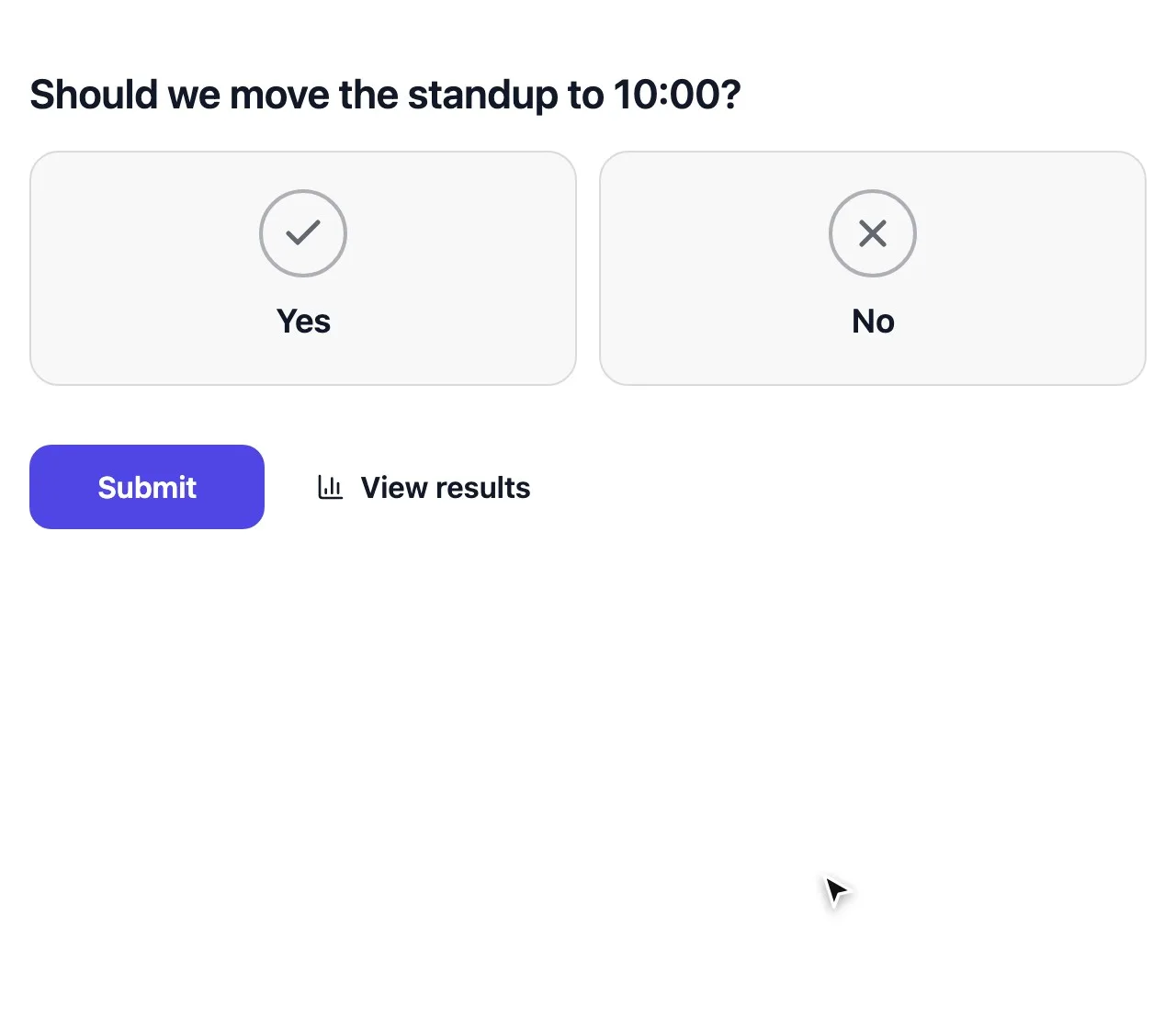
- Which option wins: Multiple choice, Yes / No or Picture choice.
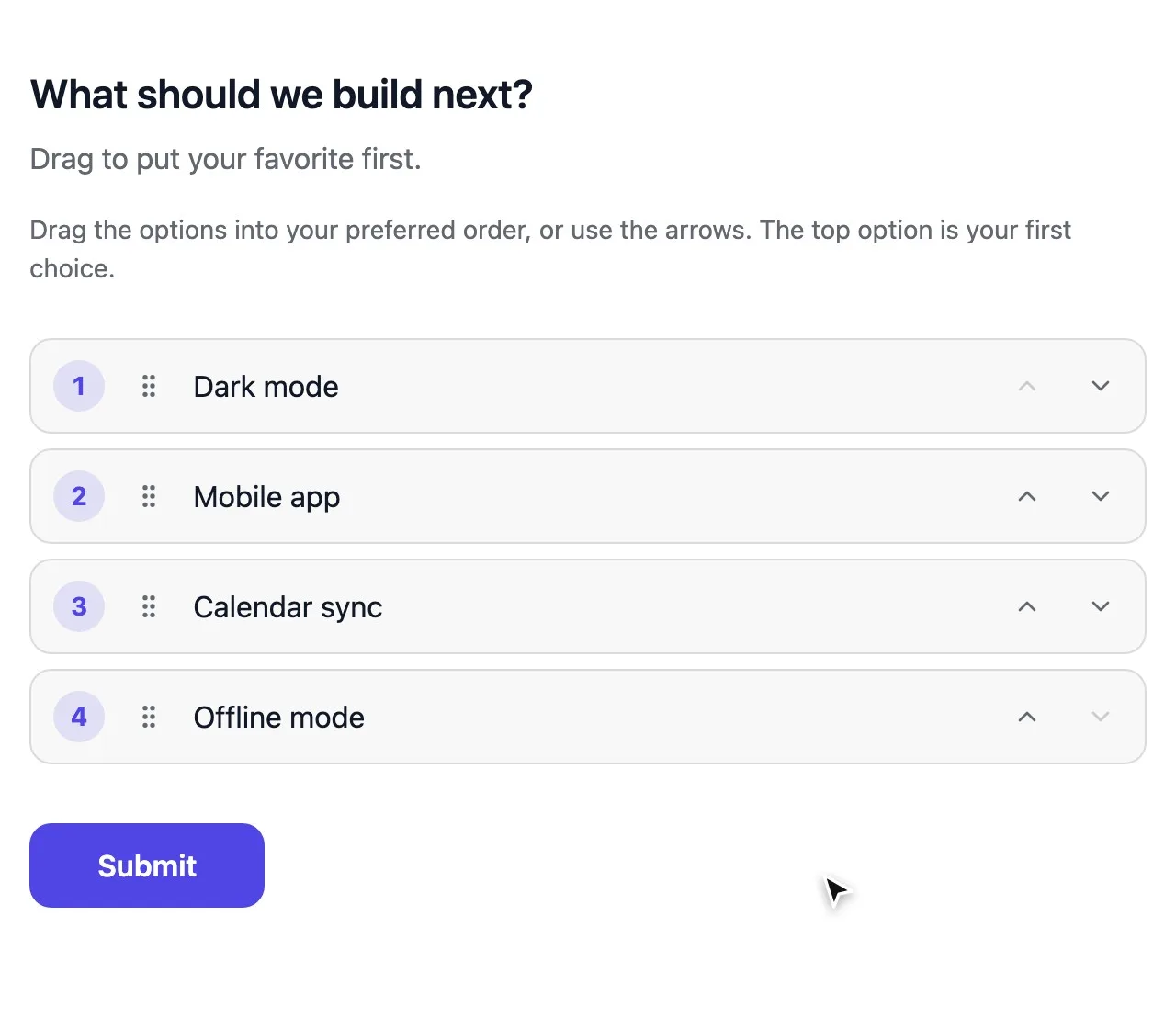
- In what order people want things: Ranking, Ranked choice voting or This or that.
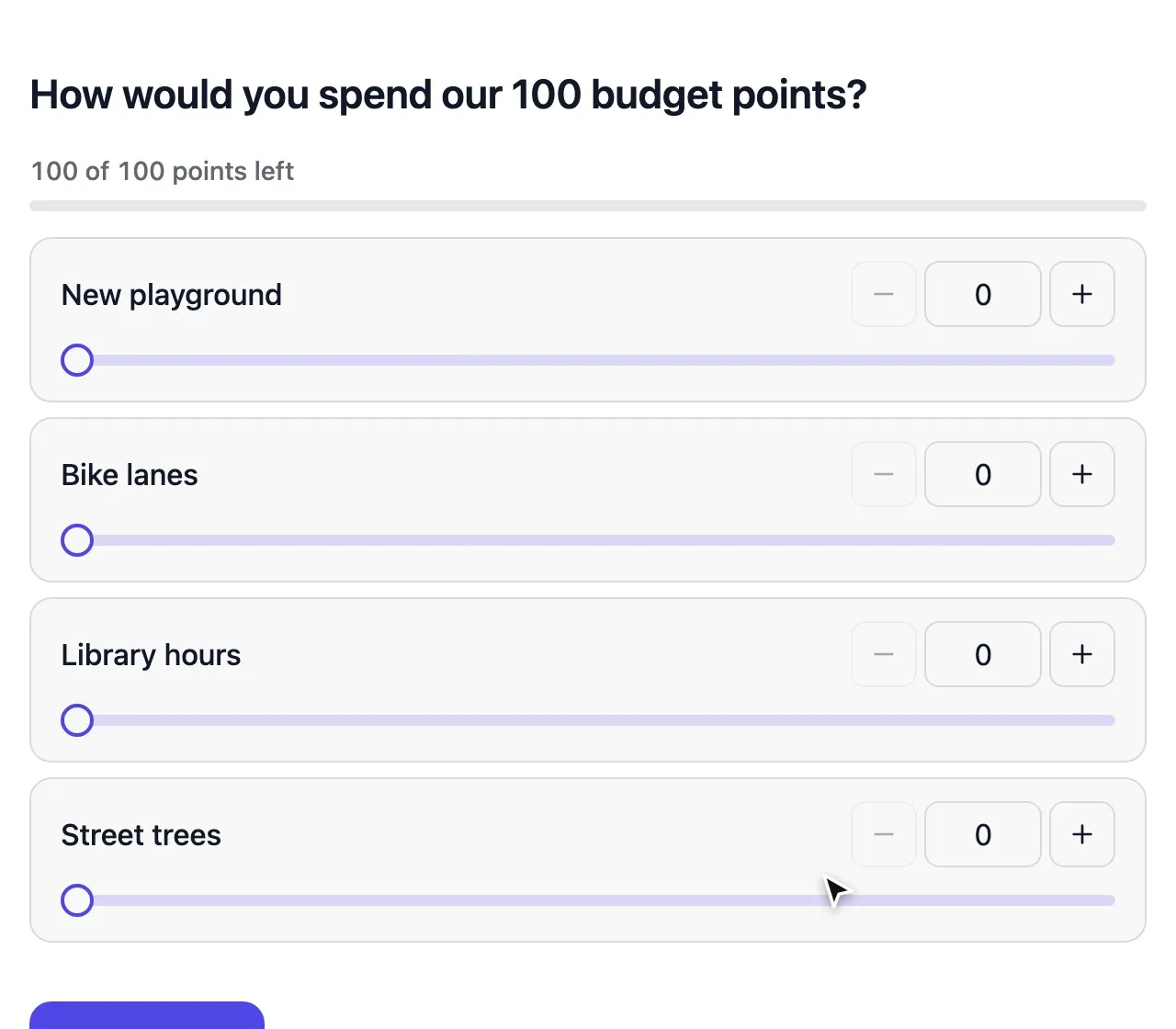
- How strongly people feel: Point allocation, Score voting, Rating or Opinion scale.
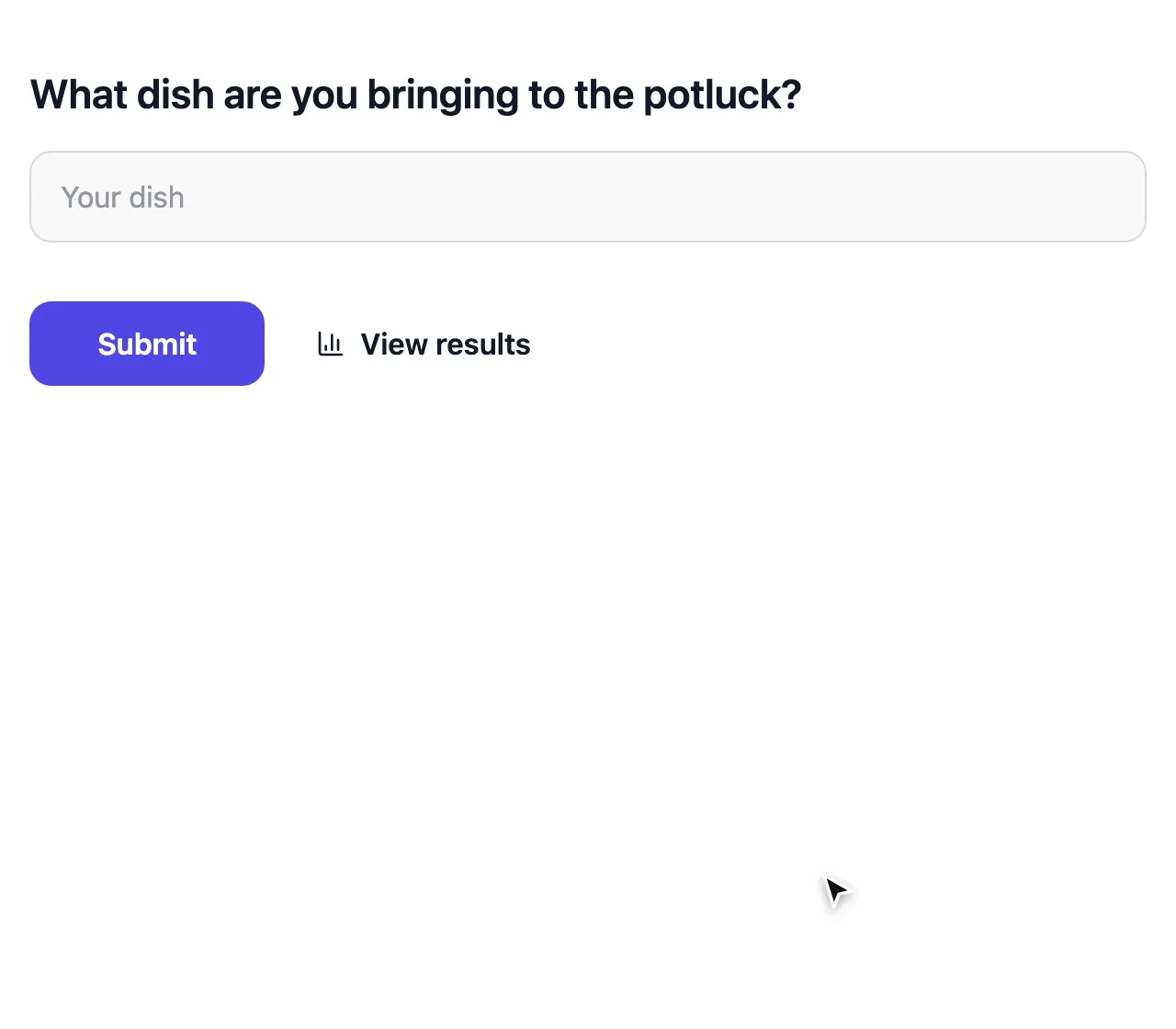
- Why: Short text or Long text.
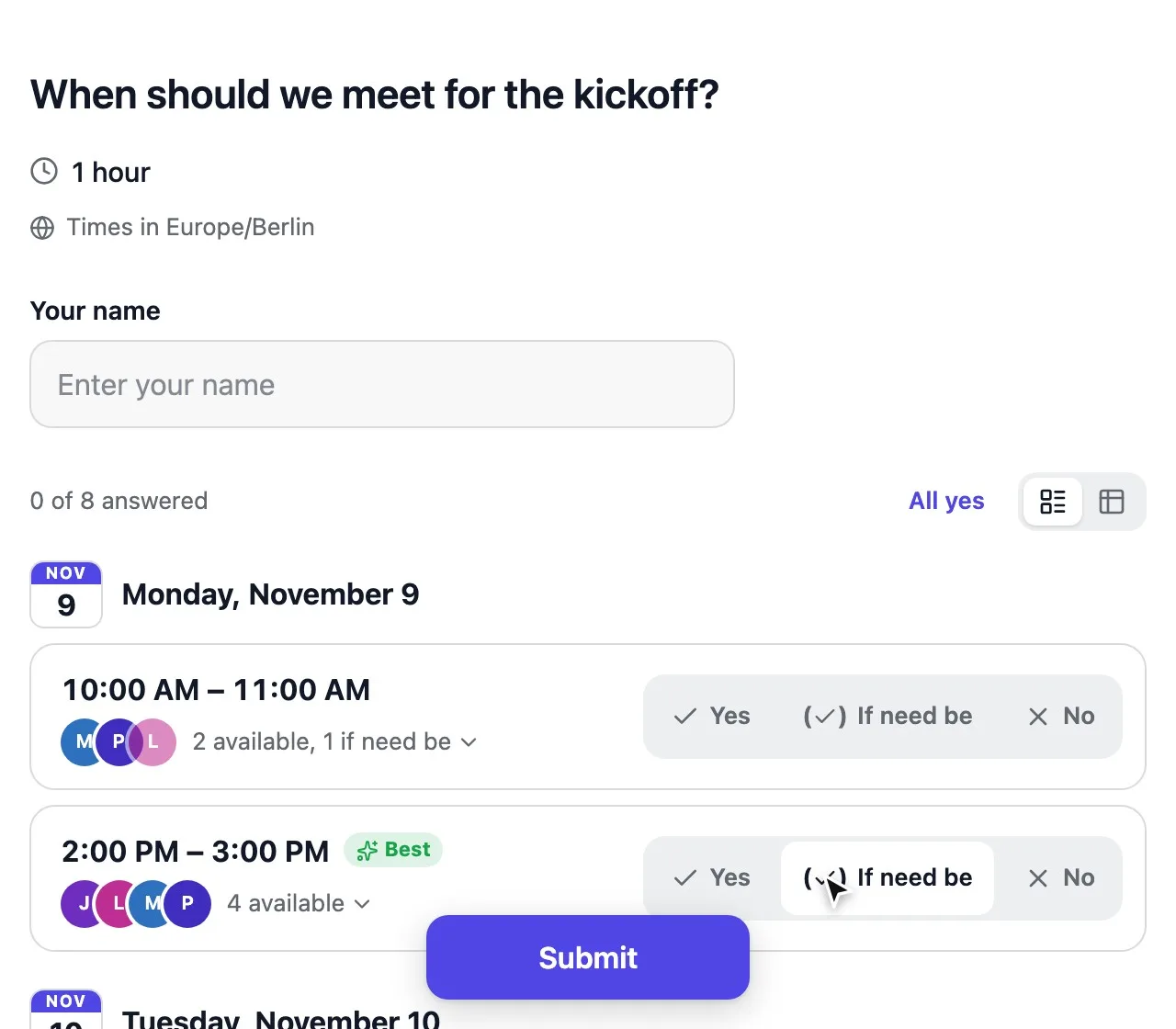
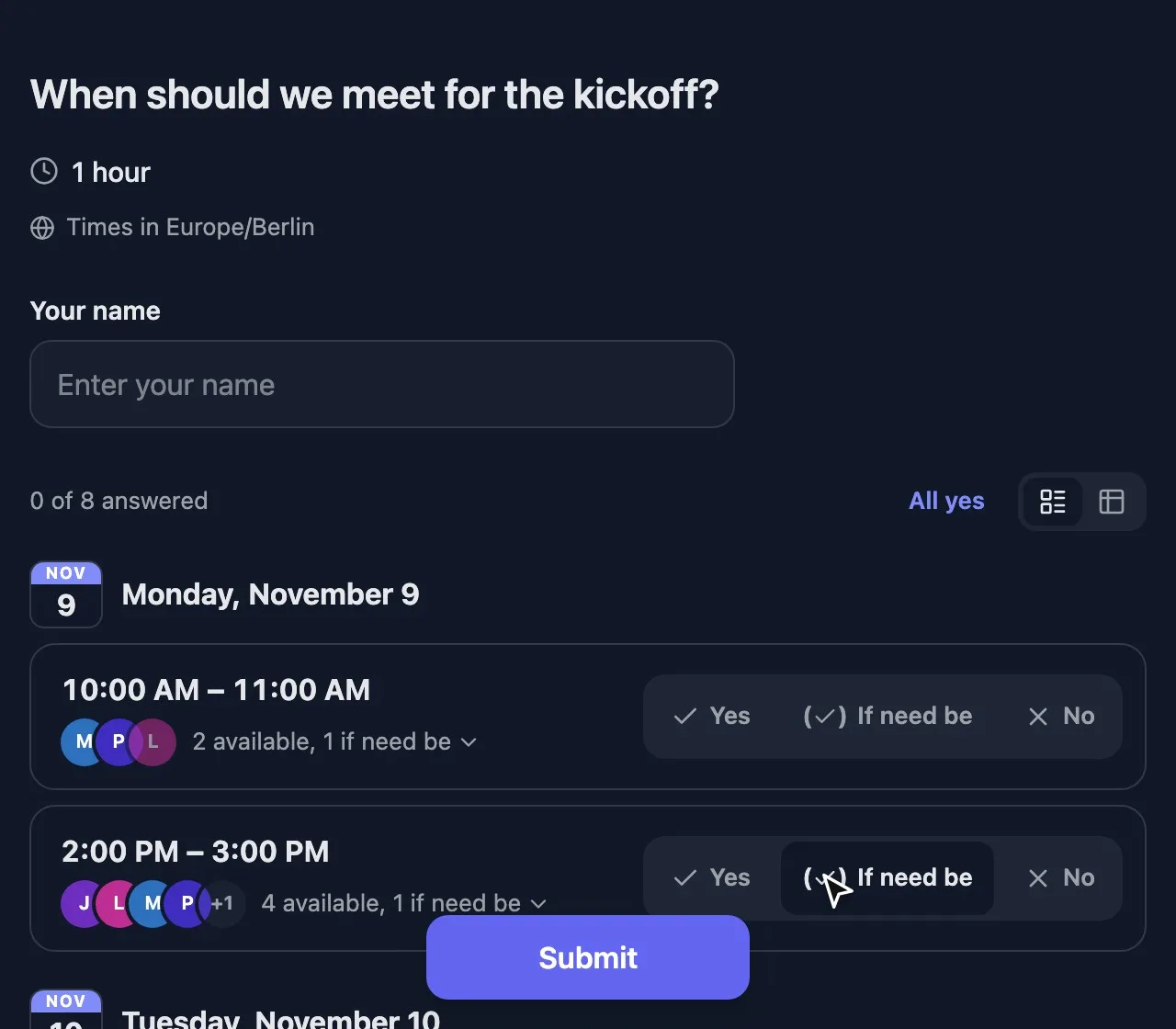
- When: Meeting poll.
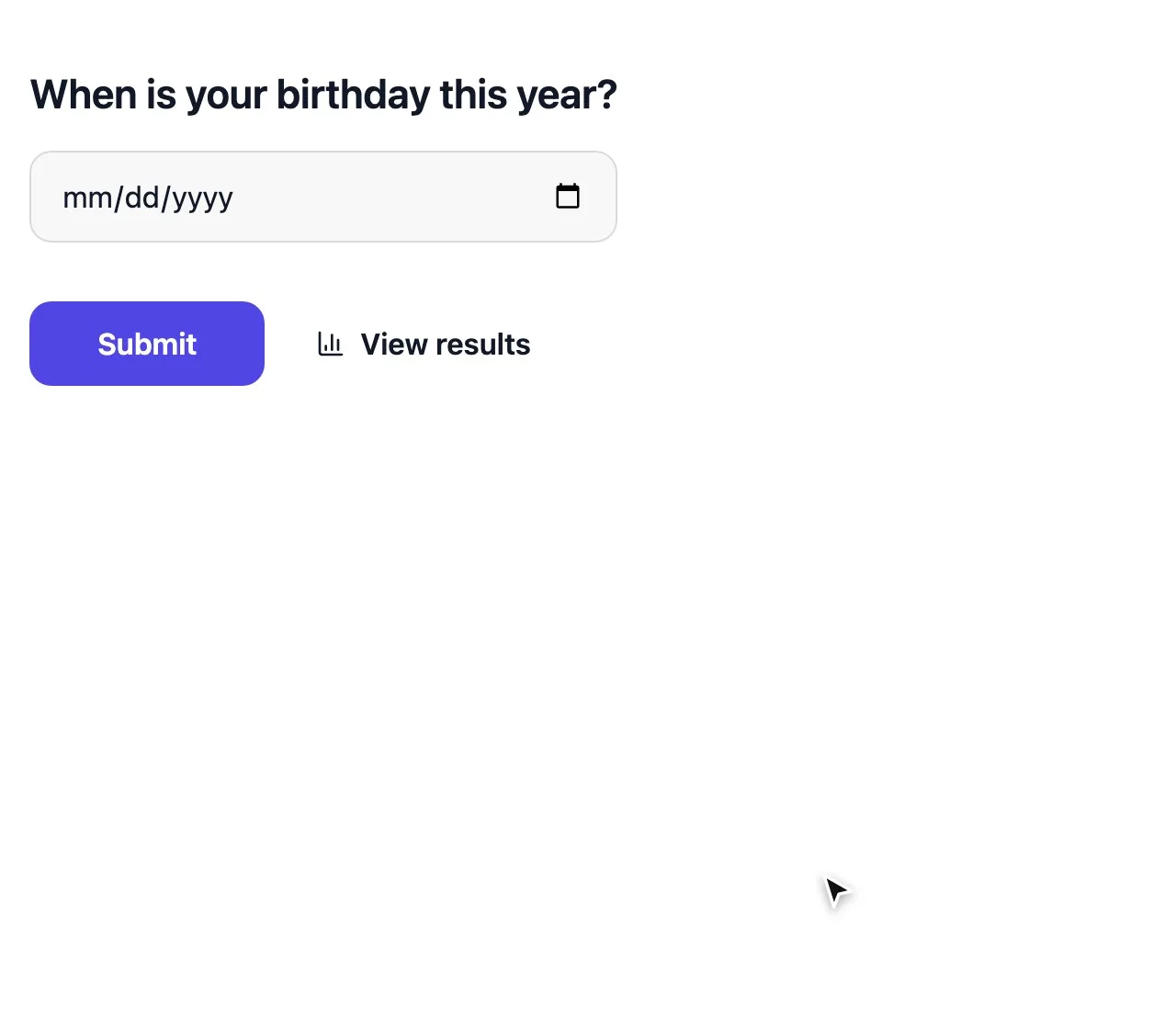
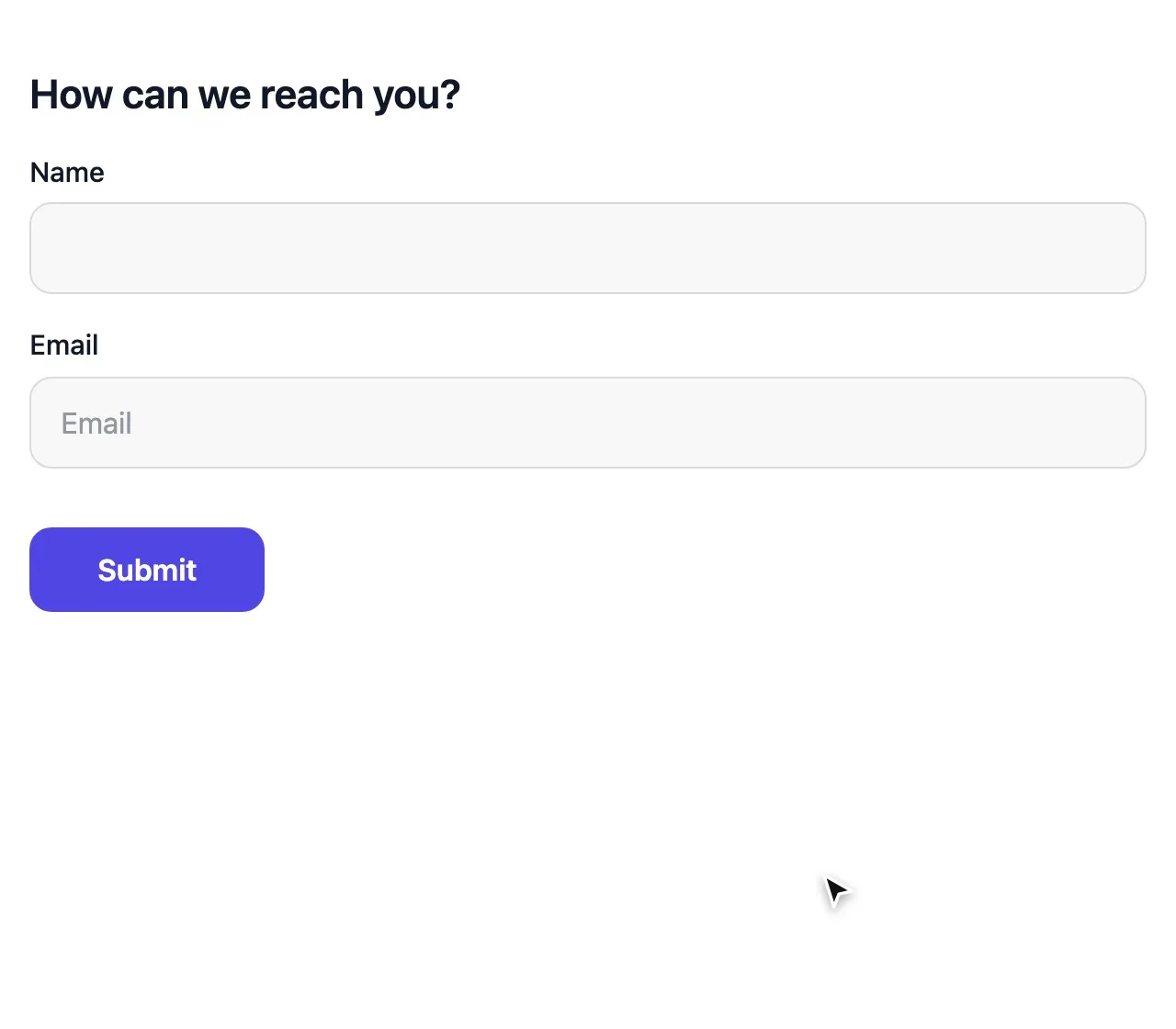
- Who and how to reach them: Contact info, Sign-up sheet and other form fields.
Decisions: picking a winner
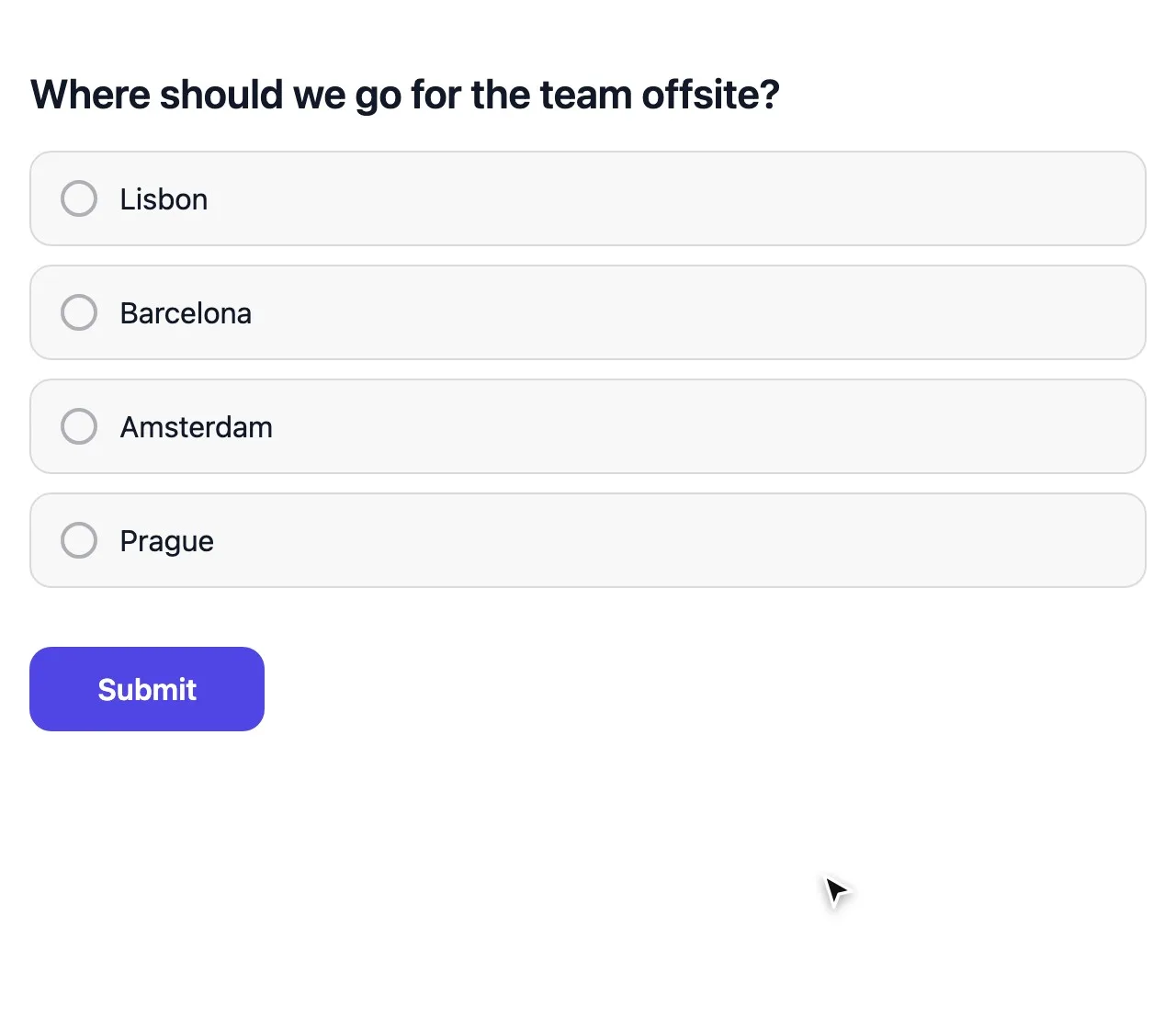
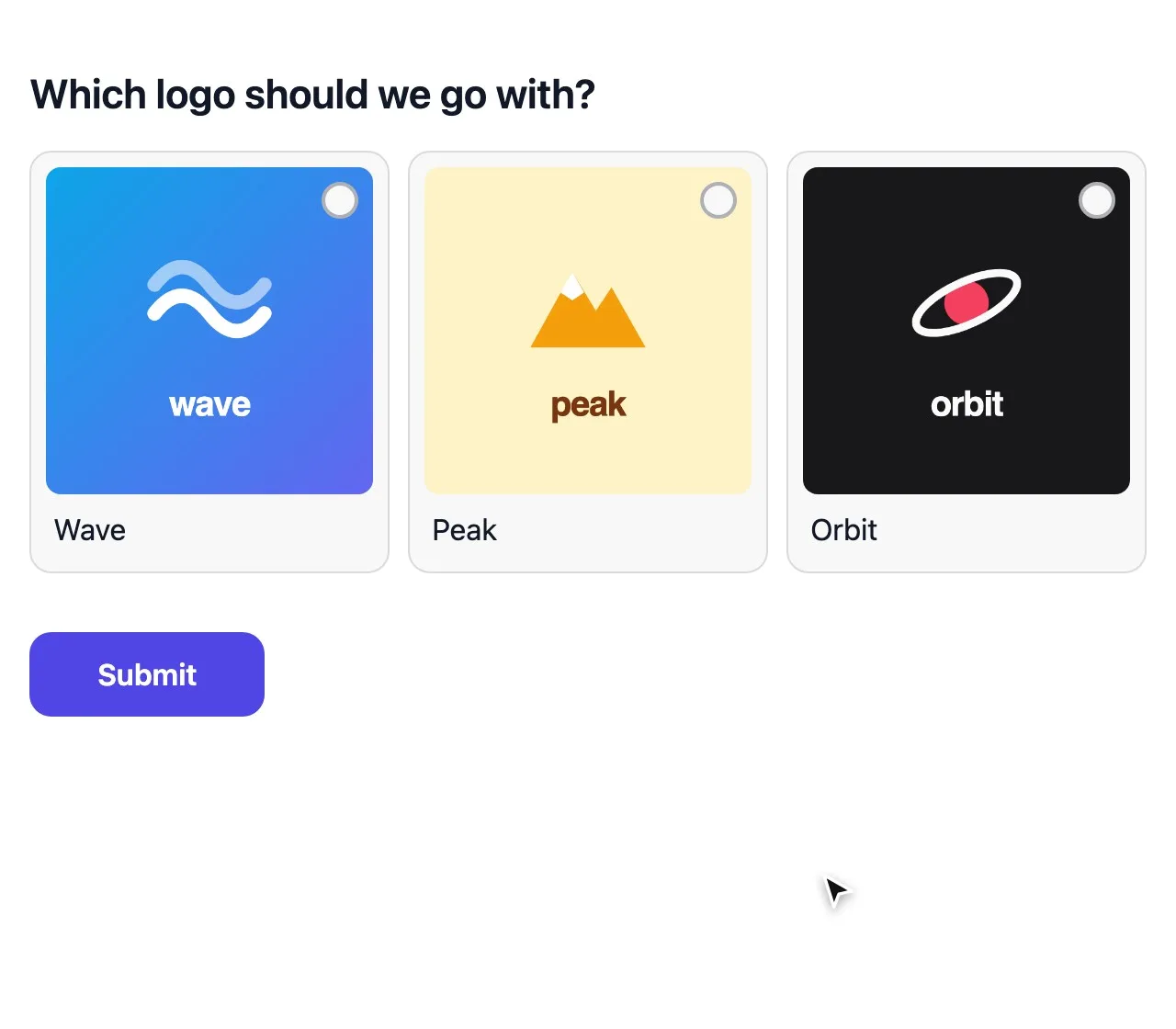
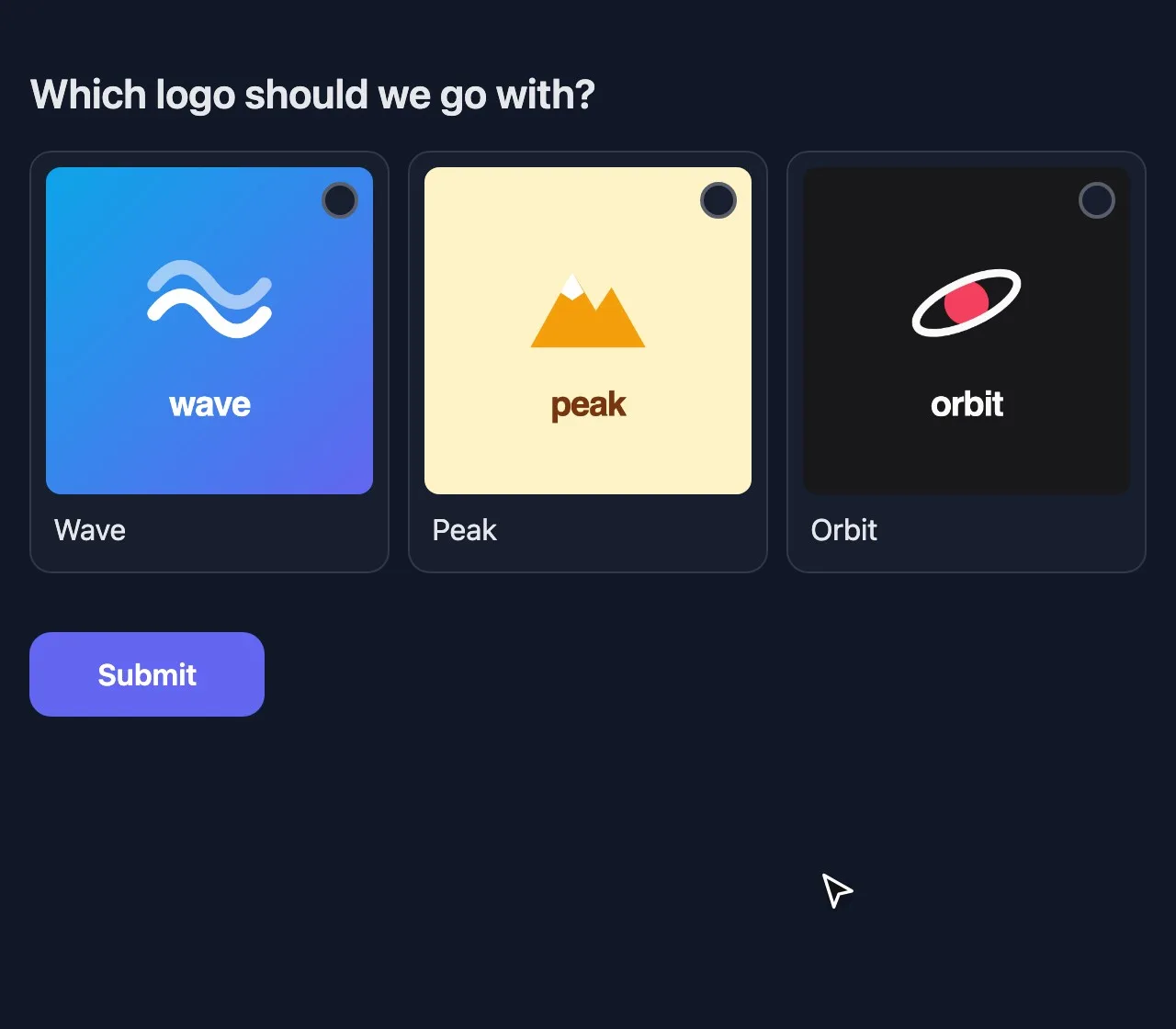
Multiple choice handles most decisions. Turn on Allow more than one answer when people would accept several options, and the winner is the one most of you can live with. Picture choice shows an image per option, for logos, designs or destinations.
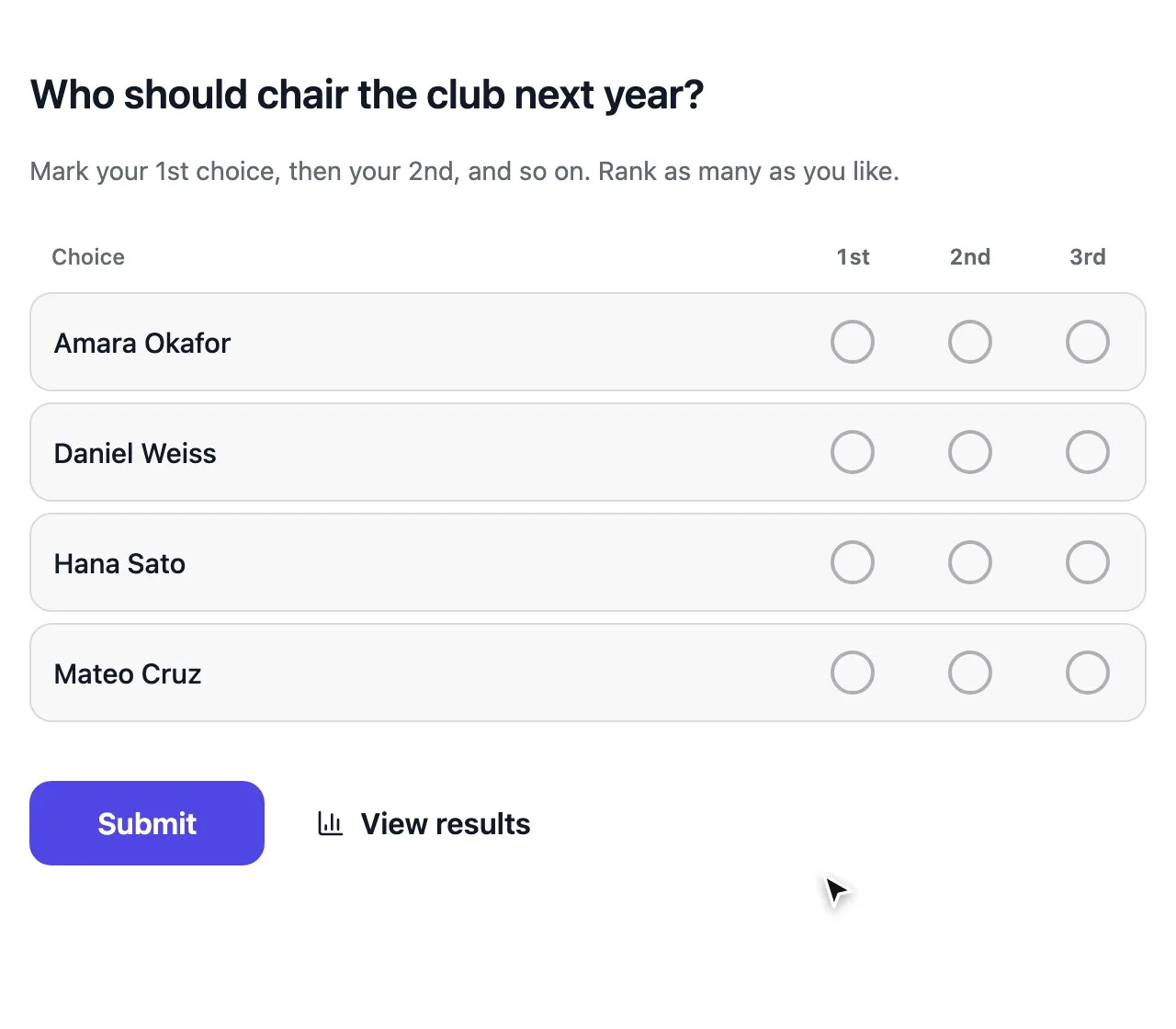
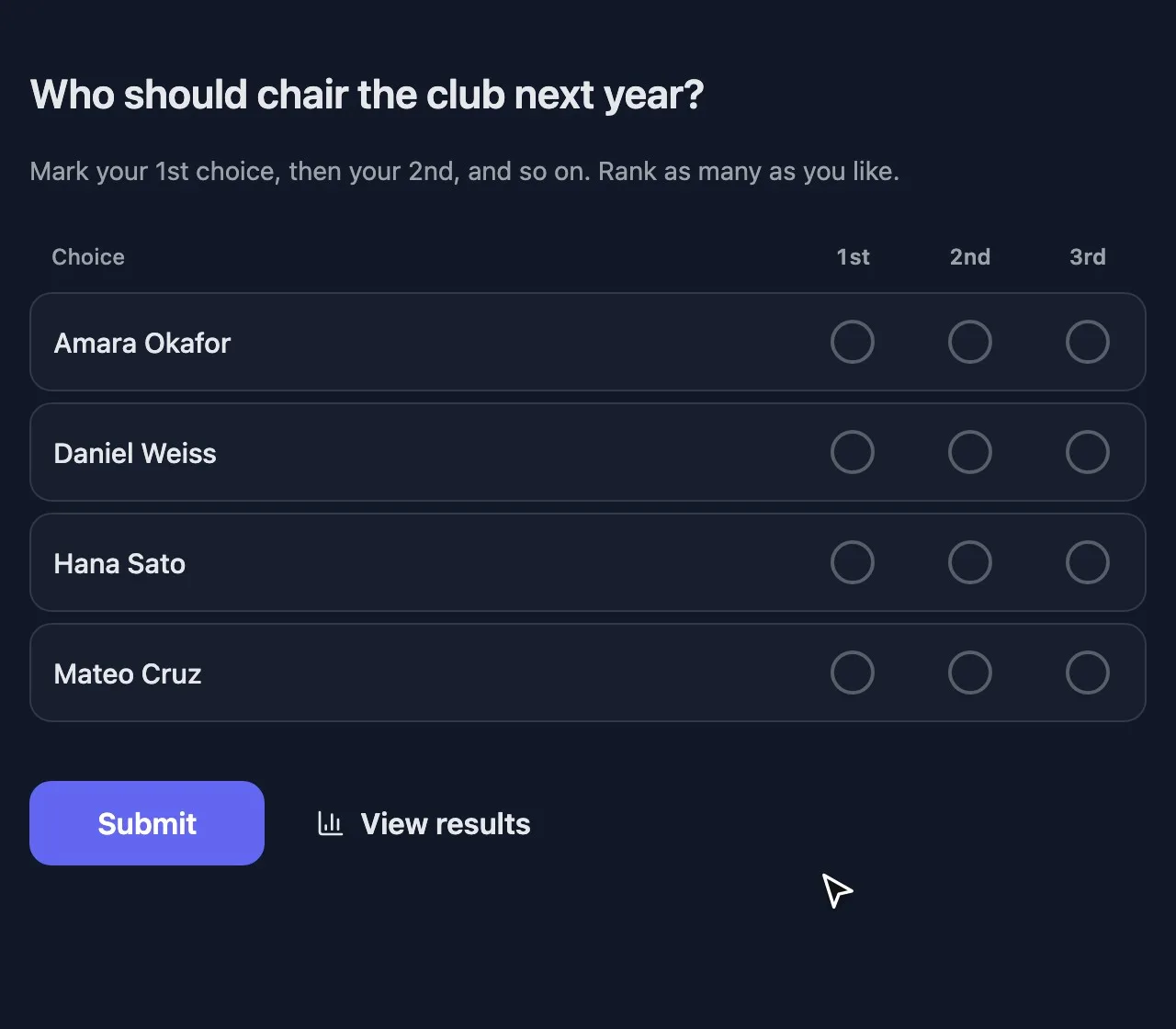
For an election with several candidates, Ranked choice voting avoids split votes: the weakest candidate drops out round by round until someone has a majority.
Priorities: ranking and points
- Ranking puts options in order, and each place earns points. Best for a clear overall order of a short list.
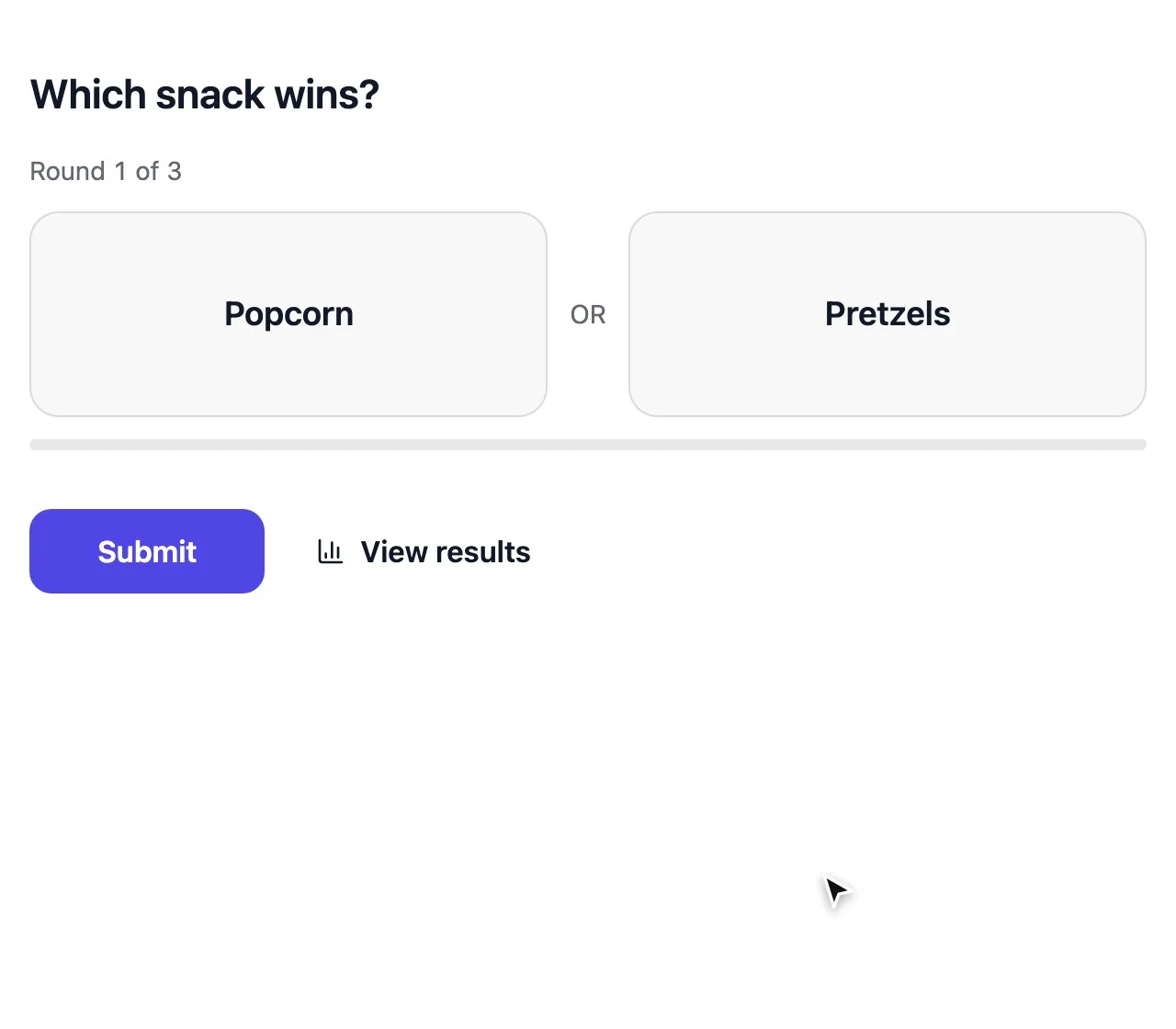
- This or that shows options in pairs. Best for long lists nobody wants to sort by hand.
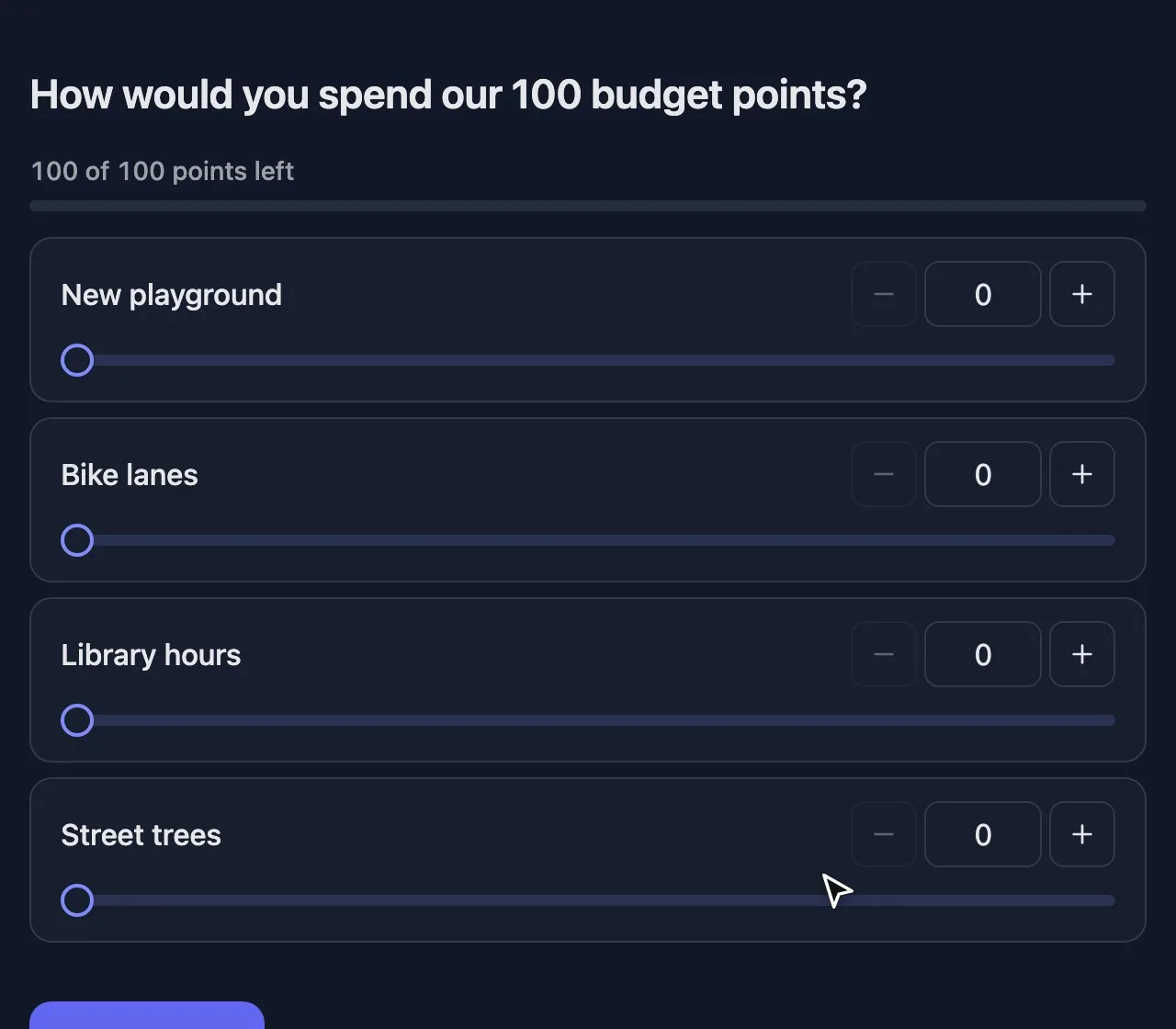
- Point allocation gives everyone a budget to spread. Best when resources are limited, because nobody can rate everything as top priority.
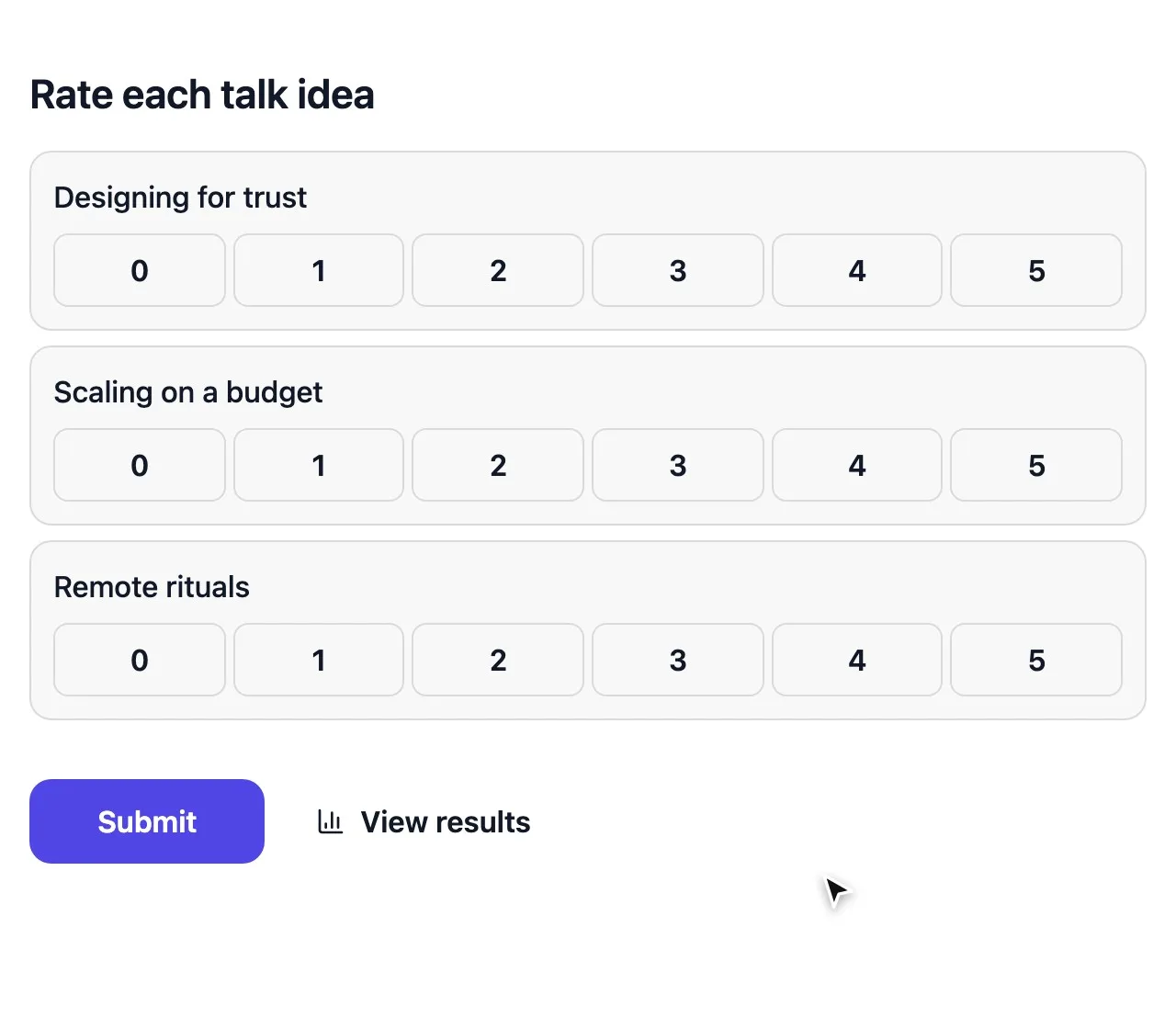
- Score voting rates each option on its own. Best for juries and judging entries.
Feedback and research
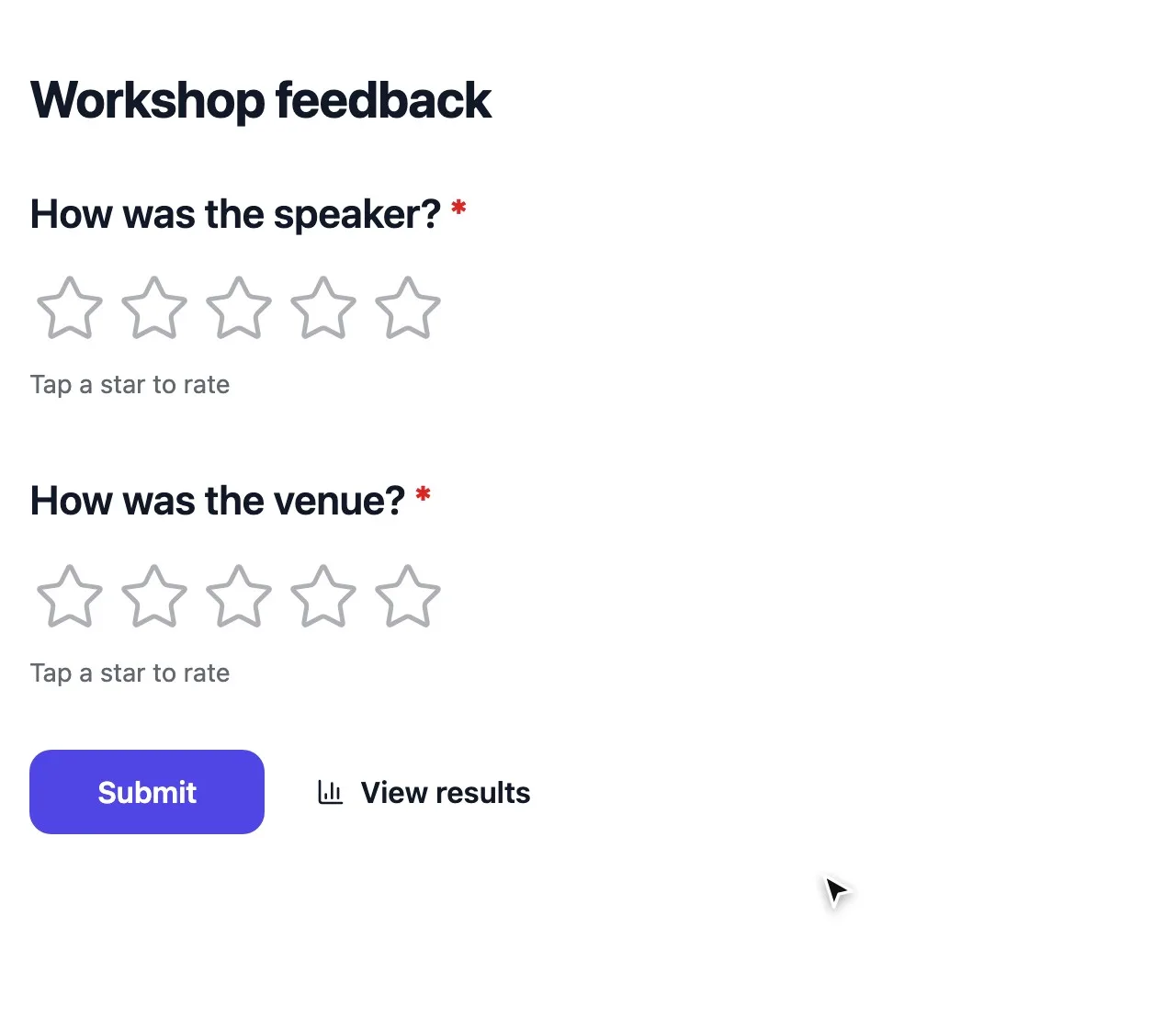
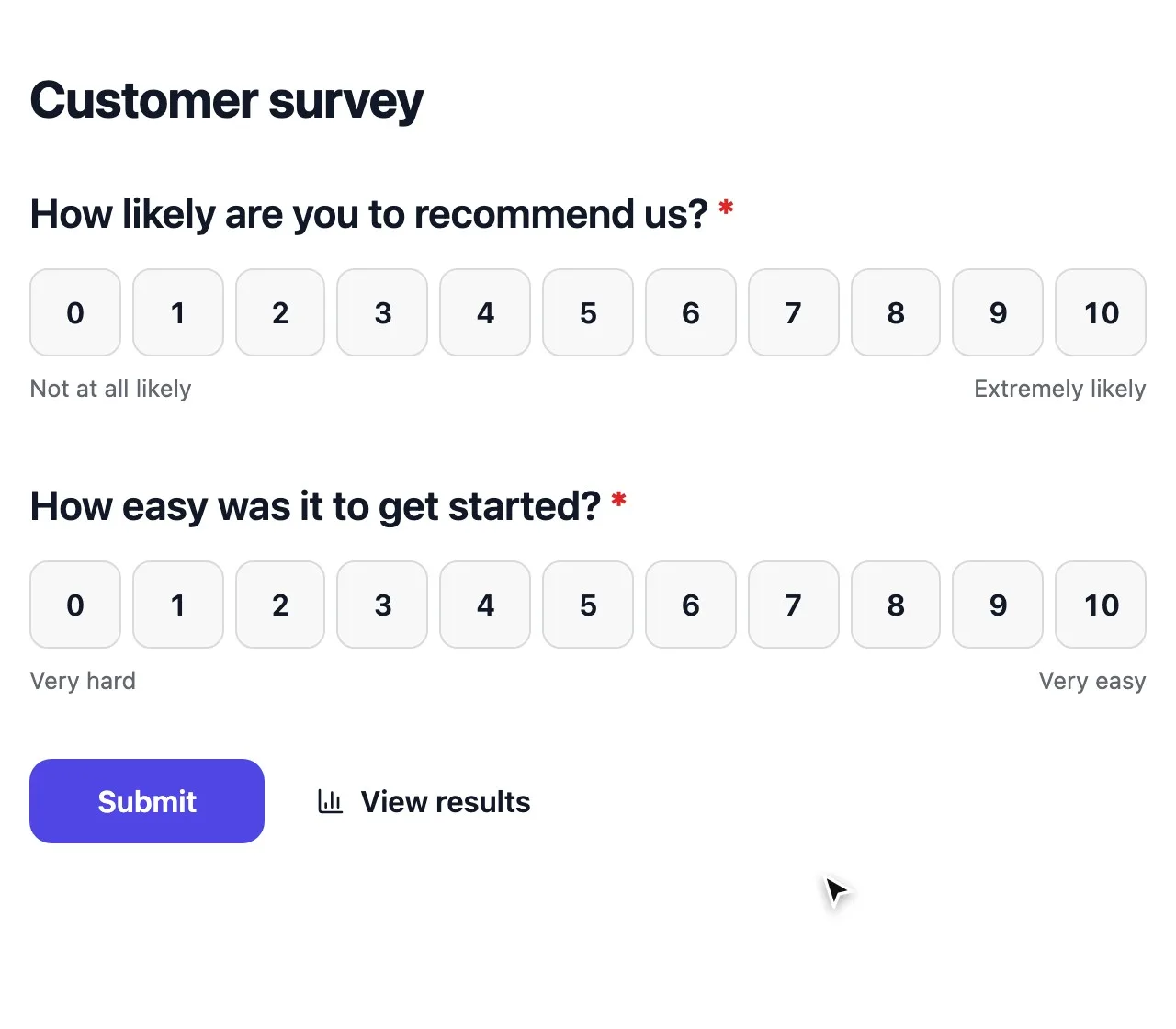
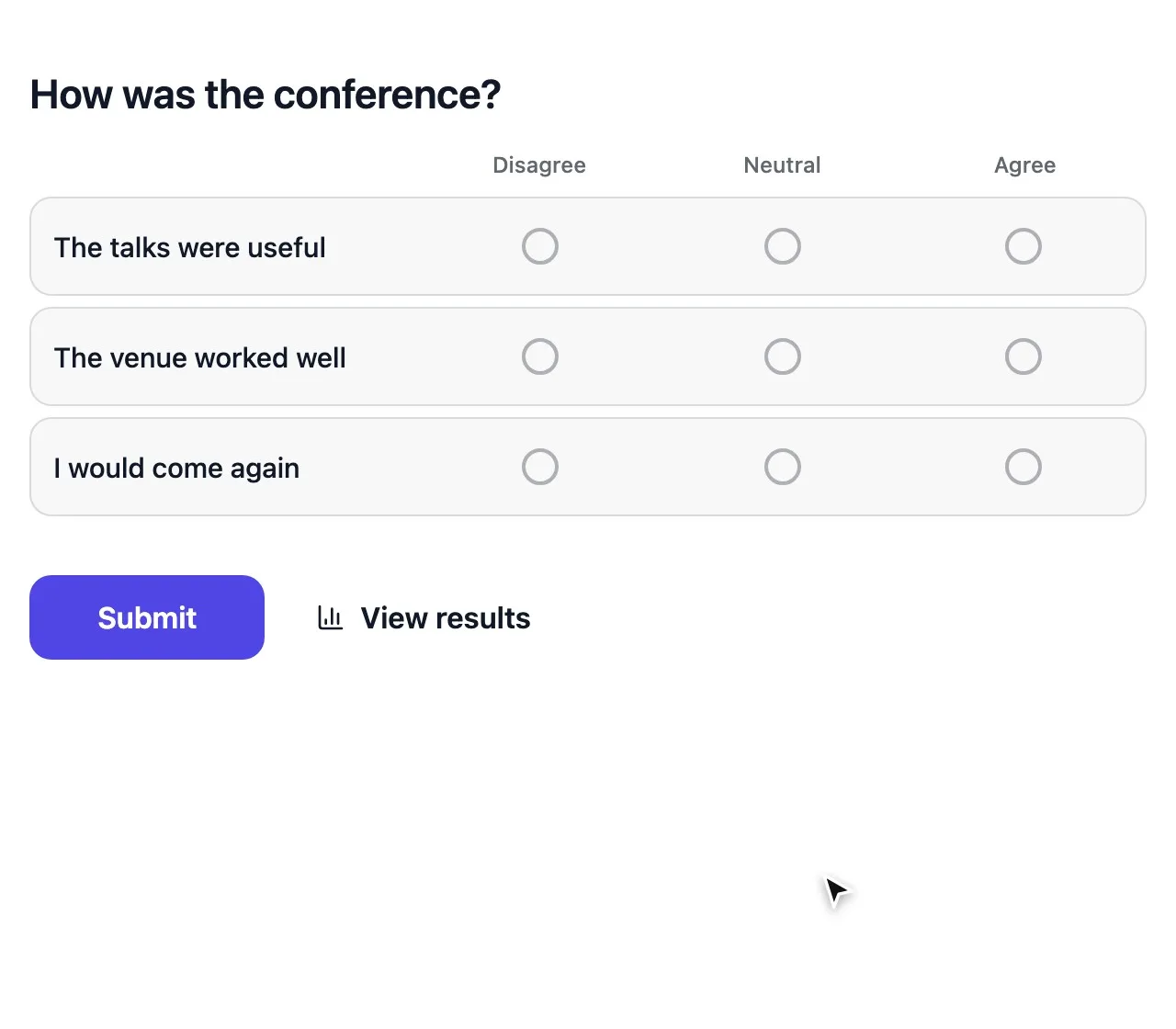
Rating and Opinion scale measure how people feel; set an opinion scale to 0–10 for a Net Promoter Score. Matrix rates several statements on one scale, which keeps long surveys short. Follow every scale with one open question, and use conditional logic to ask it only where it matters.
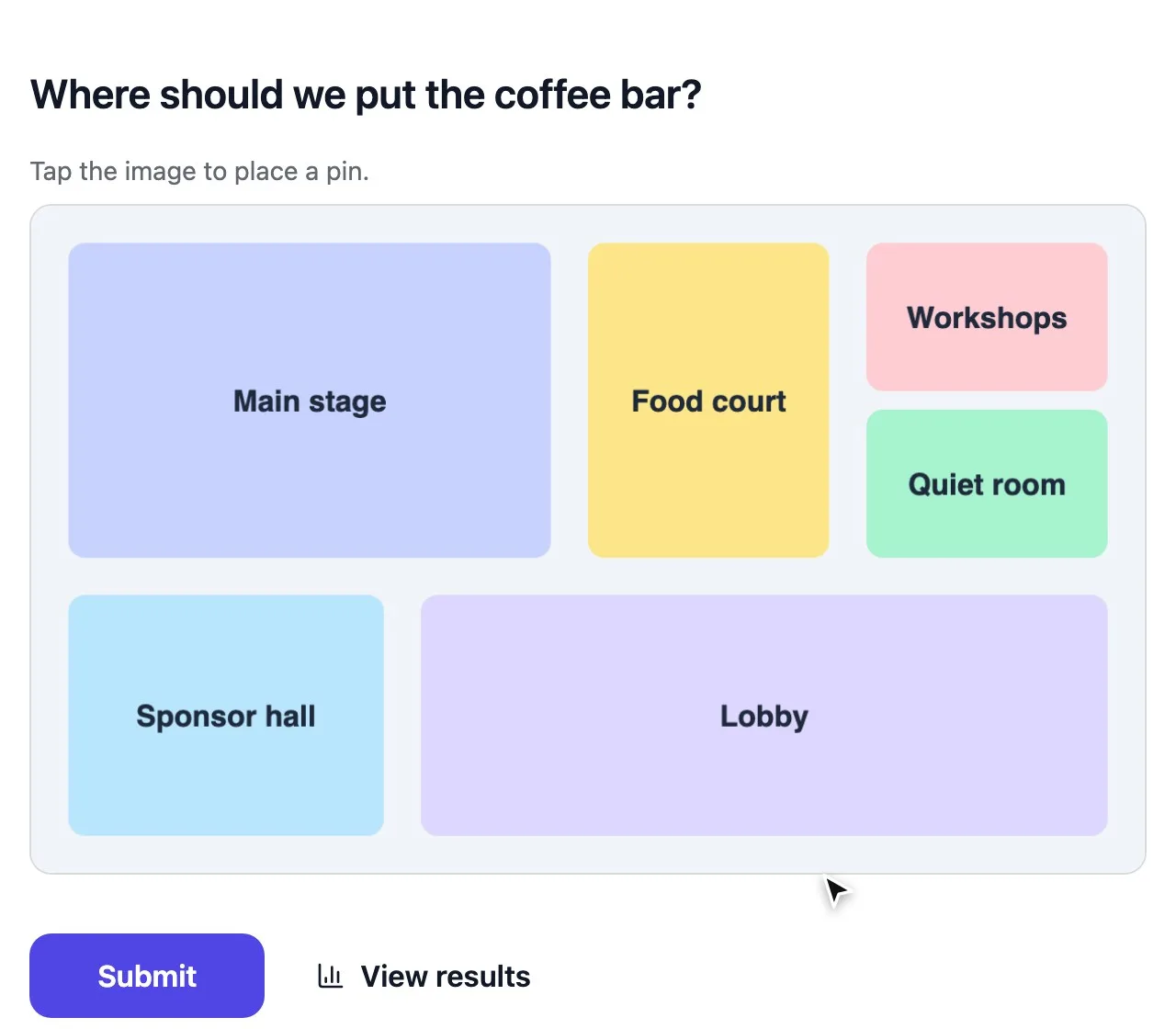
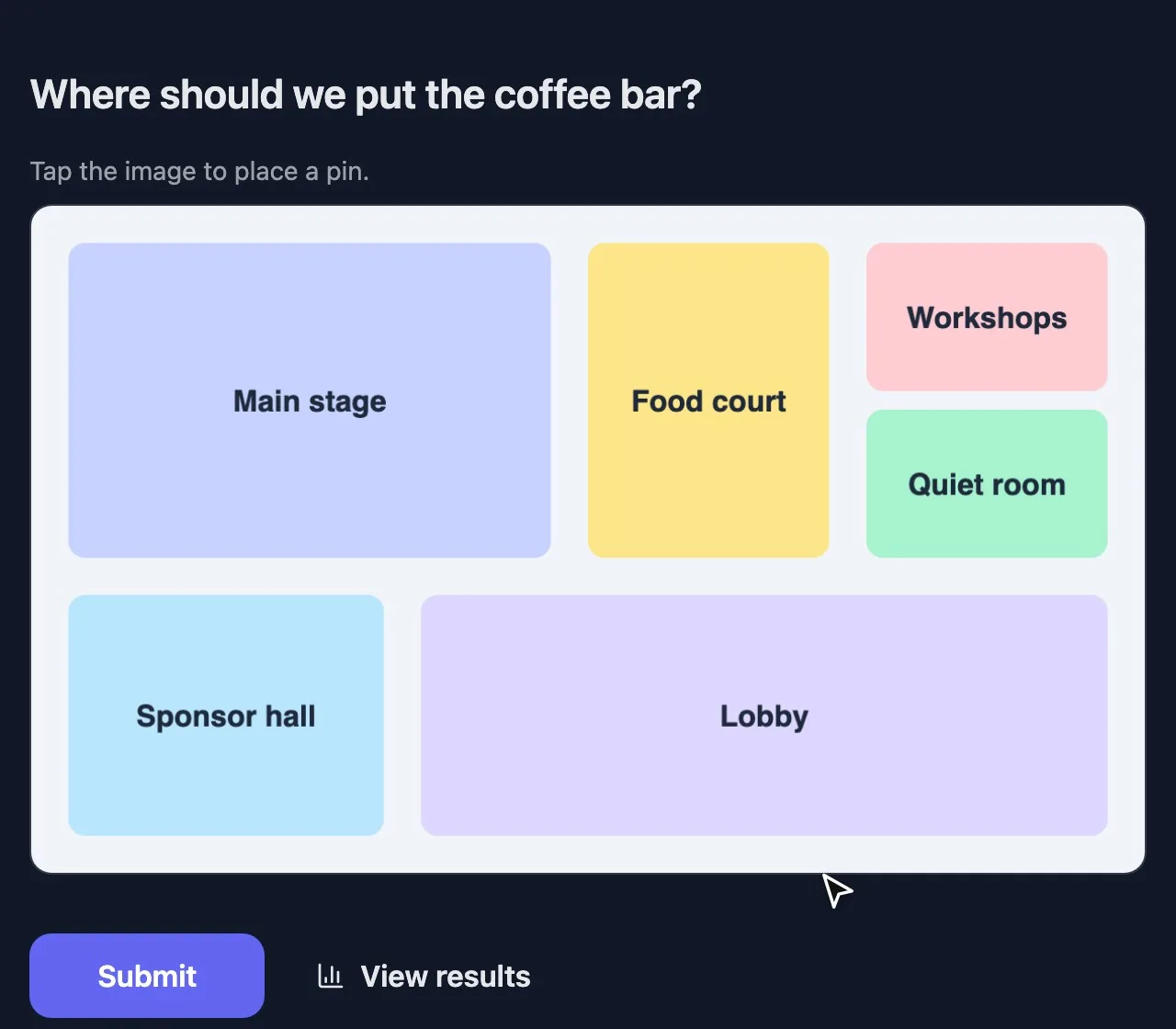
Image hotspot lets people click a spot on an image, for floor plans, maps and “where would you click?” tests.
Live sessions
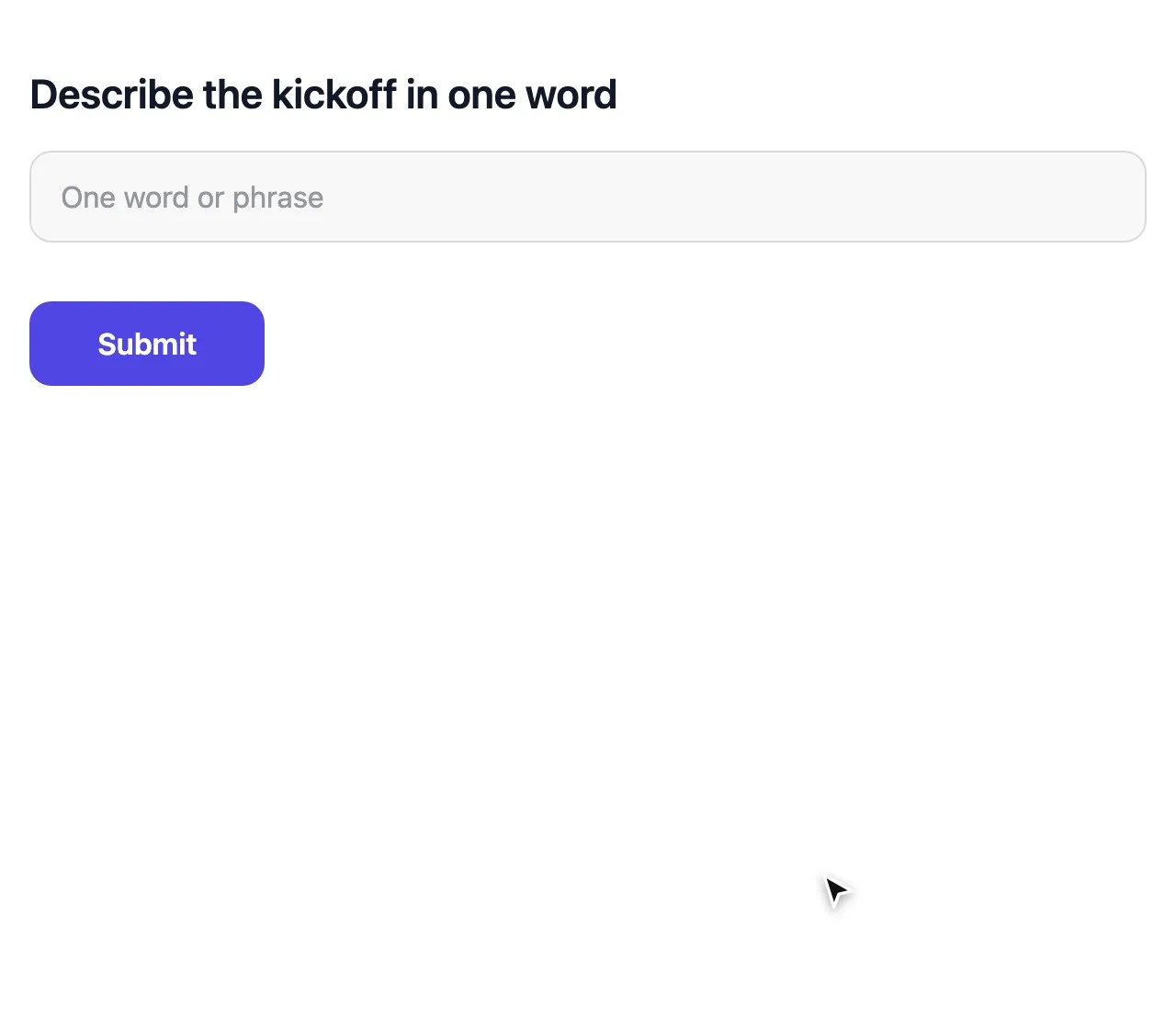
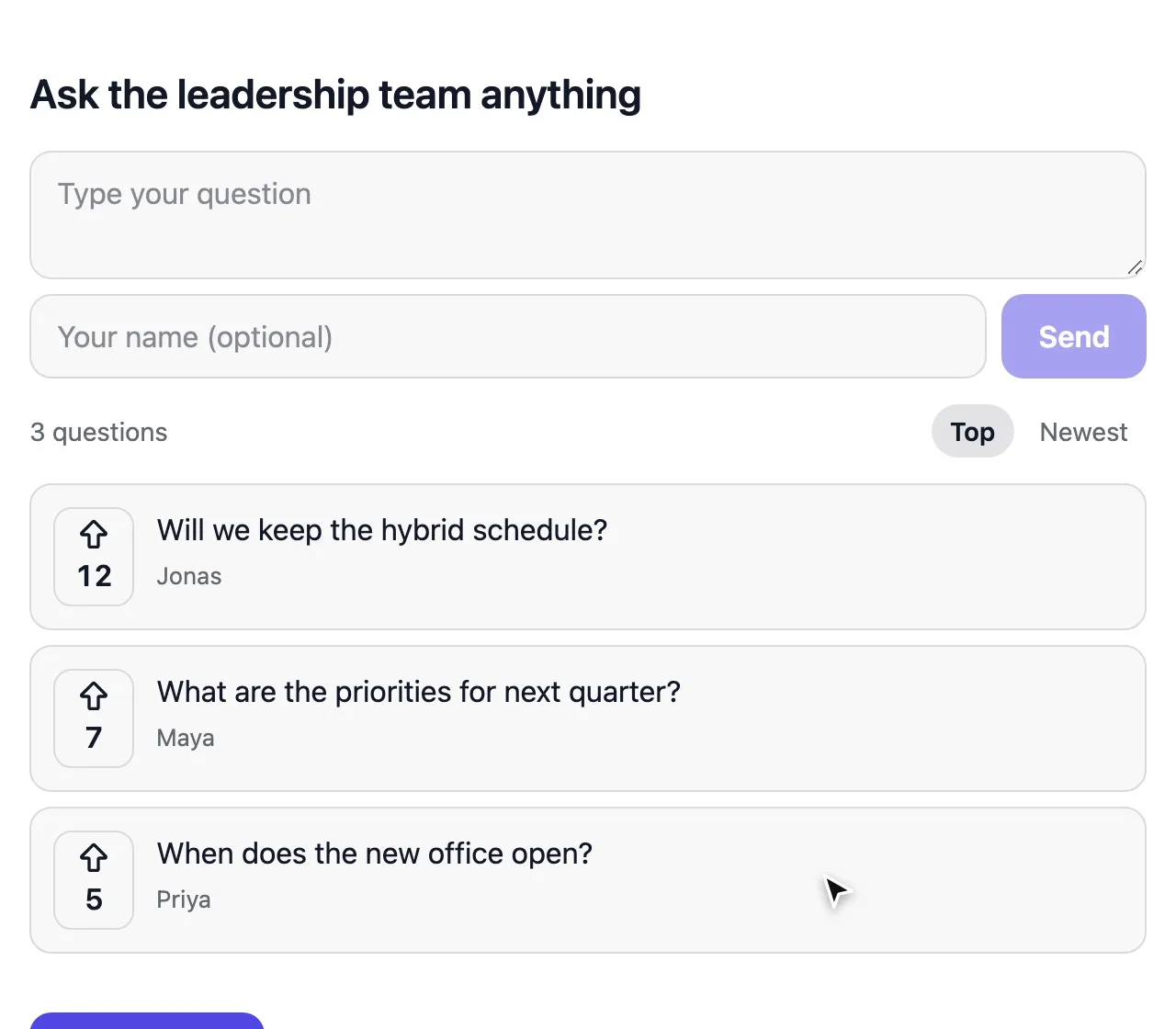
In present mode, Word clouds warm up a room, Audience Q&A collects and upvotes questions, and Multiple choice or Rating make quick check-ins. Turn on Quiz mode to mark right answers and show a leaderboard.
Every question type is included on every plan, with unlimited votes.