Free poll maker

The free poll maker anyone can answer in seconds

Type a question, add the options and share one link. People vote from any phone without an account, and you watch the results come in live.

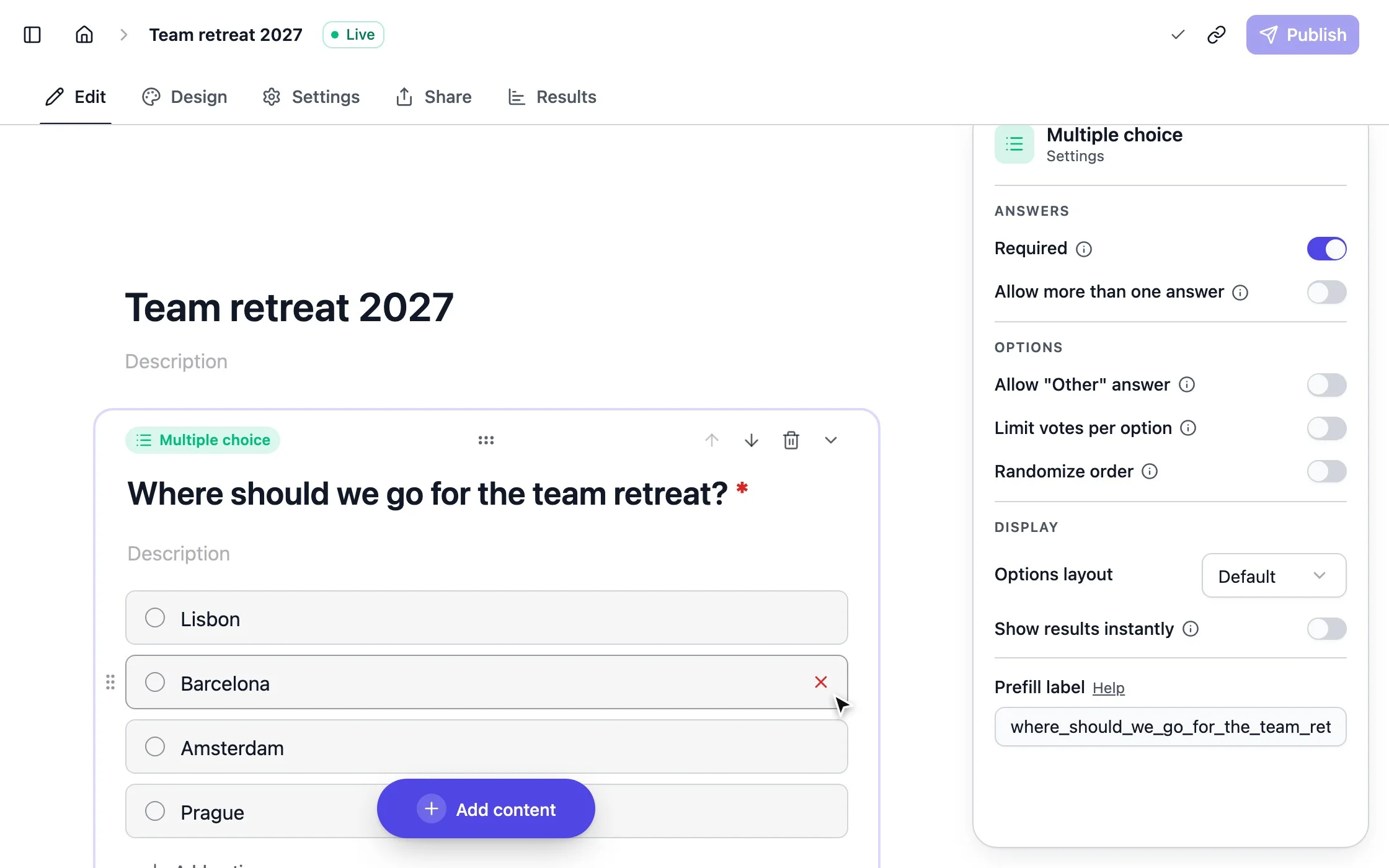
strawpoll.com/forms/team-retreat/edit
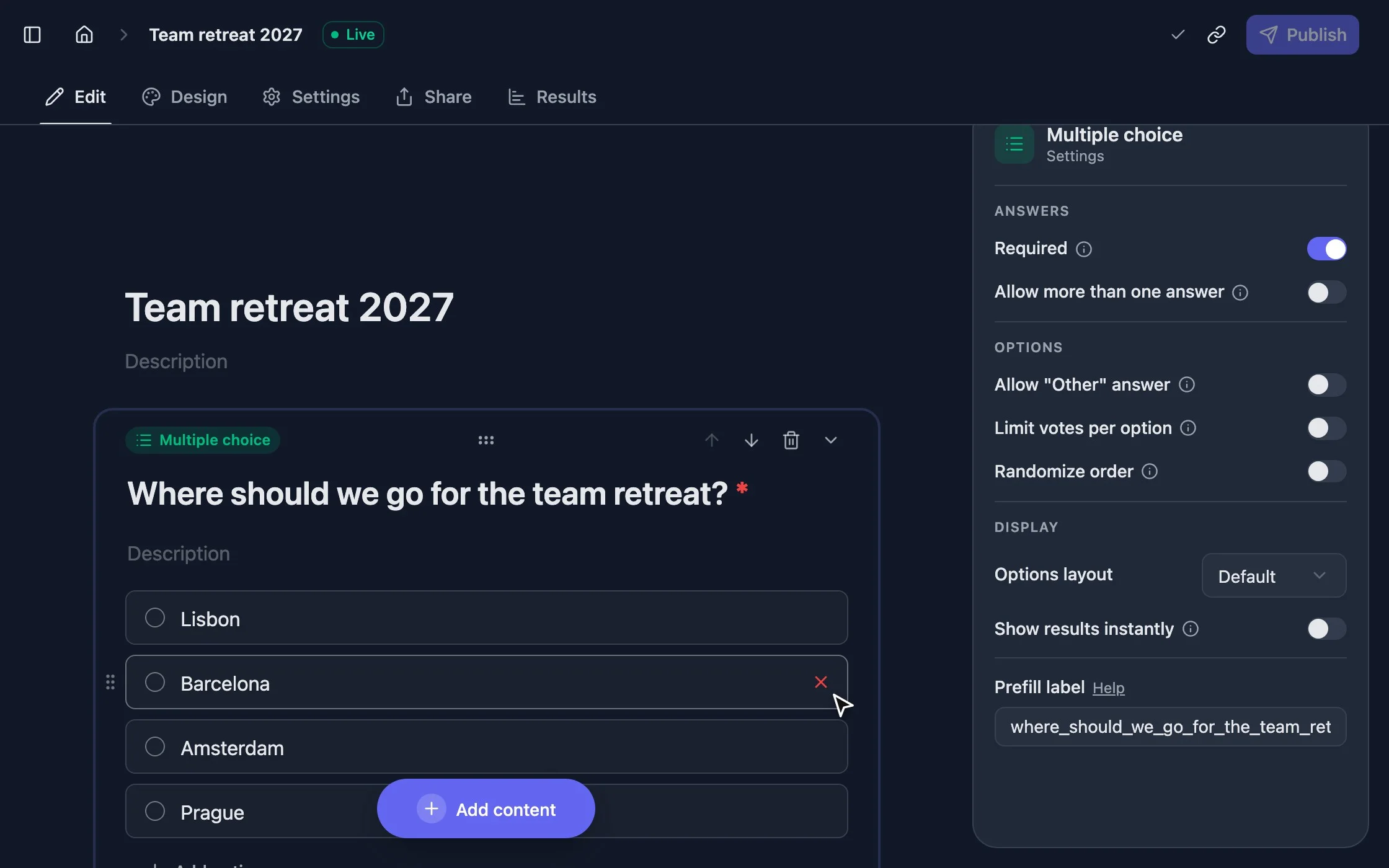
Adding answer options and a new question in the StrawPoll poll maker
  • No sign-up needed
  • Unlimited votes, free
  • Results update live

How to make a poll

  1. 1

    Type your question

    Add the answer options, or start from a template. Allow several answers or let people add their own.

  2. 2

    Share the link

    Paste it into a group chat, an email or your stream, or show the QR code. Voters don’t need an account.

  3. 3

    Watch the results

    The bars move as each vote comes in. Share the results, keep them to yourself or close the poll.

More than a yes or no

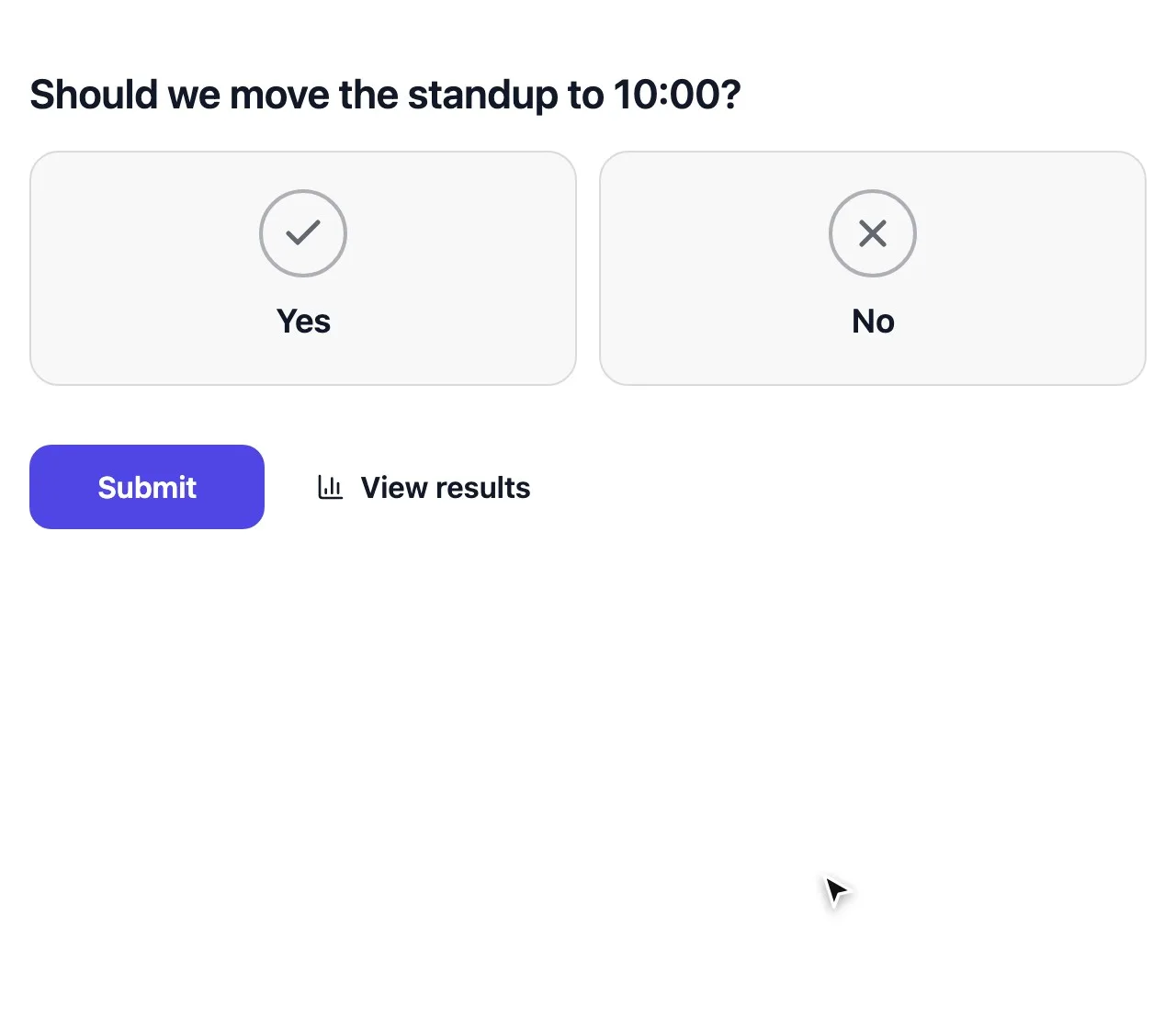
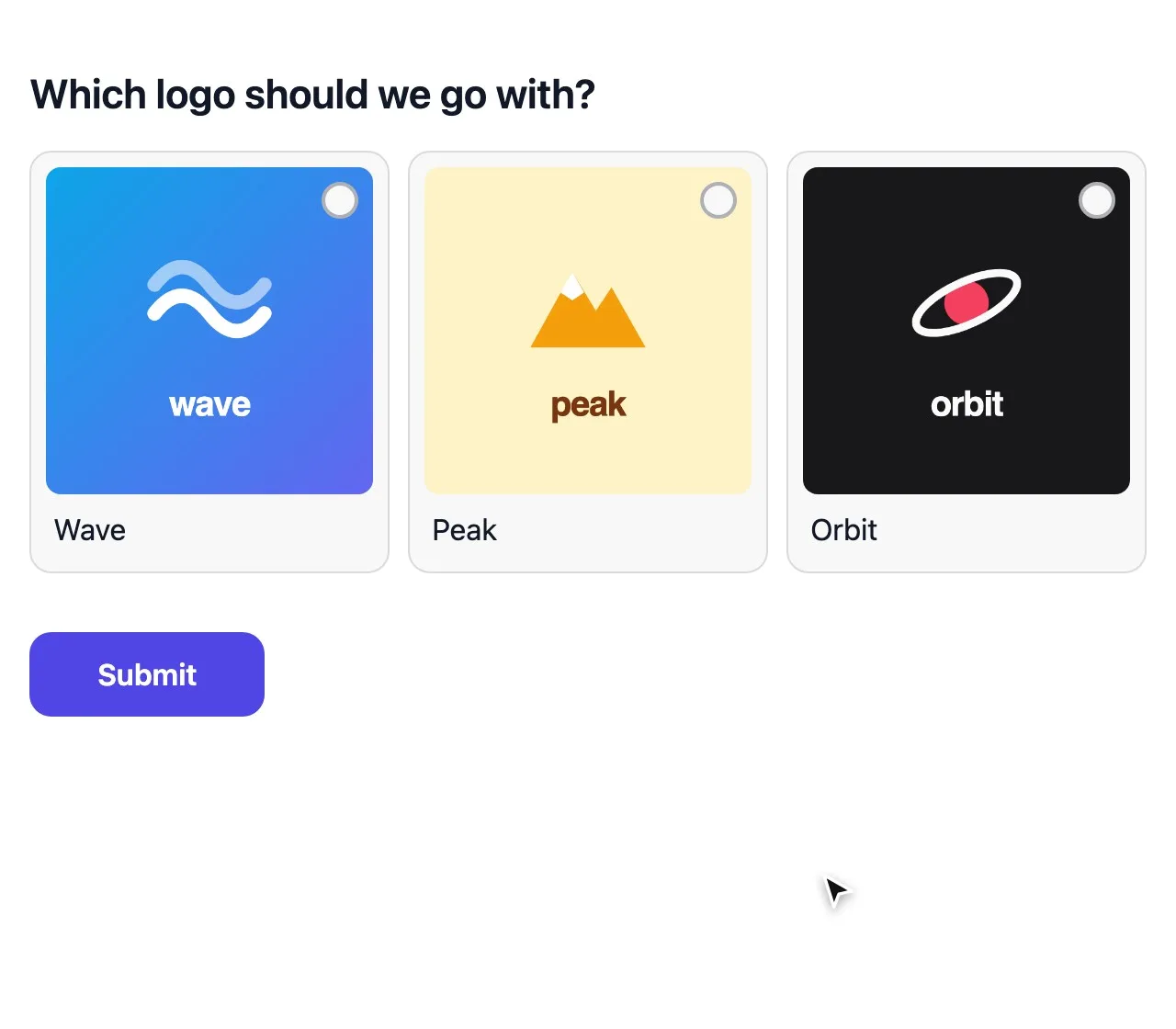
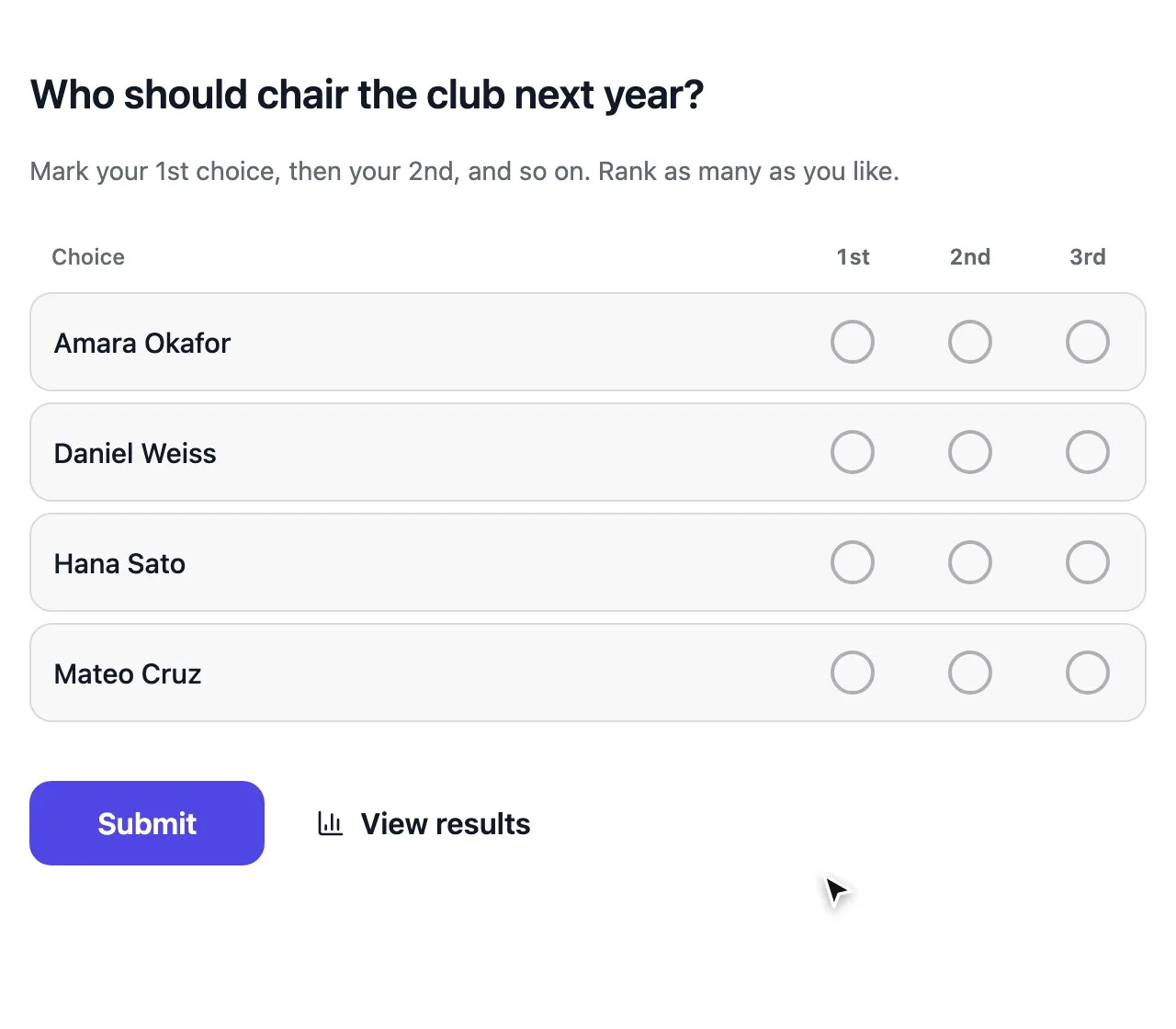
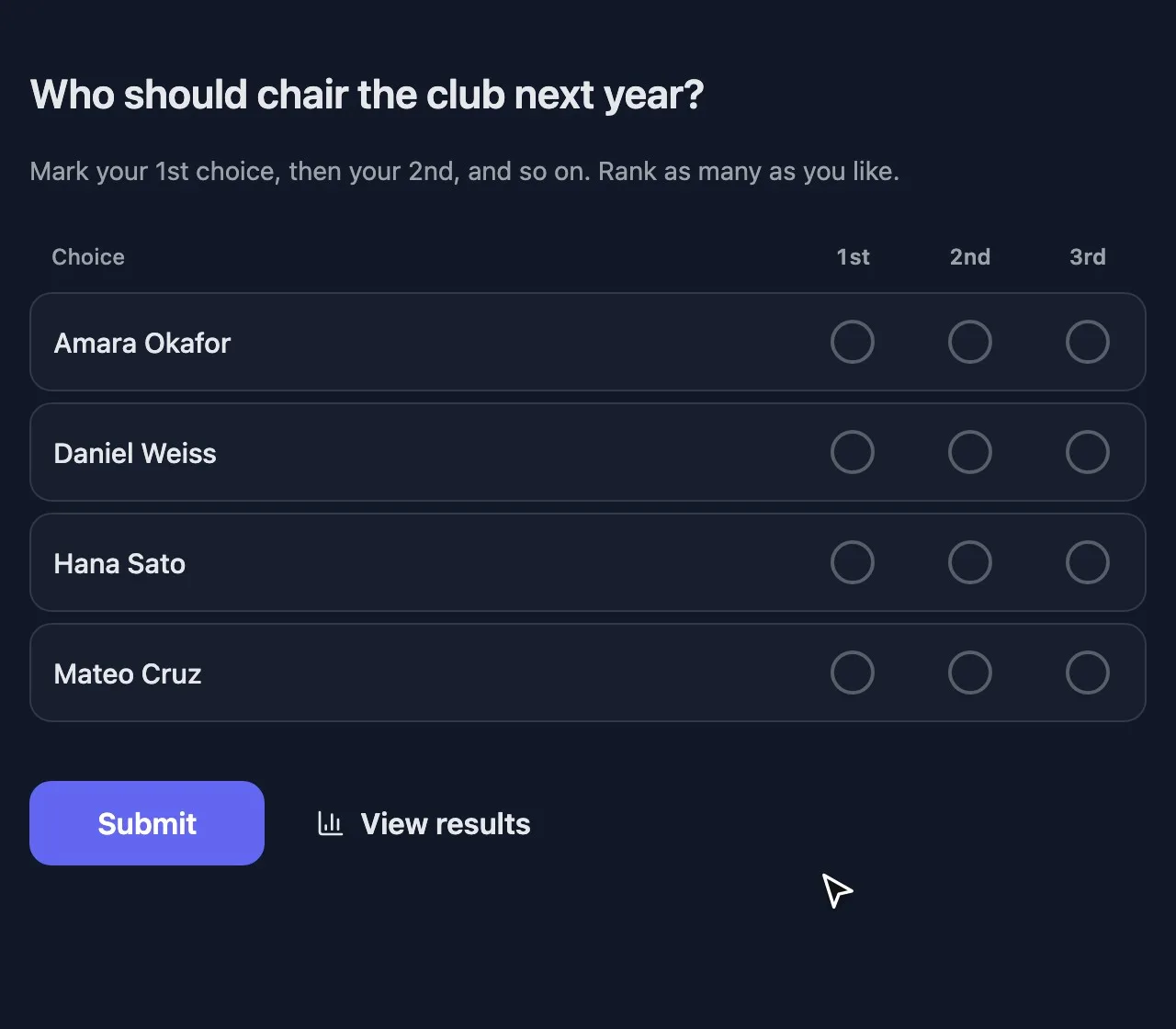
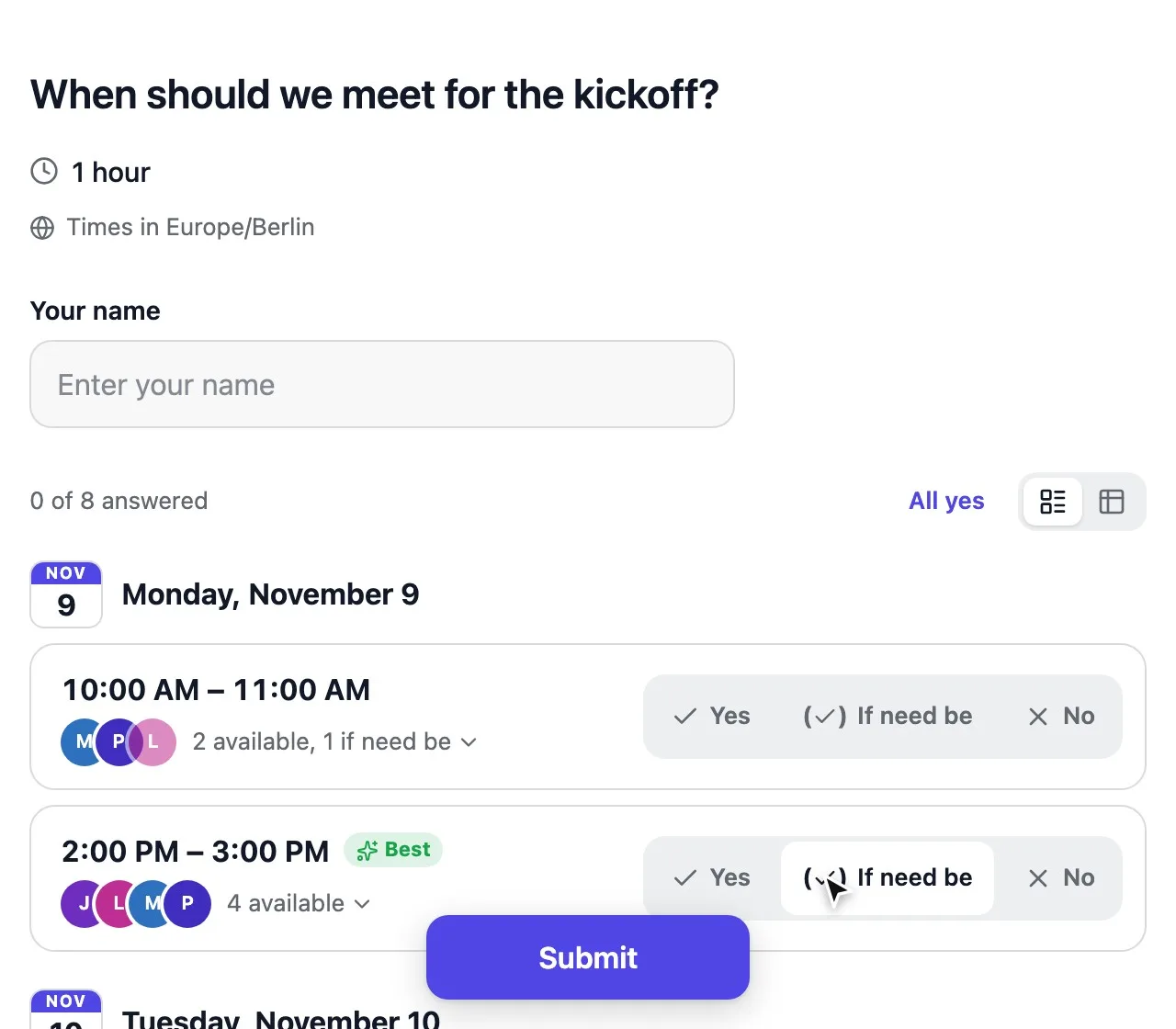
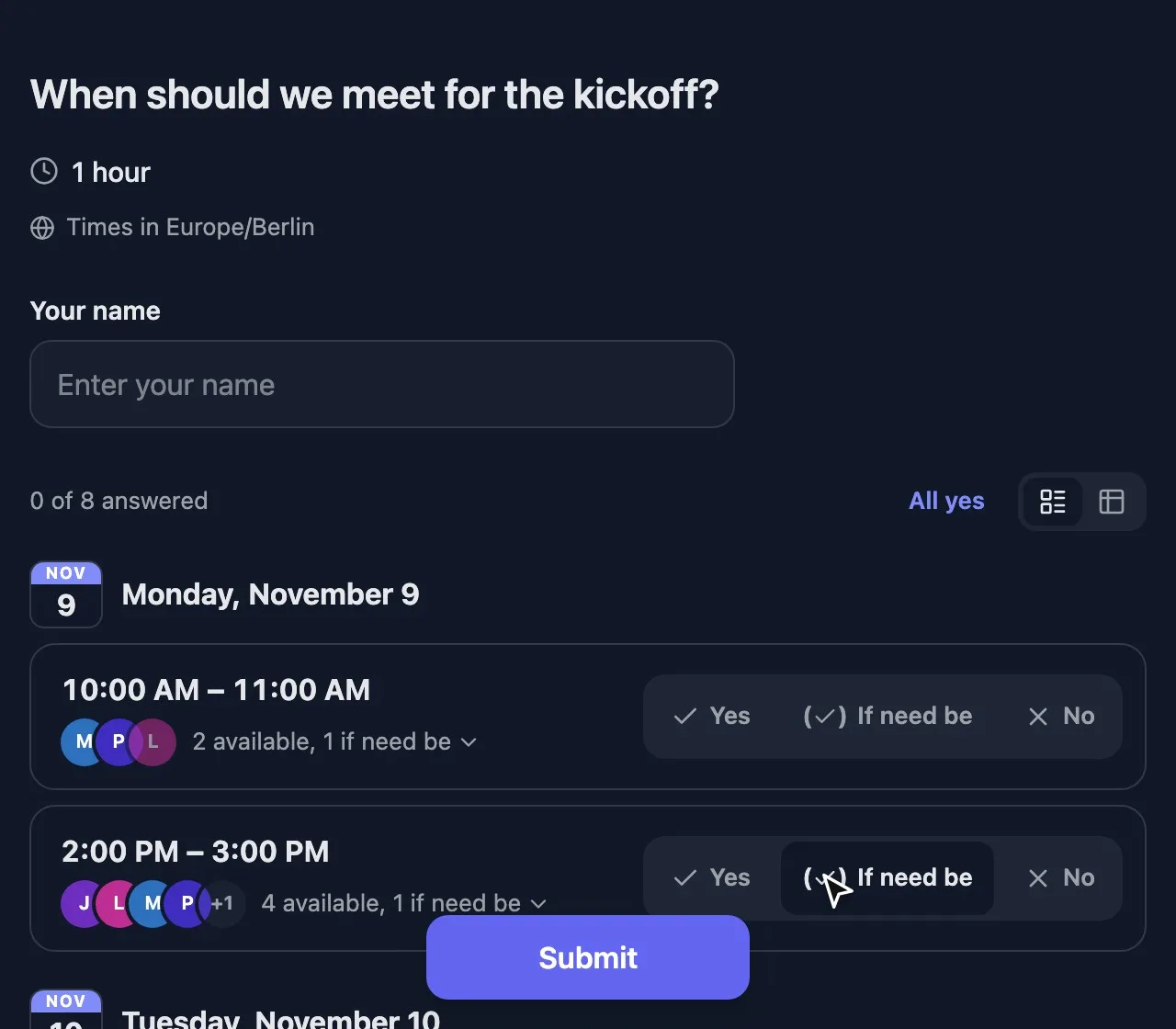
Start with a classic multiple choice poll, or let people rank, rate, pick a picture or find a date. Every question type is free.

See all question types

Share your poll anywhere

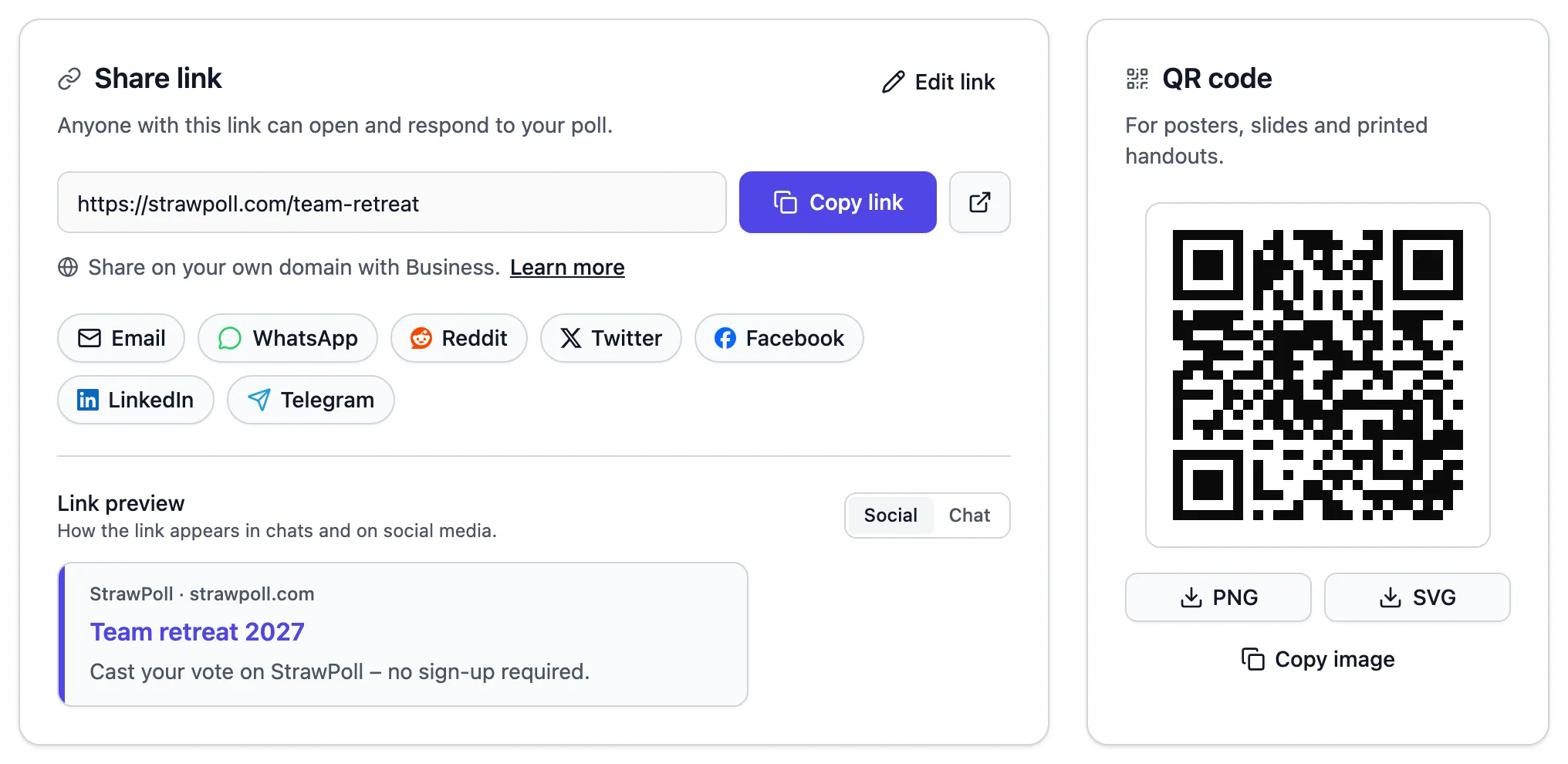
Every poll comes with its link, QR code and embed code ready to go.

  • One short link Works in WhatsApp, Discord, Slack, email and every social network, with a proper preview.
  • A QR code Put it on a slide, a poster or the classroom board so people can vote straight away.
  • An embed code Show the poll inline, as a popup or full page on your website or blog.
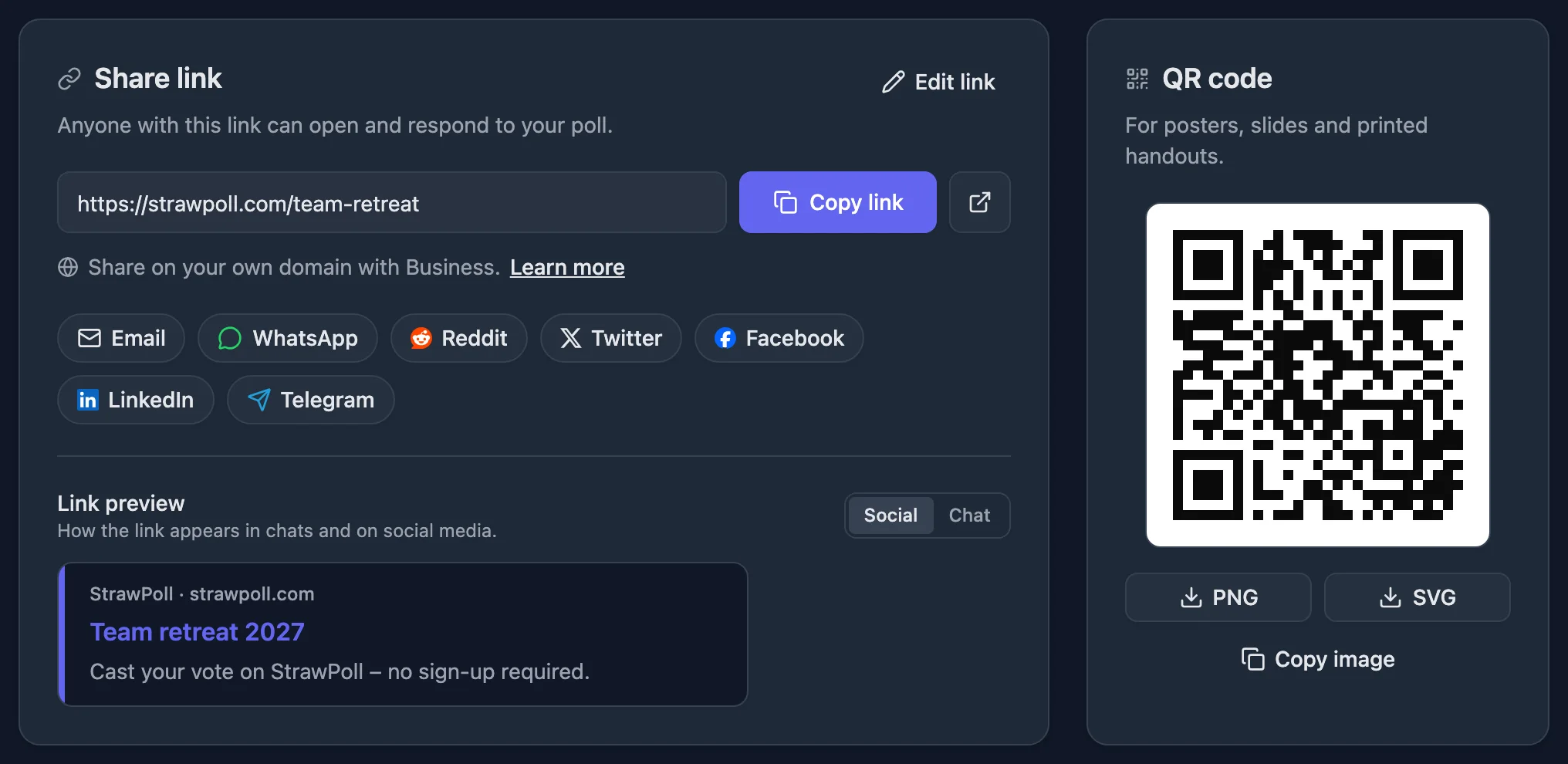
The share page with a poll link, share buttons and a QR code
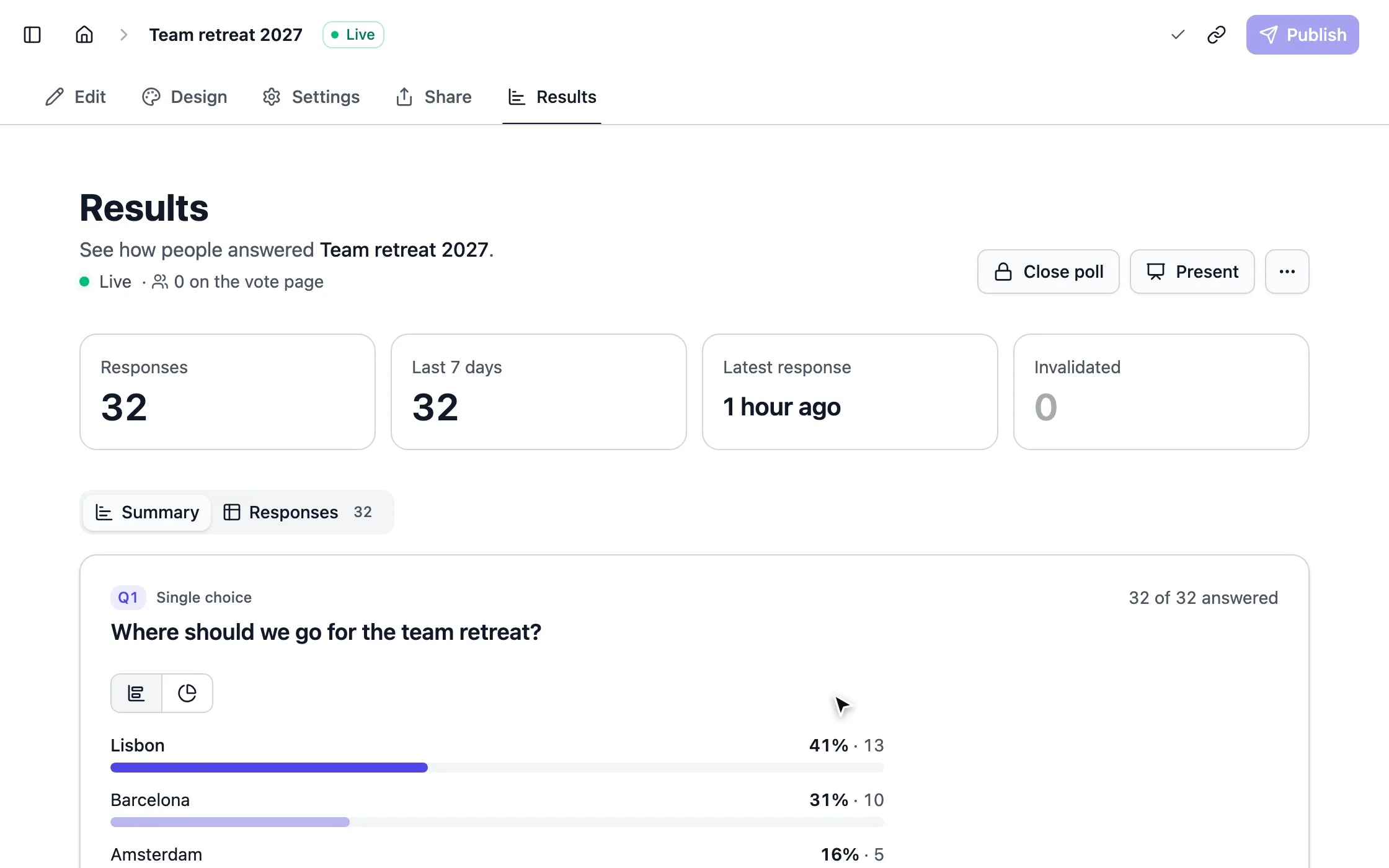
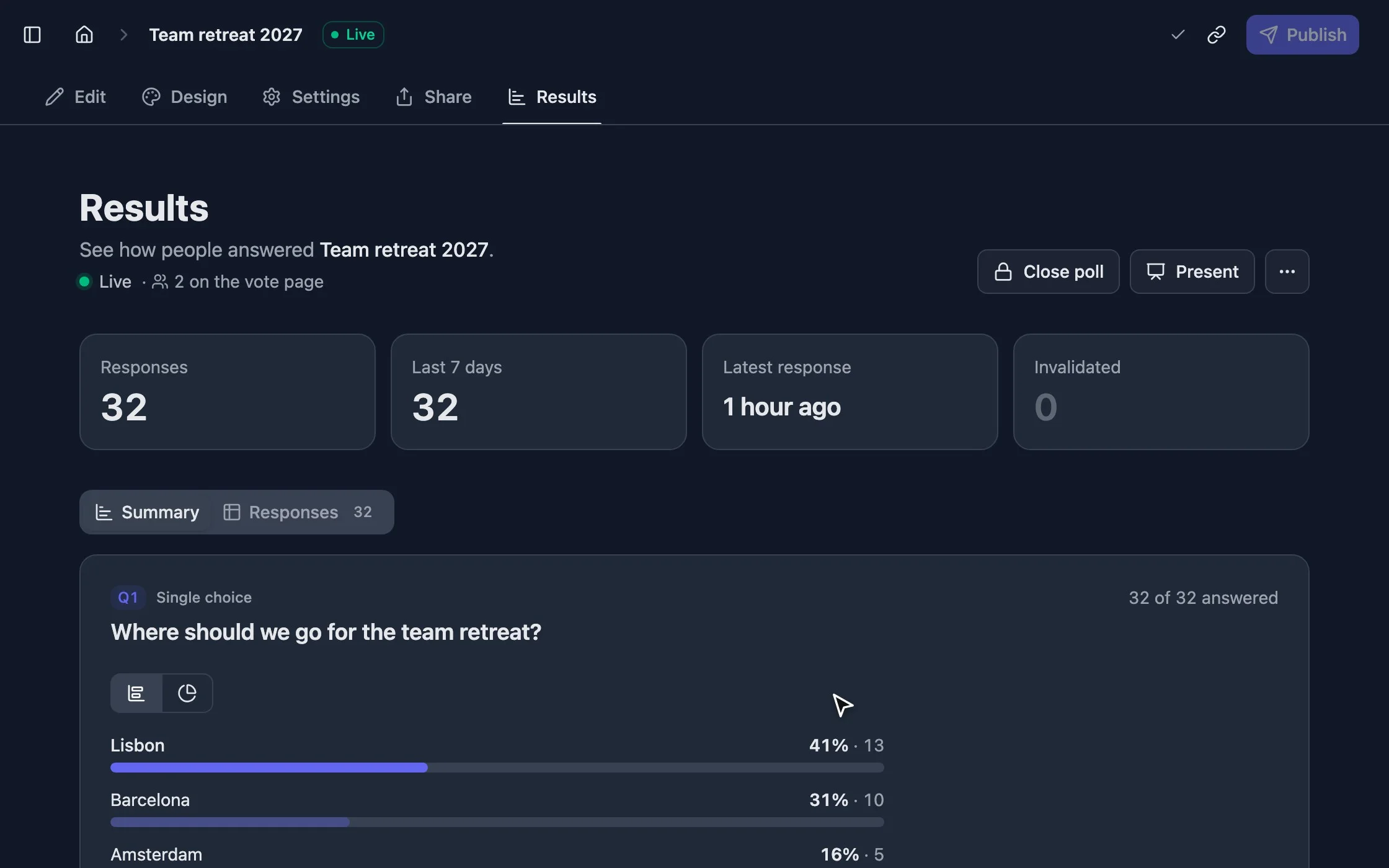
strawpoll.com/forms/team-retreat/results
Votes arriving on the results page of a poll

Results you can trust, the moment they happen

Open polls stay open to anyone. When the result matters, tighten the rules in a few clicks.

  • One vote per person Check by browser, IP address, name, verified email or single-use code, and block VPNs. How fair voting works
  • Who sees the results Everyone, only people who voted, everyone after the poll closes, or only you.
  • When it opens and closes Schedule a deadline, or close the poll after a number of votes.

Good to know

How to make a poll online that people answer

From a blank page to a link people vote on, with the settings that keep the result honest and the habits that get more people to answer.

3 min read

Make your first poll in two minutes

  1. 1 Click Create a poll, choose One question and keep Multiple choice.
  2. 2 Write the question the way you would in the group chat: “Where should we eat on Friday?” beats “Restaurant preference”.
  3. 3 Type an option and press Enter for the next one. Two to six options are easy to scan on a phone.
  4. 4 Open the Settings tab and check the duplicate check and who sees the results (more on both below).
  5. 5 Click Publish, then copy the link from the Share tab or send it straight to WhatsApp, Telegram, Facebook or LinkedIn.

Votes show up live in the Results tab, without refreshing. Neither you nor your voters need an account.

Write a question with a clear answer

Most unclear results start with an unclear question. Ask one thing at a time, in the words your group uses, and say when or where it applies.

  • Make options that don’t overlap, like “Under 10 minutes” and “10 to 30 minutes”.
  • Turn on Allow more than one answer when people would be happy with several options. The winner is then the option most people can live with.
  • Turn on Allow "Other" answer when you may have missed something.
  • Turn on Randomize order so the first option doesn’t win just for being first.

When a plain list isn’t enough, pick another question type: a ranking for priorities, picture choice for designs, a meeting poll for dates.

Decide how often someone can vote

The Duplicate check in the Settings tab decides how StrawPoll keeps it to one vote per person. New polls start on IP address, which suits public polls on social media, in chats or on a stream.

  • Browser session for friends, family or an office: everyone on one Wi-Fi shares an IP address, and only the first person could vote.
  • Email address when the result really matters. Voters confirm their address with a code.
  • Unique code when you know exactly who may vote, like club members or a class.
  • Off for brainstorms and word clouds, where people may answer more than once.

Choose before you share. Votes that are already in can’t be checked again under a new setting. Compare every option.

Choose who sees the results, and when

What people see after they vote changes how they vote. Under Access to results, After responding shows the chart once someone has voted, which suits quick, fun polls. After the form closes keeps everyone in the dark until the end, so nobody follows the crowd. Only you keeps results in your dashboard, for feedback and sensitive topics.

Set a close date under Open & close dates when you need the answer by a certain time. The poll stops on its own.

Share it where people already are

Paste the link in any chat and it unfurls into a preview with your question. Show the QR code on a slide or a poster, or embed the poll on your website inline, as a popup or as a full page.

Create a free account to keep your polls across devices. Without one, polls are saved in your browser, and you can sign up later to keep them.

How-to

More ways to use your poll

The questions people ask right after their first poll.

How to make an anonymous poll

Every poll is anonymous unless you ask for names. Leave out Name and Contact info questions, and keep Show respondent names set to Private in the Settings tab.

To still stop double votes without knowing who voted, use Browser session for a friendly group or single-use codes when the result matters. Codes aren’t tied to names, so you know each person voted once, but not how.

Collect honest, anonymous feedback

How to make a poll for WhatsApp, Discord or Teams

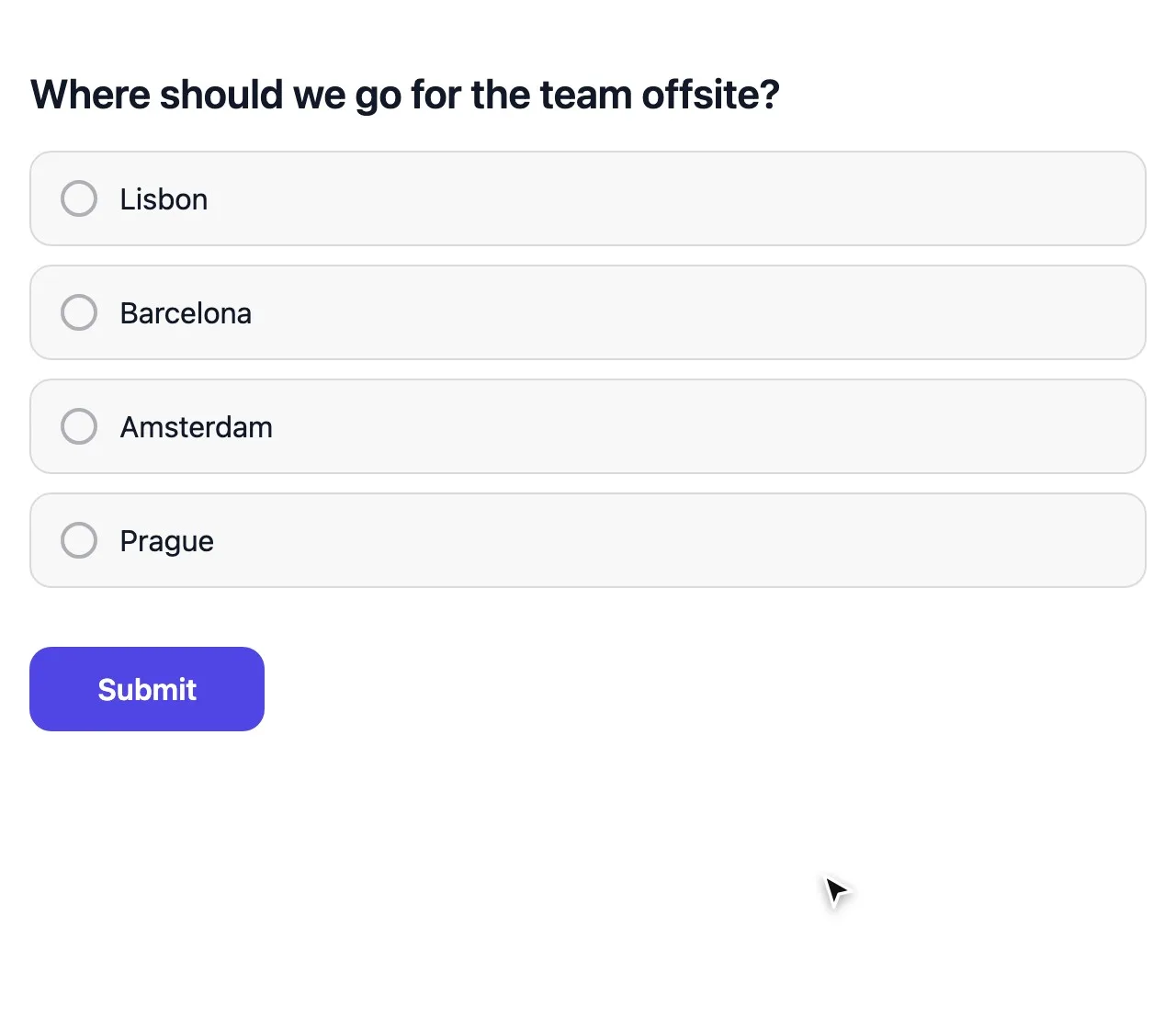
Paste the poll link into any chat. It unfurls into a preview with your question, and people vote in their browser without installing anything or joining a group first.

Unlike the polls built into chat apps, the same link works across every app at once, can hide results until the end and keeps a CSV of every vote.

  • Check the Link preview on the Share tab before you send it.
  • Set a close date so the poll doesn’t linger in the chat for weeks.
  • Pin the message so late joiners still find it.

How to write a poll question people answer

Ask one thing at a time, in the words your group uses. “Which date works for the team dinner?” gets more votes than a question that asks about the date and the venue together.

  • Make options that don’t overlap, like “Under 10 minutes” and “10 to 30 minutes”.
  • Turn on Allow "Other" answer when you may have missed an option.
  • Turn on Randomize order so the first option doesn’t win just for being first.
  • Use a ranking or picture choice when a plain list isn’t enough.

How to add a poll to your website

Open the Share tab, choose Embed and pick Inline, Popup or Full page. Copy the code into an HTML, Code or Embed block in WordPress, Webflow, Squarespace, Wix or Ghost.

The embedded poll uses the same settings as the link, and anything you publish later shows up on your site without new code.

Embed a poll on your website

Poll maker questions, answered

New to StrawPoll? Read how to create your first poll.

Your poll is ten seconds away

Type a question, add a few options and share the link. That’s it.

Create a free poll