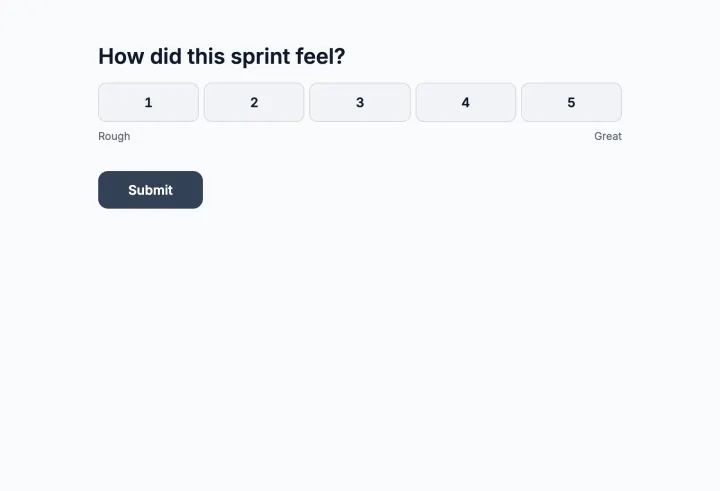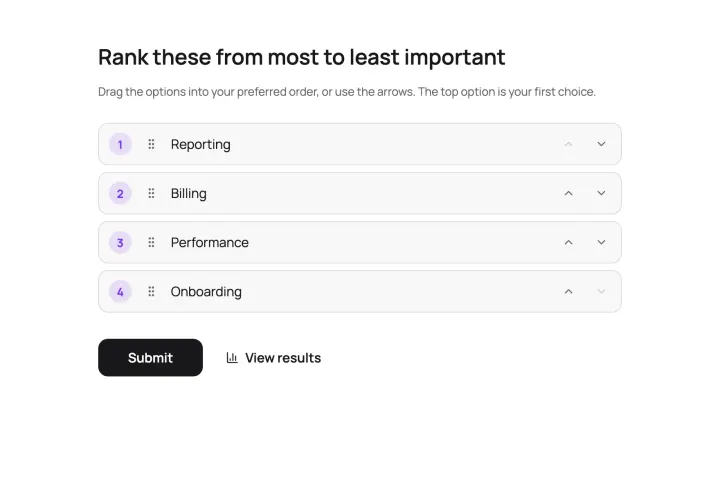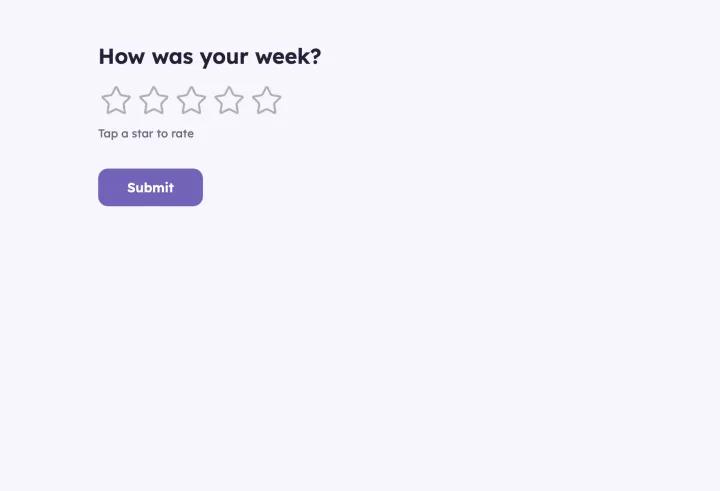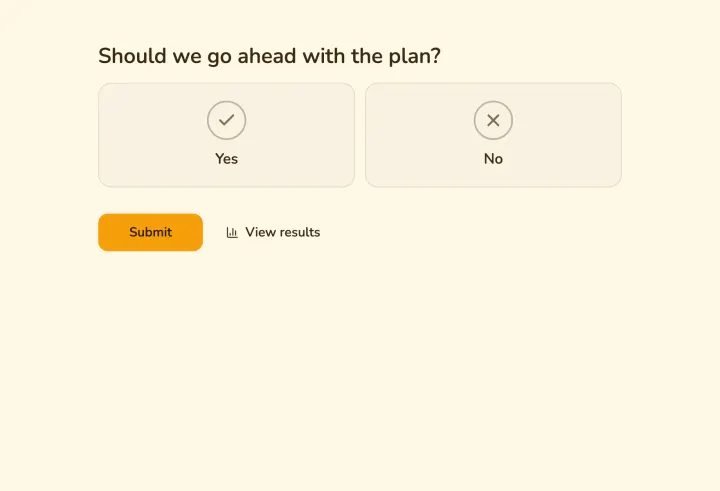
Pick the right format
- Retrospectives look back on a sprint or project: what to keep, what to change. Collect answers before the meeting.
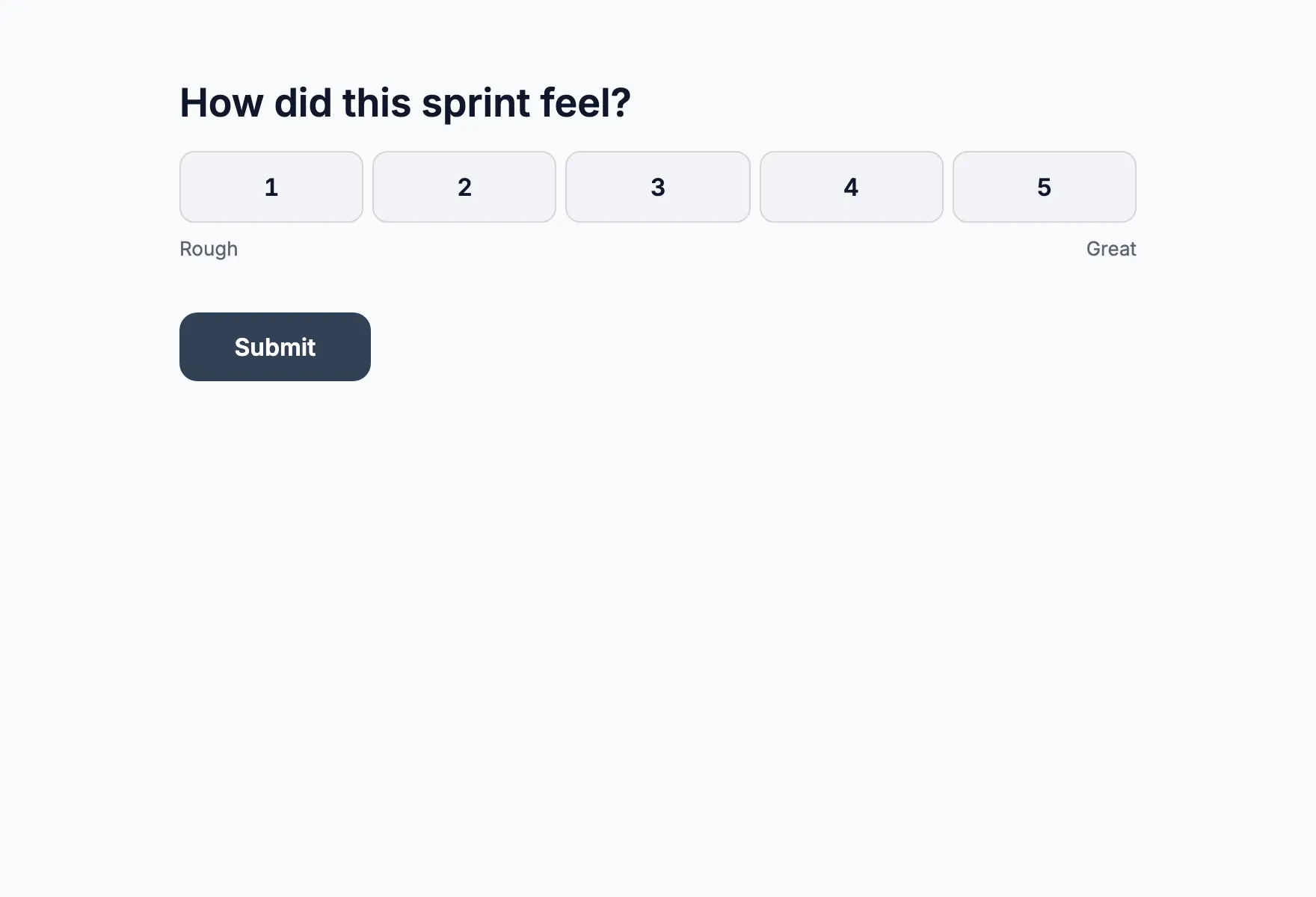
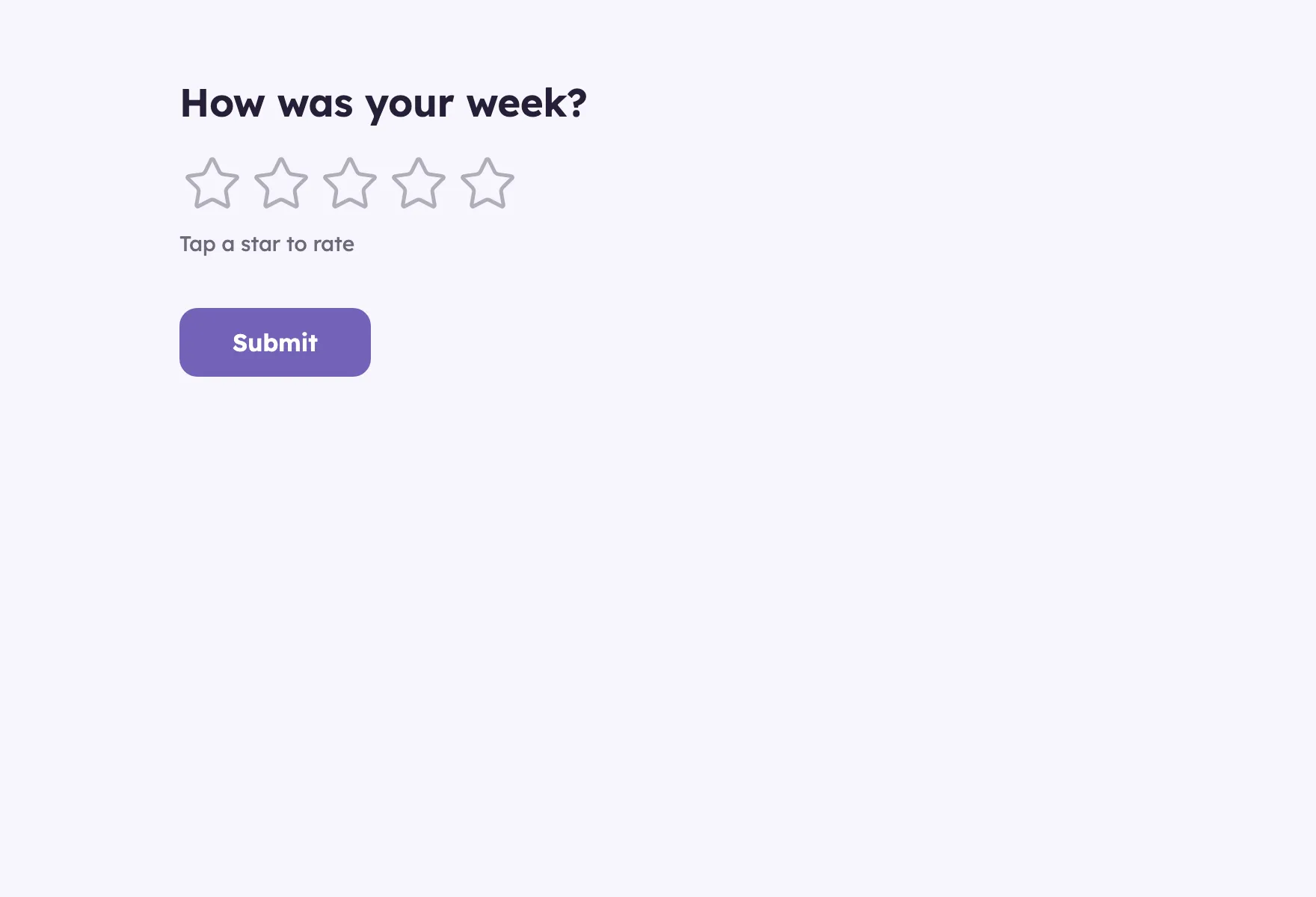
- Pulse checks track mood and workload over time with the same two or three questions every week.
- Prioritization settles what to do next. A ranking or a 100-point budget beats a discussion where the loudest voice wins.
Make it safe to be honest
People tell you what’s really going on only if they feel safe. Don’t ask for names, and keep Show respondent names private. Limit responses with Browser session for a team that trusts each other, or unique codes when it needs to be strict. Avoid Email address: it ties every answer to a person.
Set Access to results and comments to Only you, read everything first, and share a summary in your own words. In a small team, open answers can give people away by their wording, so lean on scales for the sensitive questions.
A retro that starts with the answers
- 1 Send the Team retrospective template a day ahead.
- 2 Close it an hour before the meeting.
- 3 Walk through the results together in present mode, one question at a time.
- 4 End with a ranking of the proposed actions, and commit to the top two.
The meeting is spent on discussing what to change, not on collecting sticky notes.
A weekly pulse that shows the trend
Turn on repeat voting and set Response frequency to once per week. Everyone answers in the same poll every Friday, every response keeps its time, and the trend builds up in one place. Export the CSV to chart it.
Save the team as an invite list to send polls by email in one click, and connect Slack so responses show up in your channel as they come in.
Working with other leads
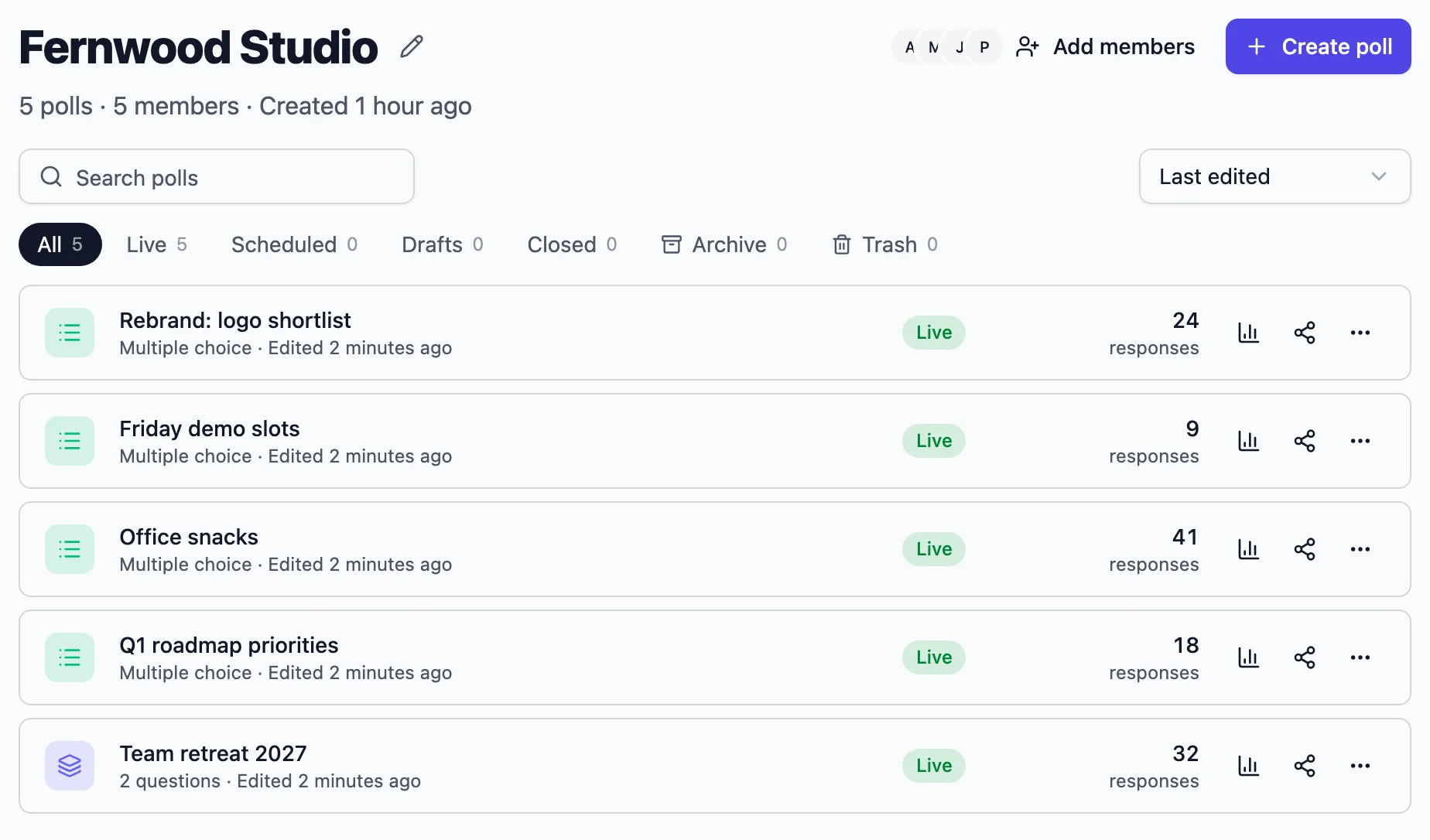
A workspace shares polls, themes and invite lists with your colleagues, so several leads can run the same format and compare notes. Inviting colleagues is unlimited on paid plans.