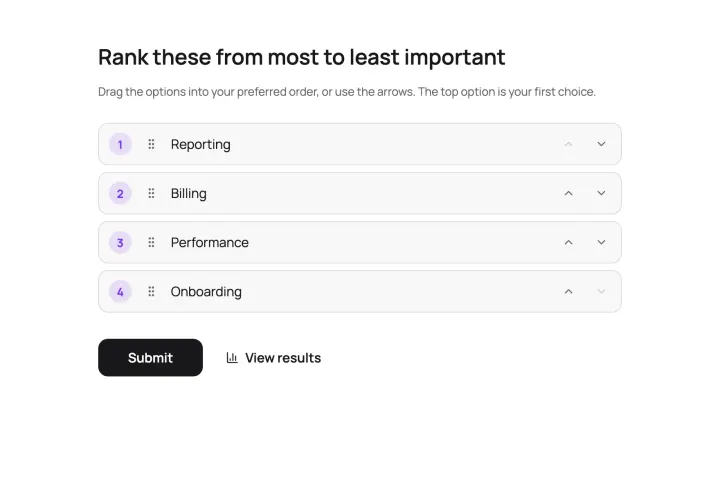
Two ways to measure how much
A normal vote tells you what people prefer. Points and scores also tell you how strongly.
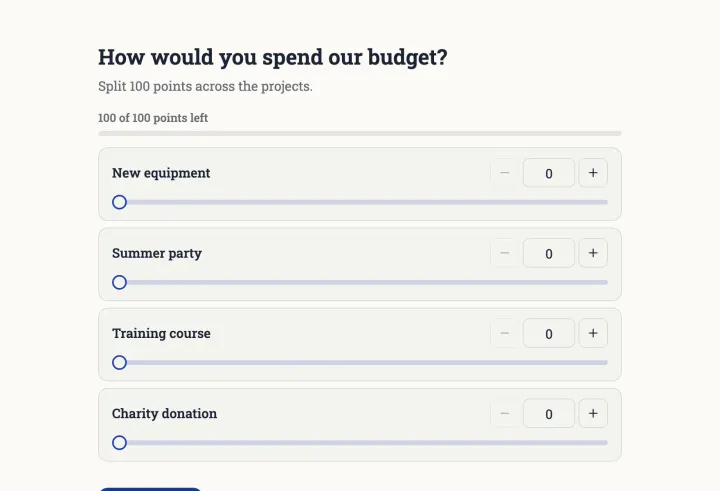
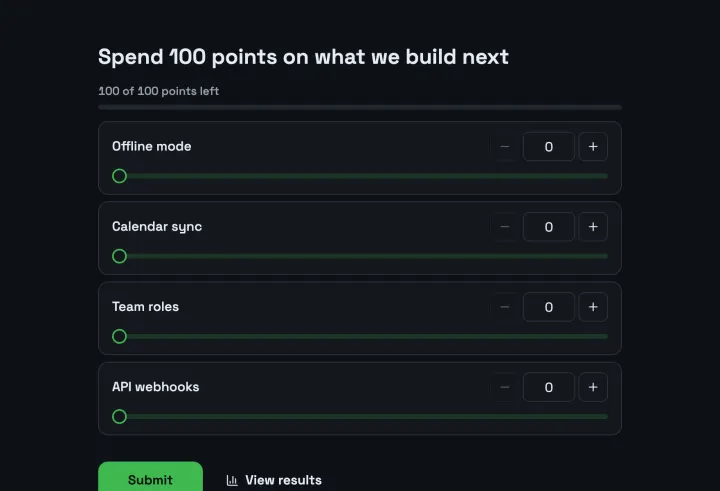
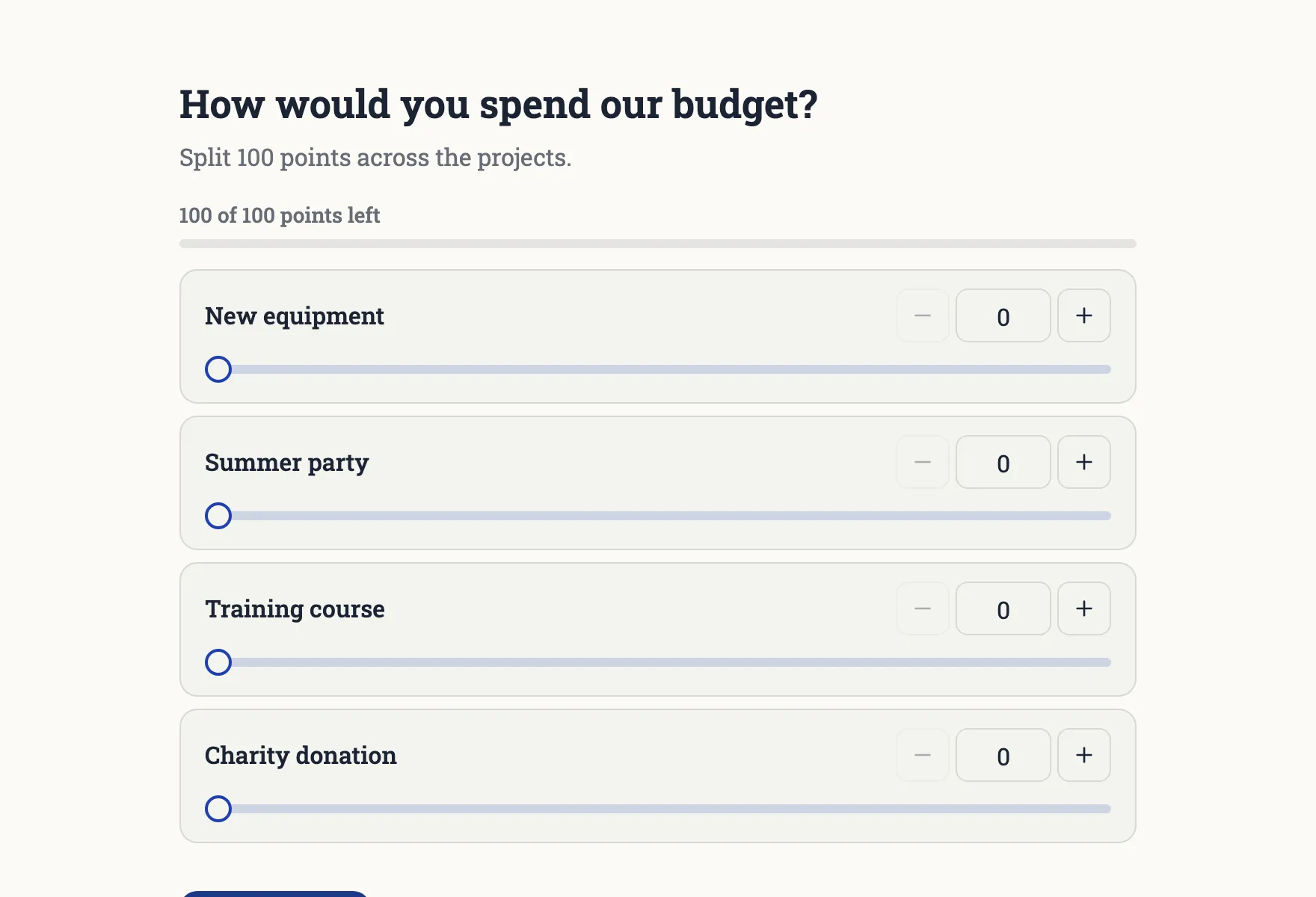
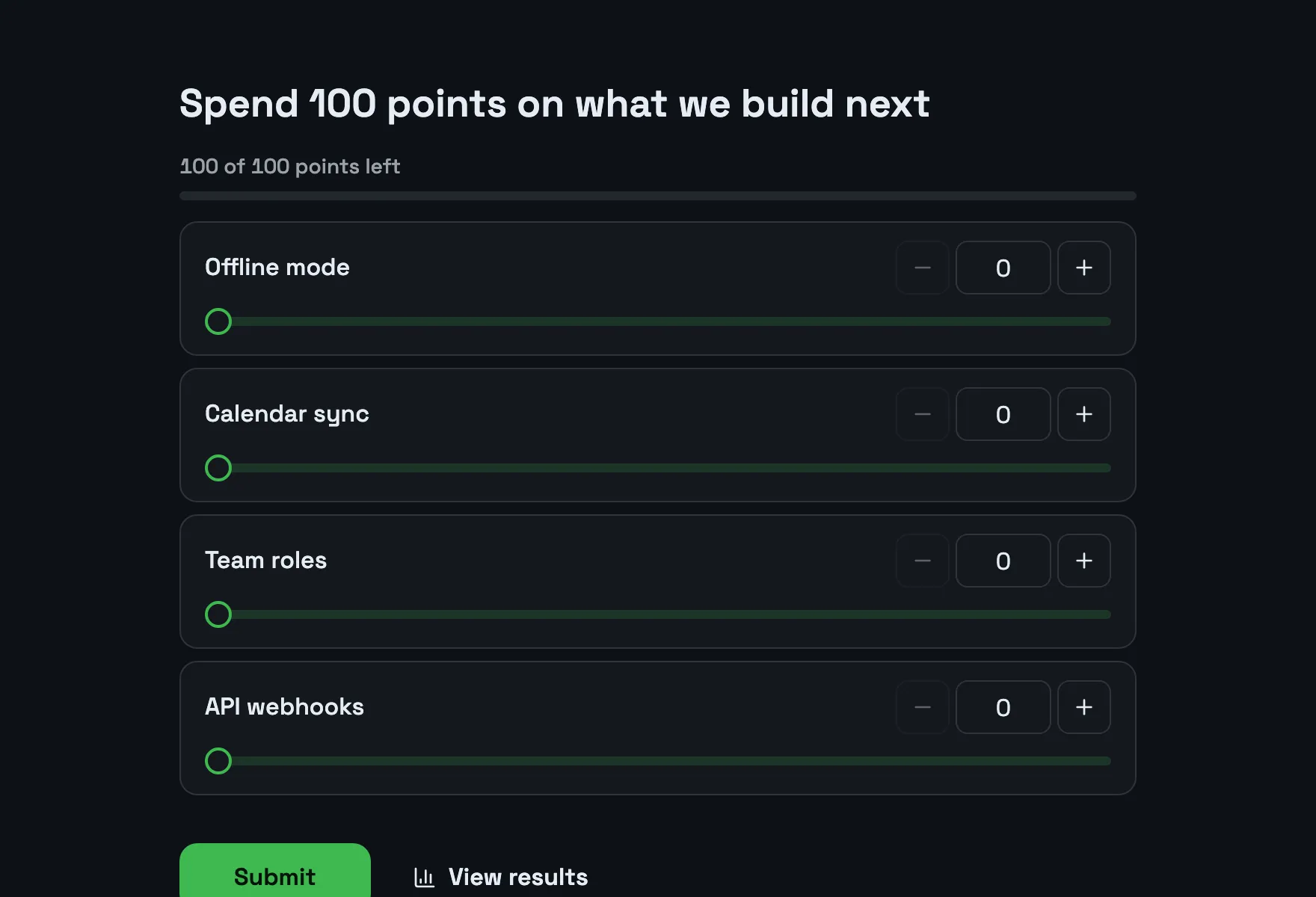
- Point allocation: everyone gets the same budget, like 100 points, and spreads it across the options. All on one, or a little on many. It forces a trade-off.
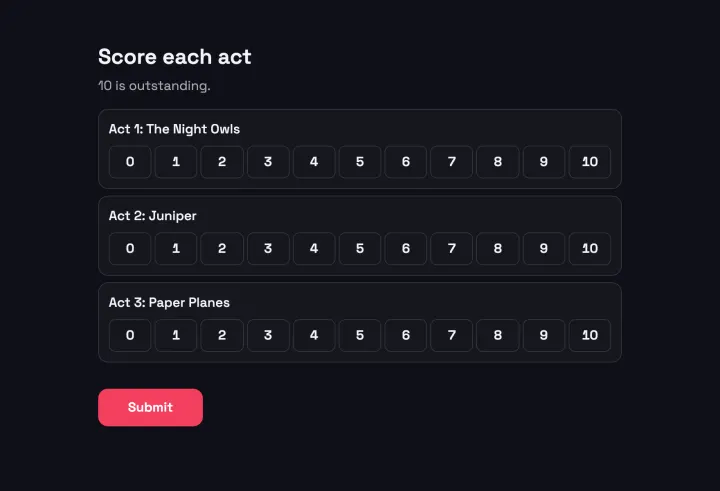
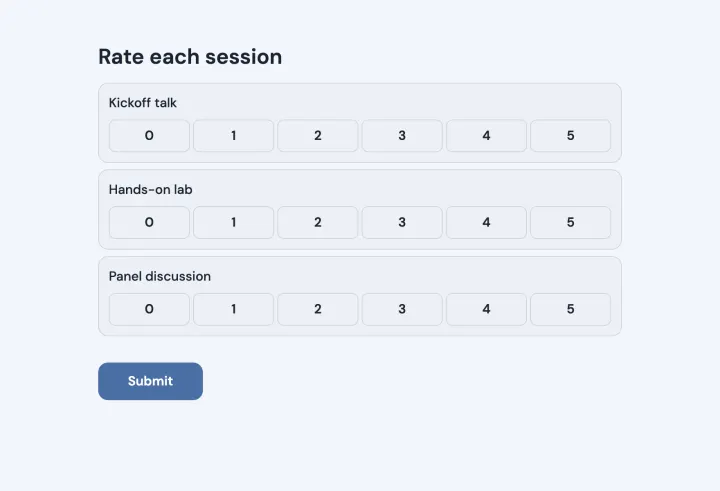
- Score voting: every option gets its own score on a scale, independent of the others. The best average wins.
When to split a budget
Use point allocation when resources are limited: a team budget, a roadmap, the time you can spend. Nobody can rate everything as top priority, so the totals show real priorities and the distance between them.
Set the budget to match the question: 100 points for a feature budget, 10 for a quick split. People can give zero points to options they don’t want.
When to score each option
Use score voting when every option deserves its own judgment: talent show acts, photo entries, applications. A strong second choice still gets full credit, and one voter’s love for an entry doesn’t take anything away from another.
Running a jury
- 1 Start from the Jury scorecard template and list the entries.
- 2 Send each juror a personal email invite, so every juror scores exactly once.
- 3 Set Access to results to Only you, so jurors don’t see each other’s scores.
- 4 When everyone has scored, reveal the winner in present mode. Press H to hold the results back until the moment comes.
If the audience votes too, give them their own poll and combine the two results as your rules say.
Reading the results
The results show the order and the gaps. A clear winner with twice the points of second place is a different story from three options within a few points of each other. In the second case, talk about it before you decide.