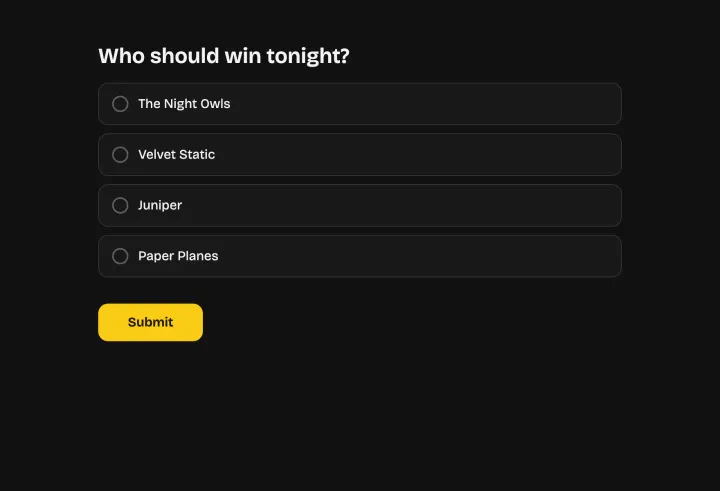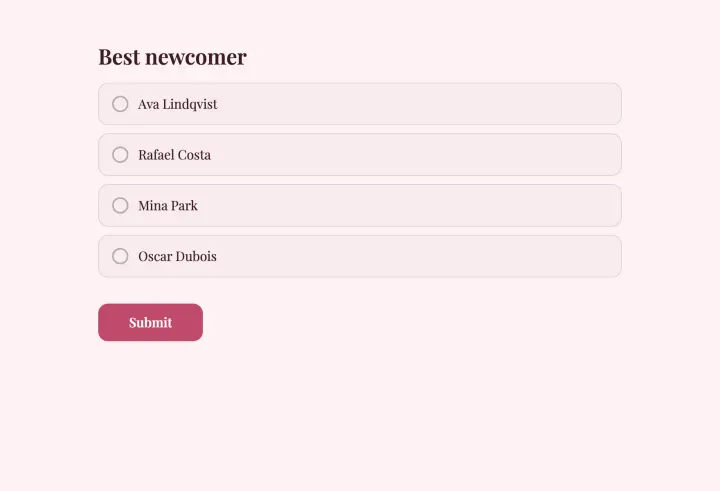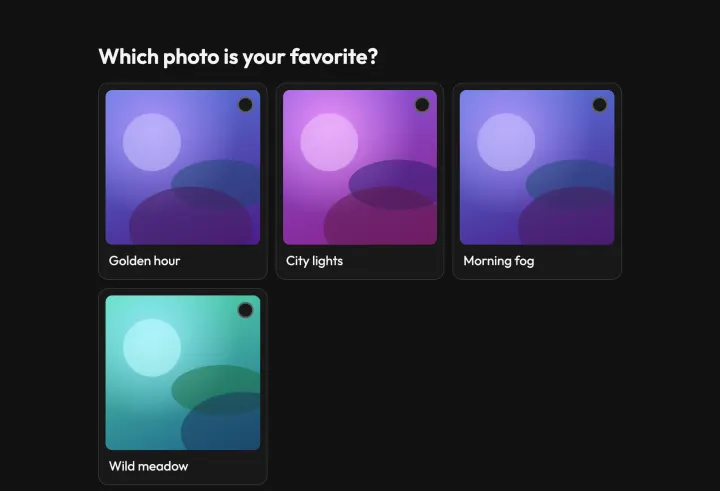
Plan for cheating from the start
In an awards vote, a fan contest or a talent show, someone always wants to win badly enough to vote fifty times. The settings below take away most of the opportunity, and hidden results take away most of the motive.
The settings that matter
- Duplicate check: Email address when there’s a prize, IP address for a casual fan vote.
- Block VPNs and proxies: on. It stops people switching networks to vote again.
- Require CAPTCHA: on, with Pro or Business, against scripts.
- Access to results: After the form closes. When people can watch a close race, they recruit friends or bots.
- Open & close dates: a clear close date, so everyone gets the same window.
Set all of it before you share the link. Votes that are already in can’t be checked again later.
When something looks off
- 1 Tighten the settings right away: new votes are checked with the new settings.
- 2 Open the responses table on the Results tab. Bursts within seconds of each other are a typical script.
- 3 Select the responses you don’t trust and click Invalidate. They stay in the list and the export, marked, but don’t count.
- 4 If the result is clearly compromised, export the data, reset the poll and ask people to vote again.
Long contests and daily votes
For a contest that runs for weeks, you can let each person vote once per day with repeat voting. The duplicate check still applies; it resets after the interval.
Stage the reveal
At a live event, open voting when the show starts and put the QR code on screen. In present mode, press H to hide the results while votes keep counting, then press it again for the reveal. Online, the results appear for everyone at the same moment the poll closes.
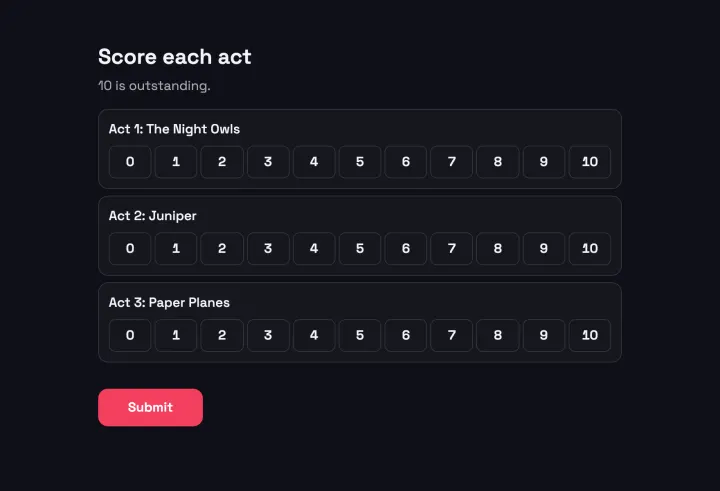
Want a jury too? Give jurors their own scorecard and only show it to yourself.