Know who may vote
Start with the list of eligible voters. Then choose how they prove they’re on it:
- [Unique codes](/help/unique-codes): one single-use code per voter, handed out on paper or by message. Codes aren’t linked to names, so the ballot stays secret, even from you.
- [Email invites](/help/email-invites): each voter gets a personal link, and responses are limited by Email address. Easiest when you reach everyone by email, but each vote is tied to an address.
Both make sure every eligible person votes exactly once. Each code or invite uses one credit; every account starts with 100.
Choose the voting method
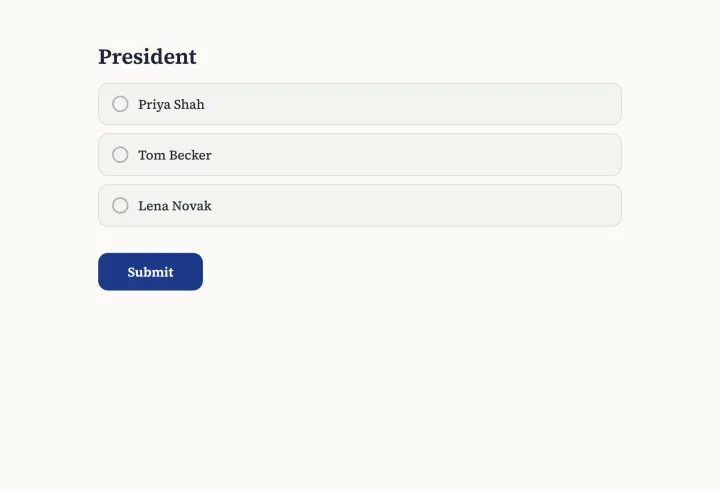
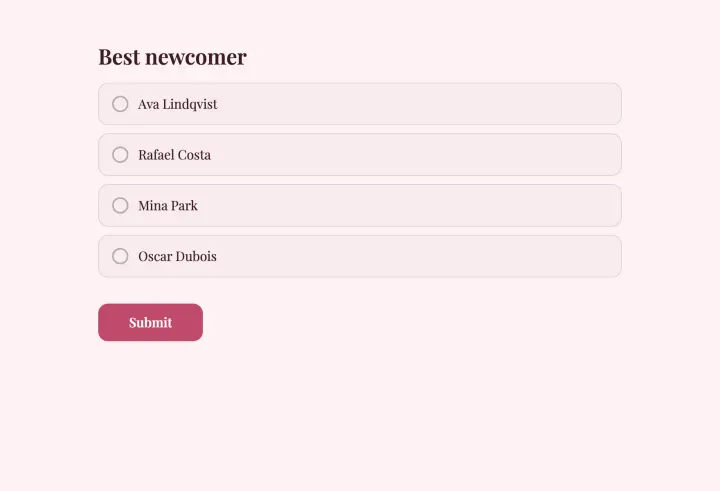
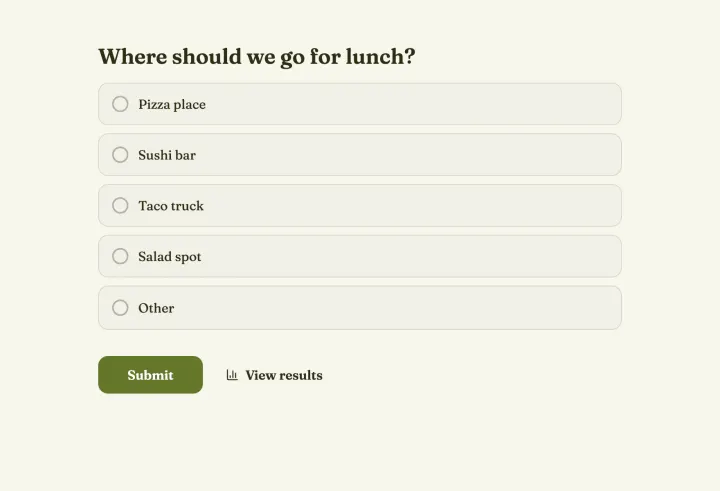
- Multiple choice for a simple majority between a few candidates.
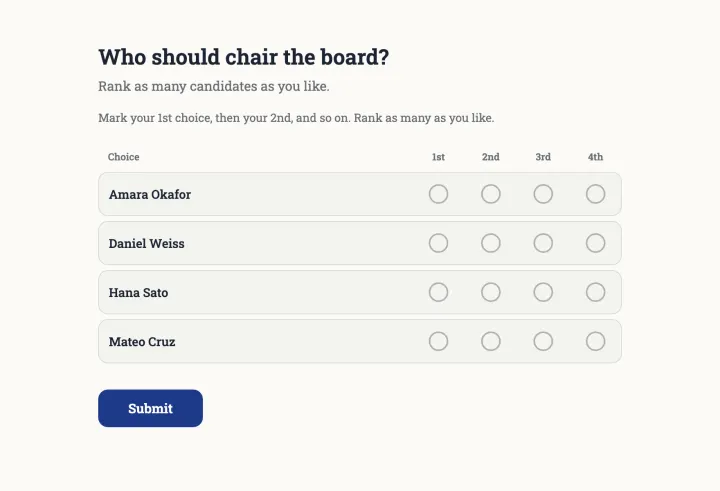
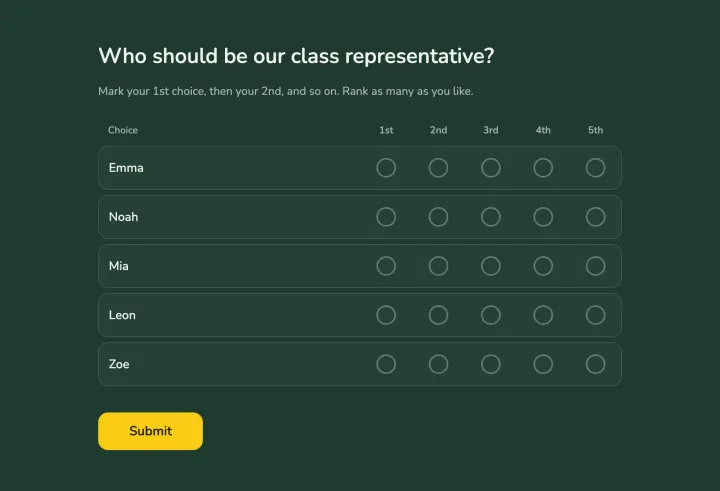
- [Ranked choice voting](/solutions/ranked-choice-voting) when there are several candidates and you want to avoid splitting the vote. The count runs round by round until someone has a majority.
- Allow more than one answer when several seats are open, like three board members.
Turn on Randomize order, so no candidate gains from being listed first.
Set the rules before voting opens
- Open & close dates give everyone the same window.
- Access to results: After the form closes, so early results don’t sway later voters.
- Allow changing responses off, so votes are final.
- Show respondent names: Private, for a secret ballot.
Publish the rules with the invitation. People accept a result more easily when they knew the rules beforehand.
Test, then open
Vote once yourself to check the ballot, then reset the poll and send the codes or invites. While voting runs, the codes table or the invite list shows turnout, so you can send a reminder to those who haven’t voted.
Announce the result
When the poll closes, the results become visible to everyone. For ranked choice, they show every round, so anyone can follow the count. Export a CSV for your records.