Free survey maker

A survey maker people actually finish

Short, friendly surveys that work on every phone. Ask with ratings, scales and open questions, and see the answers add up in real time.

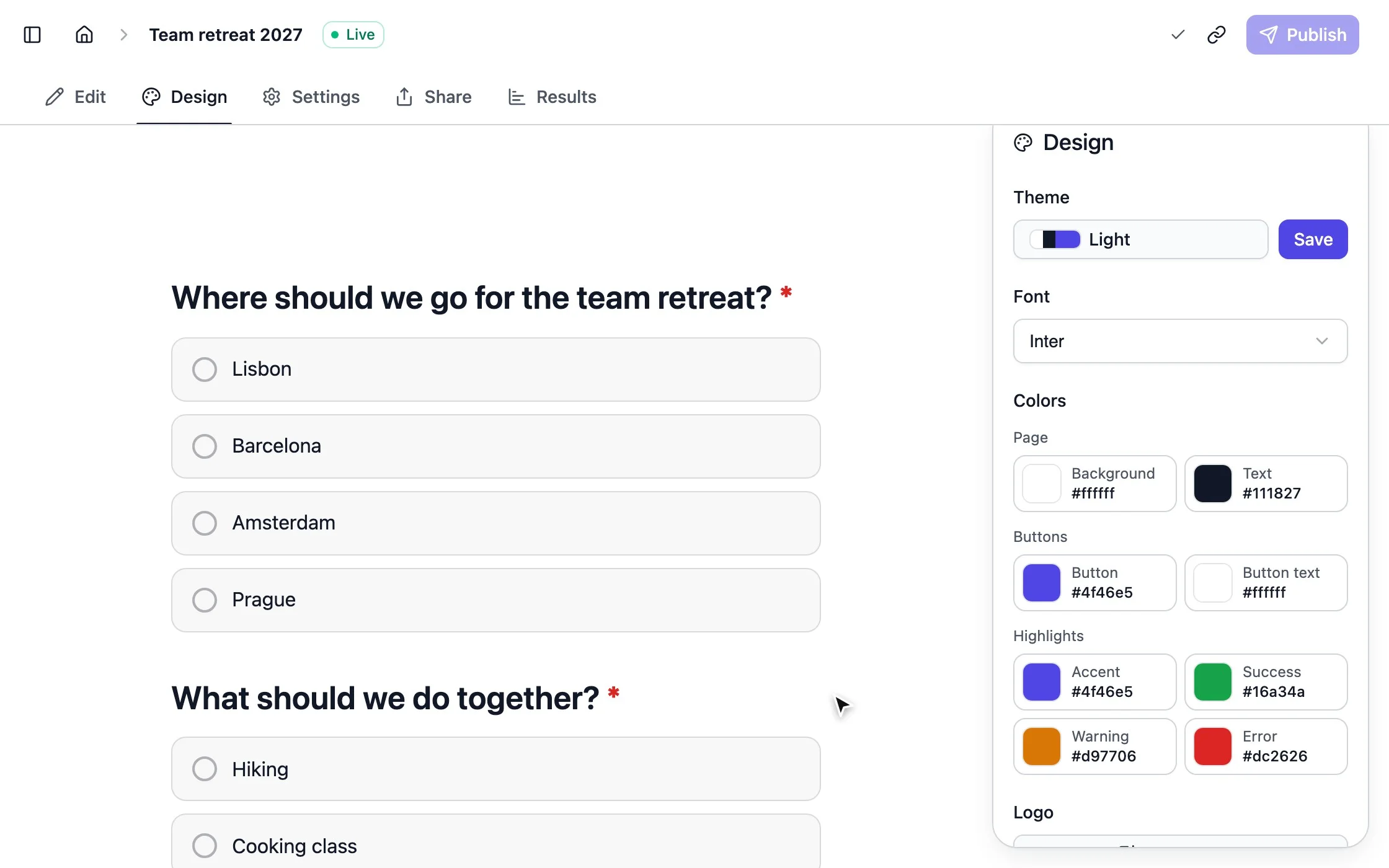
strawpoll.com/forms/team-retreat/design
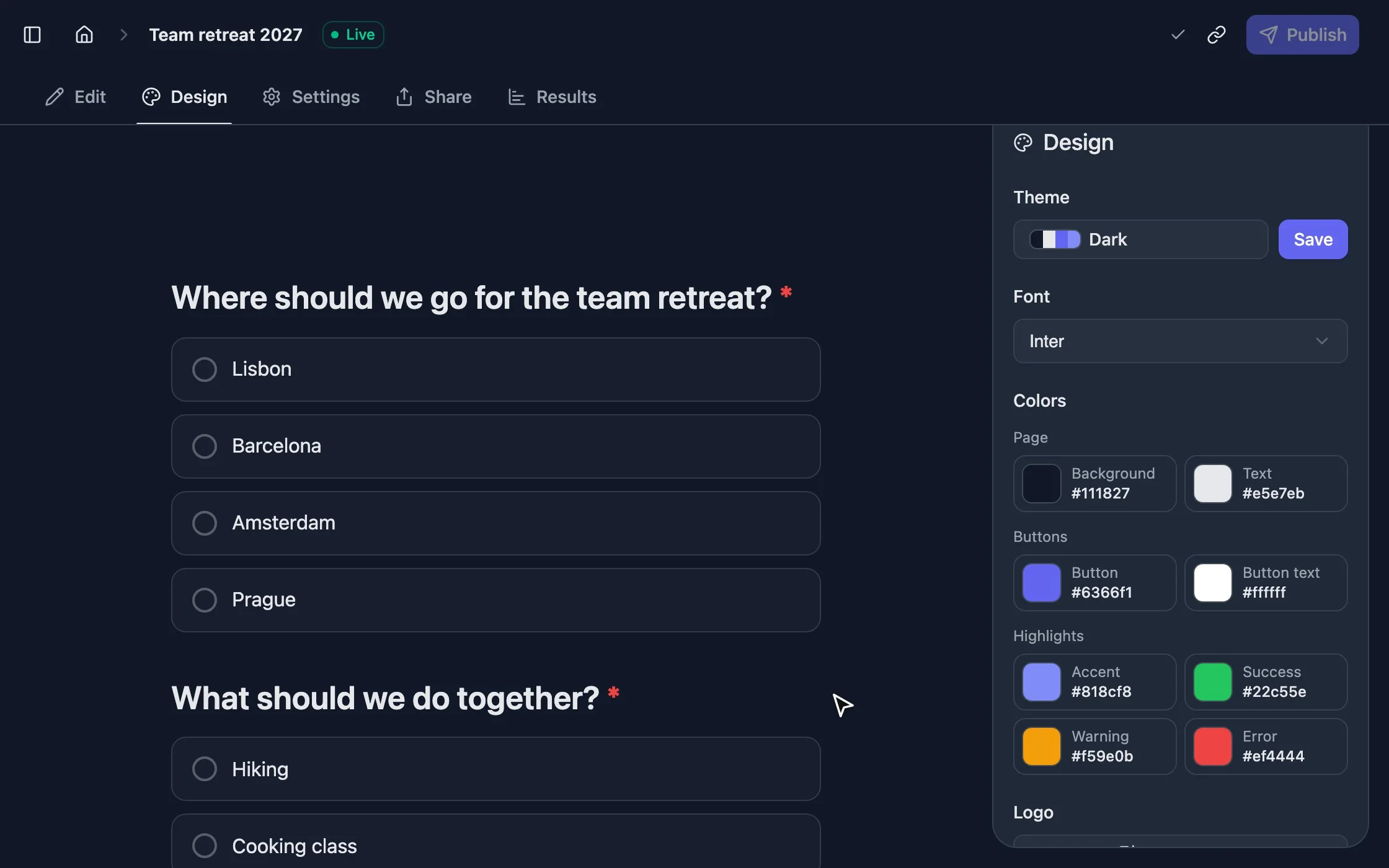
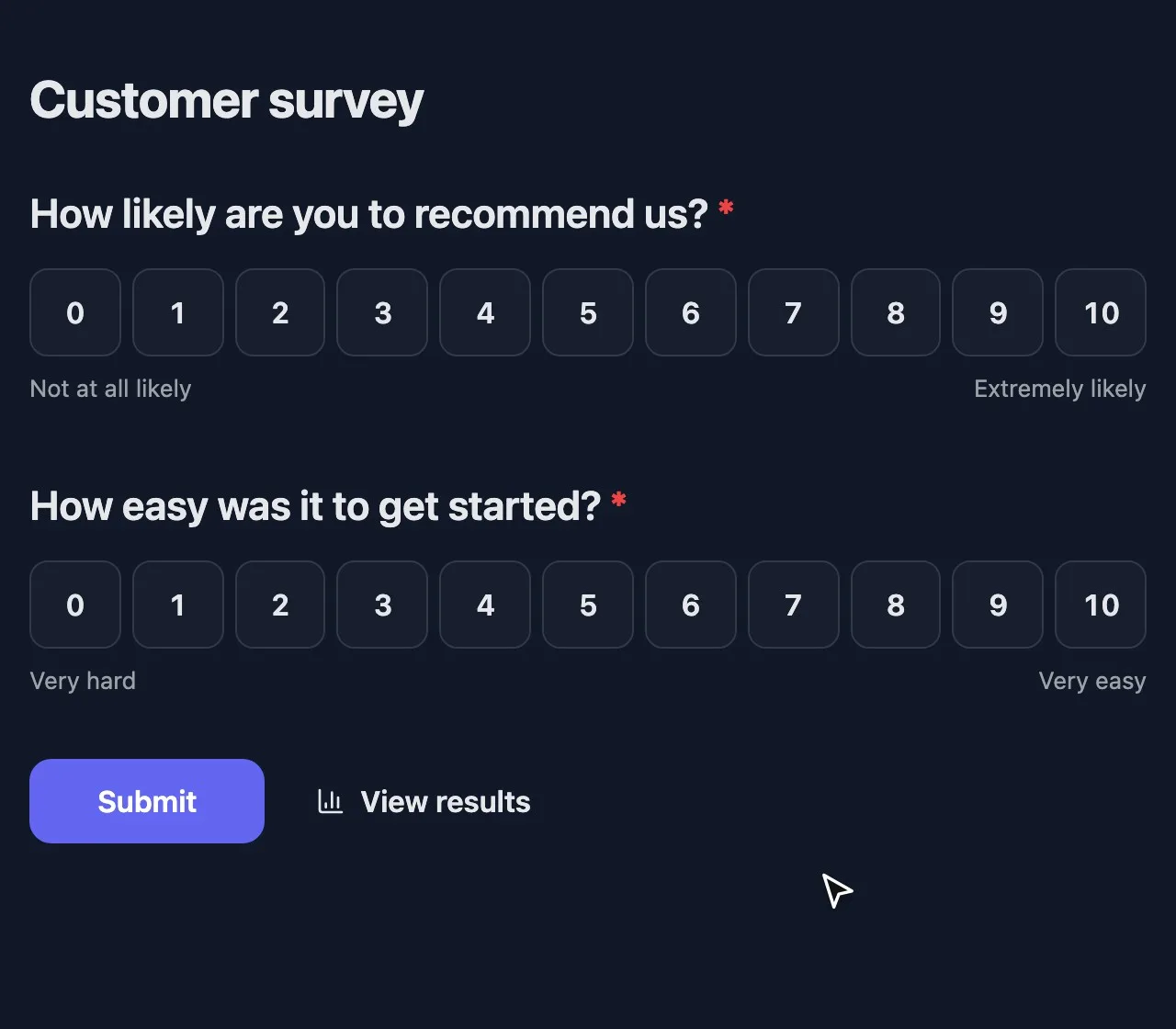
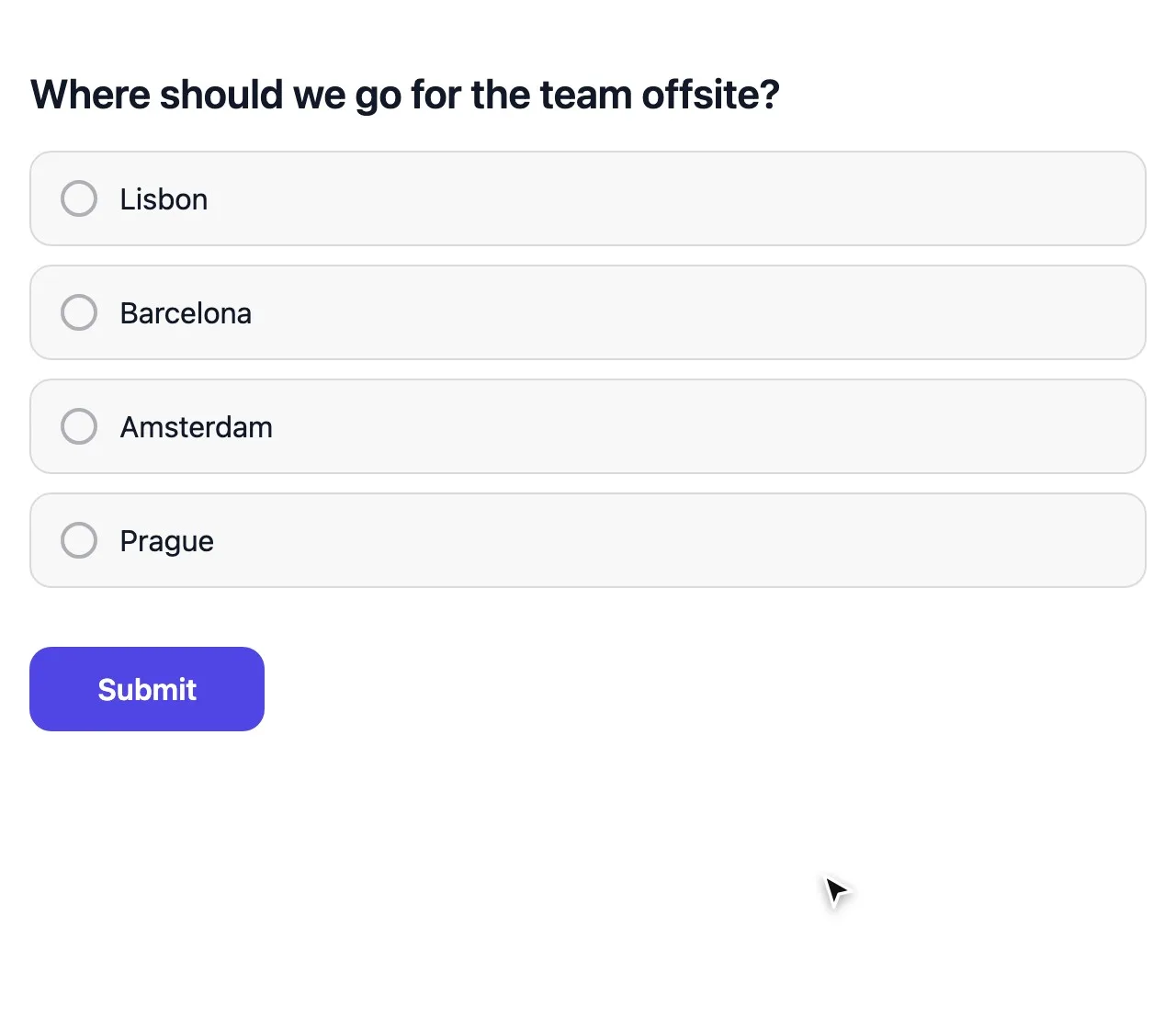
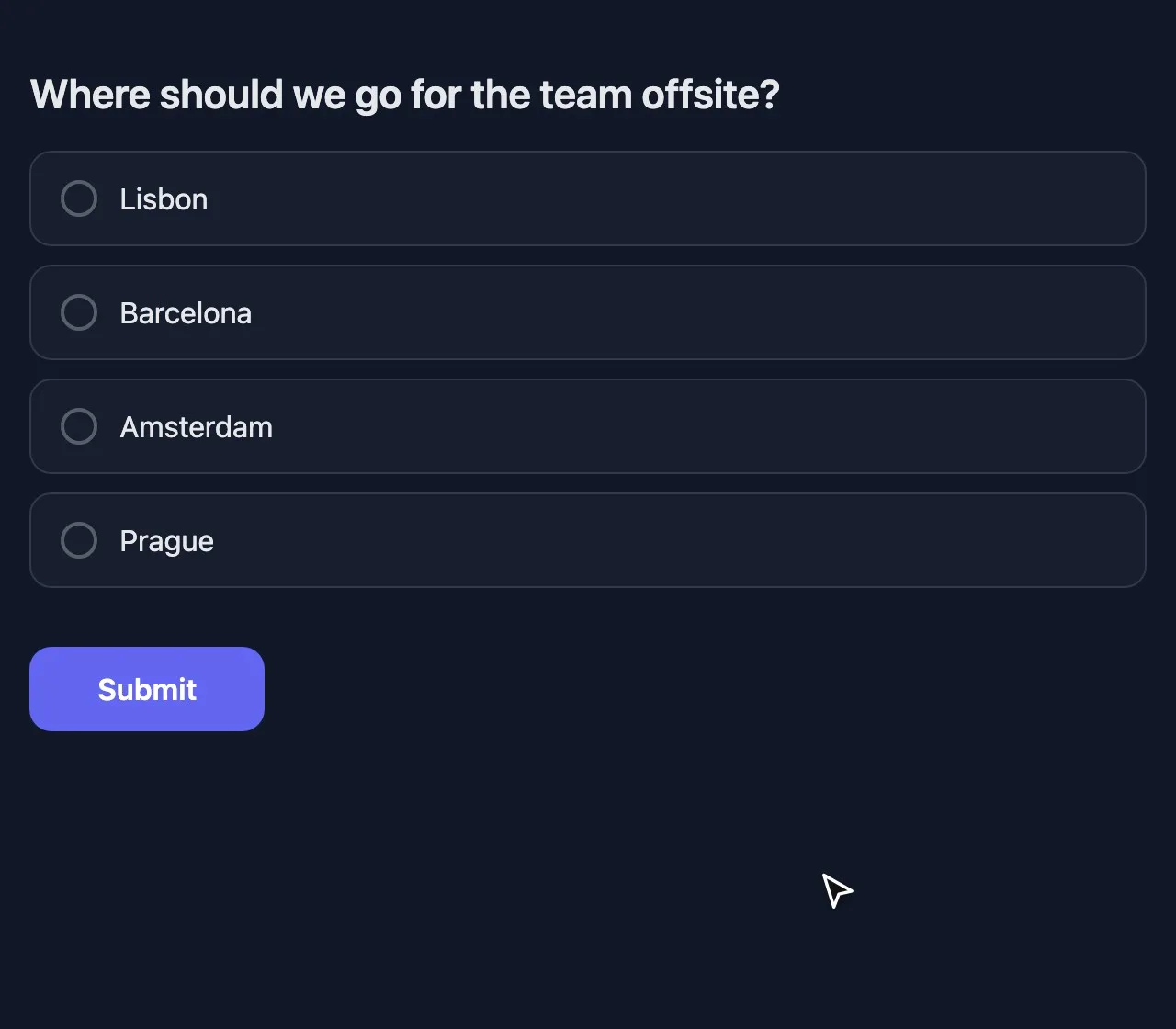
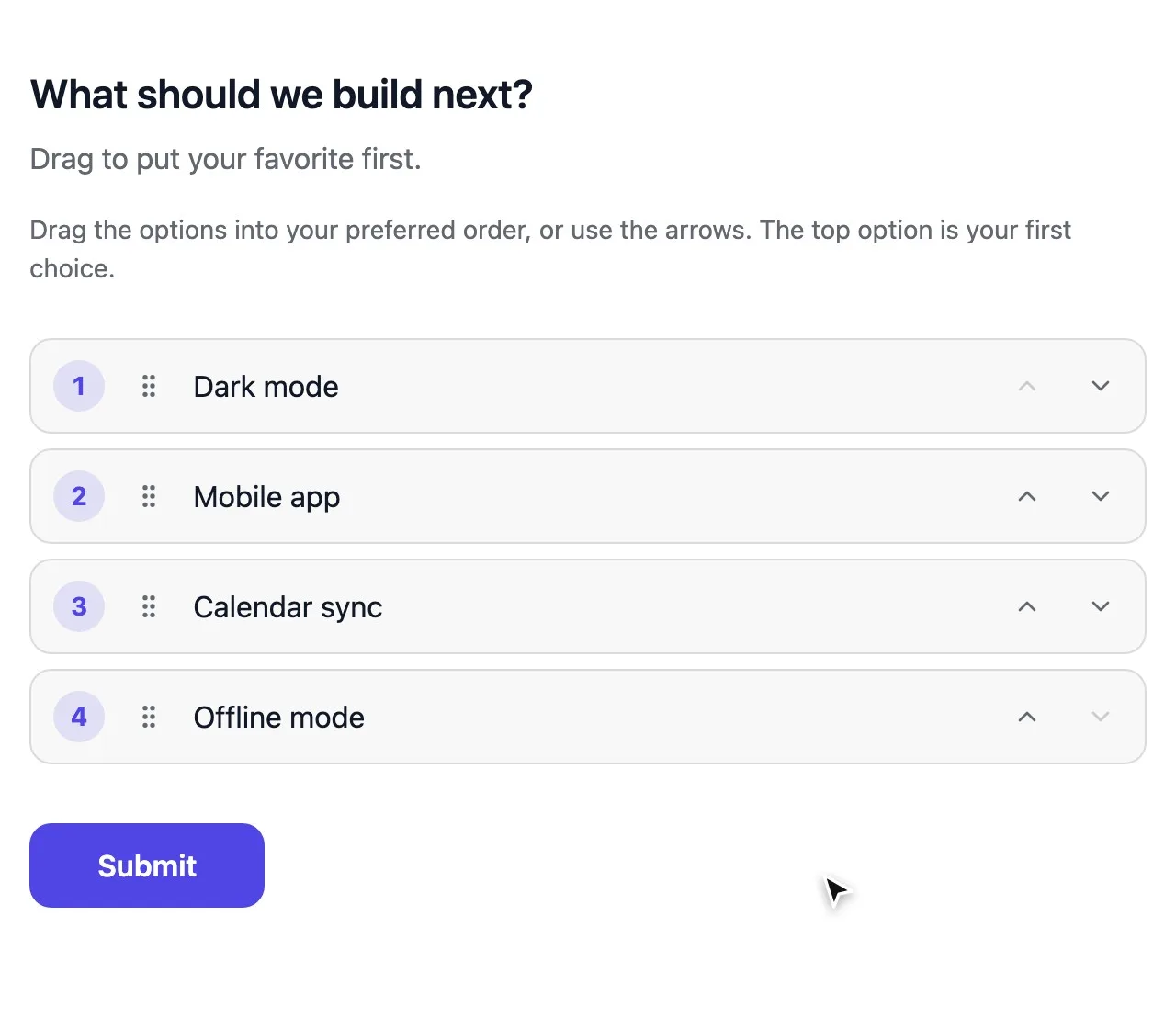
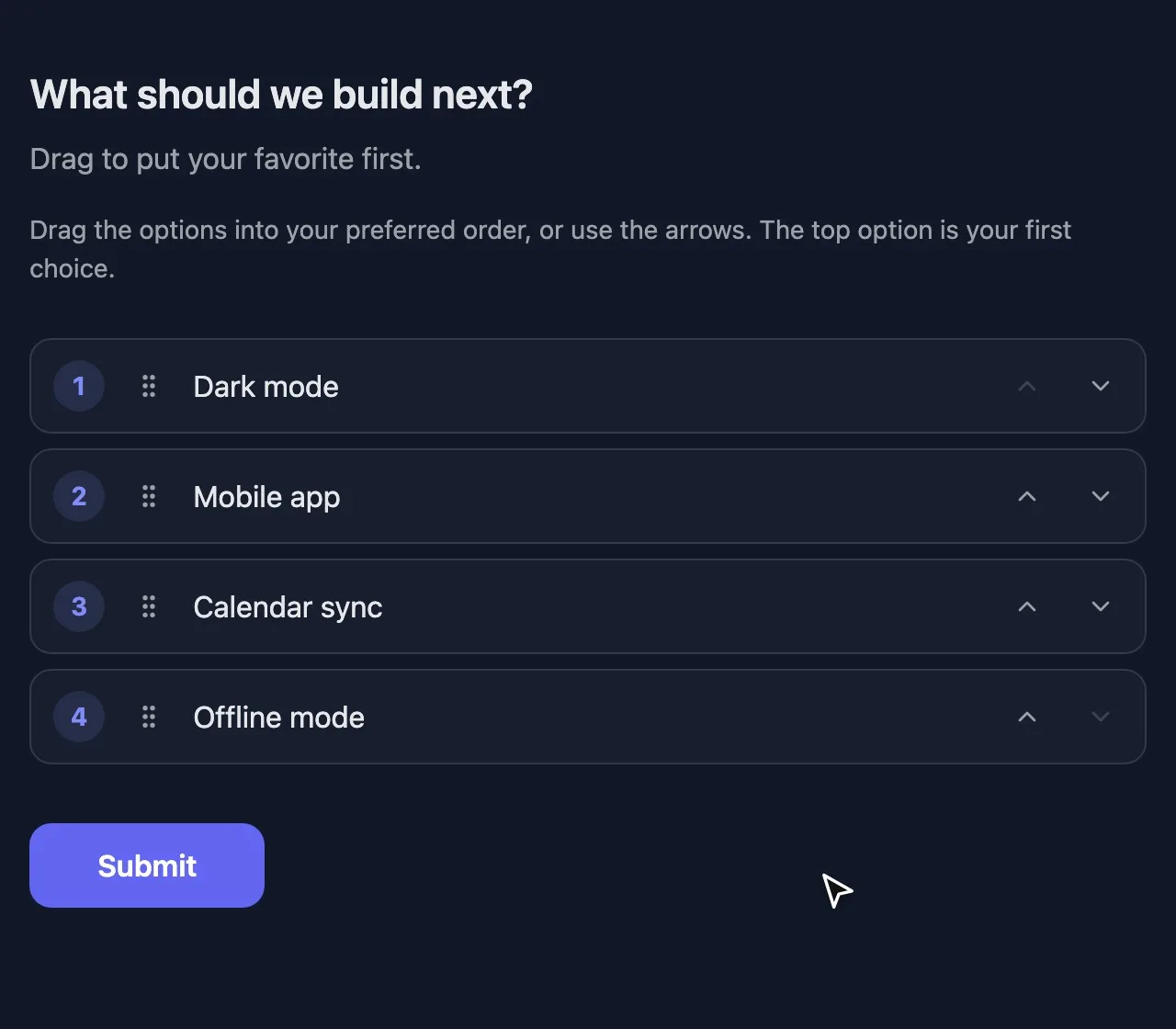
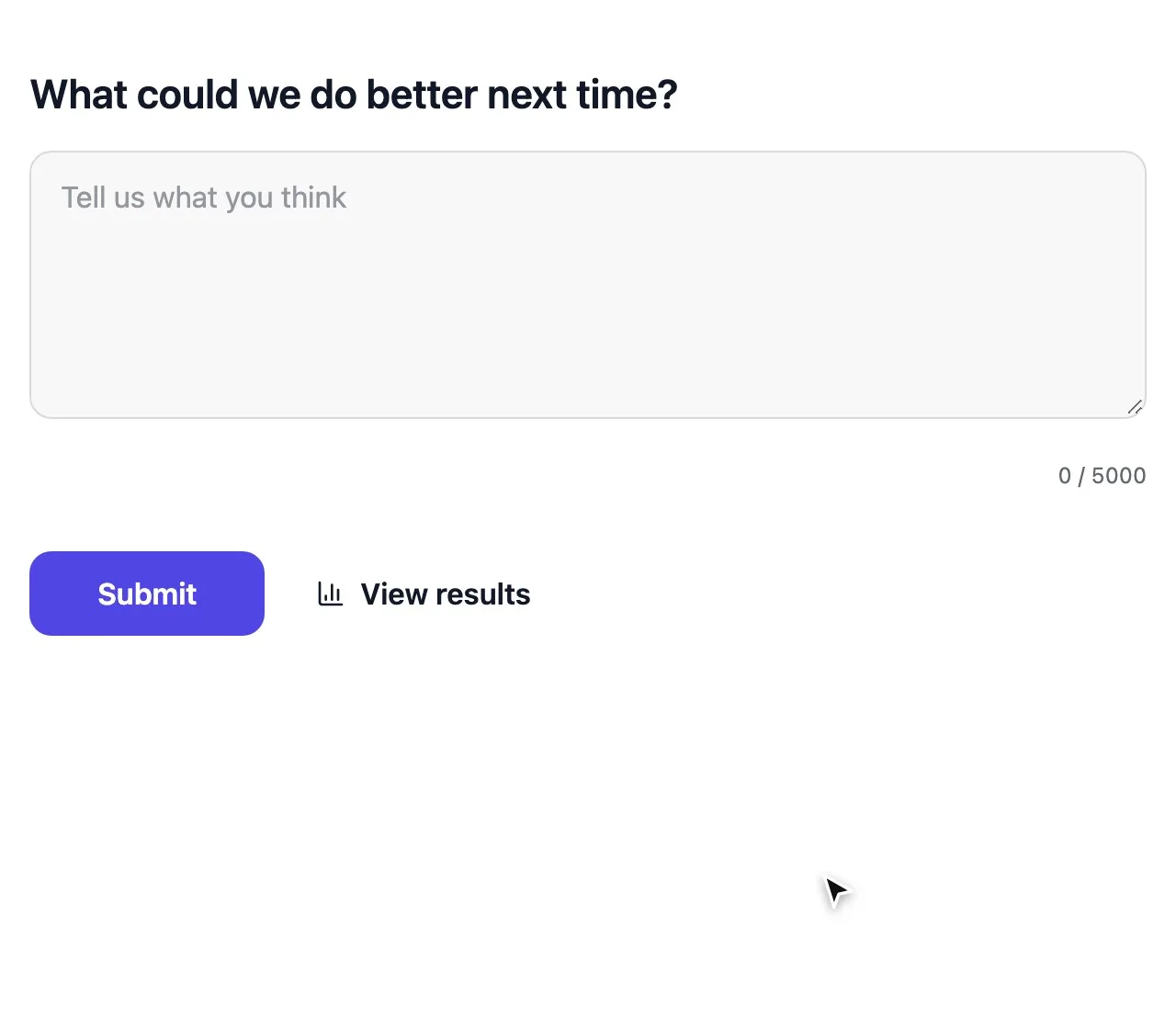
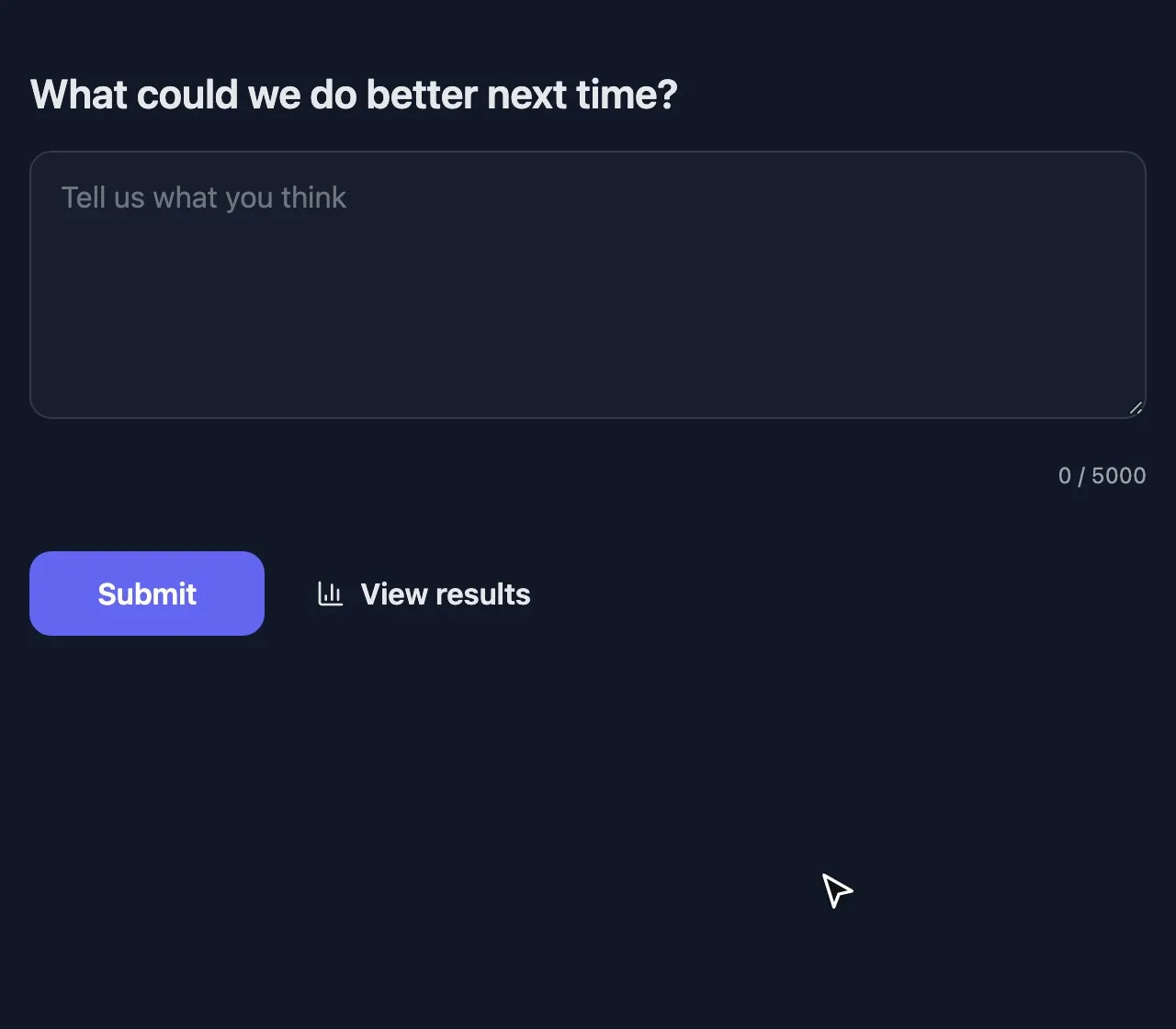
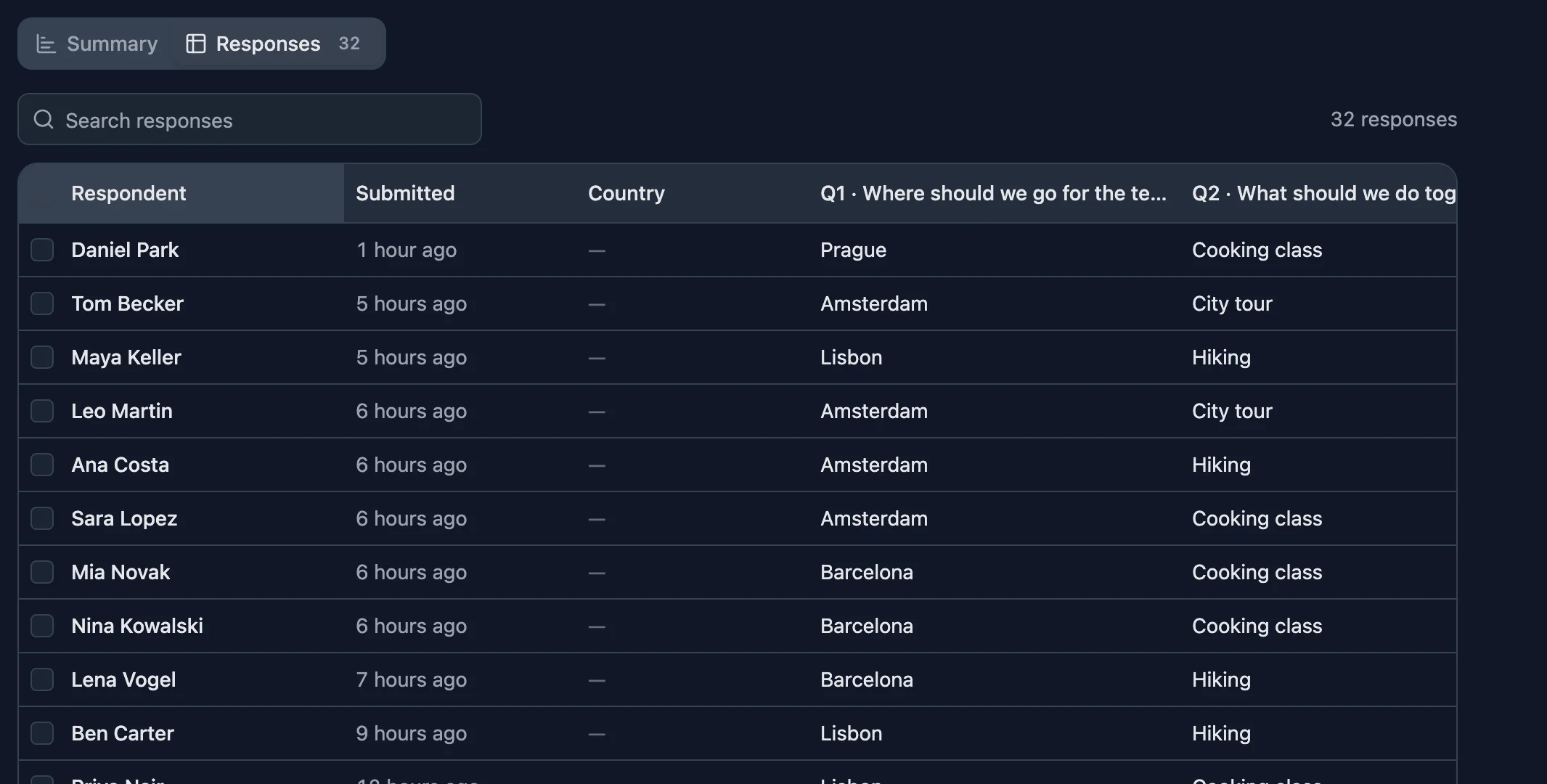
Switching a survey between two themes on the design page
  • Unlimited responses, free
  • No account to answer
  • Anonymous if you like

How to create a survey

  1. 1

    Start from a template

    Pick a feedback, NPS or team survey, or start blank. Edit every question right on the page.

  2. 2

    Share it anywhere

    Send the link, show a QR code or embed the survey on your website. It fits every screen.

  3. 3

    Read the results

    Charts build as answers arrive. Open single responses, search them, or export them all.

Survey questions that measure what you mean

Turn opinions into numbers you can compare, and leave room for people to say why.

See all survey question types

Build it the way people will see it

  • Pages and screens Split long surveys into pages, and add a welcome screen, text blocks and a thank-you page.
  • Only the questions that apply Show a follow-up only when an earlier answer calls for it, like “What went wrong?” after a low rating.
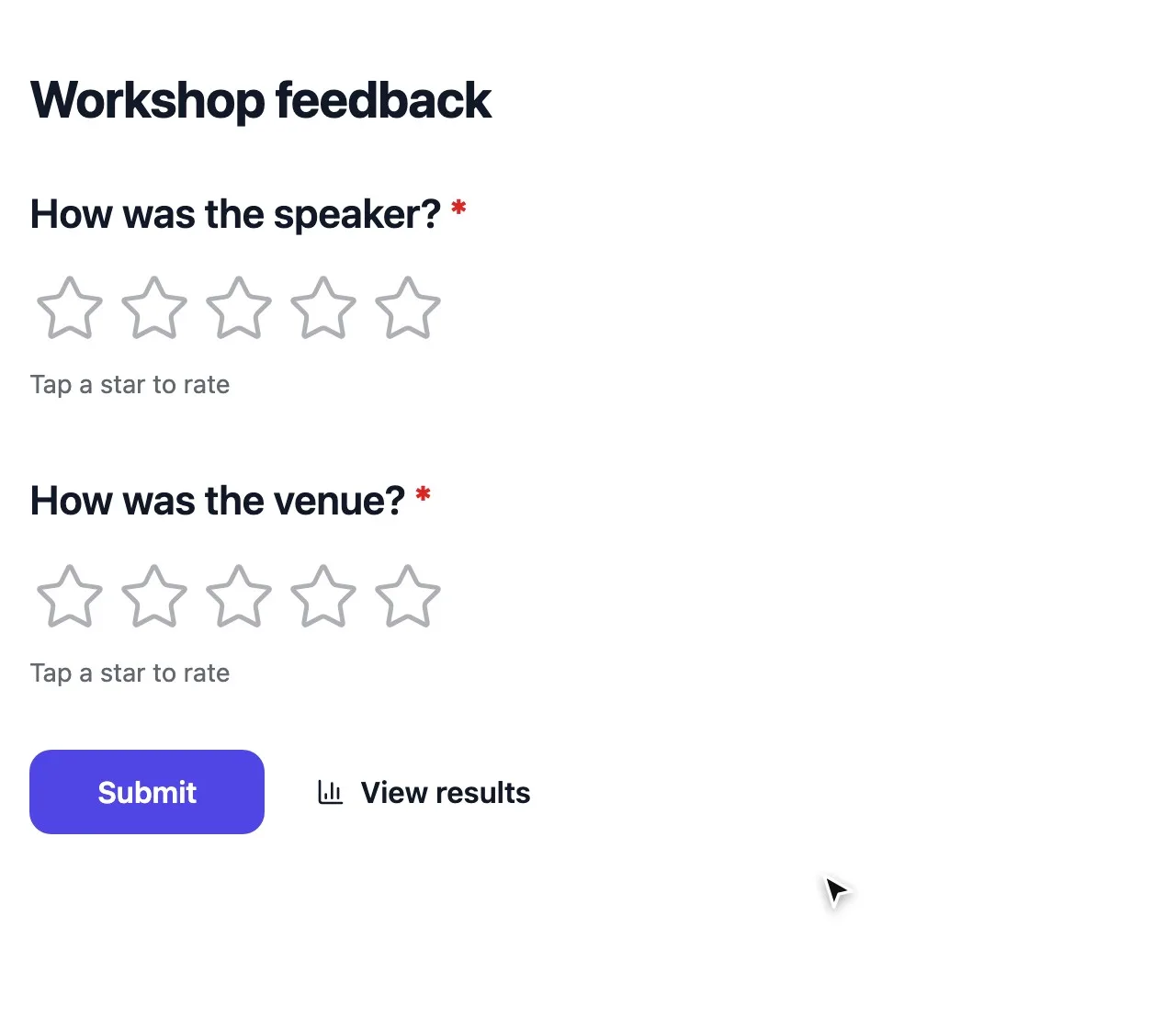
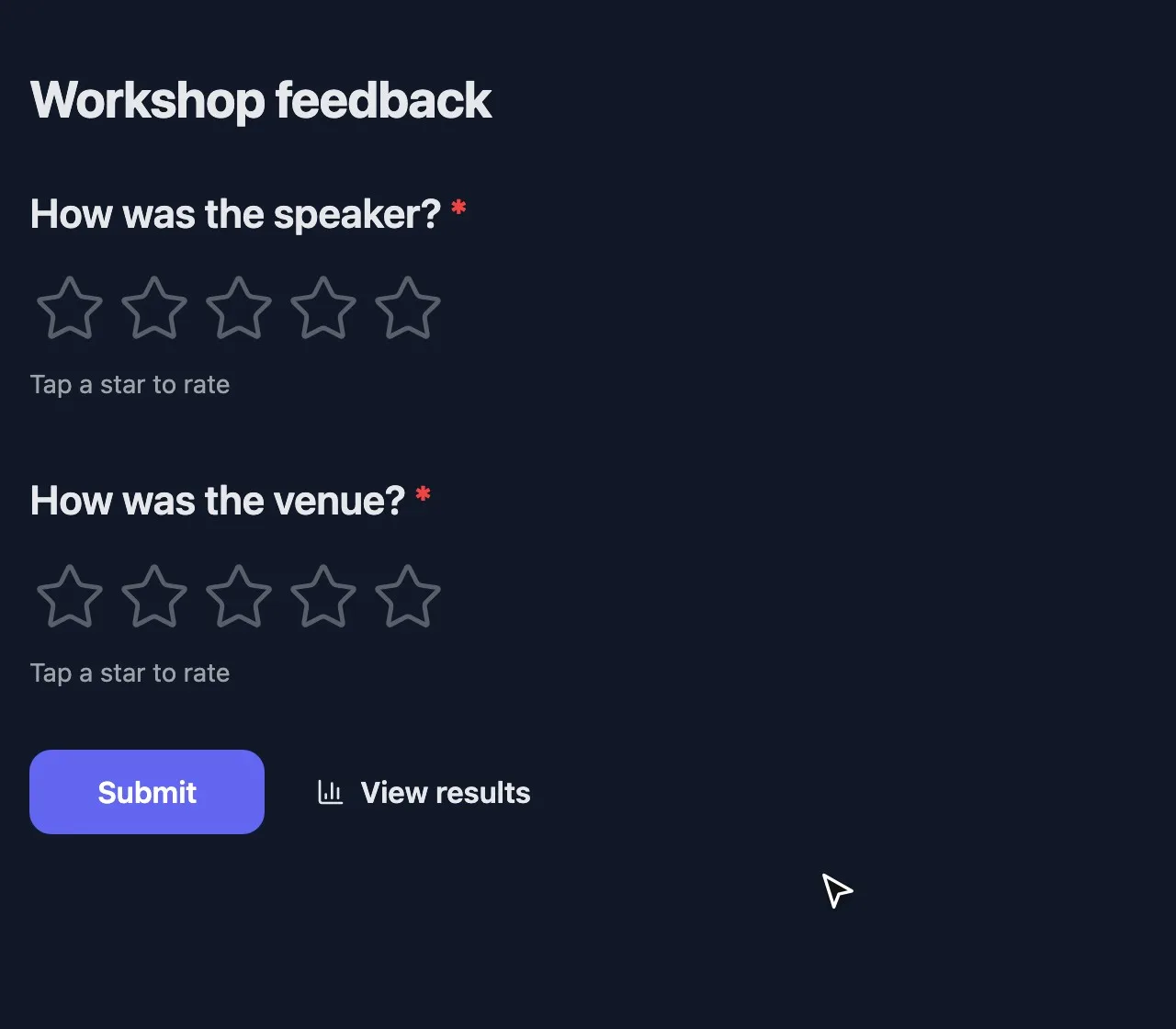
  • Your look Pick colors for the background, text and buttons, and reuse the theme for every survey.
  • Anonymous answers Don’t ask for names, and still keep it to one response per person.
strawpoll.com/forms/team-retreat/edit
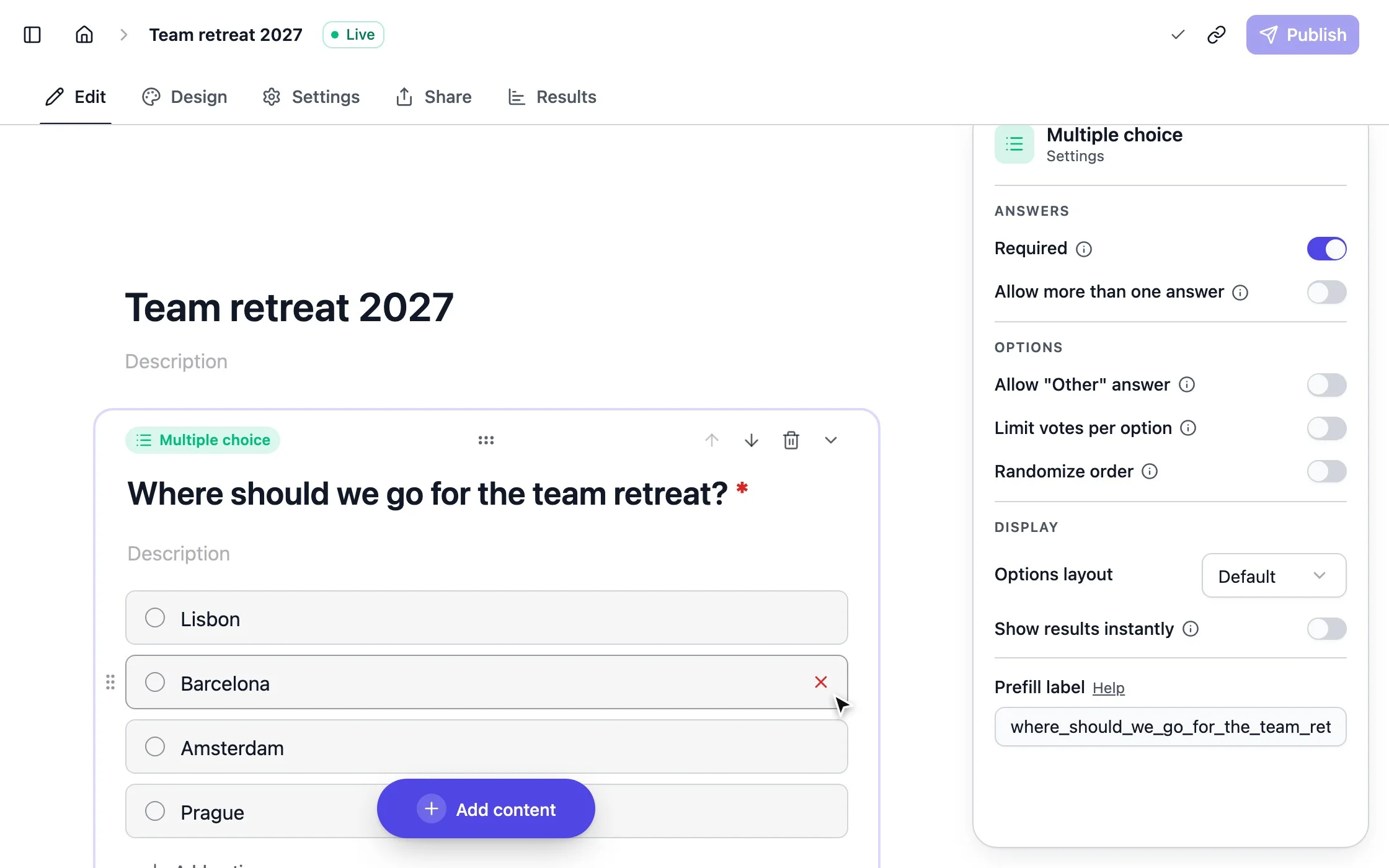
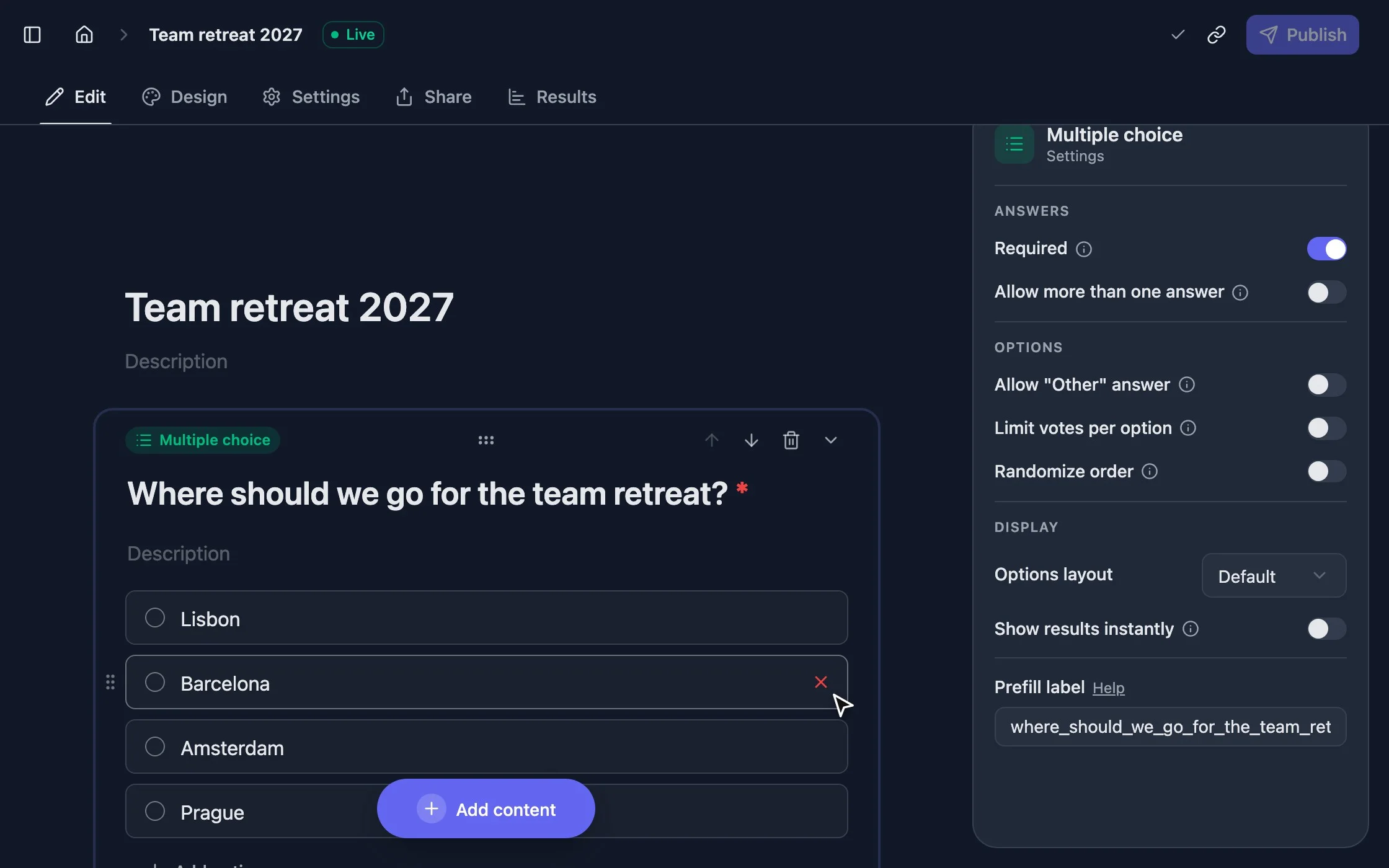
Adding a question to a survey in the StrawPoll editor
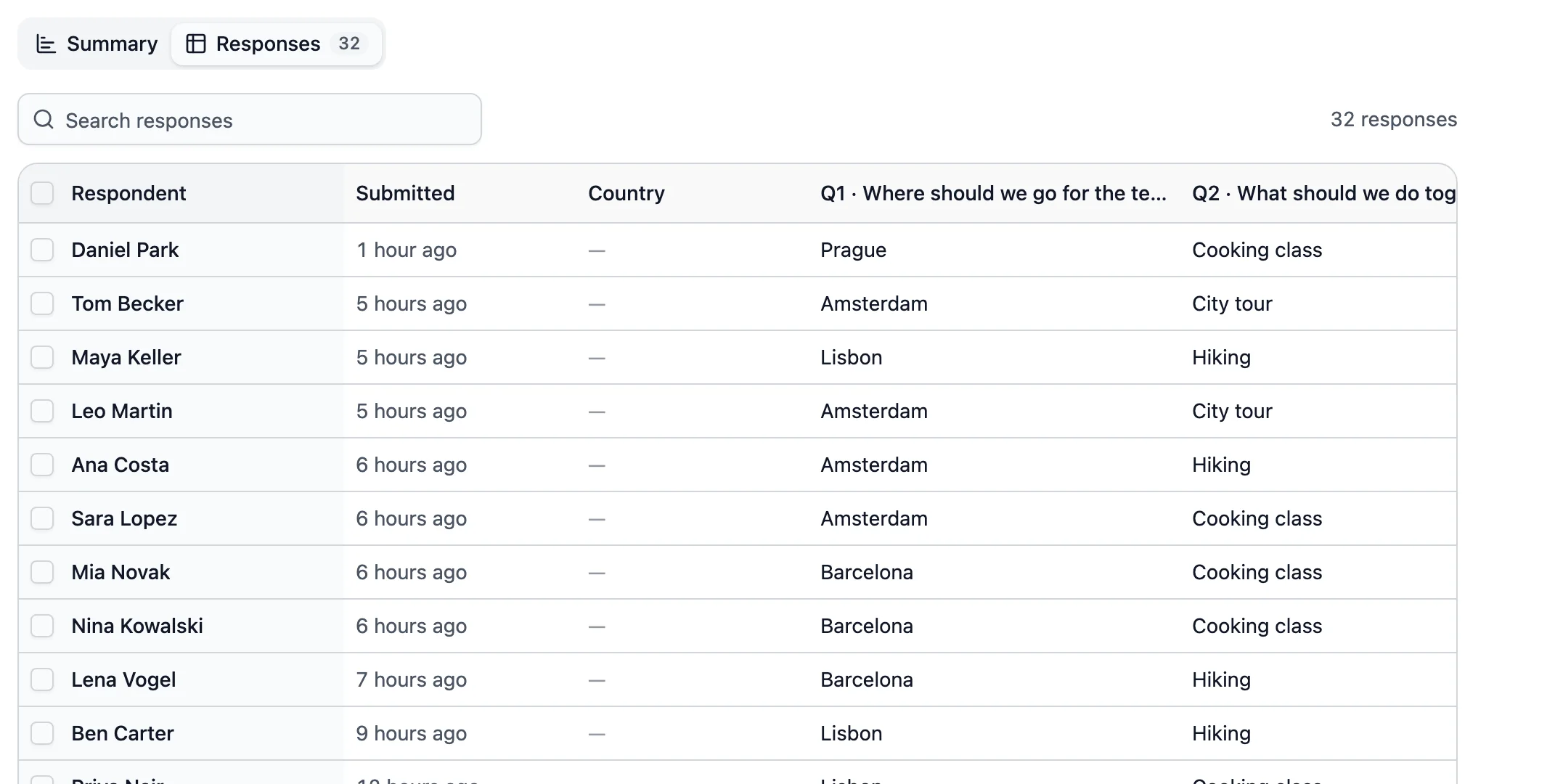
A table of survey responses with names and answers

Results you can act on

  • A chart for every question Averages for ratings and the spread of every scale, Net Promoter Score included.
  • Every response in a table Read each answer in full, sort the table and search open answers.
  • Responses where you work Get an email for each response, or send them to Slack, Google Sheets or a webhook.

Start from a survey template

Each one opens in the editor with sensible questions, ready to change.

Good to know

How to create an online survey people finish

A survey is only useful if people finish it and the answers lead to a decision. Here is how to plan it, build it, get responses and use them.

2 min read

Start with the decision, not the questions

Before the first question, write down the one or two decisions the answers should inform. Every question that doesn’t help with them can go. Ten questions or fewer is a good target, and say how long the survey takes in the first line.

Build it

  1. 1 Start from a survey template, like Net Promoter Score or Team retrospective, or click Create a poll and add questions with Add content.
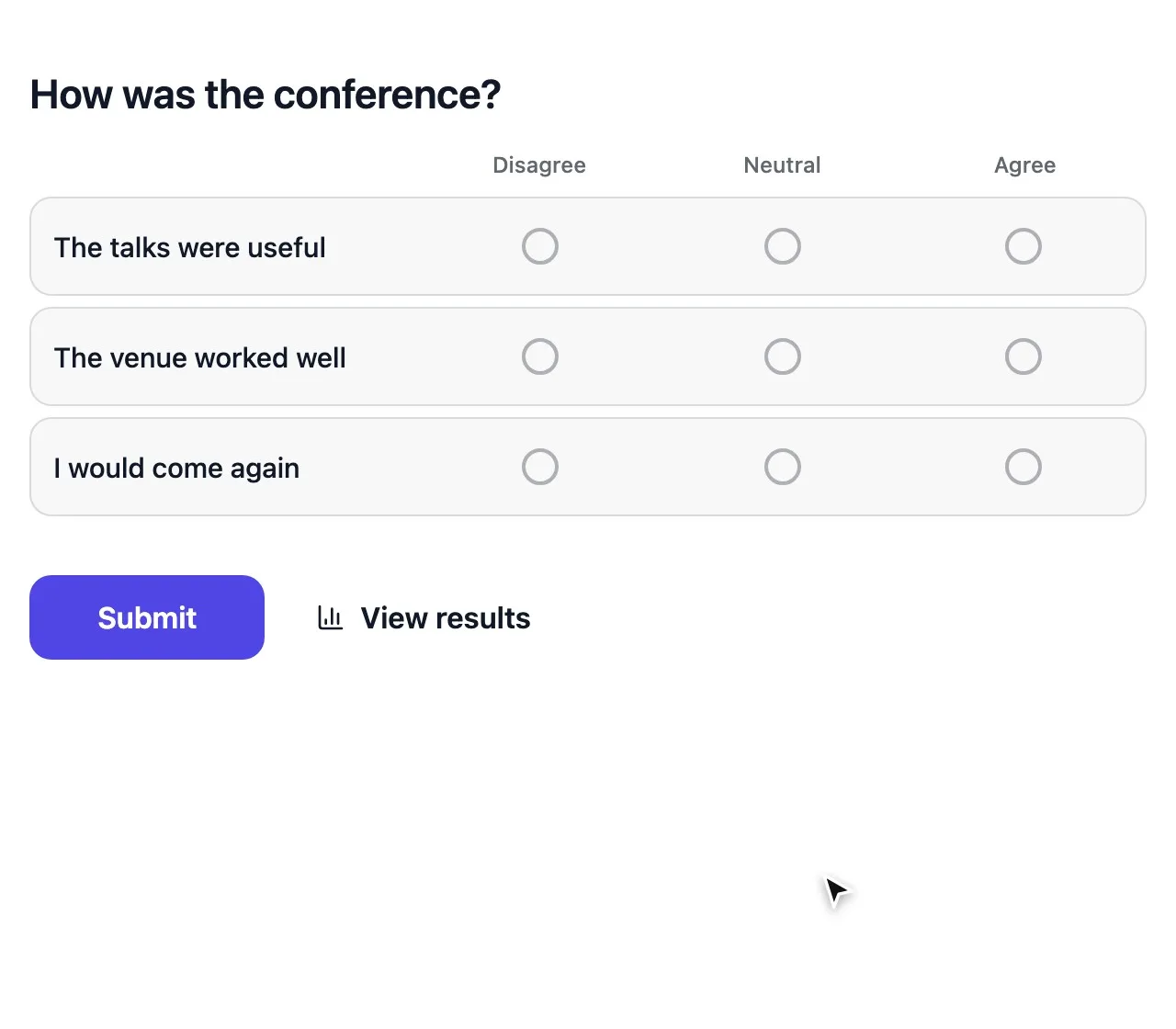
  2. 2 Use Rating or Opinion scale for how people feel, Matrix to rate several statements at once and Long text for the why.
  3. 3 Put closed questions first and open ones last. One easy question at the start gets people going.
  4. 4 Add a Page break every few questions and turn on the Progress bar.
  5. 5 Preview on a phone, then Publish.

Questions that give clean answers

  • Keep them short, neutral and about one thing. “How satisfied are you with our fast and friendly support?” already suggests the answer.
  • Ask about real experiences: “How often did you use…” beats “Would you use…”.
  • Keep the same scale throughout, so 5 always means the same.
  • Offer “Not applicable” or Allow "Other" answer where some people won’t fit your options.
  • Make only the essential questions Required.

With Show only if under Logic, a follow-up only shows to people it applies to, like “What would have made it better?” after a low rating.

Get enough responses

Send the survey where people already are: the team chat, the order confirmation, the last slide of a meeting. Embed it on your site, or send it to an invite list and remind them two days before you close. Say why you ask and what will change because of the answers.

For anonymous surveys, leave out names, keep Show respondent names on Private and use unique codes instead of email addresses to keep it to one answer per person.

From answers to action

Results update live, and you can export every response as a CSV. Connect Slack, Discord, Google Sheets, Notion or Airtable to see responses where your team works. Responses are unlimited on every plan, Free included, so you can ask everyone rather than a sample. Then close the loop: tell people what changed.

How-to

Surveys people trust with honest answers

Writing questions, measuring loyalty, asking your team and getting enough replies.

How to write good survey questions

Good survey questions are short, neutral and ask about one thing. “How satisfied are you with our support?” is easy to answer; “How satisfied are you with our fast and friendly support?” already suggests the answer.

  • Ask about real experiences, not hypotheticals: “How often did you use…” beats “Would you use…”.
  • Keep the same scale throughout, so 5 always means the same.
  • Offer “Not applicable” or Allow "Other" answer where some people won’t fit your options.
  • Make only the essential questions Required.

How to run an NPS survey

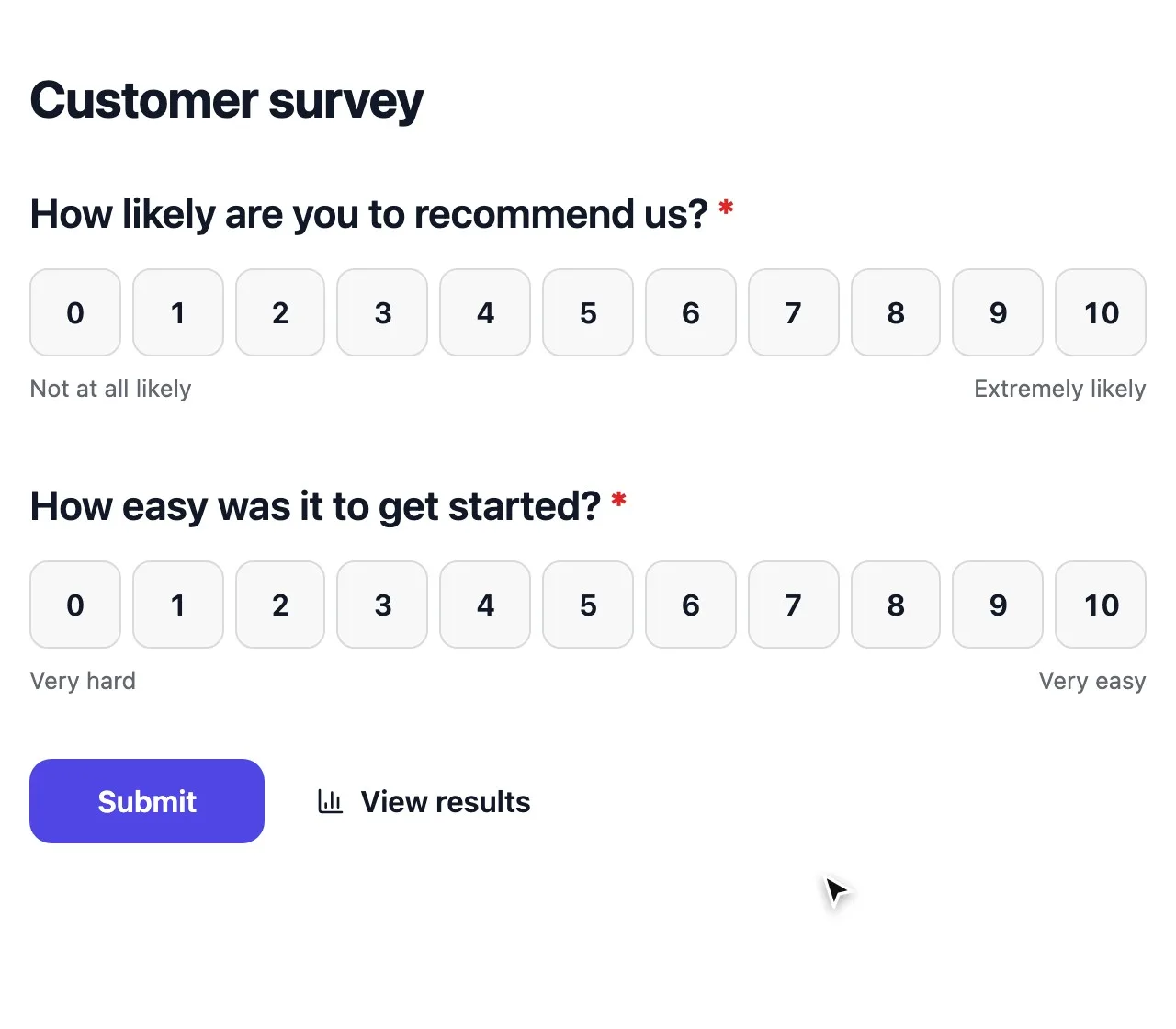
Start from the Net Promoter Score template, or add an Opinion scale set to 0–10: “How likely are you to recommend us to a friend?” People answering 9 or 10 are promoters, 0 to 6 are detractors.

Add one Long text follow-up, “What’s the main reason for your score?”, and ask it only after a low score with conditional logic. That reason is where the work starts.

How to make an anonymous employee survey

Don’t ask for names, keep Show respondent names on Private and set Access to results to Only you. To make sure everyone answers once without knowing who said what, hand out unique codes.

Avoid Email address as the duplicate check here: it ties answers to people. Tell your team which settings you chose, so they know their answers are safe.

Collect honest, anonymous team feedback

How to get more responses to your survey

Most surveys lose people at the start and on long pages. A few habits help.

  • Send it where people already are: the team chat, the order confirmation, the end of a meeting.
  • Say why you ask and what changes because of the answers.
  • Put one easy question first; it gets people started.
  • Send a reminder to invite lists two days before you close.

Survey maker questions, answered

Building a longer survey? See how to add questions, pages and screens.

Ask better questions, get honest answers

Create a survey in minutes and share it with one link.

Create a free survey