Prioritize with evidence, not the loudest opinion

Let stakeholders rank the roadmap, ask customers what to build next and find out what they think of what you shipped.

Embed it in your app, or send responses to Slack.

How it works

  1. 1

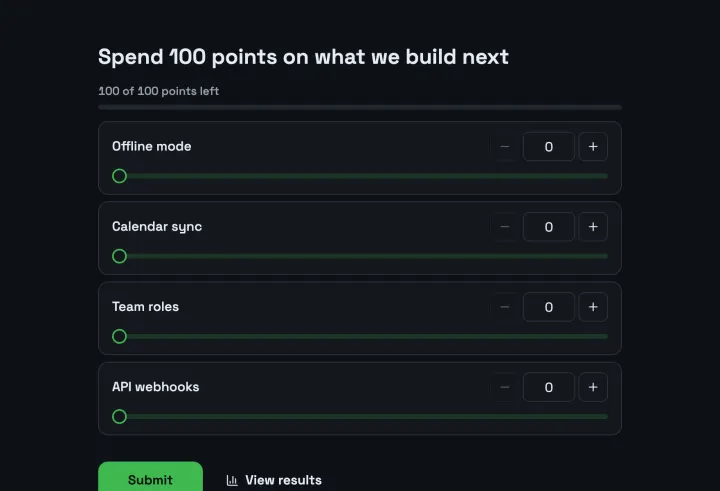
    Everyone gets 100 points

    Stakeholders and customers each get the same budget.

  2. 2

    They spend them on features

    All on one, or spread across many. Trade-offs show.

  3. 3

    Totals rank the roadmap

    You see what matters most, and by how much.

Priorities with weight behind them

Point allocation makes trade-offs visible: nobody can rate everything as important. The totals give you a ranking you can take back to the room.

  • A budget of points per person
  • Totals show what matters most
  • Rankings and pairwise as alternatives

A long list, sorted fairly

A pairwise comparison shows two ideas at a time and asks which matters more. It stays easy to answer even with dozens of ideas.

  • Two options at a time
  • A full ranking at the end
  • Easy on a phone

Feedback right after you ship

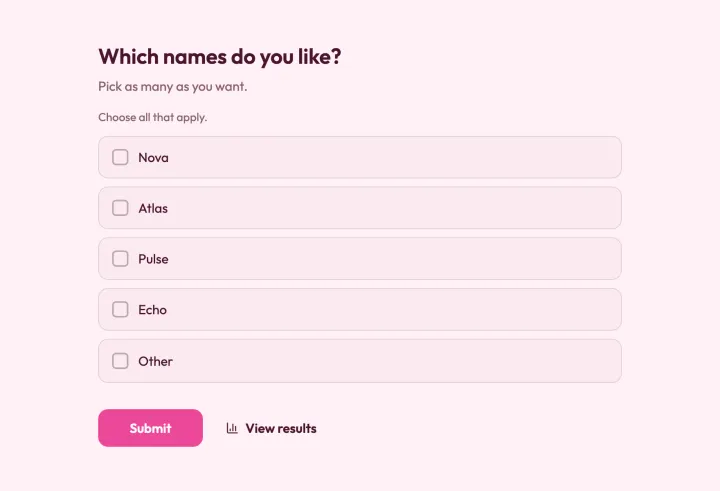
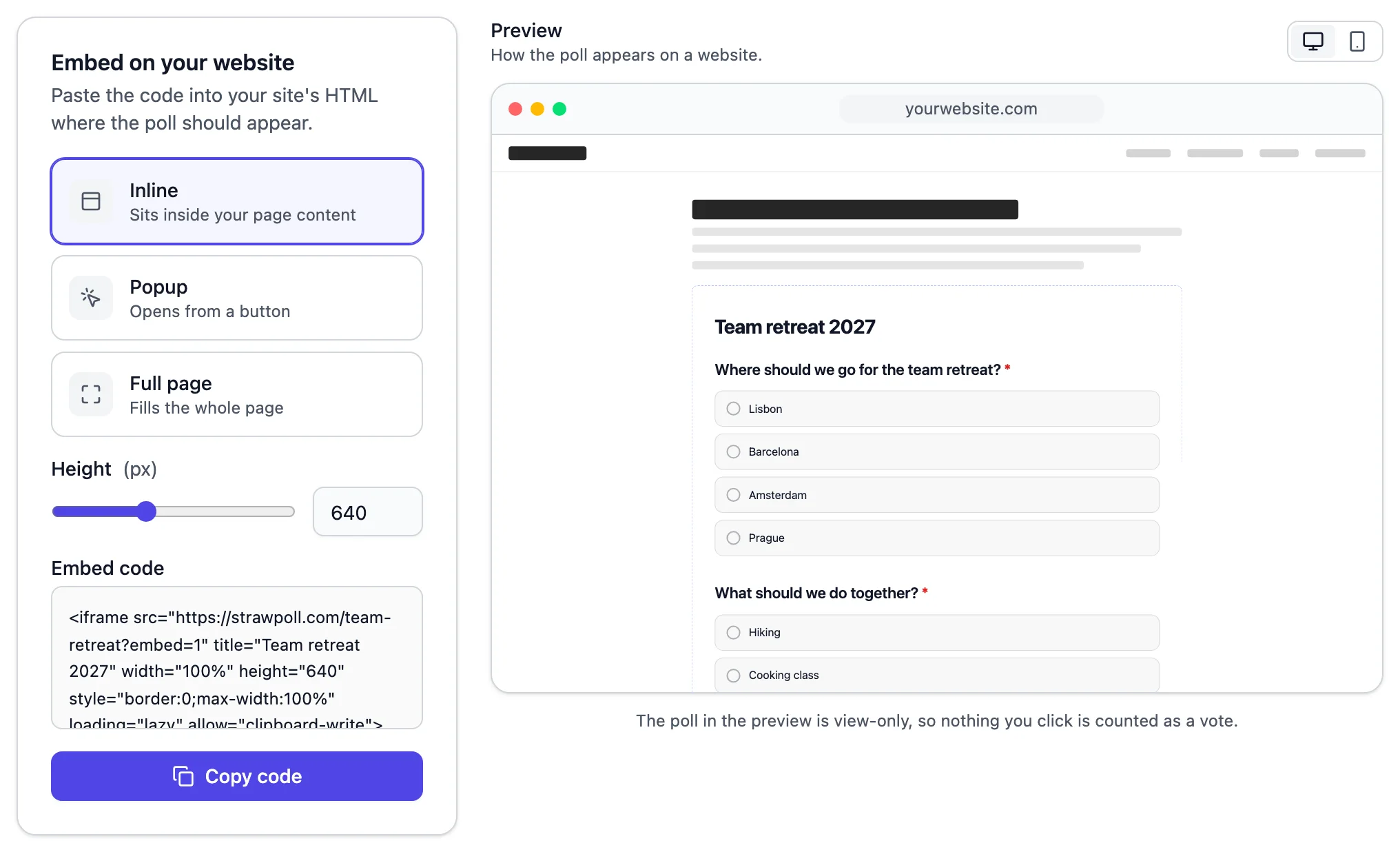
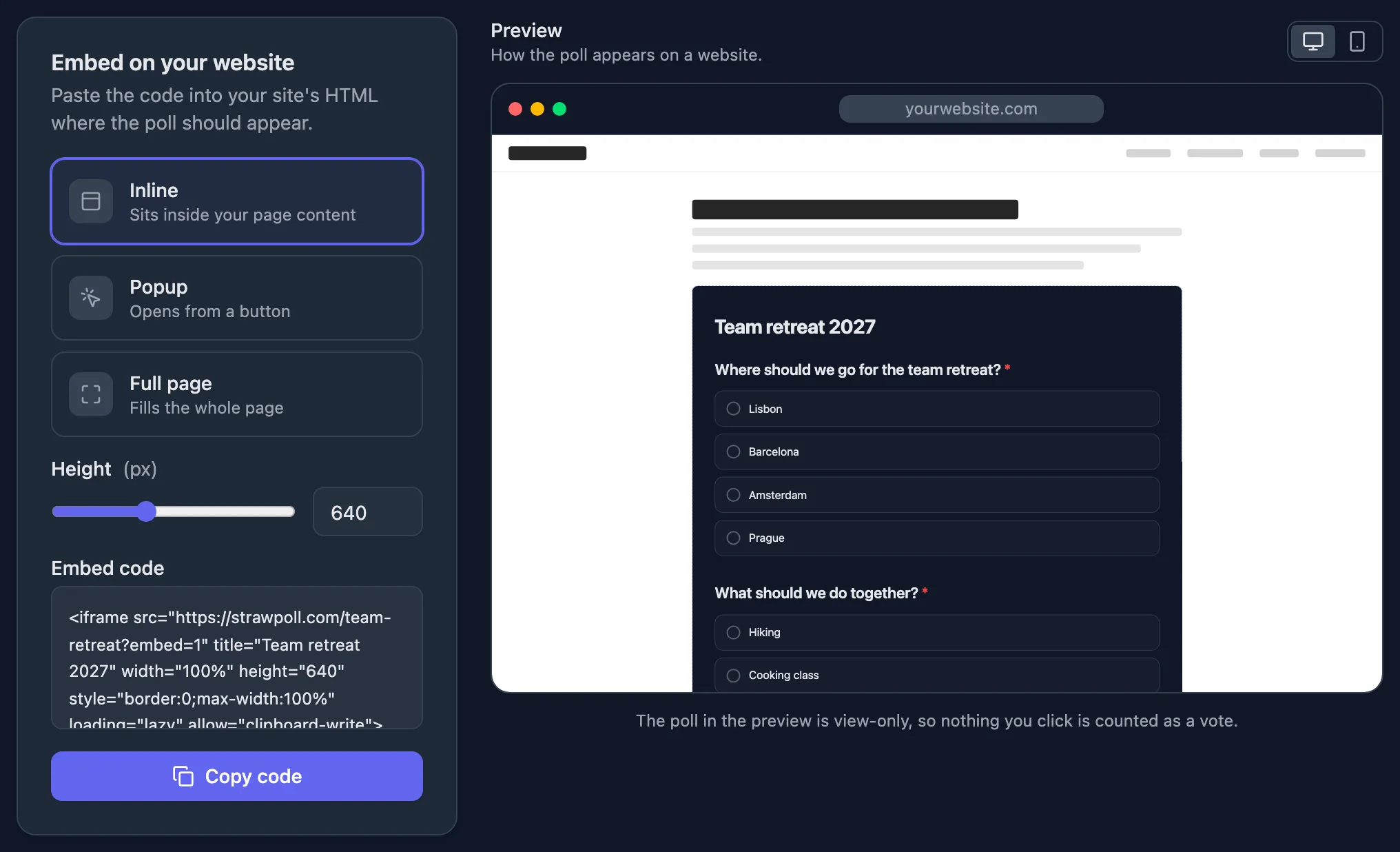
Embed the survey in your app or send the link in release notes. Responses can go straight to Slack or a webhook as they arrive.

  • Embed in your app or site
  • Responses in Slack or a webhook
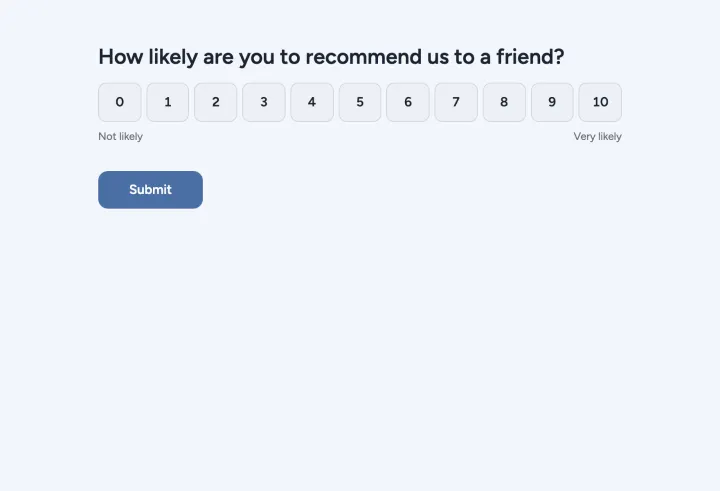
  • NPS and satisfaction templates
A survey embedded in a website

Good to know

Prioritizing with stakeholders and customers

Which voting method fits which product question, how to collect feedback right after you ship, and how to get the results into your own tools.

2 min read

Choose the method for the question

  • Point allocation for roadmap trade-offs: everyone spreads 100 points, so nobody can rate everything as top priority. The totals show the order and the distance between items.
  • Pairwise comparison for long idea lists: each question shows two ideas, so thirty items stay easy to answer.
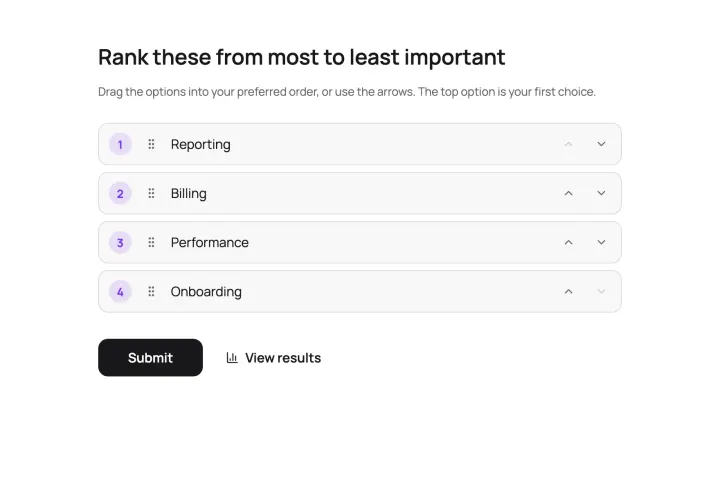
  • Ranking when you need one overall order of a short list.
  • Opinion scale and Net Promoter Score for how customers feel about what you shipped.

A roadmap vote that holds up

  1. 1 Start from the Feature budget template and describe each feature in plain words, not internal code names.
  2. 2 Keep it to about ten items, so the trade-offs stay sharp.
  3. 3 Turn on Randomize option order: the first item on a list gets points just for being first.
  4. 4 Set Access to results to Only you, or show percentages only, until you’re ready to share.
  5. 5 Add a long text question afterwards: “What’s missing?”

Send one copy to stakeholders and another to customers, or use one poll with a hidden field for the segment and compare the groups in the export.

Feedback right after you ship

The best moment to ask is right after someone uses the new thing. Embed a short survey in your app as an inline block or a popup, or put the link in your release notes.

Pass the user’s ID or plan through the link with hidden fields. Respondents don’t see them, but every response carries them, so you can match feedback to accounts.

Get results into your tools

Connect Slack to post every response to a product channel, or send them to Notion, Airtable or Google Sheets. Webhooks deliver each response as a signed payload to your own server, and the API reads results whenever you need them. A CSV export works for everything else.
Questions people ask

Product managers

Walk into planning with numbers, not opinions

Send the feature budget to your stakeholders and have the ranking before the next roadmap review.

Feature budget 2 questions · ~1 min