Three ways in
- The [REST API](/docs/api) creates and publishes polls, collects responses and reads results. Version 4 is the one for new work, with an OpenAPI spec to generate a client from.
- Webhooks push each response to your server as it arrives, as a signed payload.
- The MCP server lets Claude, ChatGPT, Cursor and other assistants create polls, close them and read results after you sign in once.
The API is part of every account, and votes and responses are never metered.
Receive every response
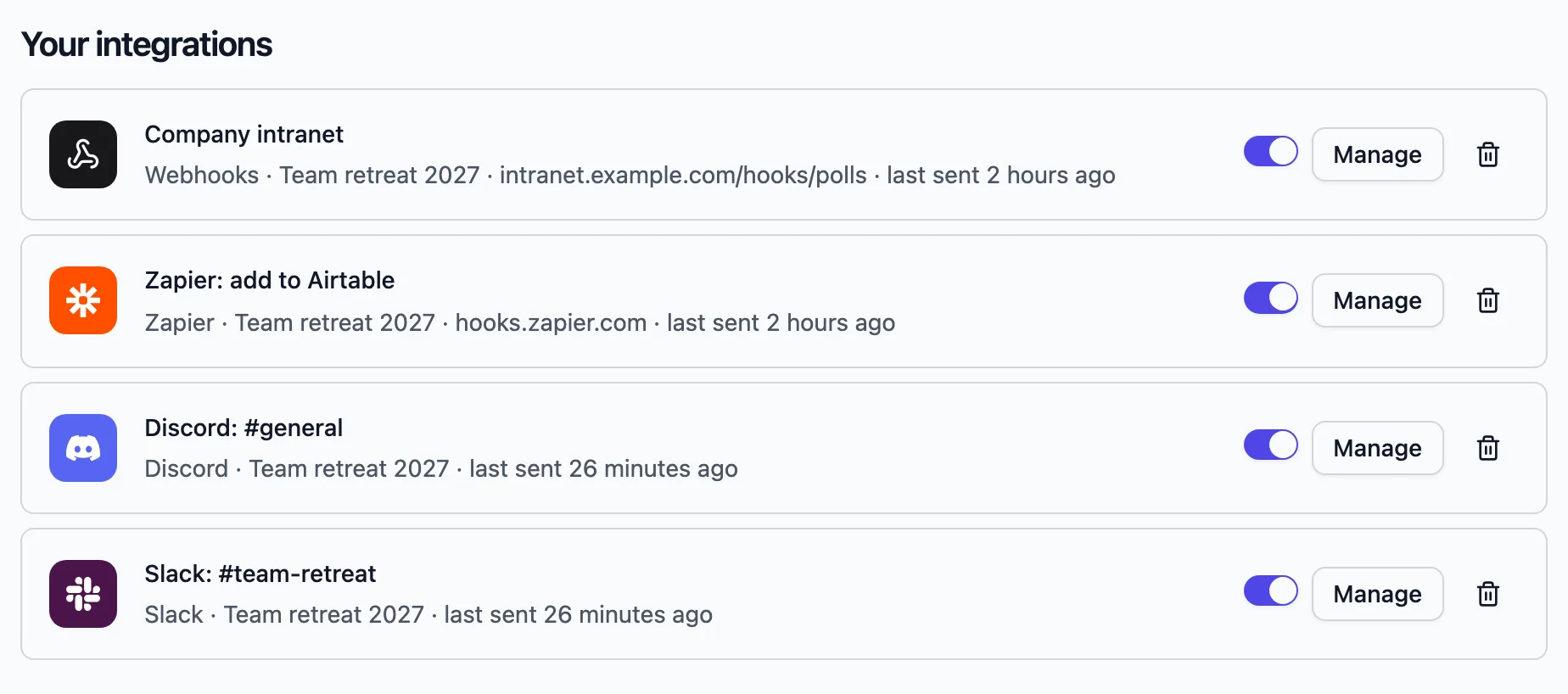
- 1 Open Integrations in your dashboard and add a webhook with your endpoint.
- 2 Choose which polls it applies to.
- 3 Click Send test and check the sample arrives.
- 4 Verify each request with the signing secret, using the example on the integration page. Create a new secret any time it might have leaked.
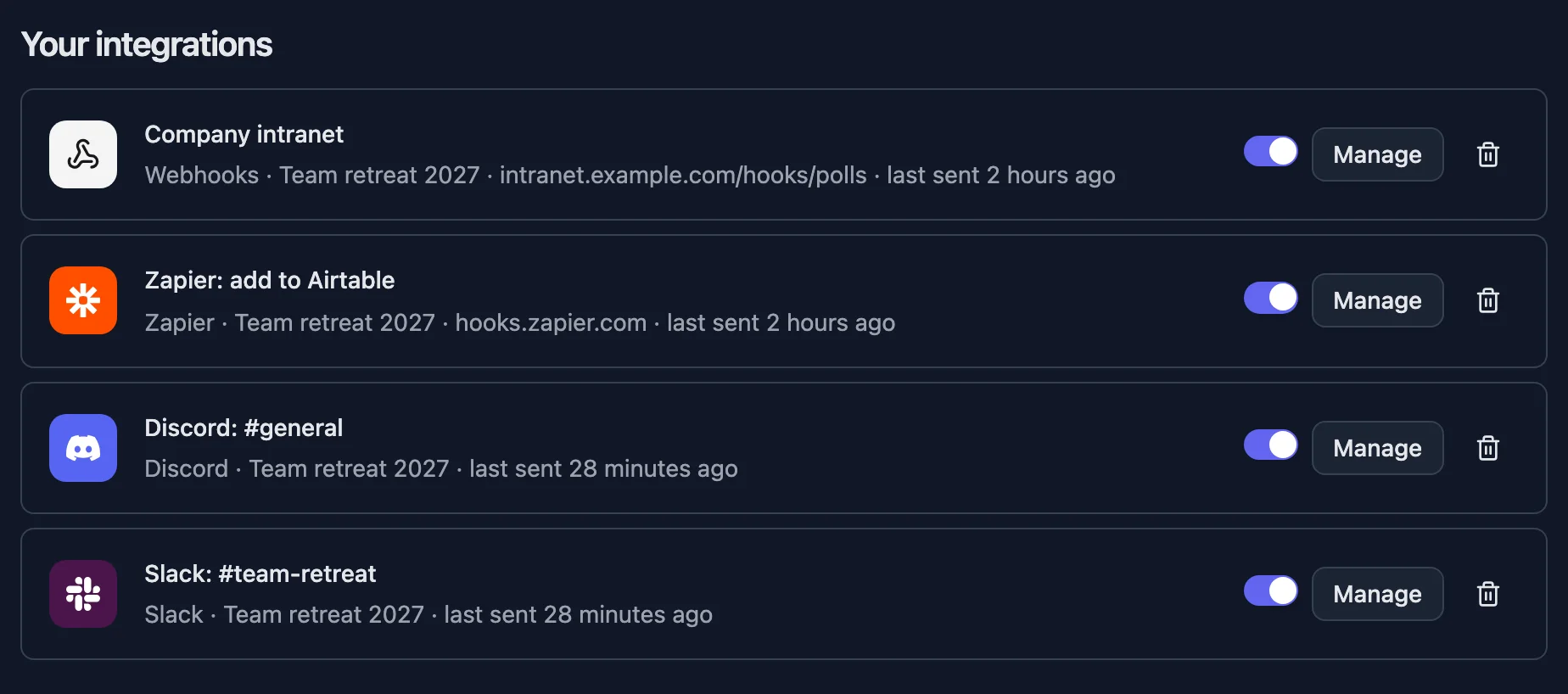
Not writing a server? Zapier, Make and n8n take the same responses into thousands of other apps, and Slack, Discord, Google Sheets, Notion and Airtable connect directly.
Carry your own data through
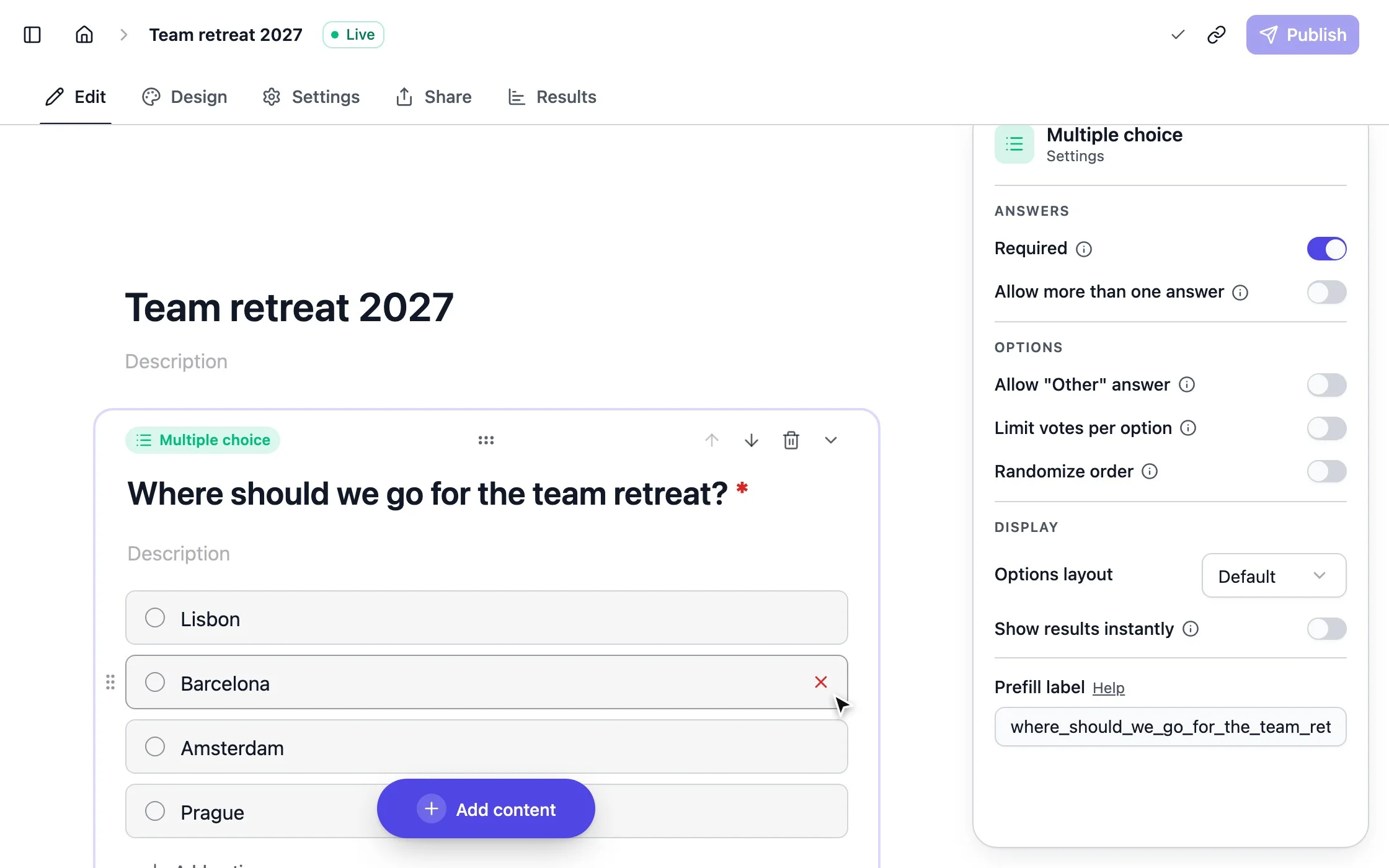
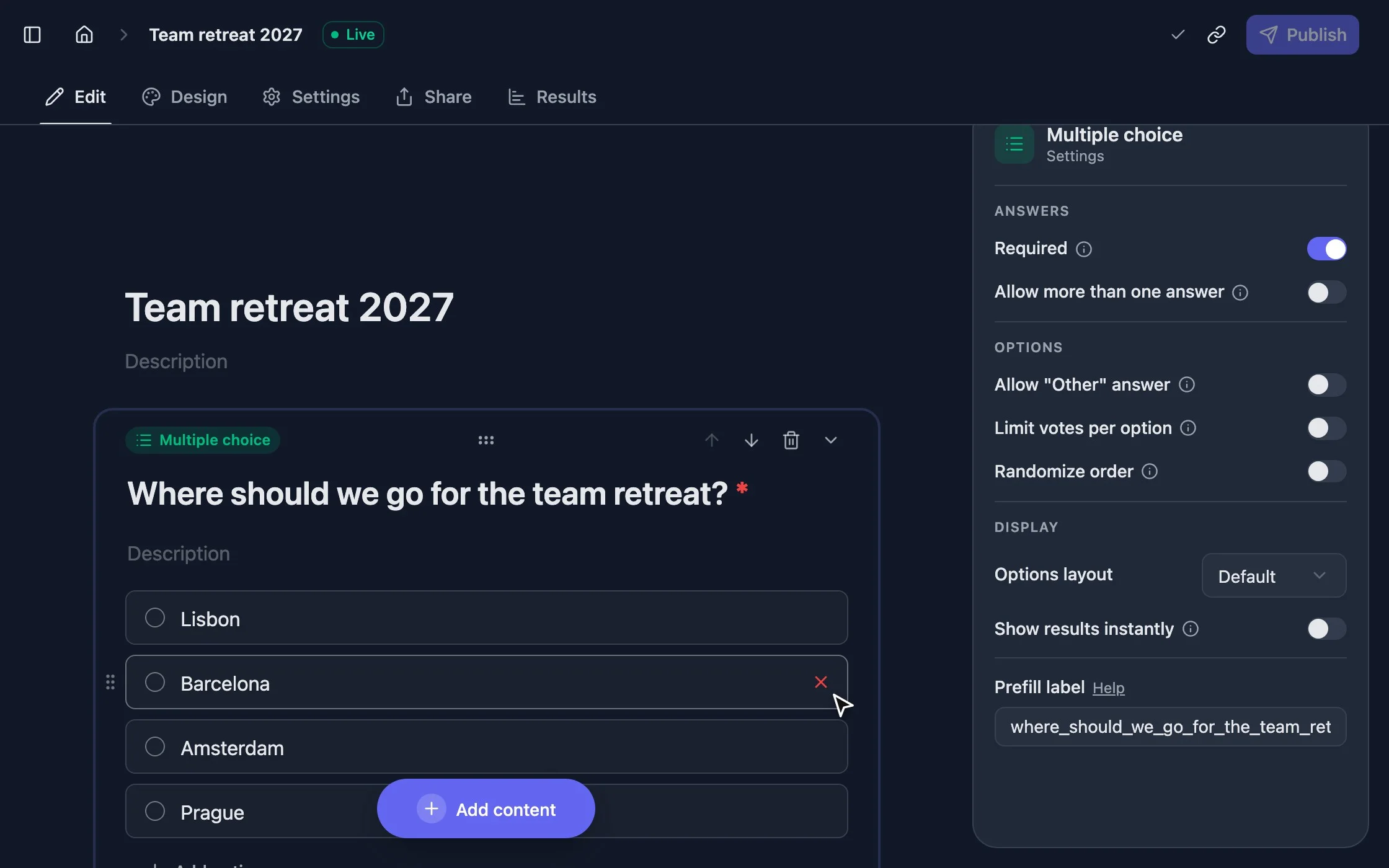
Every poll can be answered ahead through its link. Each question has a parameter, shown under Prefill label, so `?favorite_food=Pizza` preselects an option. Respondents still see prefilled answers and can change them.
Add a Hidden fields block and list parameters like `user_id, plan`. Respondents don’t see them, and their values arrive with every response, in the webhook, the API and the CSV export.
Put polls in your product
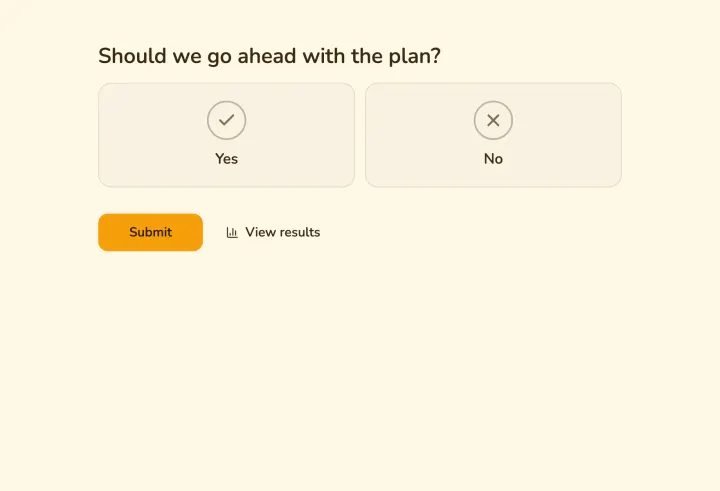
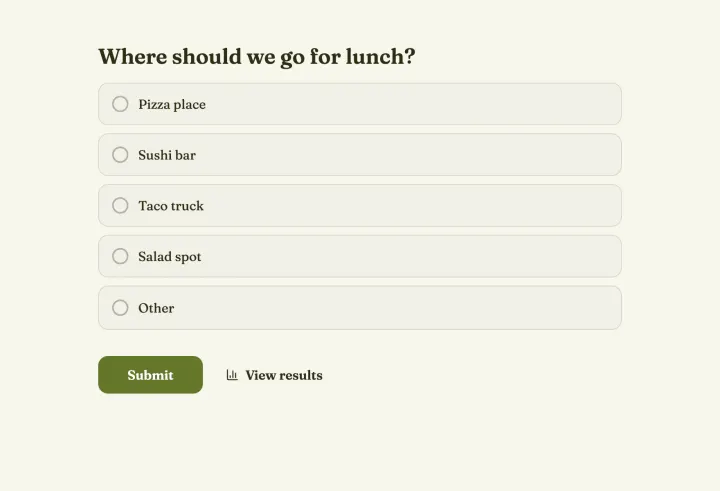
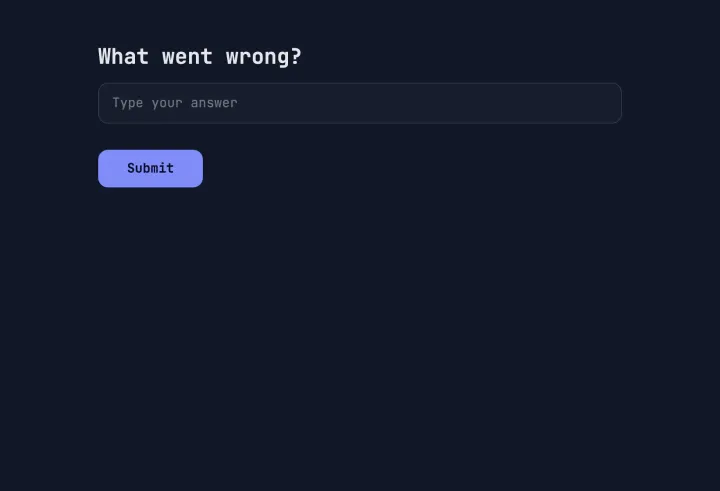
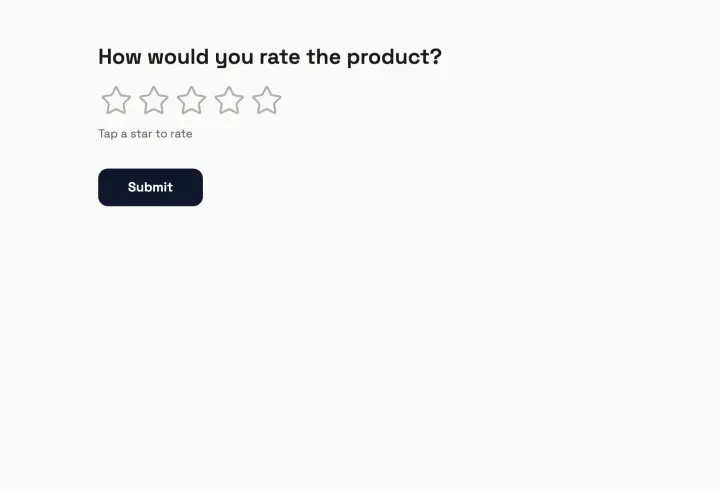
Embed a poll with one snippet, inline, as a popup or as a full page. It uses the same settings as the link, and edits you publish show up without replacing the code.
Assistants and prefilled editor links
With the MCP server, ask your assistant to “make a poll for Friday’s team lunch and close it at noon”, and it does. Assistants without tools can hand you a prefilled editor link instead: you open it, check the poll and publish.