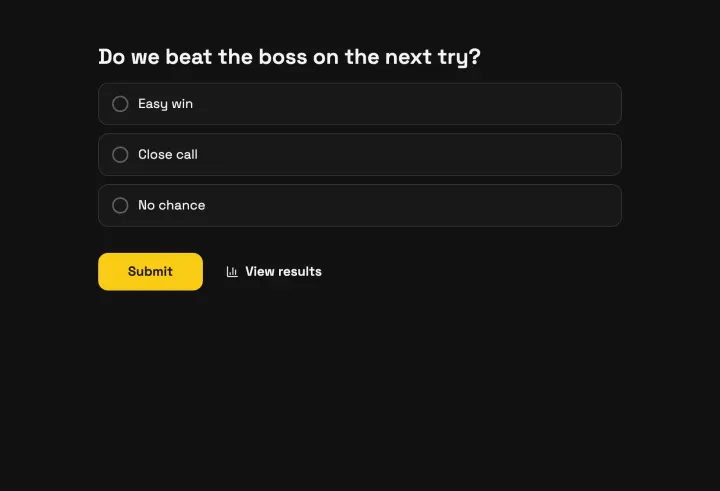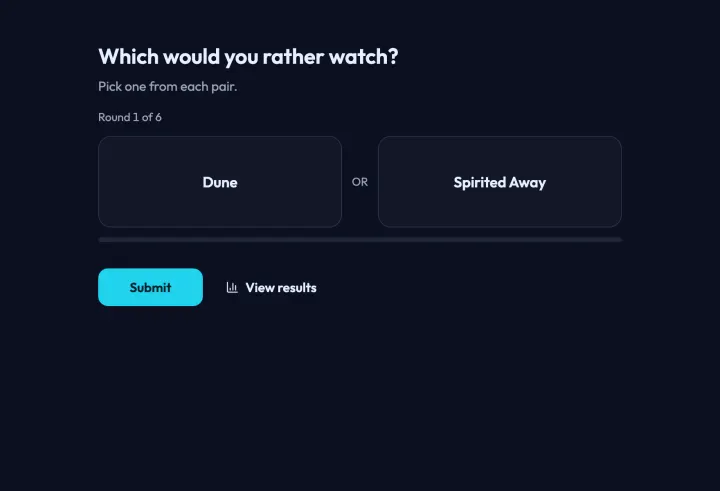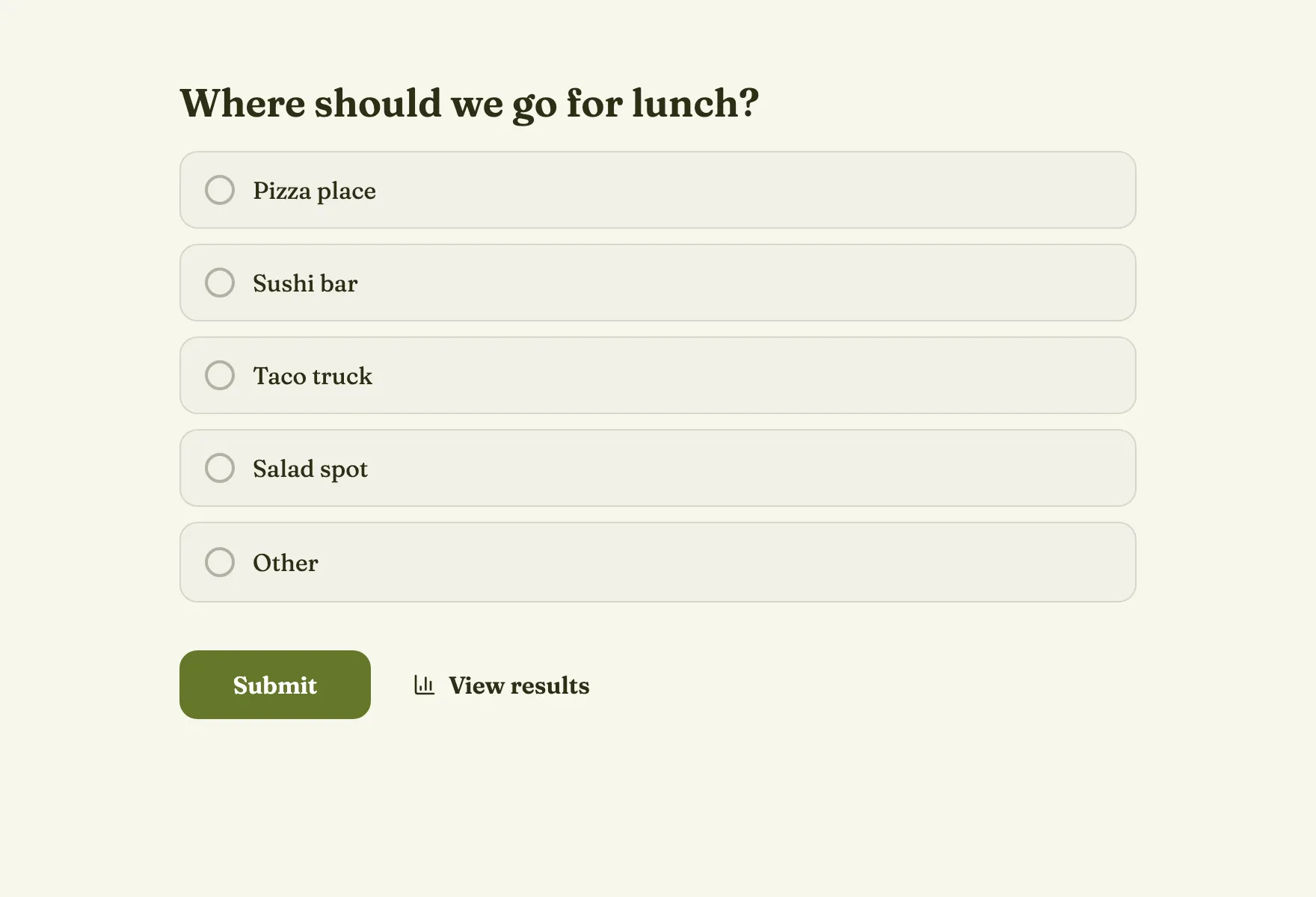
Write a question people can answer at a glance
- Ask one thing. “Where should we eat on Friday?” not “Where and when should we eat?”
- Be specific about time and place. “Which movie on Saturday night?” beats “Which movie?”
- Keep it short enough to read in a chat preview.
Options that make the result clear
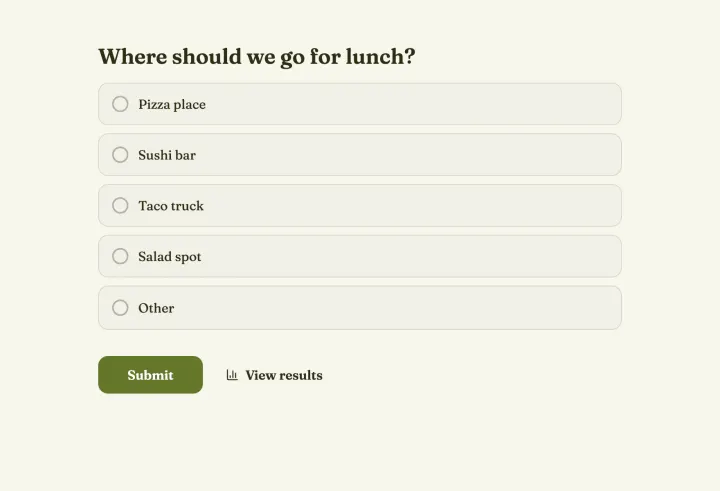
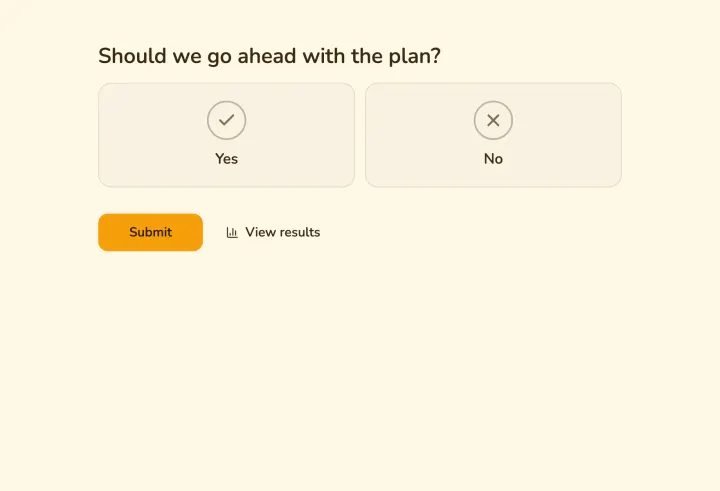
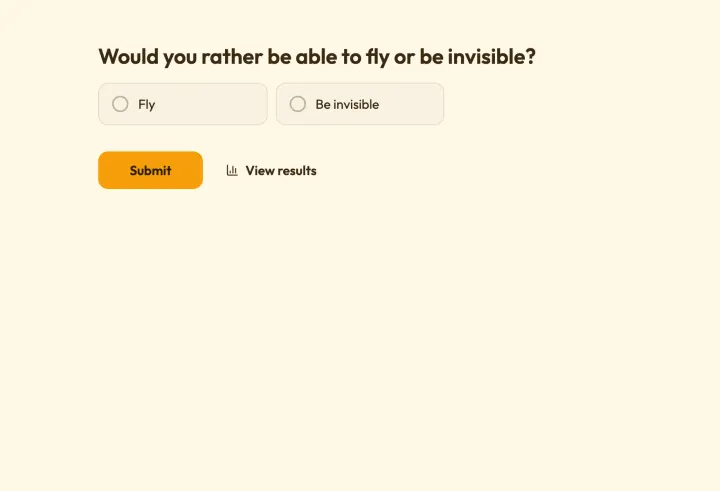
Two to six options work best. Make them distinct: if two options mean nearly the same thing, they split the vote. Turn on the “Other” option so people can add what you forgot instead of skipping the poll.
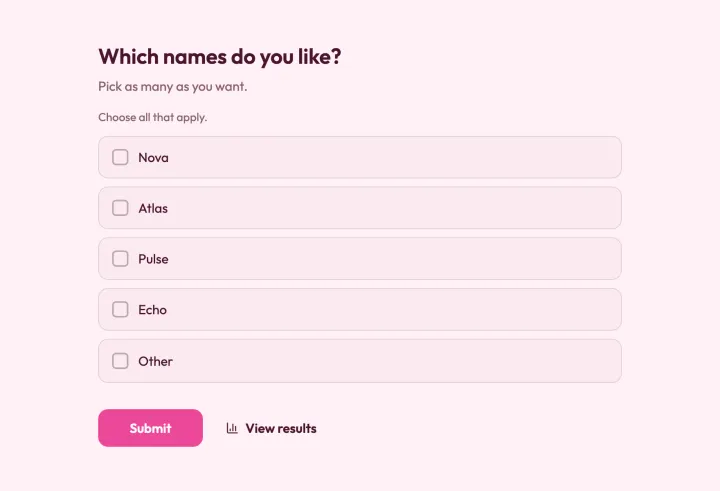
When people would be happy with several options, turn on Allow more than one answer. The option with the most votes is then the one most people can live with, which is often what a group actually needs.
Three settings worth a look
- Duplicate check: new polls limit by IP address, which is right for public polls. For friends or colleagues on the same Wi-Fi, switch to Browser session, or only the first person can vote.
- Access to results: show them right away for fun polls, after voting so people answer before seeing the trend, or after the poll closes when people might follow the majority.
- Open & close dates: set a close date when you need the answer by a certain time.
Share it where people are
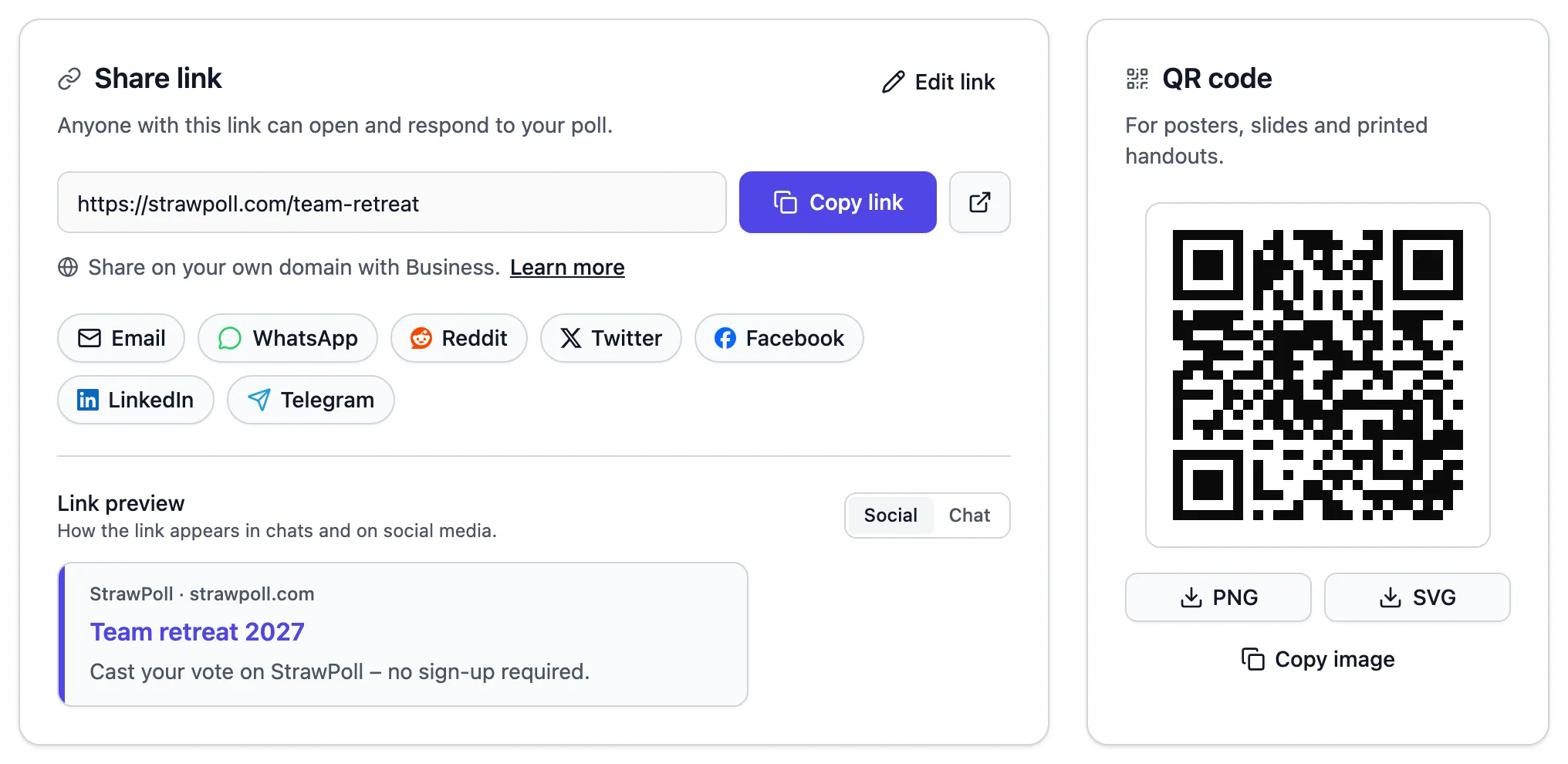
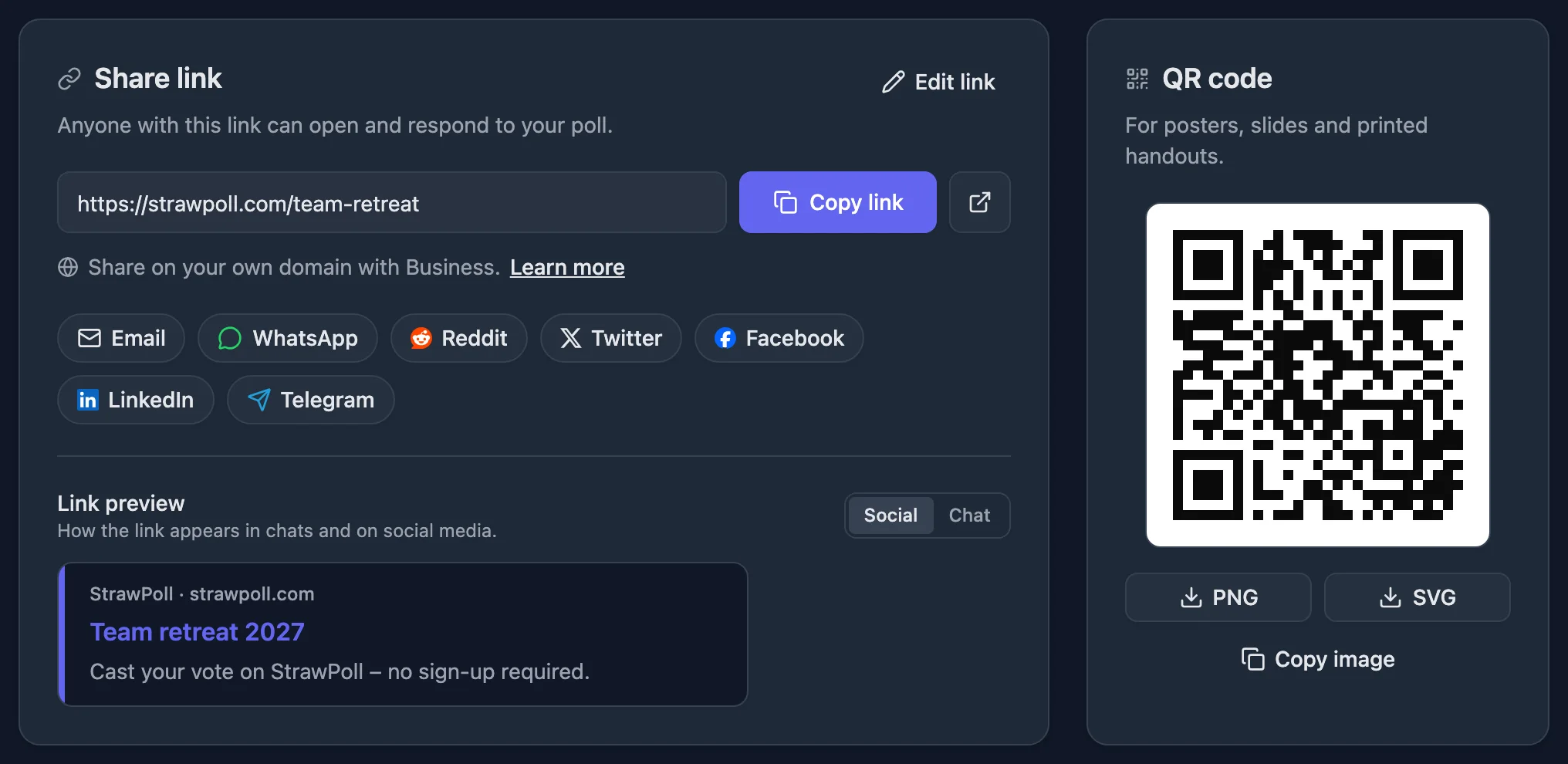
Copy the link from Share and paste it into any chat; it opens in the browser on any phone, with a preview of the question. Tap the WhatsApp or Telegram button, show a QR code on a slide, or embed it on your website.
You don’t need an account to create a poll. A free account keeps your polls across devices, so you don’t lose them when you clear your browser.
Edit after sharing
Spotted a typo? Edits to a live poll are saved as a draft. Click Publish, and voters see the new version when they reload. If you change the options after votes are in, consider resetting so the result stays fair.