One question, a clear yes or no

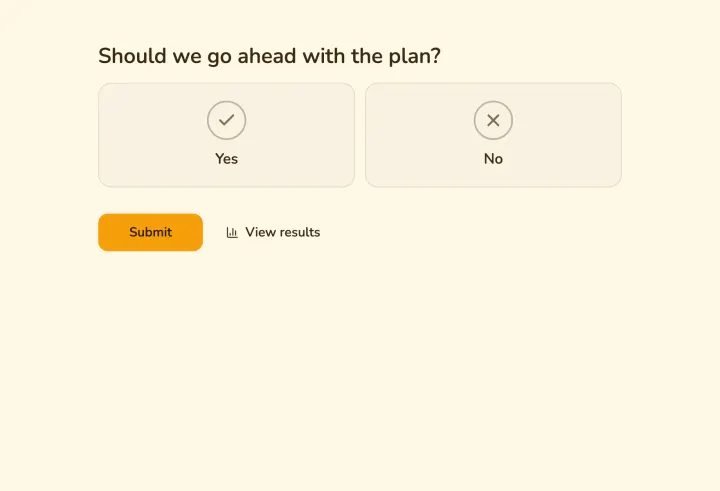
Ask one question and get a yes or a no. Use your own labels, share the link and see the majority as the votes come in.

The fastest poll there is: one question, one tap.

How it works

  1. 1

    Ask one question

    With yes and no, or your own two labels.

  2. 2

    Everyone taps once

    No account, on any phone.

  3. 3

    The majority shows live

    Right after voting, or when you close it.

The fastest poll there is

Type the question, share the link and you’re done. People answer in one tap, without an account, and see the result right after.

  • Answers in one tap
  • Results update live
  • Share by link or QR code
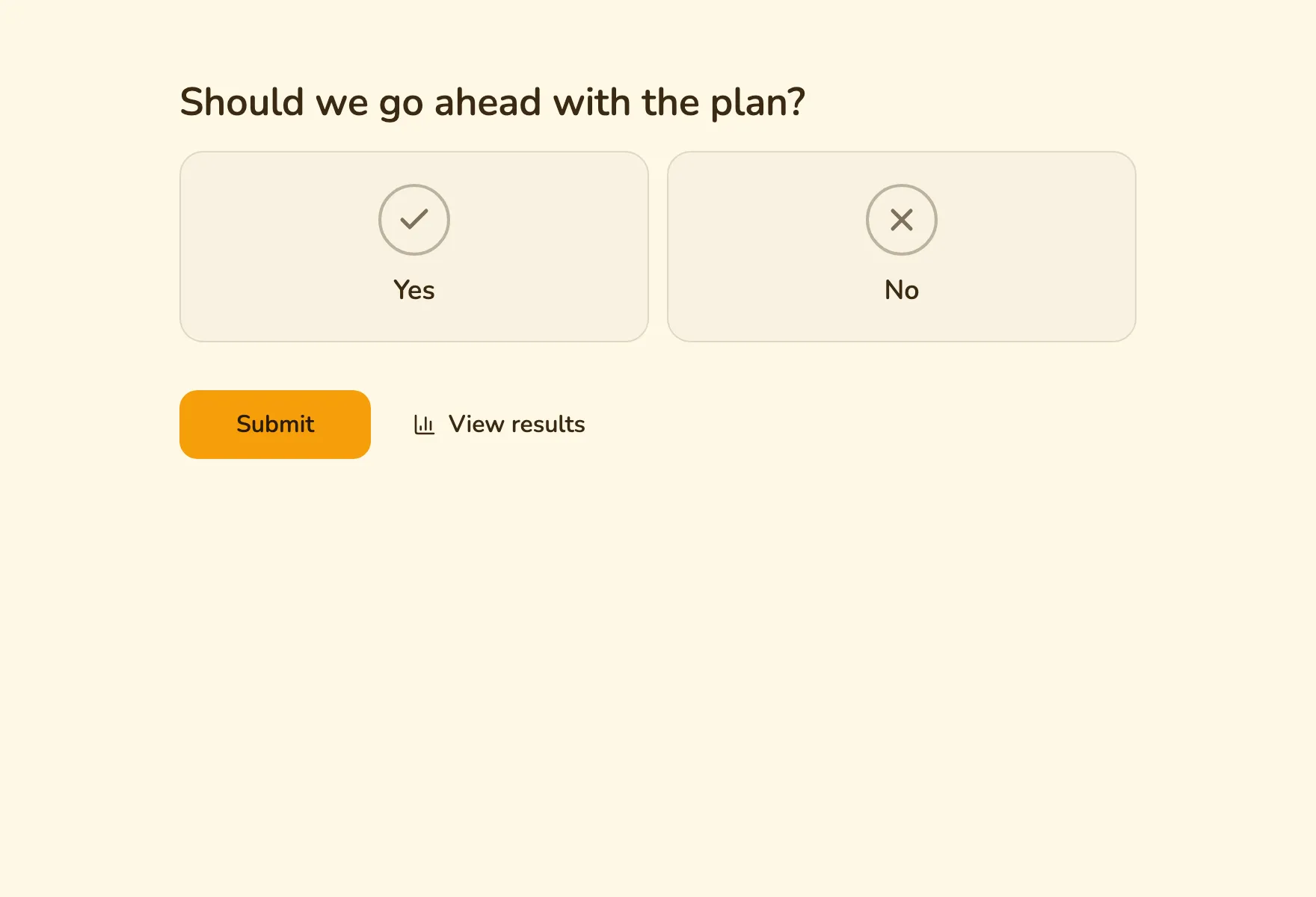
The Yes or no template with a single question

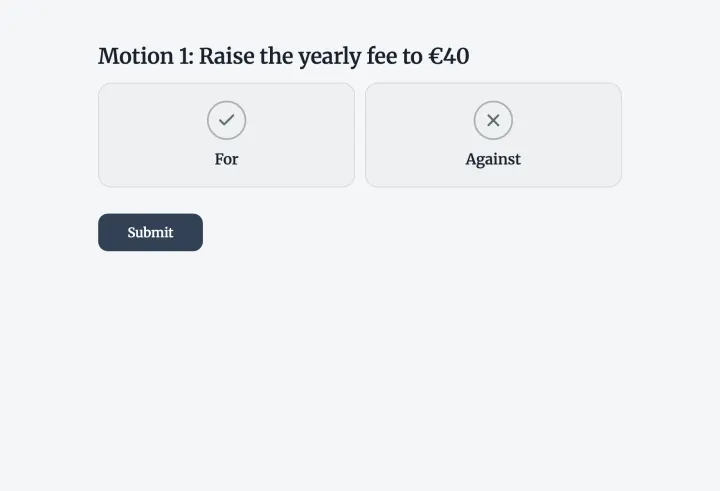
For or against, motion by motion

Change yes and no to your own words, like For and Against. Put several motions in one form, and keep it to one vote per member with unique codes.

  • Your own labels for yes and no
  • Several motions in one form
  • One vote per member
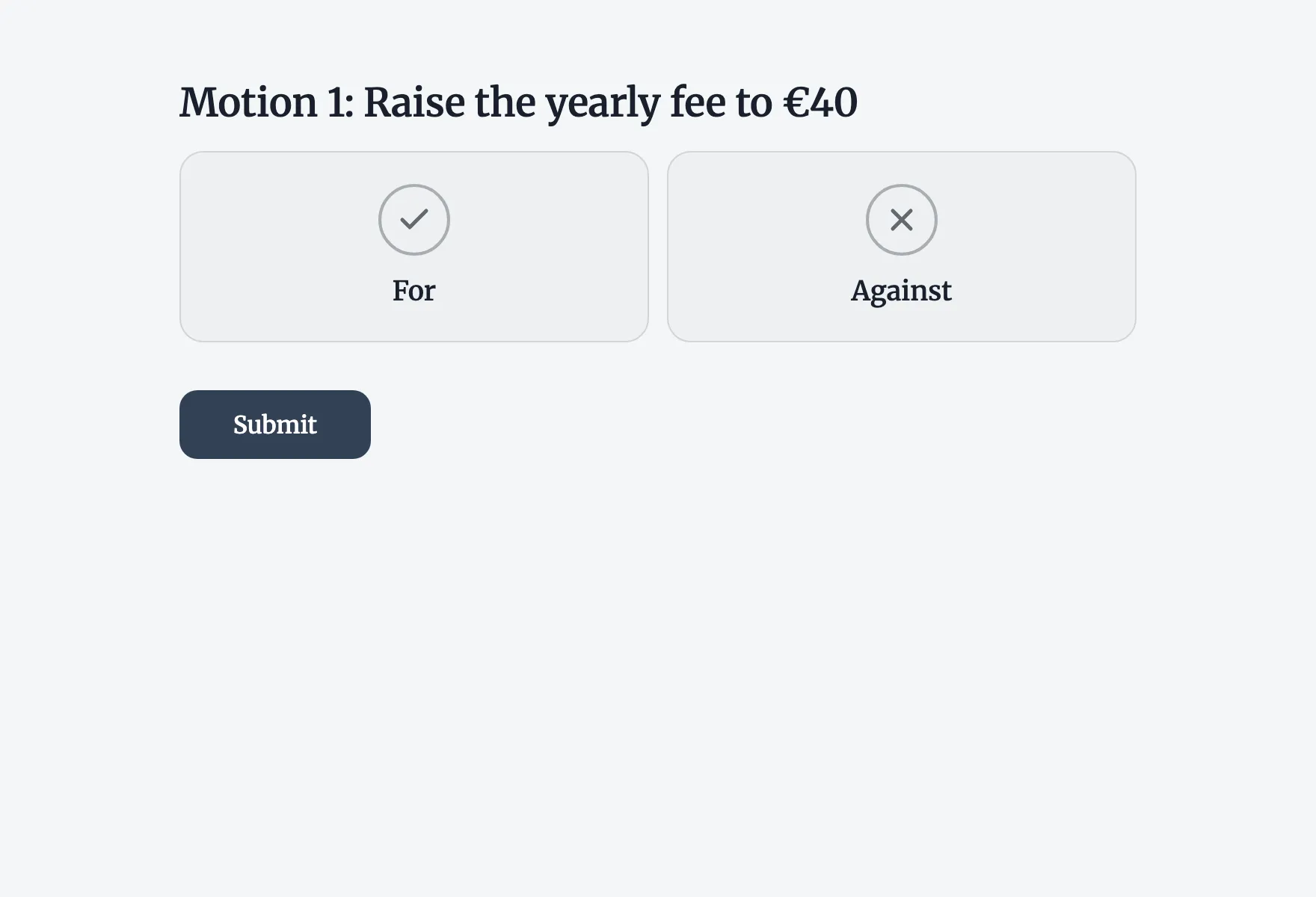
The Motion vote template with For and Against buttons

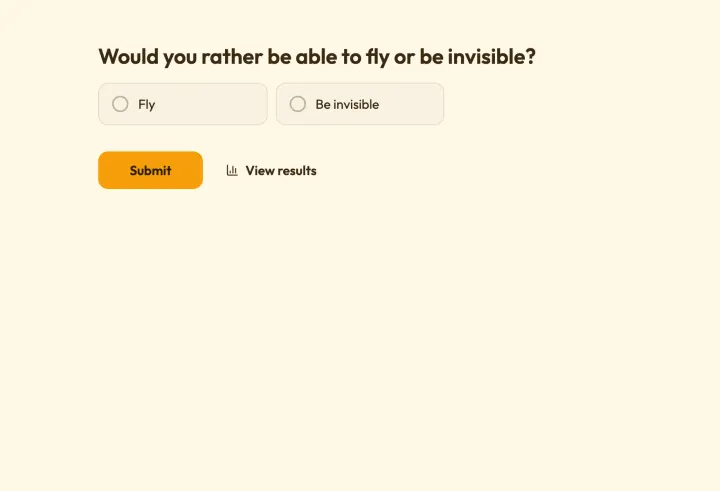
Either-or questions for any room

Quick two-way questions are easy to answer and easy to read on a big screen. Show the split live in present mode and let the room argue about it.

  • Results right after voting
  • Live on the big screen
  • Several questions in a row
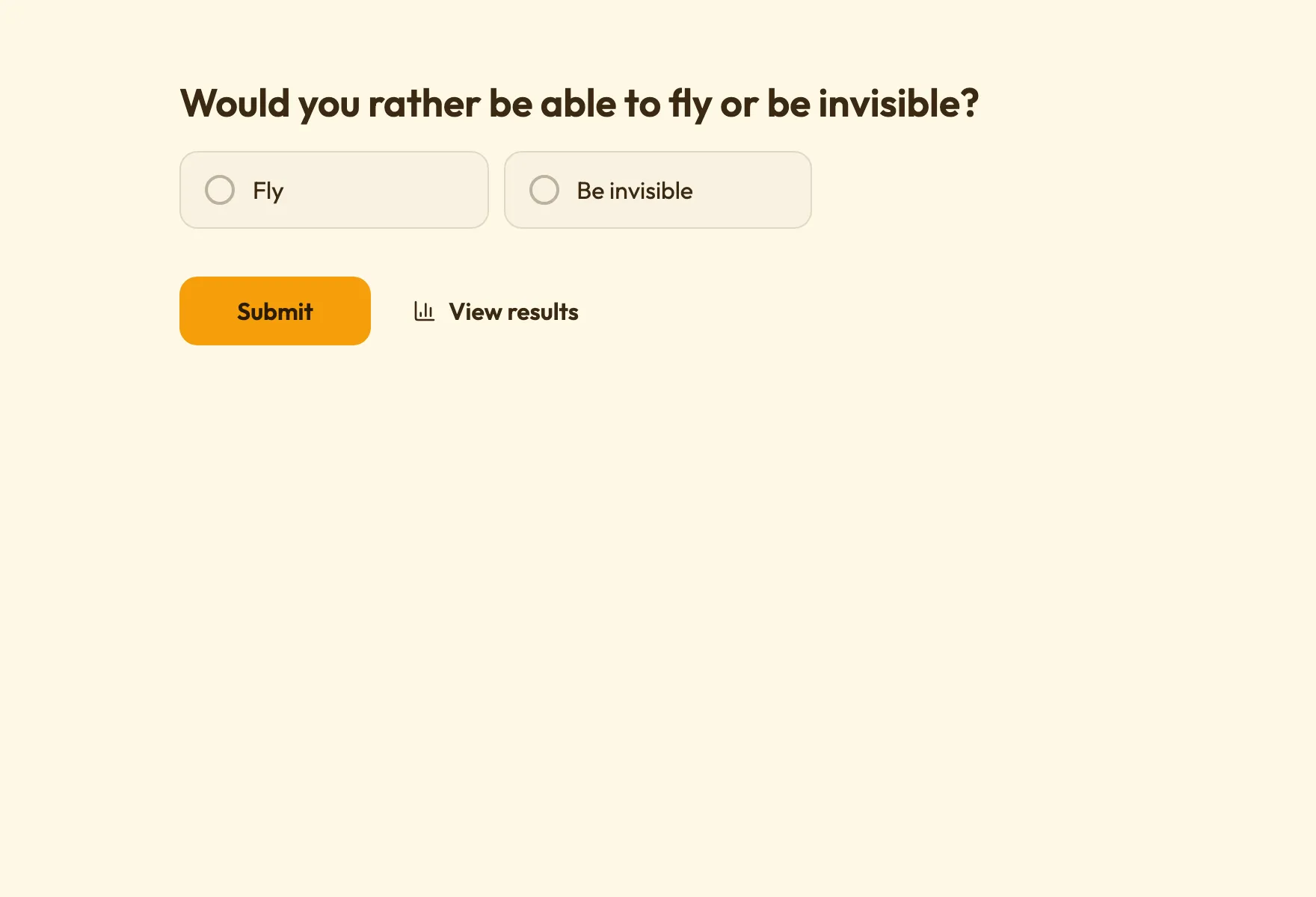
The Would you rather template with two quick either-or questions

Good to know

Getting a clear answer from a yes or no poll

How to word the question so it has a clear answer, when to change the labels, and how to collect several decisions in one go.

2 min read

Write a question with one answer

A yes or no poll is only as clear as its question. Ask one thing at a time: “Should we move the meeting to Thursday?” works; “Should we move the meeting and order lunch?” doesn’t.

  • Avoid negatives. “Should we not cancel?” makes people think twice about what yes means.
  • Name the deadline or context: “Can you play on Saturday the 14th?”
  • Keep it short enough to read in a chat preview.

Make the labels say what you mean

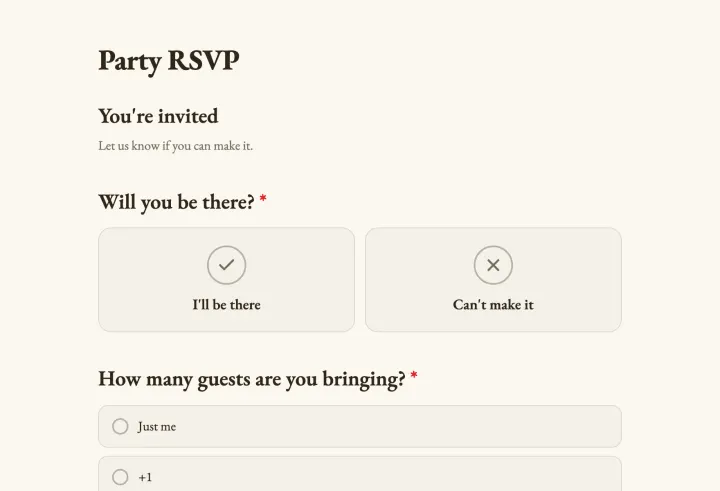
Yes and No aren’t always the right words. Use your own labels: For and Against for motions, Coming and Not coming for events, I’m in and Can’t make it for a team. Clear labels make the result easier to read, especially on a big screen.

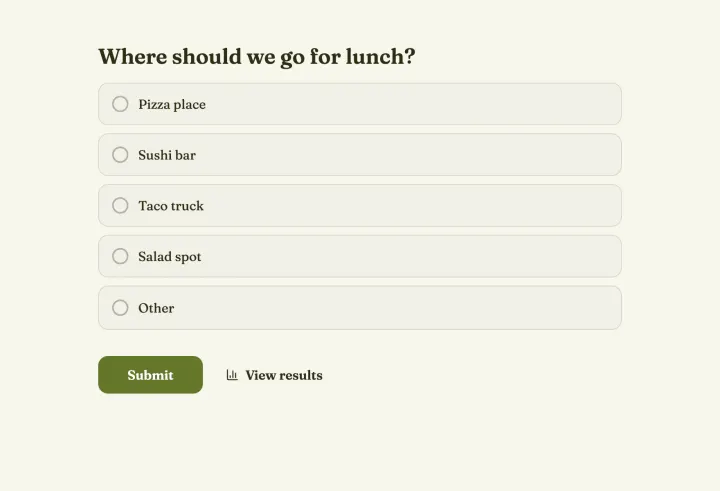
Need a maybe? Add a third option with a multiple choice question, or use a meeting poll, which has “if need be” built in.

Several decisions in one poll

Put several yes or no questions in one poll, like the motions on a meeting agenda. People answer them in one go, and the results show each one separately. For members only, hand out unique codes so each votes once.

Settings that fit

  • Access to results: always for quick polls, after the poll closes when people might follow the majority.
  • Comments: turn them on when you want to know why, publicly or just for you.
  • Duplicate check: Browser session for groups on one Wi-Fi, IP address for public polls.
  • A close date when you need the answer by a certain time.
Questions people ask

Yes/no polls

Some questions only need one tap

Type yours, share the link and have your answer before the next message arrives.

Yes or no 1 question · ~1 min