
Online voting

Online voting your members can trust

Elect a board, vote on a motion or crown a winner. Every eligible voter gets one secret ballot, and the result holds up.

strawpoll.com · Election

How online voting works

  1. 1

    Set up the ballot

    Add the candidates or motions and pick how people vote: one choice, several, or ranked in order.

  2. 2

    Give every voter access

    Send personal email invites or hand out single-use voting codes, so only eligible members can vote, once.

  3. 3

    Close and announce

    Results stay hidden until the vote closes. Then reveal the winner, round by round for ranked ballots.

The right voting method for the vote

A simple majority for a motion, ranked choice voting for an election with several candidates, or jury scores for a contest. Mix them on one ballot.

Only eligible voters, once each

Decide who may vote before you share anything. Nobody without access can cast a ballot.

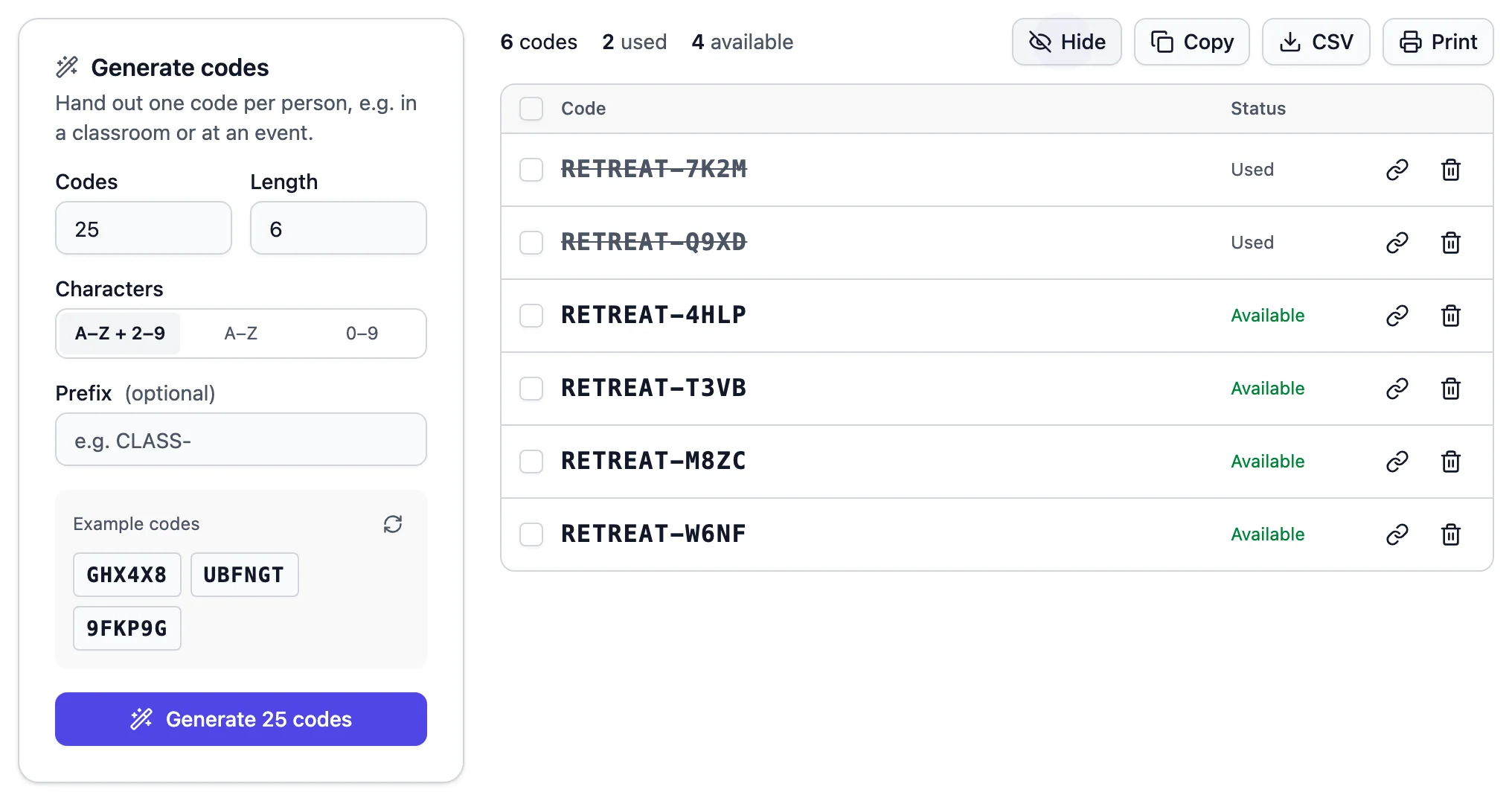
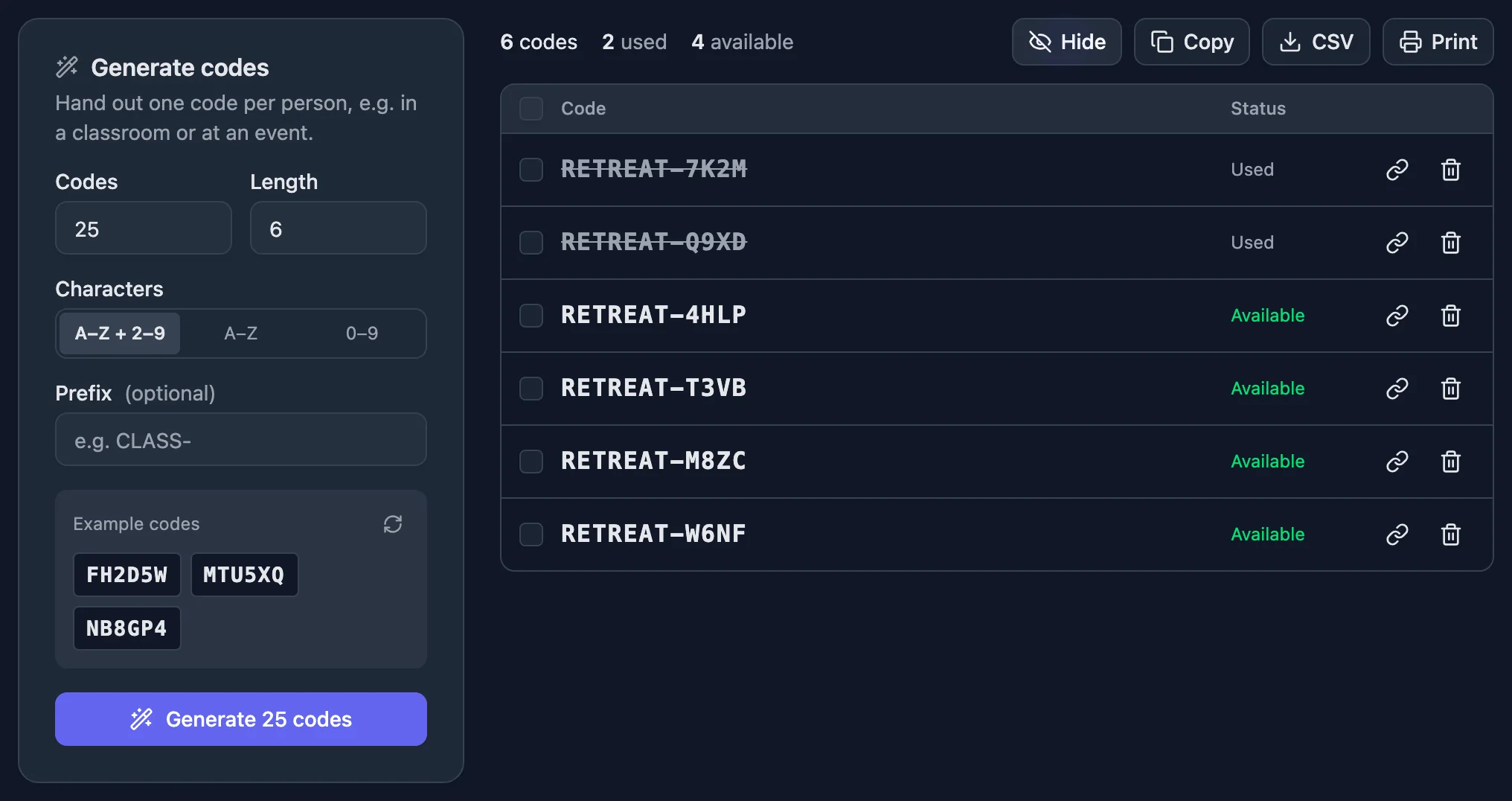
  • Generating a batch of single-use voting codes

    Single-use voting codes

    Generate a code for each voter and hand them out on paper or by message. Each code works once, and it isn’t tied to a name, so the ballot stays secret.

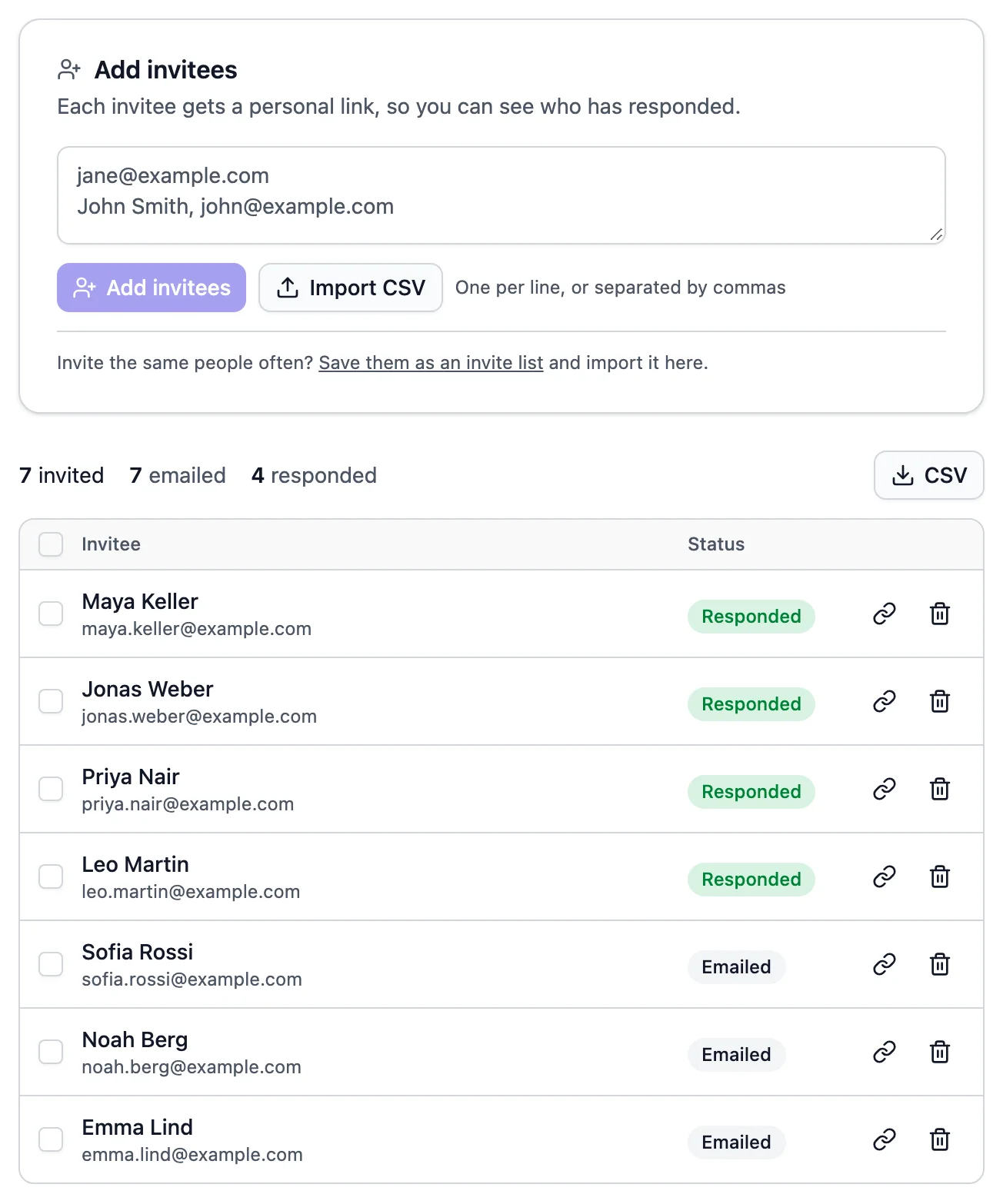
  • A list of invited voters showing who has voted

    Personal email invites

    Send each member their own voting link and see who has voted so far. Keep your member list as an invite list for the next vote.

For open votes, check by verified email or IP address instead, and block VPNs. Compare every protection level

A ballot that works like the real thing

  • Secret ballots Don’t ask for names, and nobody, not even you, can see who voted for what.
  • Fixed voting window Open and close the vote at set times, down to the minute.
  • Results after closing Keep the count hidden while people vote, so early results don’t sway anyone.
  • Final ballots Votes can’t be changed once they’re cast, unless you allow it.
  • Random candidate order Shuffle the options for each voter, so nobody gets an edge from being listed first.
  • Results to keep Export every ballot to CSV or Excel for your minutes, on Basic and up.
  • No app or account for voters
  • Works on any phone
  • Six ballot languages

Good to know

How to run an online election people trust

Eligibility, ballot, rules and the count: the decisions that make a vote fair and make it look fair, whether you elect a board, a class representative or this year’s award winner.

2 min read

Decide who may vote

Every election starts with a list of everyone who is eligible. Then choose how they prove it:

  • [Single-use voting codes](/help/unique-codes) keep the ballot secret. Hand out one code per voter, on paper or by message. Codes aren’t linked to names, so nobody, not even you, can see who voted for whom.
  • [Personal email invites](/help/email-invites) with Duplicate check set to Email address are easiest when you reach everyone by email, but each vote is tied to an address.

Either way, each eligible person votes exactly once. For an open public vote, like an award, use Email address without invites: voters confirm their address with a code we email them.

Choose a voting method

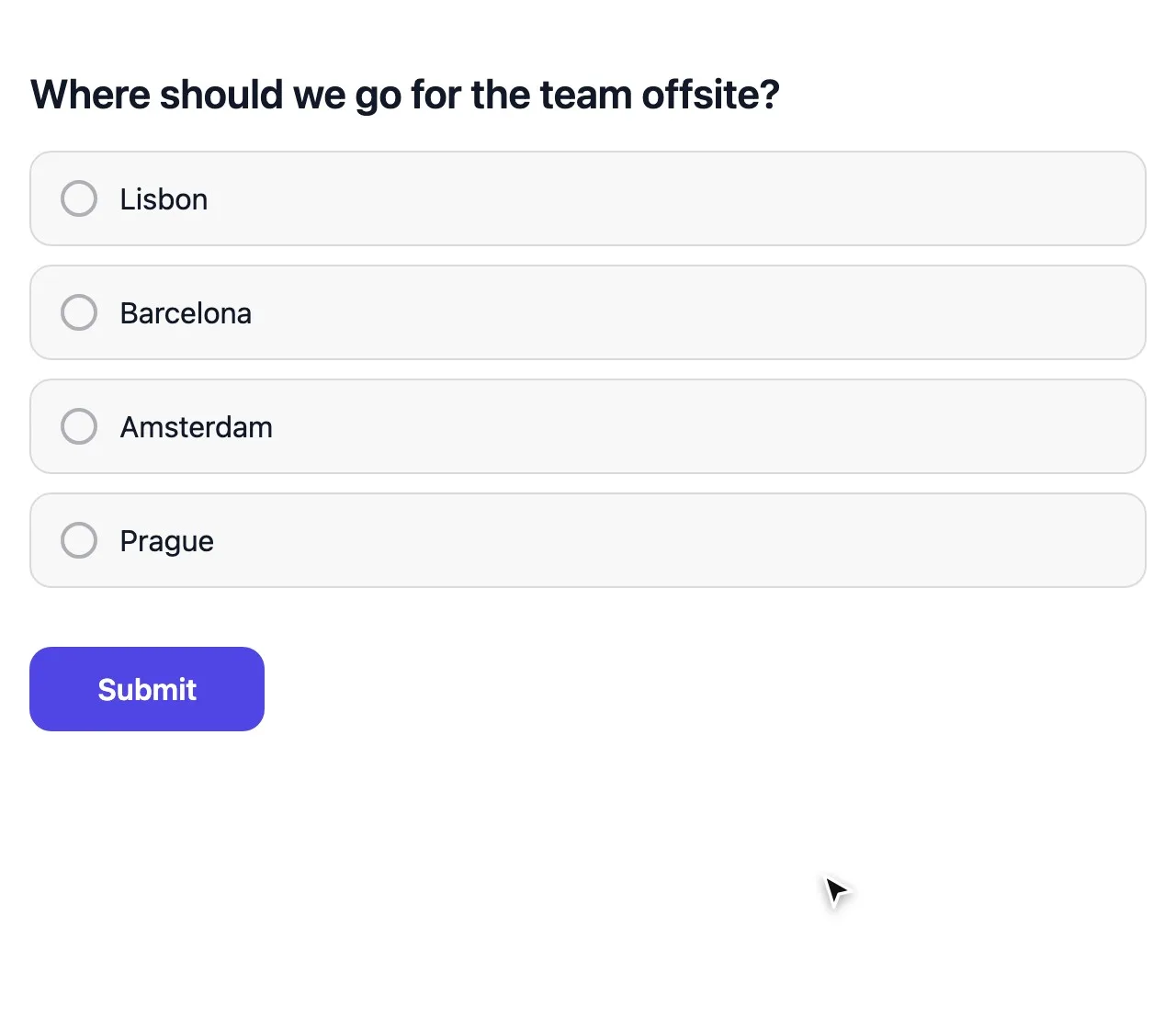
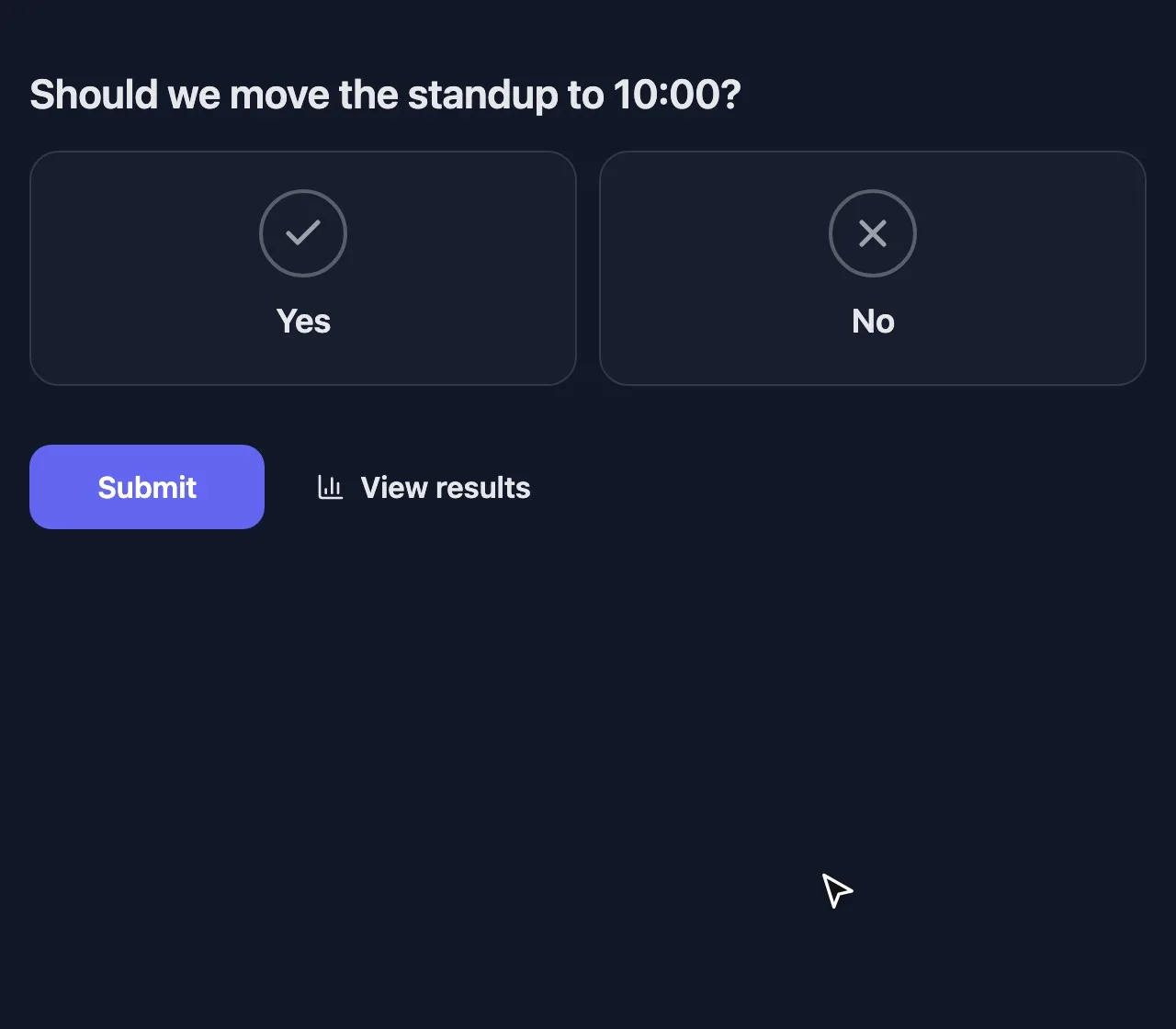
  • Multiple choice for a simple majority between a few options.
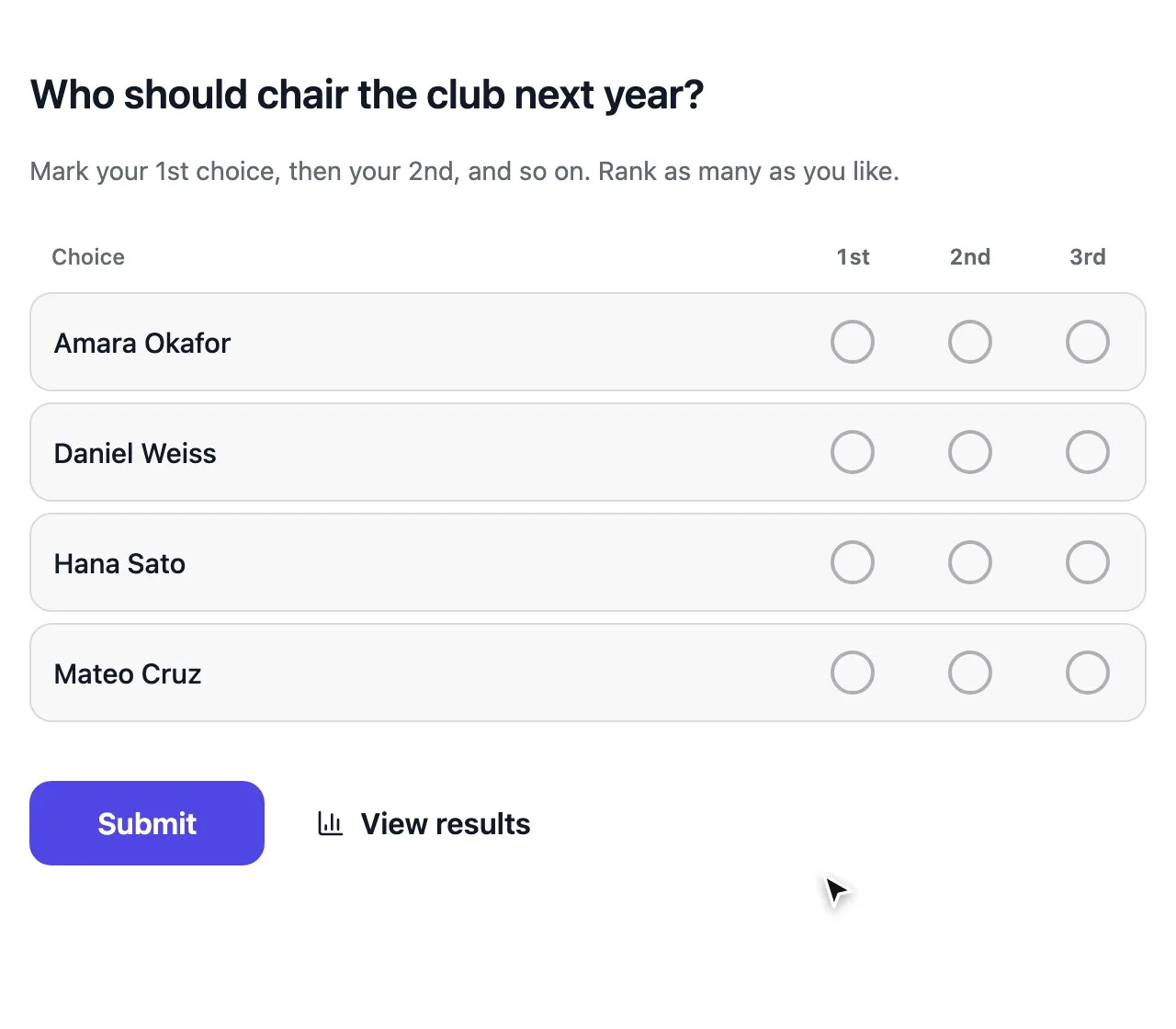
  • Ranked choice voting for several candidates. Voters mark their 1st, 2nd and 3rd choice; the candidate with the fewest first choices drops out and those ballots move on, round by round, until someone has a majority.
  • Allow more than one answer when several seats are open, like three board members.

Turn on Randomize order so no candidate profits from being listed first.

Set the rules before anyone votes

  1. 1 Set Open & close dates for one voting window.
  2. 2 Set Access to results to After the form closes, so early results can’t sway later voters.
  3. 3 Set Show respondent names to Private for a secret ballot.
  4. 4 Turn off Allow changing responses if ballots should be final.

Write the rules down and share them with the invitation. A result is easiest to accept when nobody could have changed the rules midway.

Test, open and follow turnout

Vote once yourself on a phone, check the ballot reads well, then reset the poll so your test vote doesn’t count. Now send the codes or invites.

While voting runs, the codes table shows how many codes were Used, and the invite list shows who has Responded. Send one reminder to the rest before the close date.

Announce the result

When the vote closes, the results open to everyone, round by round for ranked ballots, so anyone can follow how the winner emerged. At a meeting, show them in present mode. Export a CSV for the minutes.

Codes and invites use one credit each, and every account starts with 100. The ballot and the votes themselves are free on every plan.

How-to

Common votes, set up right

The elections and votes people run most, with the settings that fit each.

How to hold a secret ballot online

Set Duplicate check to Unique code and generate one code per voter on the Share tab. Hand them out on paper slips or by message. Codes aren’t linked to names, so nobody, not even you, can see who voted for whom.

The codes table still shows how many codes were Used, so you can report turnout without breaking secrecy.

Hand out single-use voting codes

How ranked choice voting works

Voters mark their 1st, 2nd and 3rd choice. If no candidate has a majority of first choices, the one with the fewest is eliminated and those ballots move to their next choice. This repeats until someone has a majority.

It avoids split votes when similar candidates run against each other, and nobody has to vote tactically. StrawPoll counts the instant runoff for you and shows every round in the results.

Question types explained

How to vote at an annual general meeting

Put each motion on its own page and give members a code at the door. People in the room and people joining online vote on the same ballot, from their phones.

Open present mode to show the result on the screen once a motion closes, and press H to keep it hidden while people still vote.

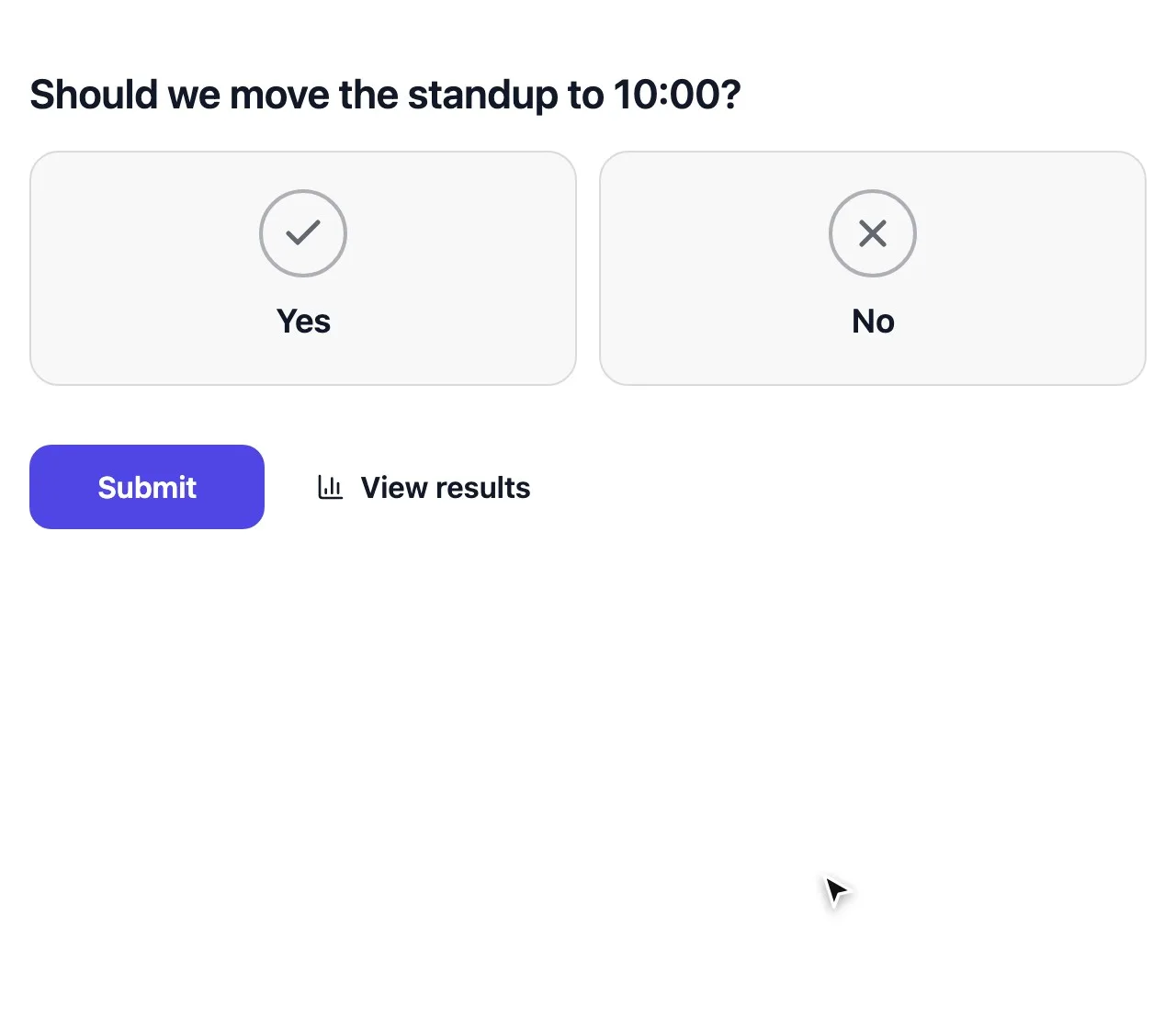
  • Use Multiple choice with Yes, No and Abstain for each motion.
  • Use Ranked choice voting for an election with several candidates.
  • Export the CSV for the minutes before you close the meeting.

How to run a fair contest or award vote

Public contests attract people who vote again and again. Limit votes by Email address, turn on Block VPNs and proxies and, on Pro and Business, Require CAPTCHA.

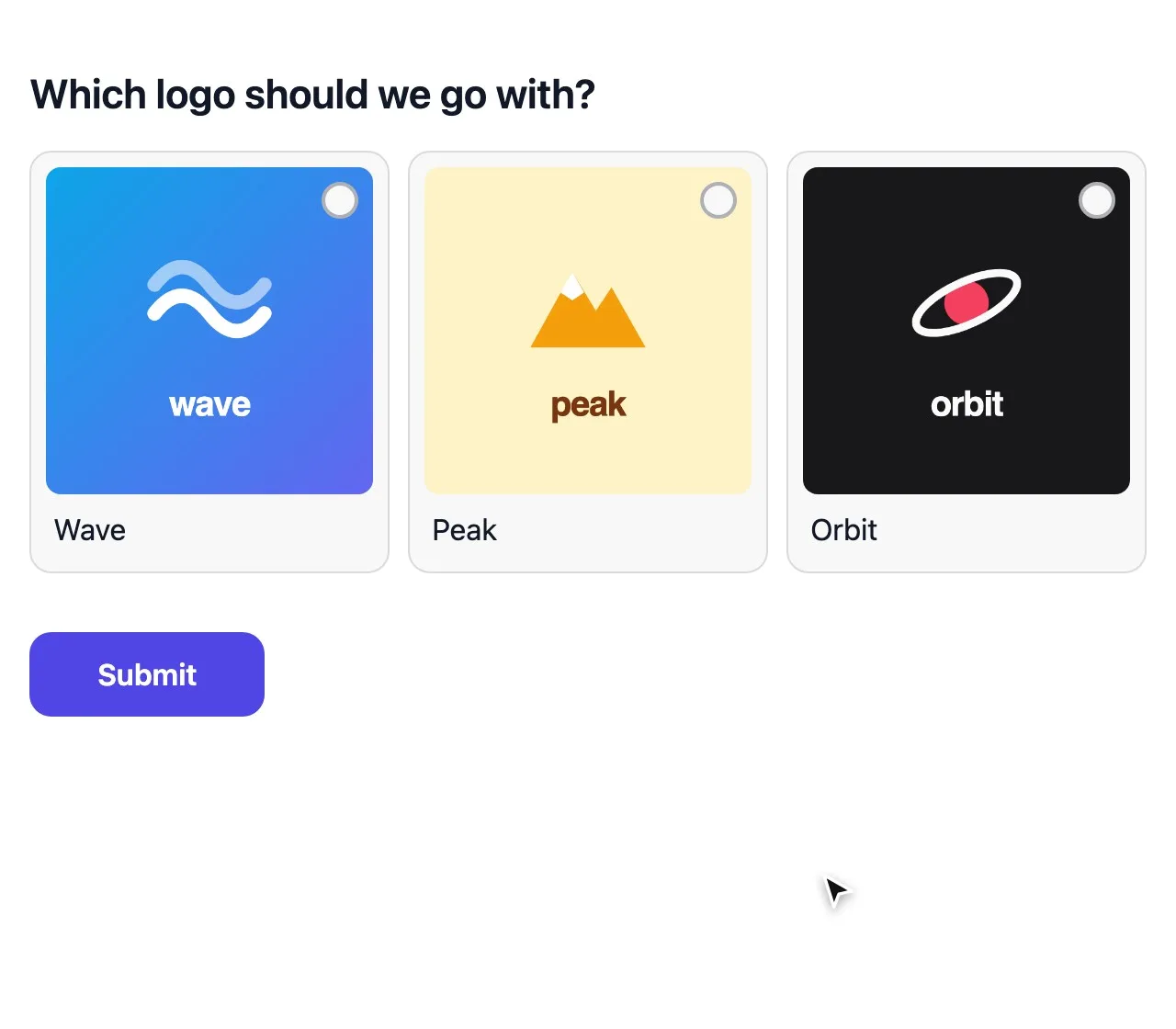
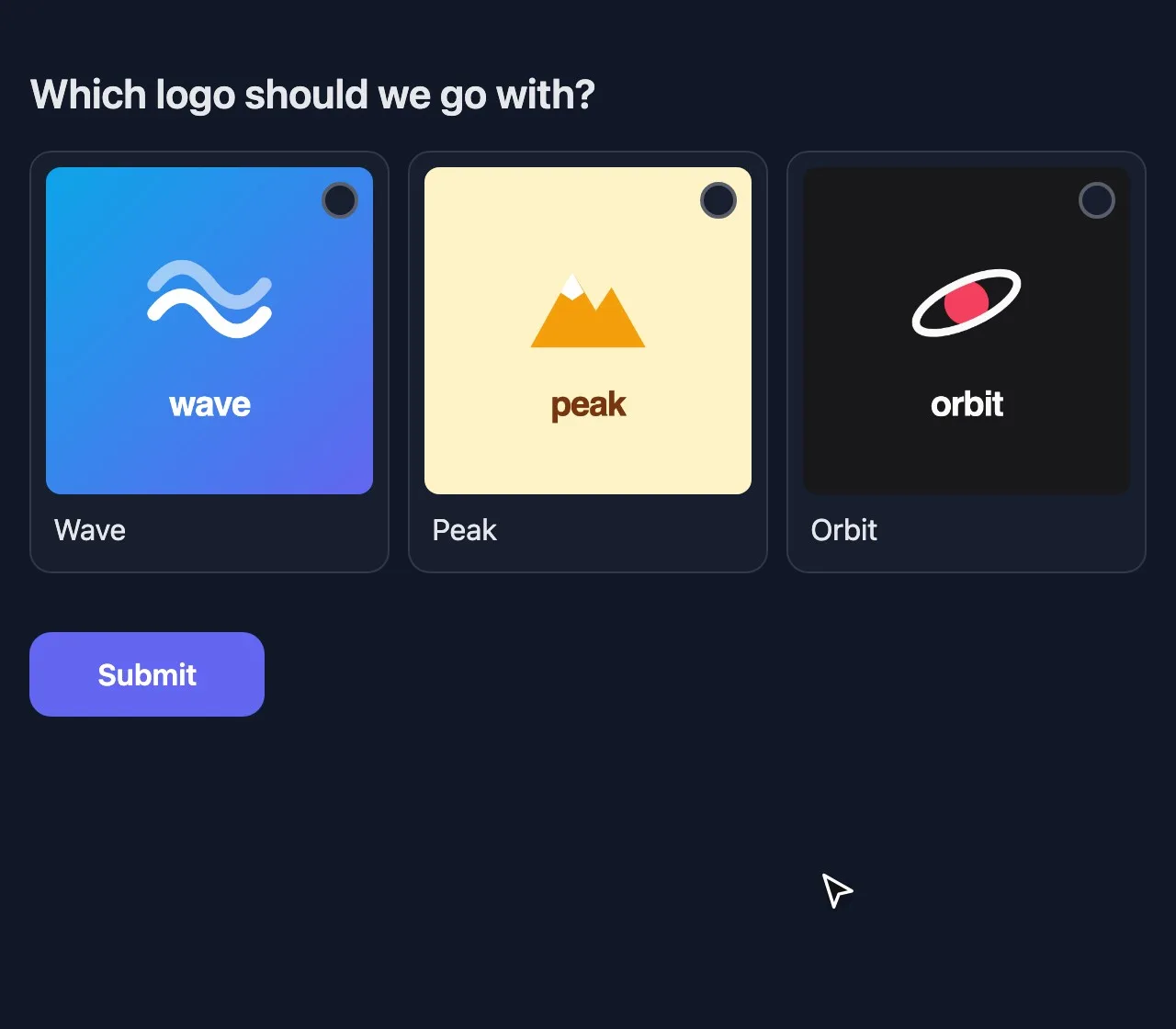
Hide the results until the end with After the form closes, so nobody rallies friends to catch up with the leader. Use Picture choice when people vote on photos, logos or designs.

Stop bots, VPNs and ballot stuffing

Online voting questions, answered

Planning an election? Follow the step-by-step election guide.

Your next vote, without the paper

Set up the ballot, hand out the codes and let the result speak for itself.

Start an online vote