The four settings that matter
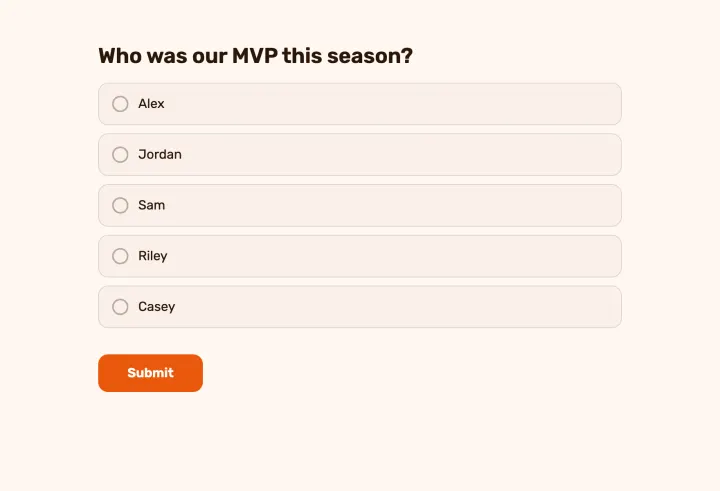
- 1 Questions: leave out name, email and contact questions. What you don’t collect can’t identify anyone.
- 2 Duplicate check: use one that doesn’t identify people (see below).
- 3 Show respondent names: keep it Private.
- 4 Access to results and Who can read comments: set to Only you for sensitive topics.
Choosing the duplicate check
You usually still want one answer per person. Some checks do that without knowing who anyone is; others don’t.
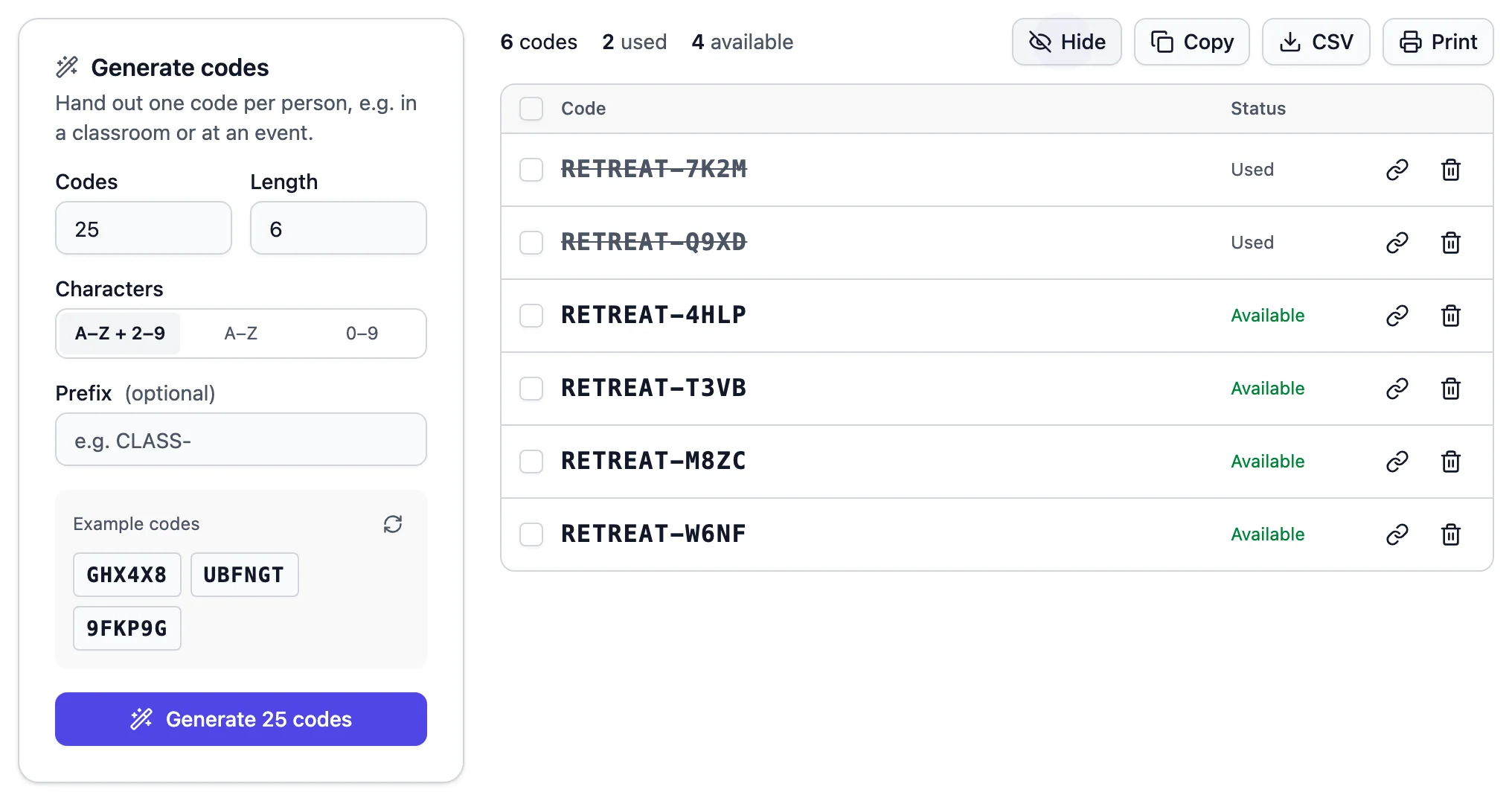
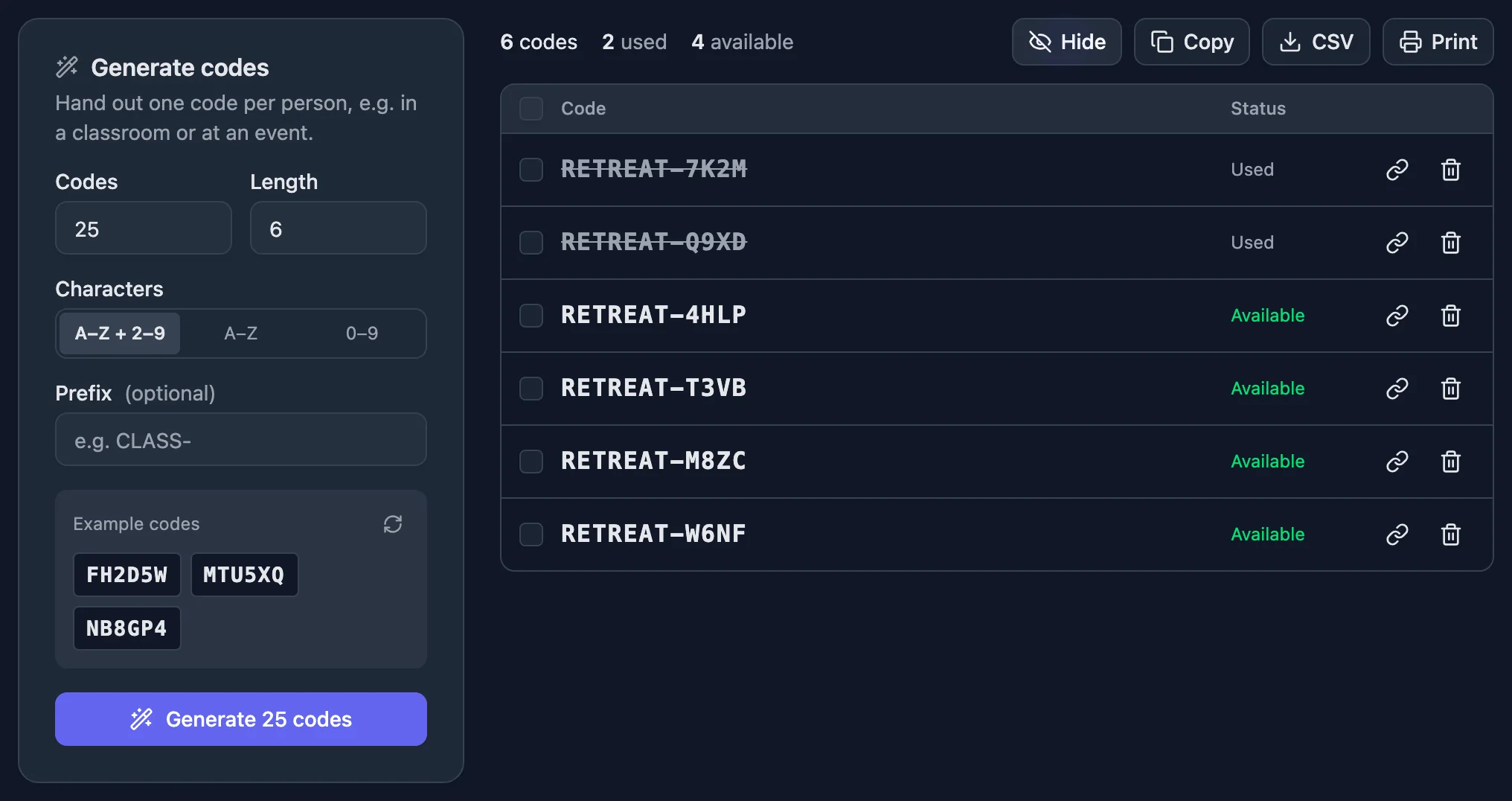
- Unique code is the strictest anonymous option. You hand out single-use codes, and you know every eligible person answered at most once, but not which answer is theirs.
- Browser session stops casual double answers with a cookie. Someone determined could use a private window, which is usually fine for friendly polls.
- IP address doesn’t ask for names, but blocks everyone after the first person on a shared network.
- Email address and Respondent name tie each answer to a person. Avoid them for anonymous polls.
Where anonymity quietly breaks
- Small groups: in a team of four, “What’s your department?” can identify someone. Skip demographic questions when groups are small.
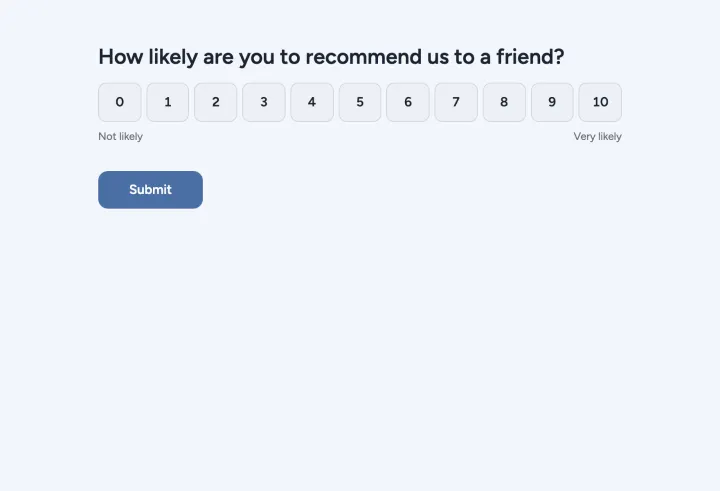
- Open answers: wording and details can give people away. Use scales and choices for the sensitive questions.
- Vote counts: three votes in a group of three tells everyone who voted how. Show percentages only hides the counts.
- Code lists: if you note which person got which code, the vote is no longer secret.
Tell people how it works
Say in the description that answers are anonymous and how: no names, codes not linked to anyone, results only visible to you. People answer more honestly when they know, and it costs one sentence.
Responses are stored on servers and databases in Germany.