Anonymity is a setup, not a promise
An anonymous survey is only as anonymous as its settings. Four of them decide whether an answer can point back to a person:
- Leave out name, email and contact questions.
- Limit responses with unique codes or Browser session, never Email address or Respondent name.
- Keep Show respondent names set to Private.
- Set Access to results and Who can read comments to Only you.
Say in the survey’s description how answers are handled. Trust is what gets you honest answers.
An engagement survey that counts everyone once
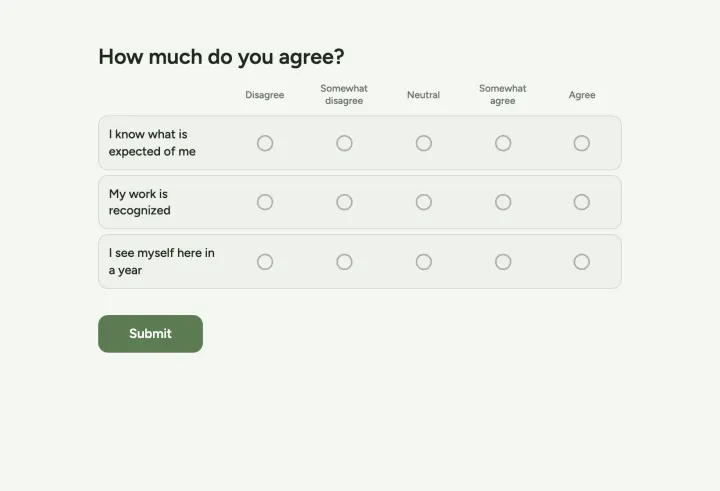
- 1 Start from the Employee engagement template and adapt the statements to your company. Keep it under ten minutes.
- 2 Set Duplicate check to Unique code and generate one code per employee.
- 3 Hand out the codes so nobody can match a code to a person: in envelopes, or by a colleague outside HR.
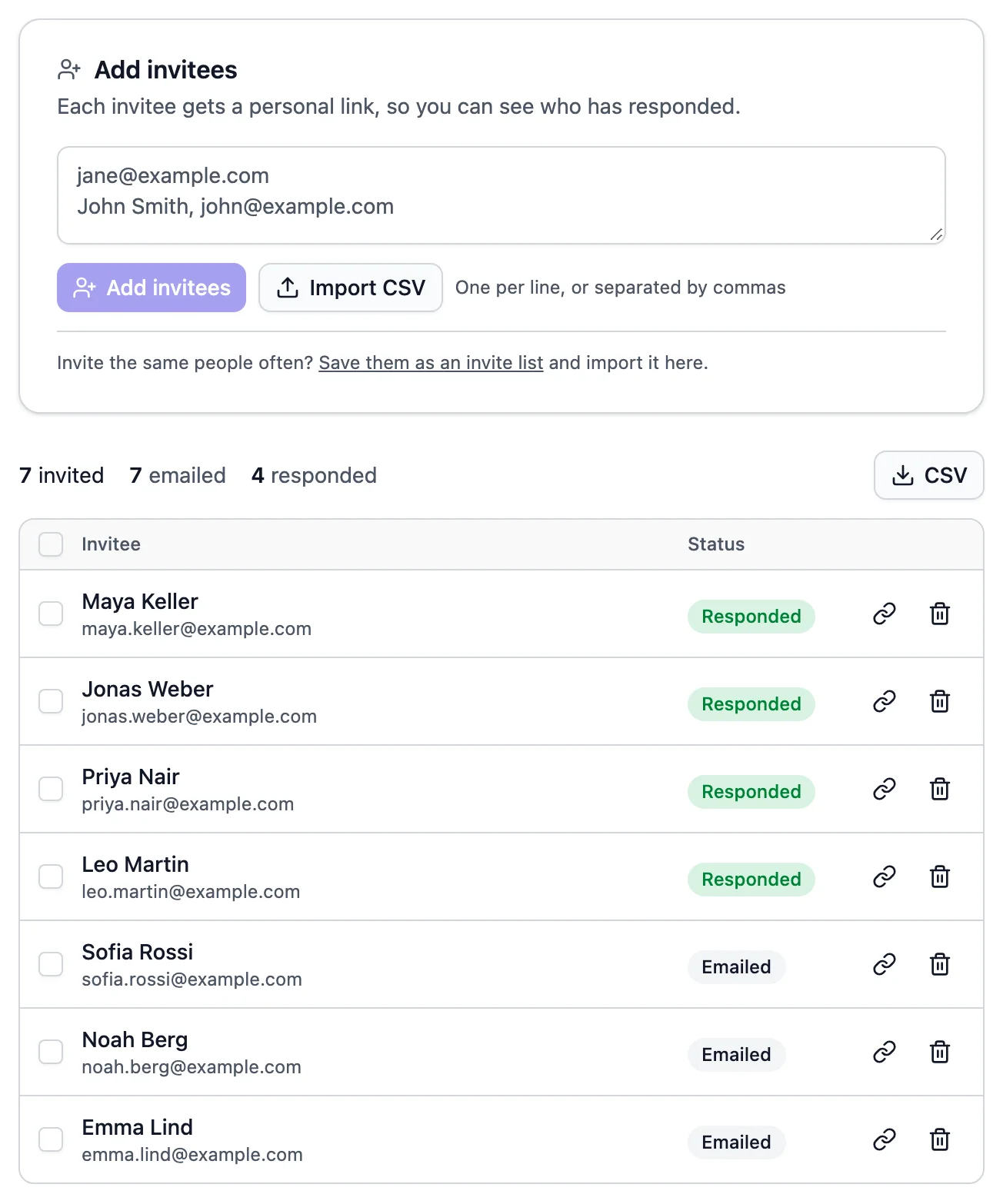
- 4 Watch turnout in the codes table, which shows which codes are used, never what they answered.
- 5 Set a close date and send one reminder halfway.
Pulse checks and onboarding
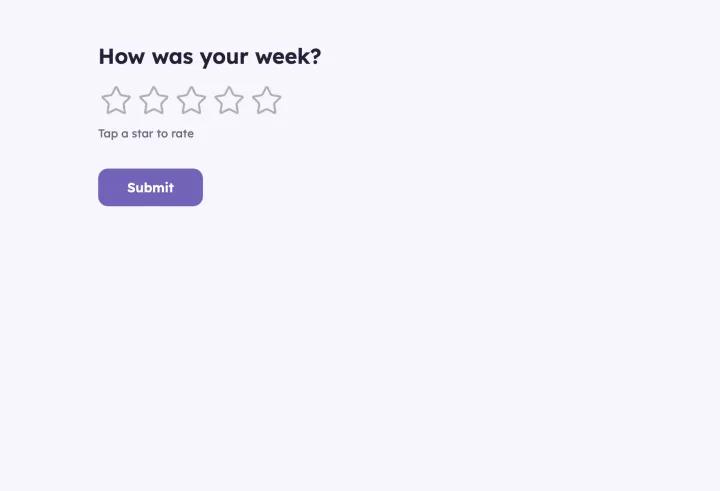
A short pulse every week or month shows trends early. Turn on repeat voting and everyone answers in the same poll at the interval you set.
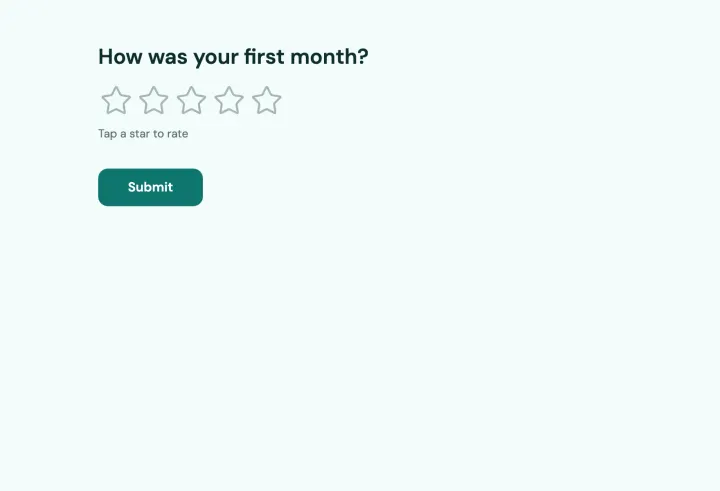
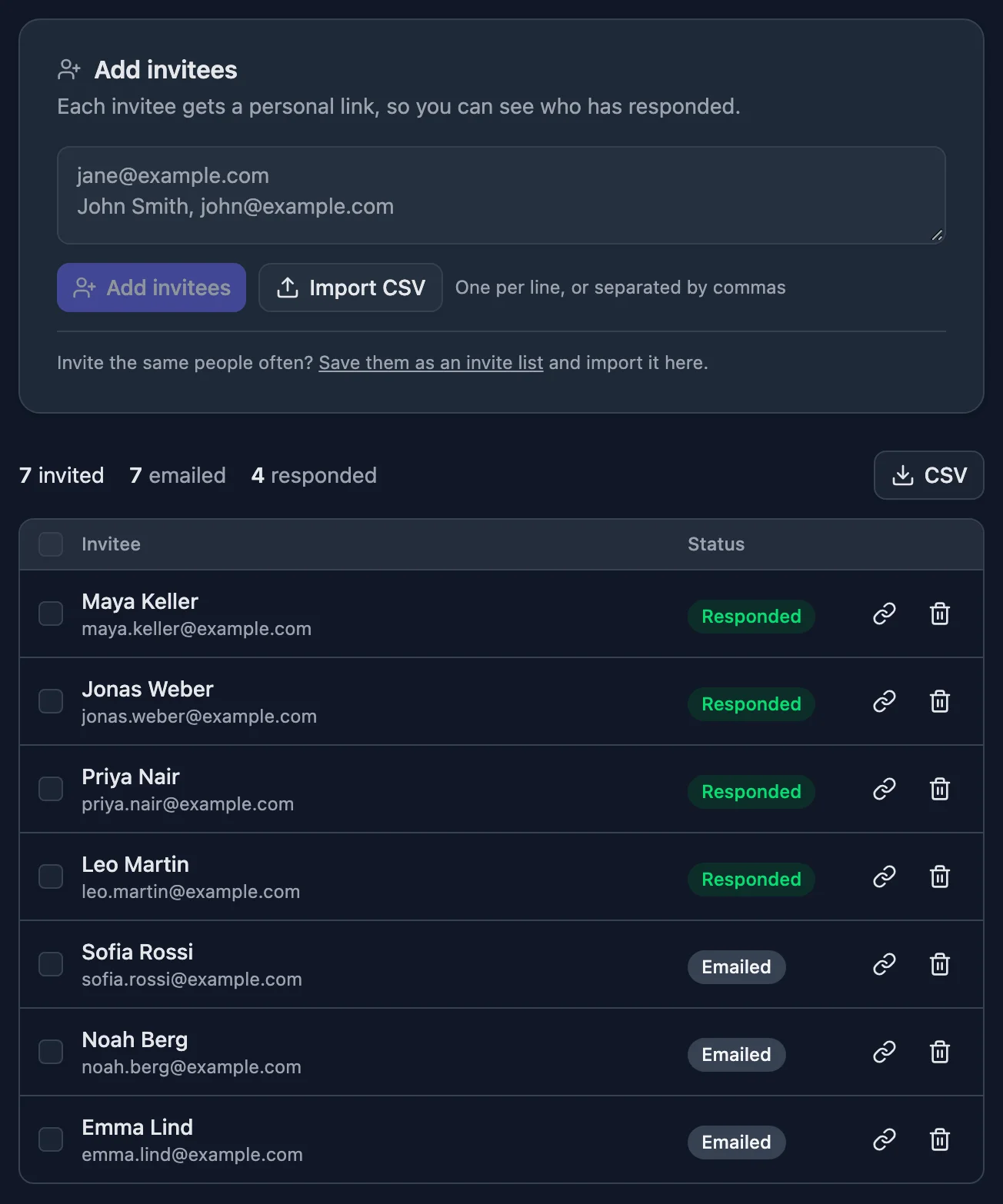
For new hires, save each starting group as an invite list and send the New hire check-in to the whole list after their first month. Invite lists in a workspace are available to the whole people team.
Small teams and open answers
In a team of five, a breakdown by department can identify people. Don’t ask for team or location when groups are small, and use scales rather than open text for the sensitive questions. Show percentages only when even vote counts could give someone away.
Data protection
Responses are stored on servers and databases in Germany. On Business, responses delete themselves after a period you choose, so old survey data doesn’t pile up. Export a CSV for your records before deletion if you need it.