Plan an offsite
Pick the dates, choose the activities and collect anything to plan around.
- 3 questions
- About 2 min to answer
- Teal theme
Free, no account needed. Change any question, color or setting.
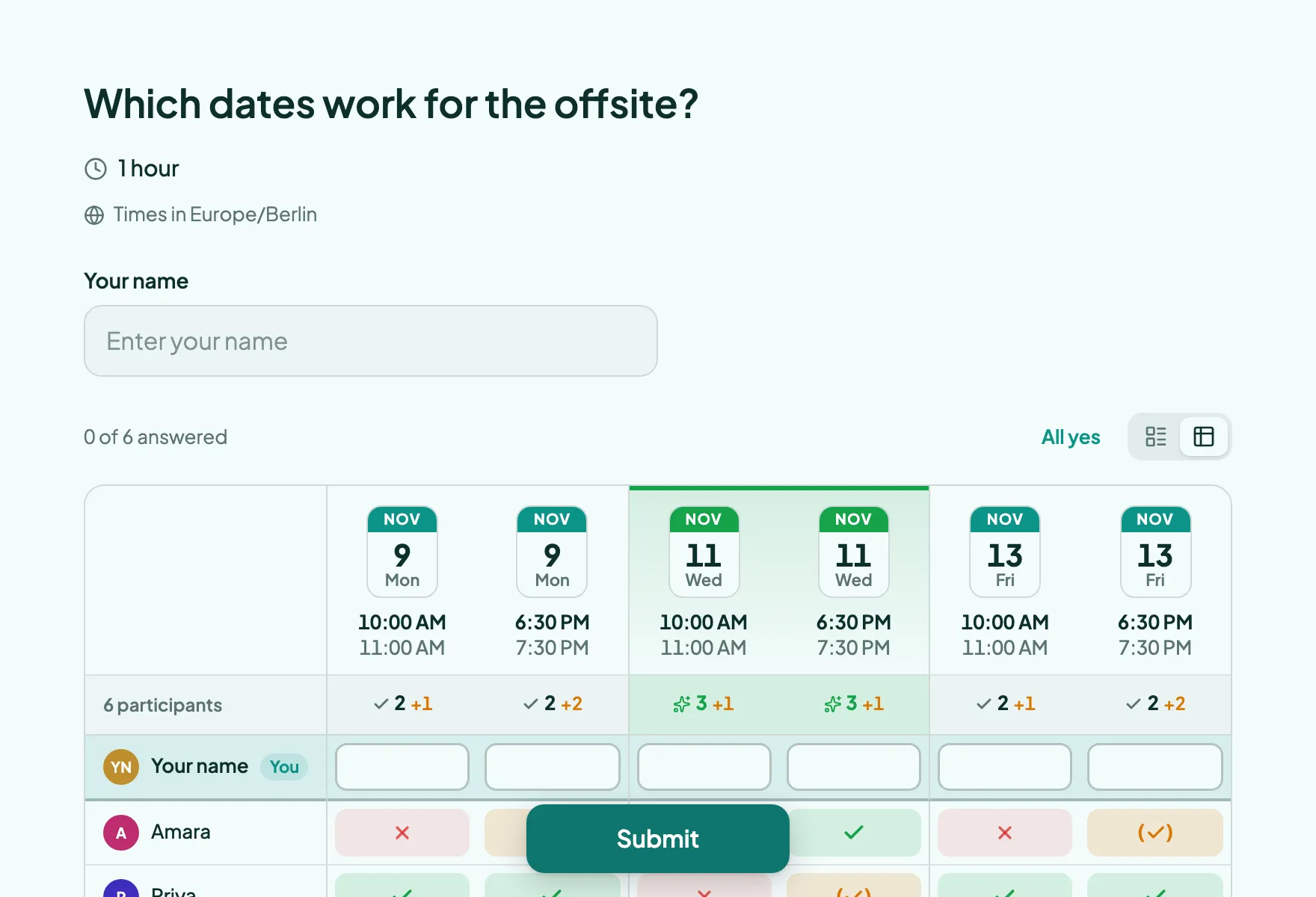
What people see, step by step
Real screenshots of the template, with its own theme. Pick a step to see its page.
Already set up for you
The questions come with settings that suit them. Keep them or change them in the editor.
- The time that suits most people is highlighted
- People can add their own answer
- Several answers allowed where it makes sense
- Open questions are optional
- Export every answer as CSV, or send it to Slack and webhooks
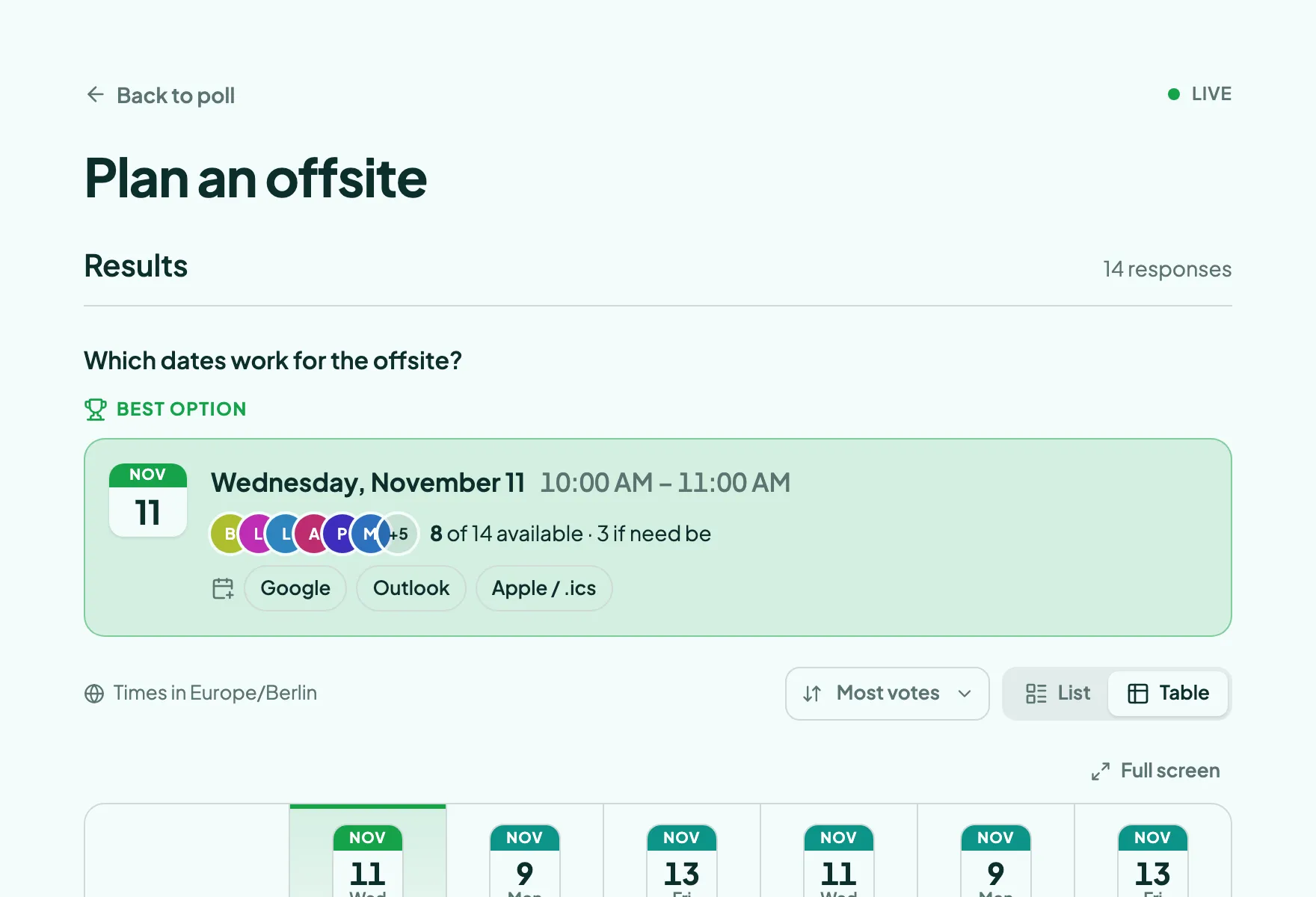
Results with example votes
The settings, and why
Who sees what and who can vote how often, as a poll from this template starts out.
- Results visible Default
- Always
- People can see which times already work for others and plan around them.
- Names next to results Template pick
- Public
- Seeing who is free when is the whole point of finding a time.
- Duplicate check Default
- IP address
- One response per network and browser stops repeat voting without asking anyone to sign up.
- VPNs and proxies Default
- Blocked
- Switching networks through a VPN is the easiest way around the duplicate check, so it is closed.
- Changing an answer Default
- Respondents and you
- Plans change, so people can update their answer from the same browser.
Signed in, the settings this template does not pick follow your own defaults. Change any of them under Settings before or after sharing.
Question types inside
Its look
Teal · Plus Jakarta Sans
Which dates work for the offsite?
Submit- Background #f3fbfa
- Text #0d2f2c
- Buttons #0f766e
- Accent #0d9488
Every poll you start from it gets this theme. Swap colors, font or add your logo under Design.
Similar templates
All templates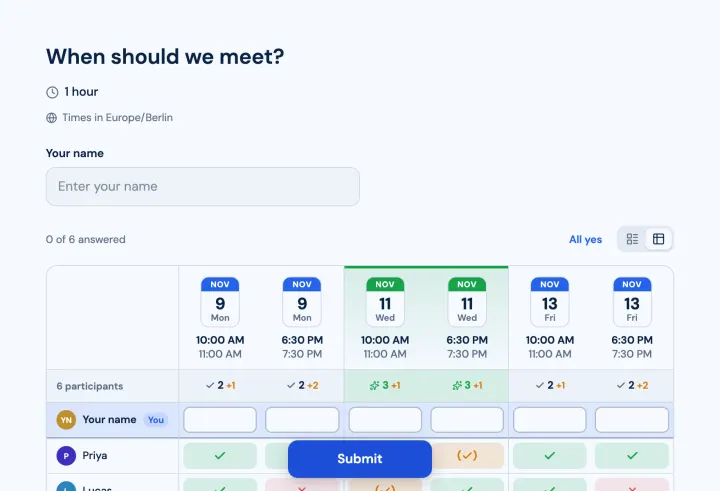
Find a time
Suggest a few dates and times. Everyone marks when they can make it.
- Meeting poll
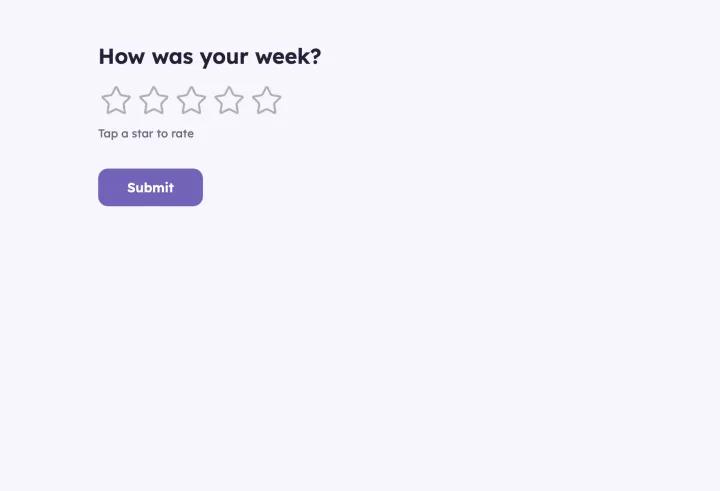
Weekly pulse
A two-minute check-in on mood and workload. Answers stay private.
- Rating
- Opinion scale
- Short text
New hire check-in
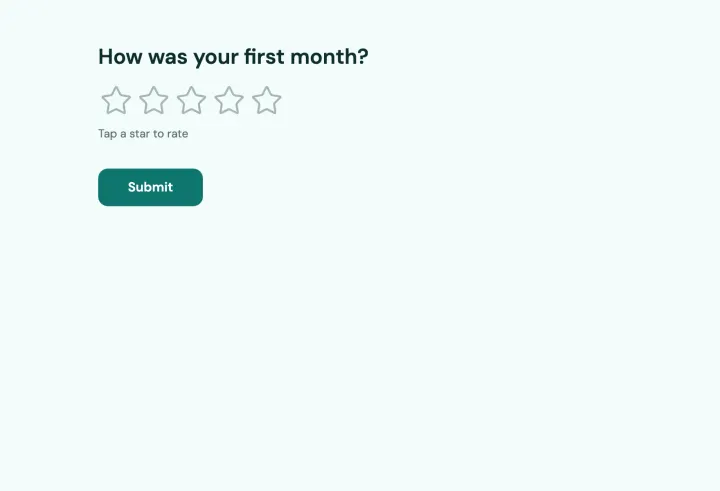
Ask new colleagues after their first month how onboarding is going.
- Rating
- Yes / No
- Multiple choice
- Long text