Propose fewer, better options
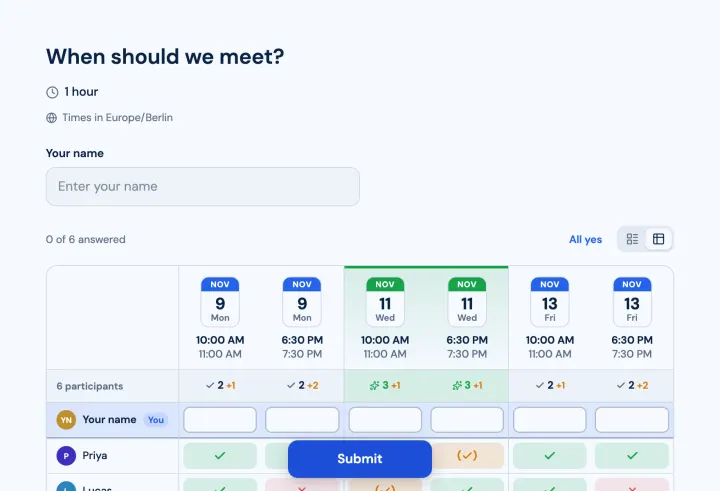
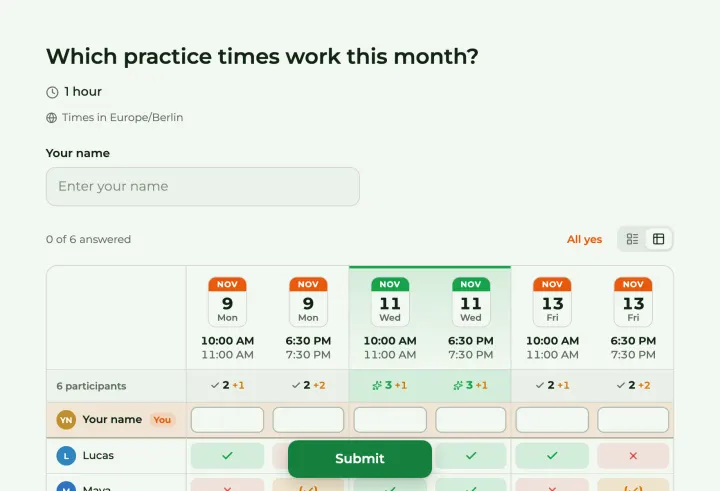
More options don’t make it easier. Five to eight slots across one or two weeks usually find a time; twenty make people give up halfway. Start from what you know: the days your key people can do, the times that make sense for the meeting.
Create a meeting poll, pick the days that could work and add one or more start times to each. Each day and time becomes an option.
Time zones
By default, everyone sees the slots in their own time zone and can flip back to yours. That’s right for remote meetings: nobody has to do the maths. For in-person meetings, turn on Same time zone for everyone, so a person traveling sees the local time of the meeting, not their own.
Yes, if need be, no
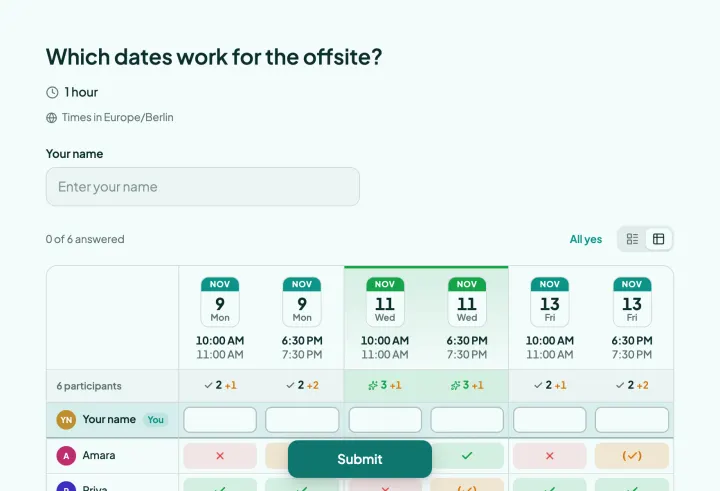
Turn on Allow "If need be", and people can say “I can, but it’s not ideal”. That shows real options a yes-or-no would hide: a slot with eight yes and two if-need-be is better than one with nine yes and one no.
Highlight the best option marks the slot most people can make. Ask for names, so you see who still hasn’t answered, and turn on Allow changing responses for when plans change.
Lock it in
Choose Set as final time on the best slot. Participants then add it to Google, Outlook or Apple Calendar in one click from the poll. Changed your mind? Clear and reopen voting collects fresh answers in the same poll.
Booking sheets: office hours and interviews
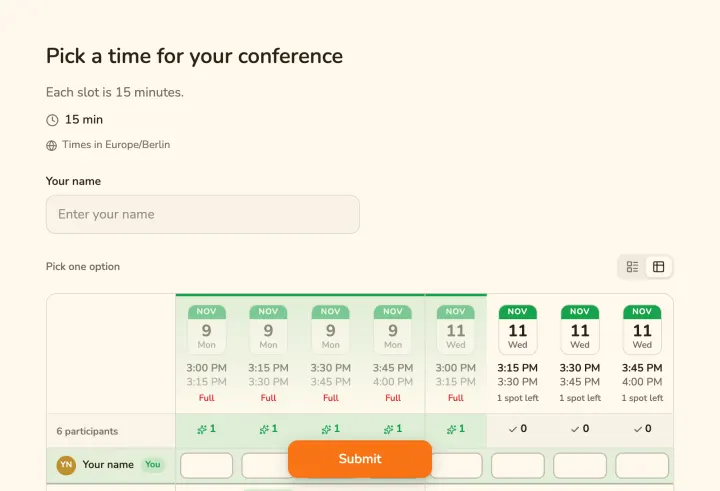
Turn on Only one option per person and Limit people per option, and the meeting poll becomes a booking sheet. Each person takes one slot, and full slots close. Good for parent-teacher conferences, interviews and office hours.