The four stages of an event
Most events need the same four things from their guests, in the same order. Each one has its own kind of poll.
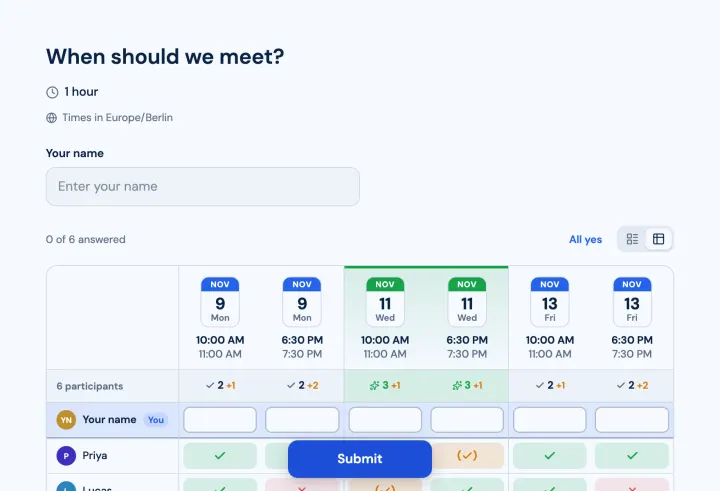
- 1 Find the date with a meeting poll: suggest a few dates, let people answer yes, if need be or no.
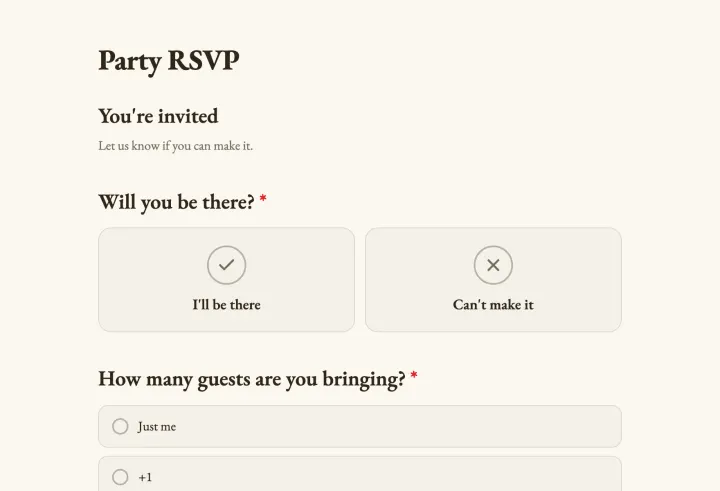
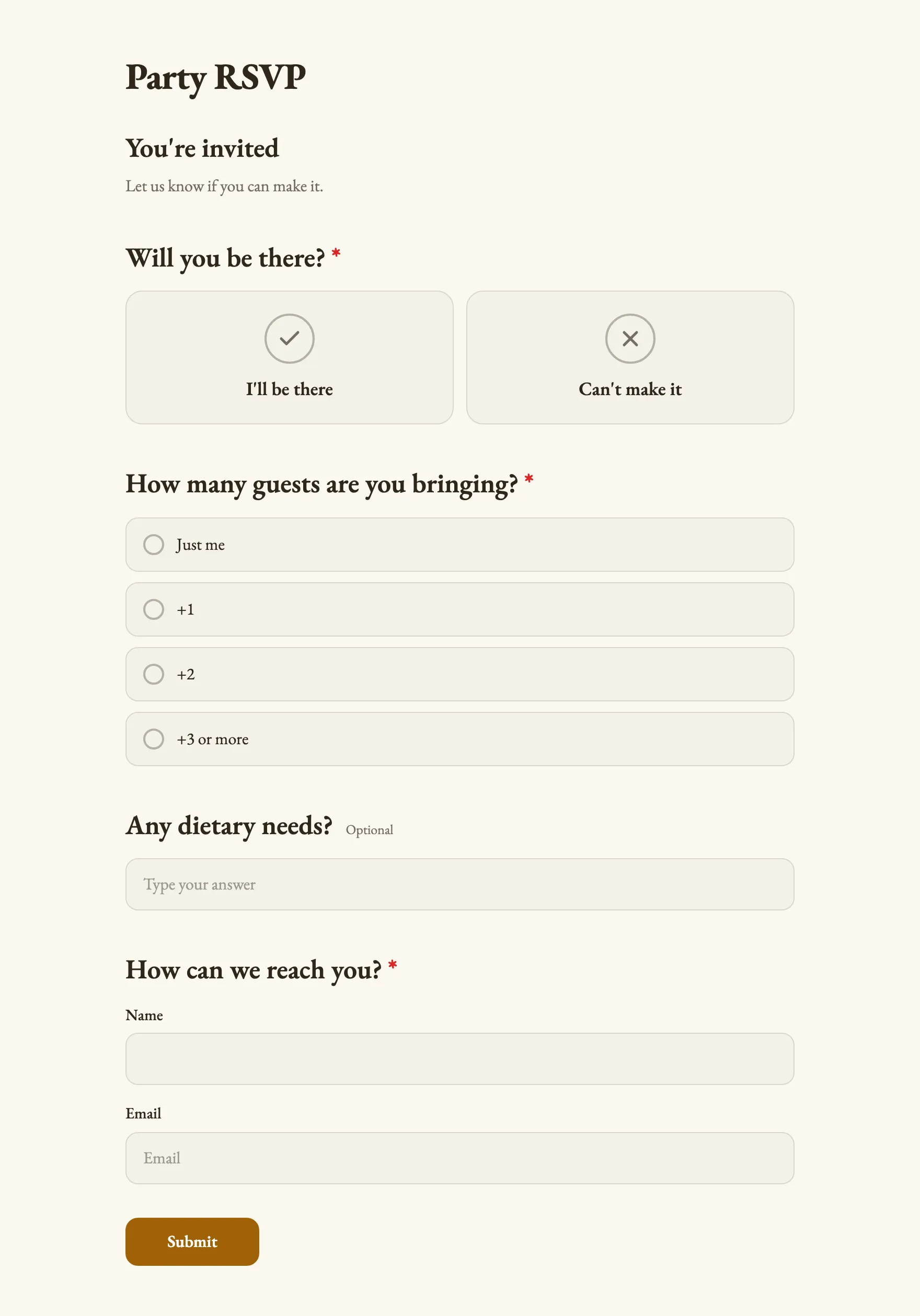
- 2 Collect RSVPs with a form that asks who’s coming, how many guests they bring and what they eat.
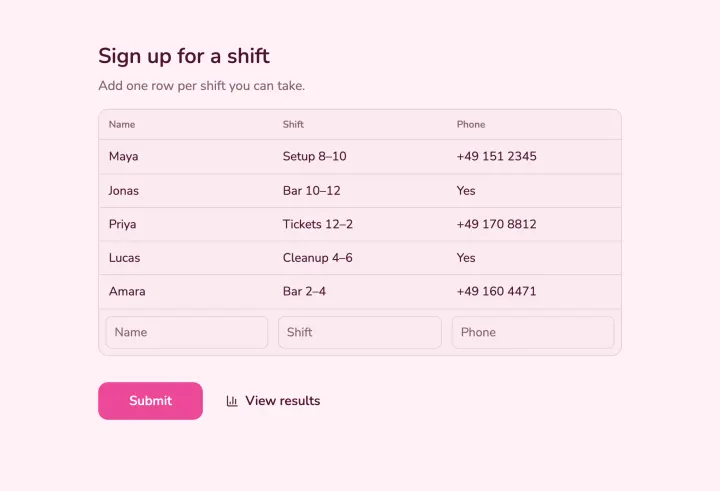
- 3 Fill the helper list with a sign-up sheet or shifts with limited places.
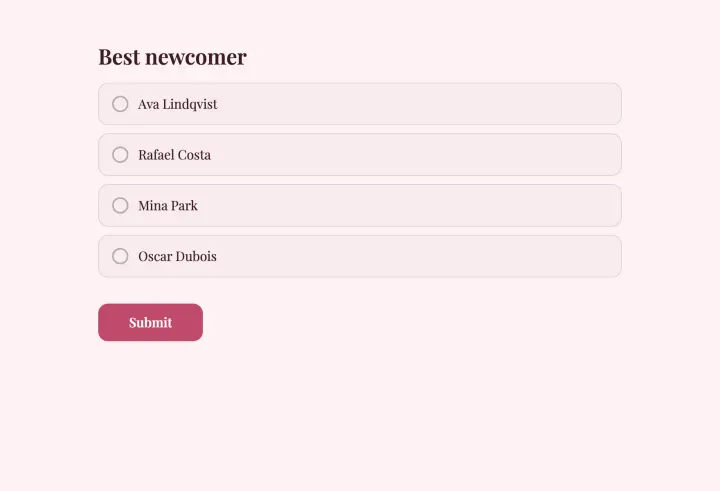
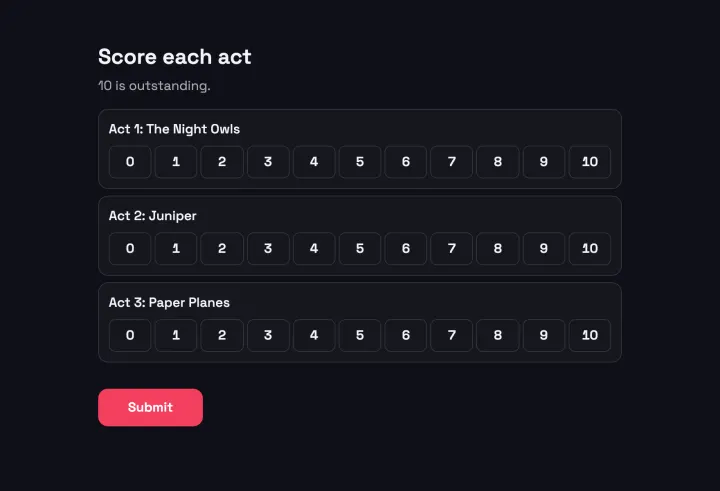
- 4 Ask how it went with a short feedback survey while people are still there.
RSVPs with numbers you can trust
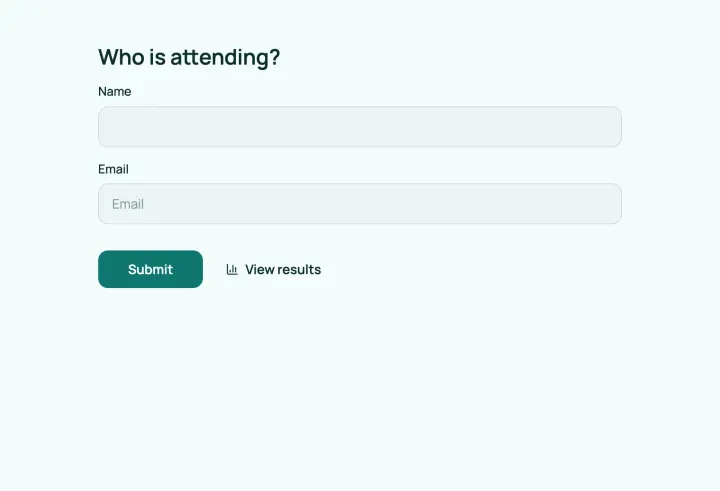
Start from the Party RSVP template or the Event registration template. Ask for a name with a Contact info question, so you know who replied, and a Number question for the guest count.
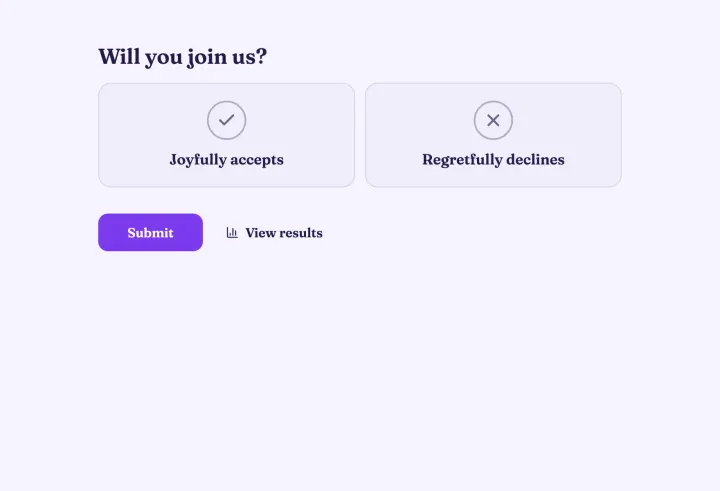
Use conditional logic so only guests who say yes see the follow-up questions: guest count, dietary needs, which session they’ll join. People who can’t come are done in one tap.
- Turn on Allow changing responses, so guests update their RSVP instead of writing to you.
- Set a close date under Open & close dates a few days before the venue needs final numbers.
- Turn on email notifications for each new reply, and send every guest a copy of their answer.
Limited places and volunteer shifts
For workshop seats, tables or shifts, use a Multiple choice question with one option per slot. Under Options, turn on Limit votes per option and set how many people each one takes. Once a slot is full, nobody else can pick it.
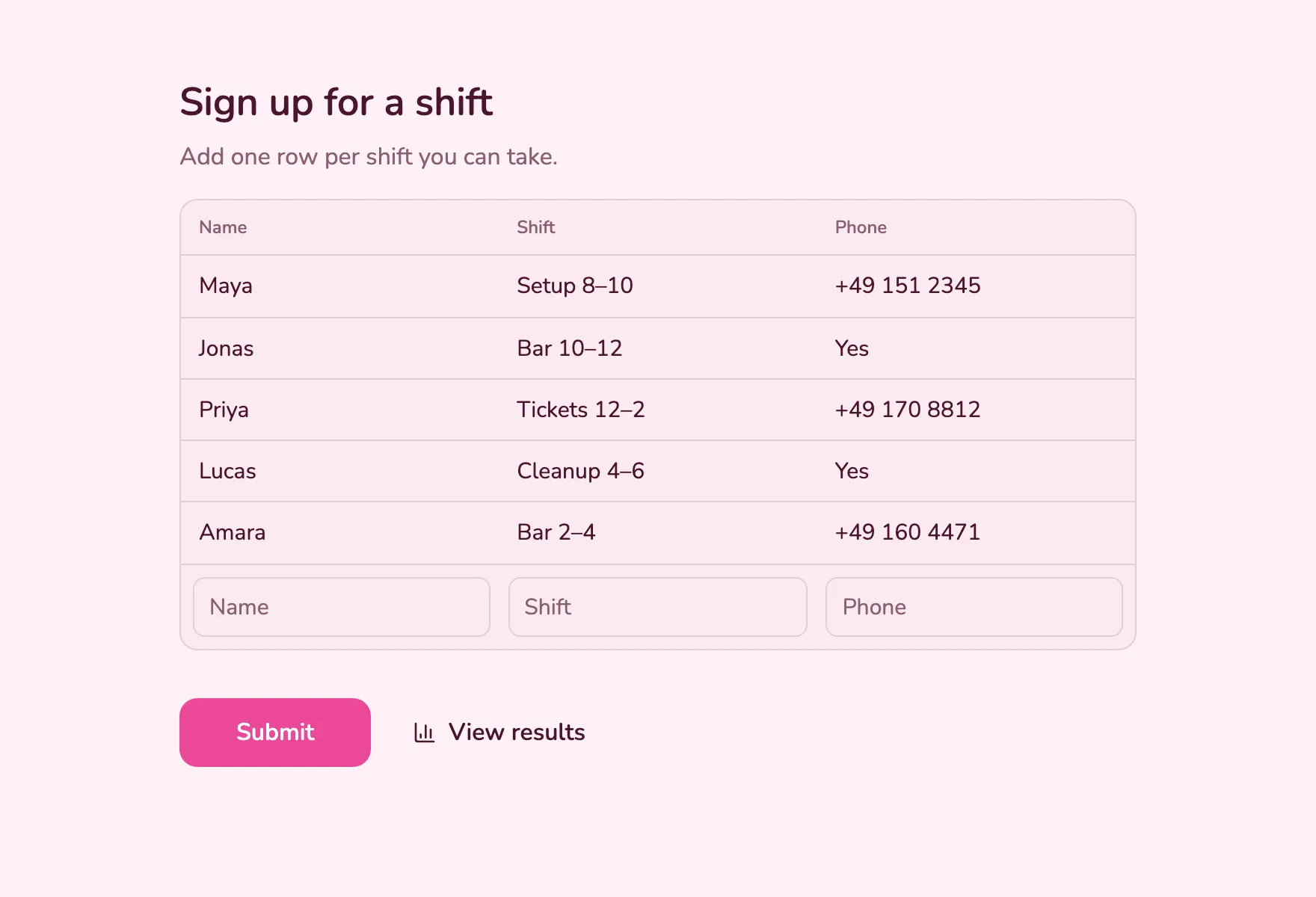
For open lists where people bring things or offer lifts, a Sign-up sheet question works better: everyone adds a row with the columns you choose and sees who signed up before them.
Share it where your guests are
Send the link by email or in a chat, print the QR code on the invitation, or embed the form on your event website as an inline block, a popup or a full page. Edits you publish show up in the embed automatically.
Themes with your colors and fonts are free, so the form can match the event. Pro adds your logo and removes StrawPoll branding.
After the event
Export the replies as a CSV for the venue or the caterer, with every answer in its own column. Then close the loop: put the QR code for the Event feedback template on the last slide or at the exit. Responses that arrive while people are still in the room are far more numerous than those from a follow-up email.