Sign-up sheets without the spreadsheet

Everyone adds a row with their name and the columns you choose, and sees who already signed up. No more lists passed around the group chat.

Everyone sees what’s covered, so nobody brings five bowls of chips.

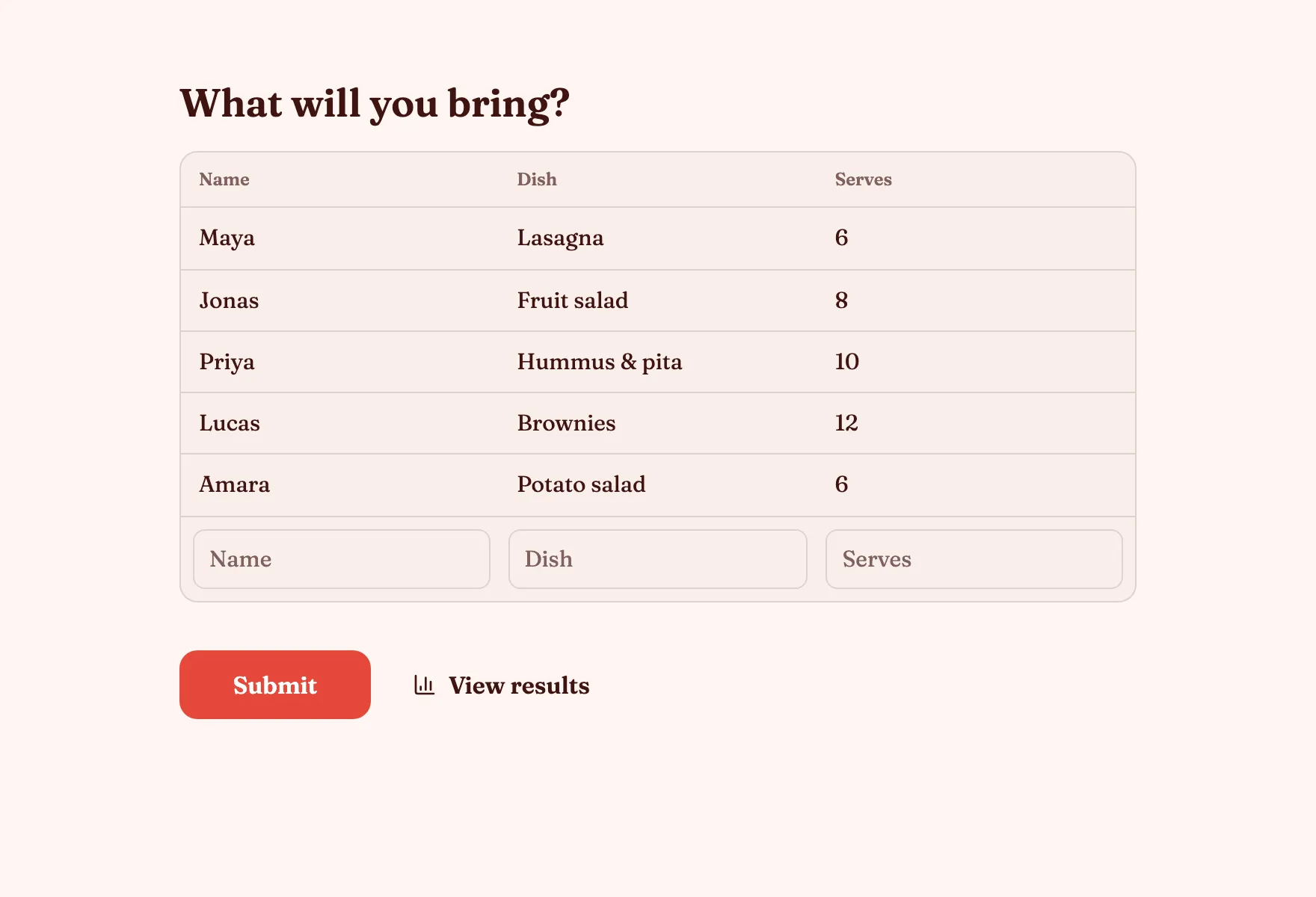
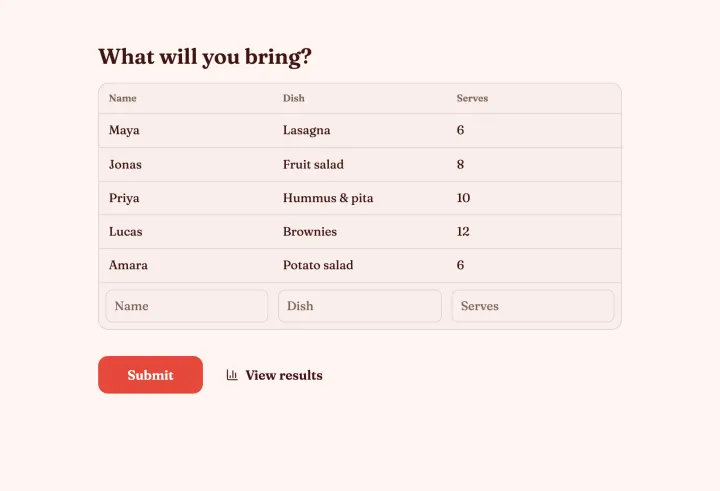
What will you bring?
NameDishServes
HannahLasagne8
OmarGreen salad6
JuleLemon cake10
FelixDrinks12

Everyone sees what’s covered

A sign-up sheet starts with the name and adds the columns you choose, like dish and how many it serves. Each new row is visible to the next person.

  • Your own columns after the name
  • Everyone sees who signed up
  • No account for anyone
The Potluck sign-up sheet with dishes already listed

A rota that fills itself

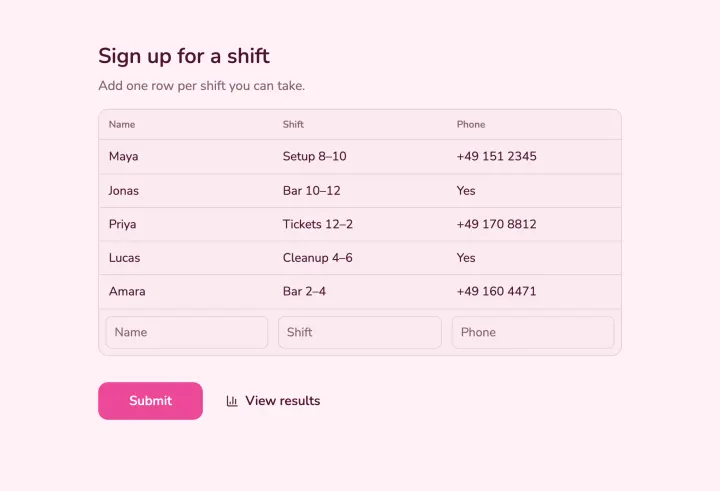
Share the sheet once, and volunteers add themselves with the shift and a phone number. You see the rota fill up without chasing anyone.

  • Shift and contact columns
  • Visible to every volunteer
  • Export the rota as CSV
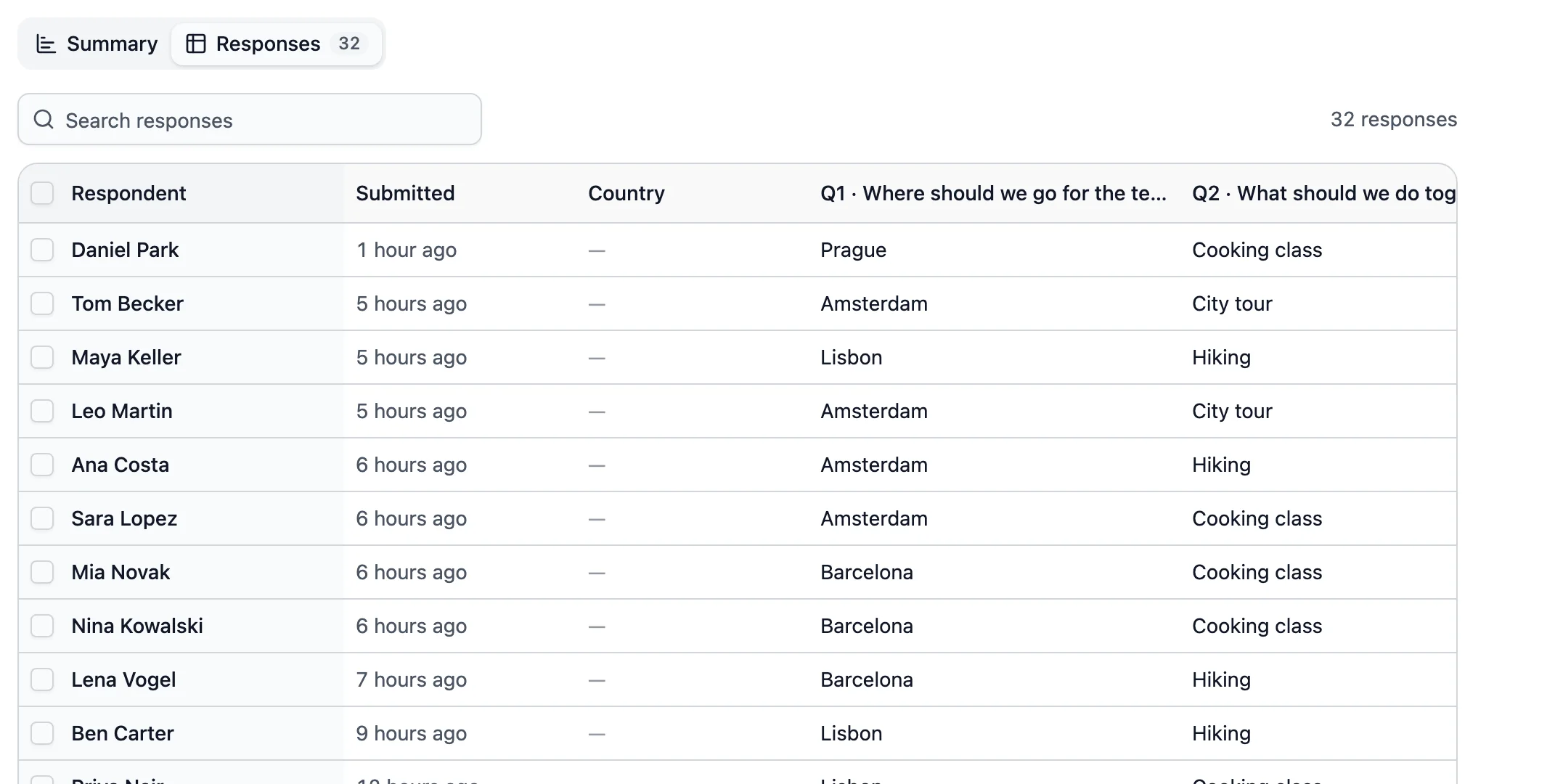
Every sign-up in one table, ready to export

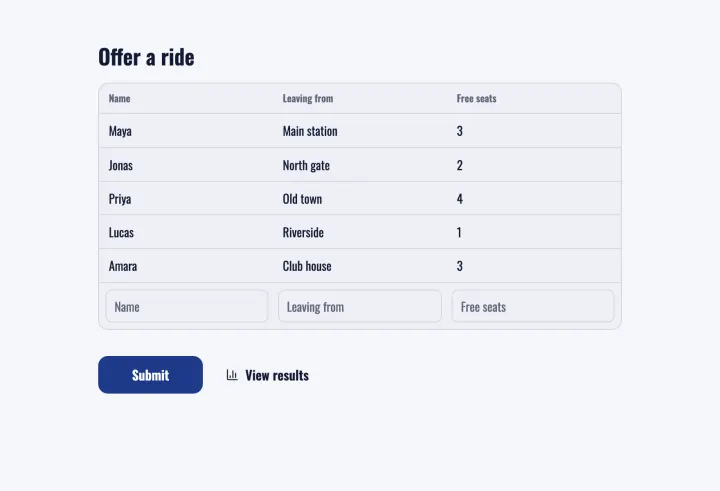
Lifts sorted in one list

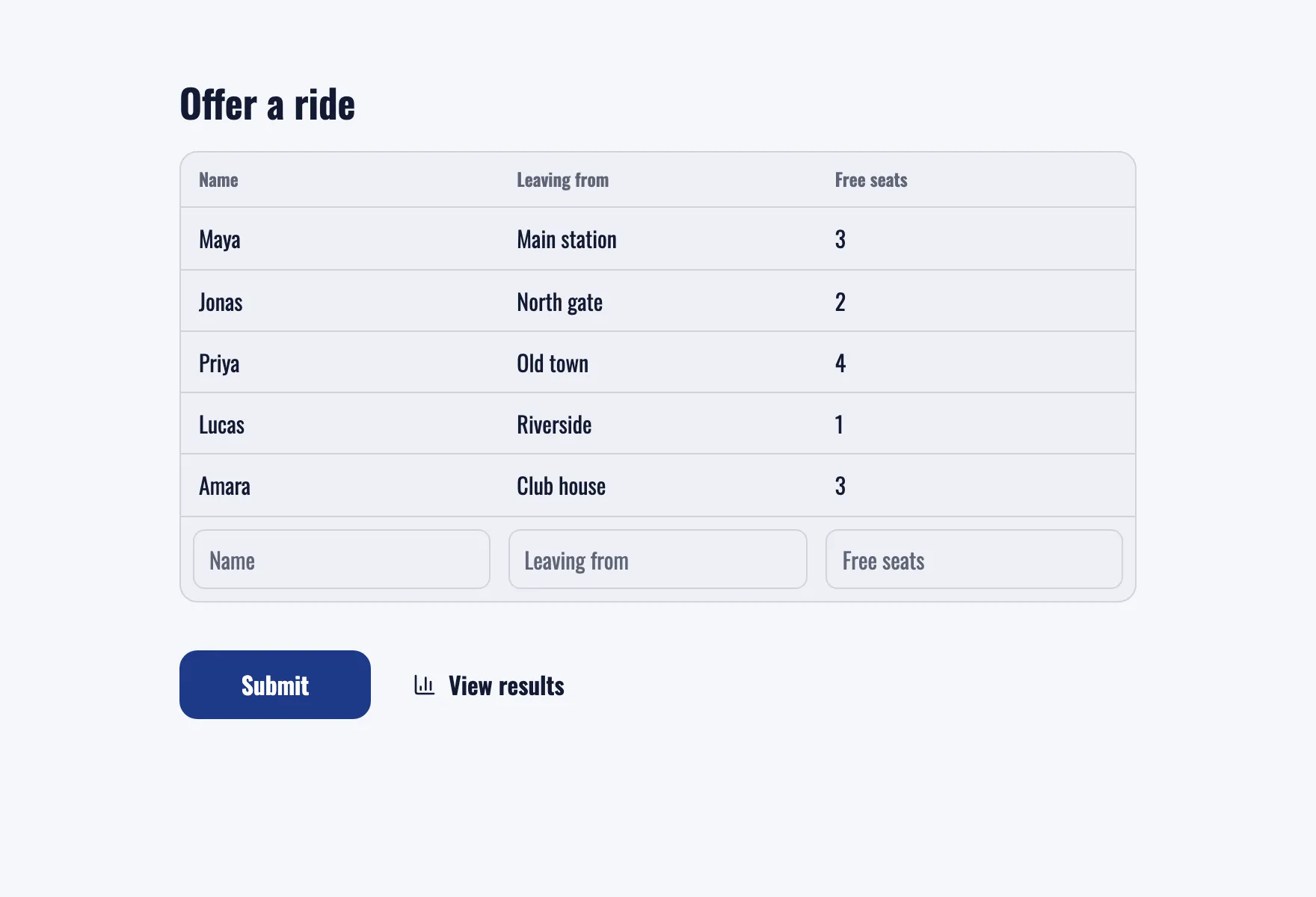
The carpool sheet asks drivers where they leave from and how many free seats they have. Parents and players find a ride without a single phone call.

  • Departure and free seats
  • One list for the whole team
  • Share it in any chat
The Carpool sign-up sheet listing drivers and free seats

Good to know

Sign-up sheets: the paper list, without the paper

When a sheet beats a form, how to choose columns, and when to switch to fixed slots with limited places.

2 min read

How a sign-up sheet works

A Sign-up sheet question works like the list on a clipboard. The first column always asks for the person’s name, and you add the others: dish, shift, phone number, free seats. Each person adds one row and sees every row added before them, so nobody signs up twice for the same thing.

Choosing your columns

  • Potluck: Dish, Serves, Vegetarian?
  • Volunteer rota: Shift, Phone number.
  • Carpool: Leaving from, Free seats, Departure time.
  • Kit or equipment: Item, Bringing back by.

Keep it to two or three columns. Click Required on a column to make it optional when not everyone has an answer.

Visible or private

Rows are visible to anyone who can open the poll, whatever the results setting. That’s the point for a potluck. For lists with phone numbers or other personal details, turn off Show entries to everyone in the question’s settings, and only you see the rows.

Sheet or slots?

A sheet suits open lists where people decide what to add. When places are fixed, like six people per shift or one person per time slot, use a Multiple choice question with one option per slot and turn on Limit votes per option. Once a slot is full, nobody can pick it. For time slots on a calendar, a meeting poll with Limit people per option works like a booking sheet.

Before the day

Turn on Allow changing responses, so people fix their row when plans change. A few days before, open the results to check gaps, like nobody bringing dessert, and send a nudge. Export a CSV if you want it on paper.
Questions people ask

Sign-up sheets

Pass around a link, not a clipboard

Start a sheet for the next potluck, rota or carpool and share it in the group chat.

Potluck sign-up 1 question · ~1 min