Three jobs, three tools
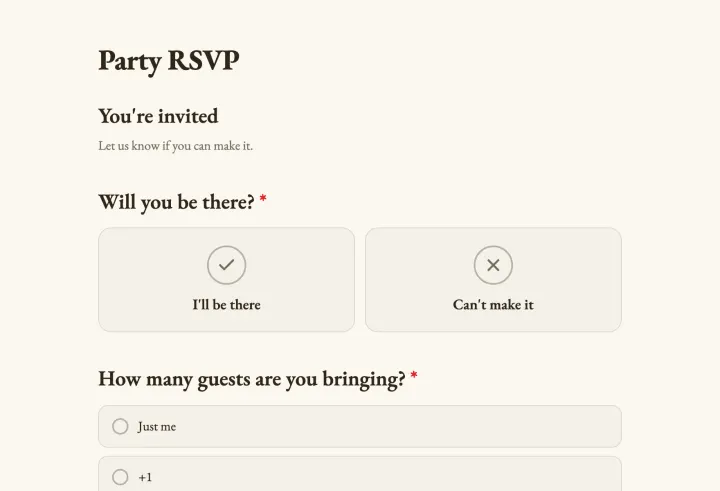
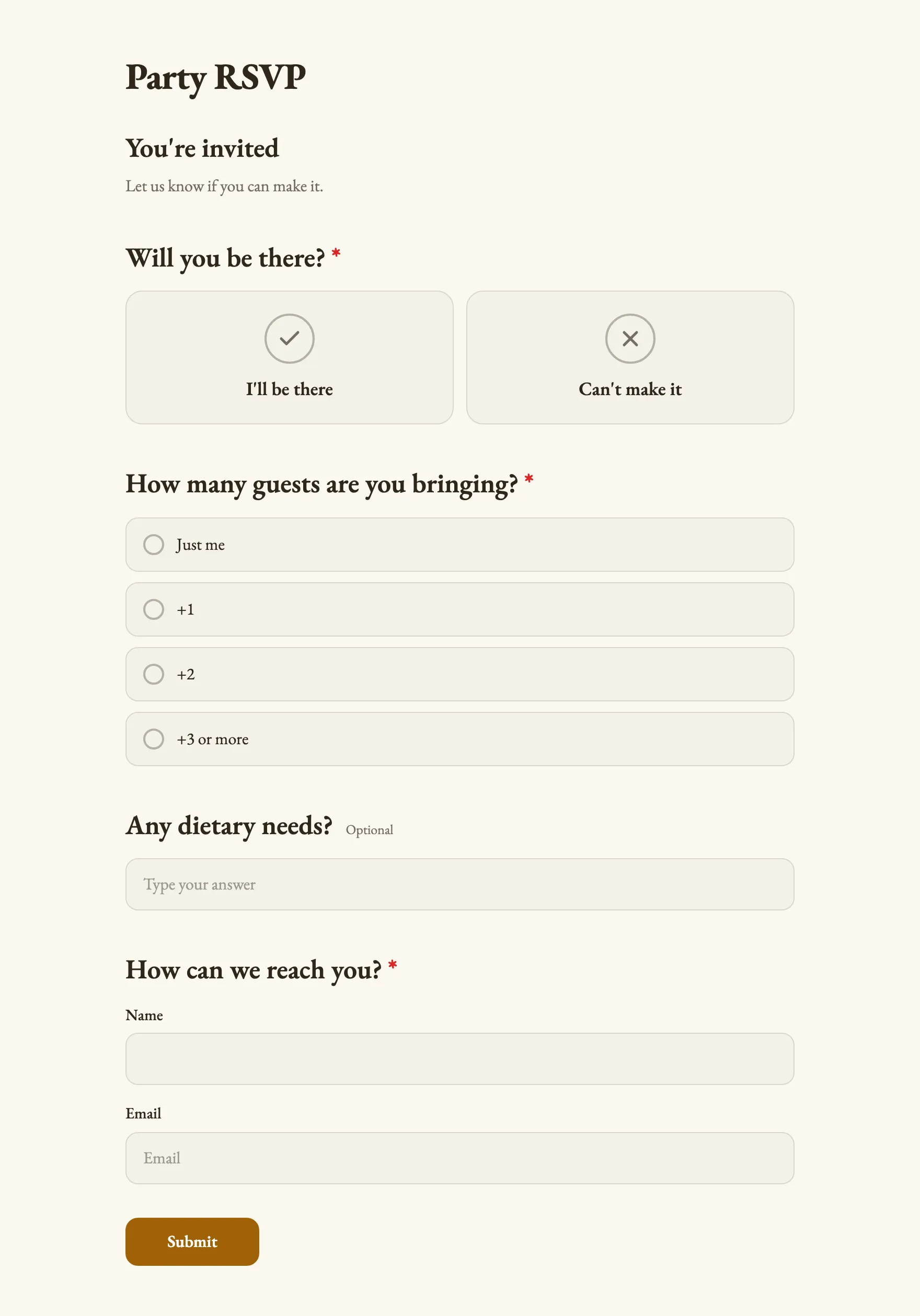
- RSVPs: a form with a yes or no, a guest count and a few details. You get a head count and a list.
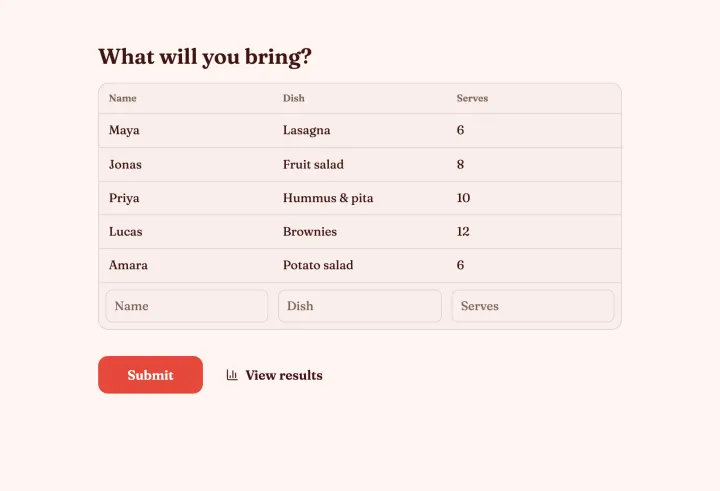
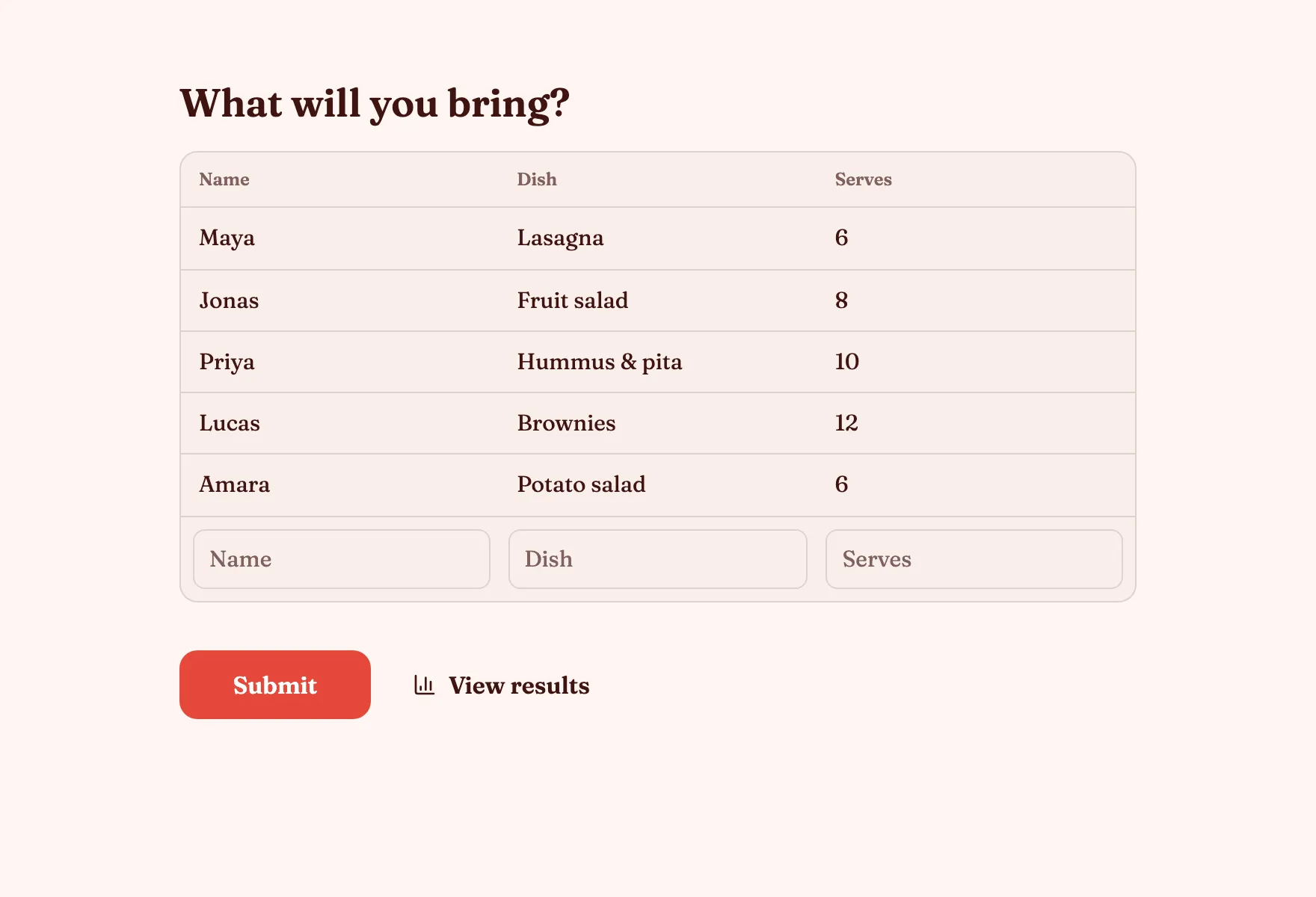
- Open sign-up lists: a sign-up sheet where everyone adds a row and sees what’s covered. Potlucks, carpools.
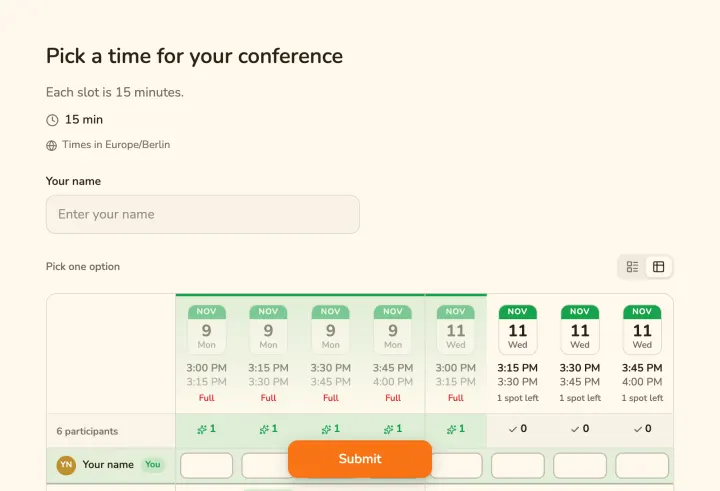
- Limited places: a choice question with Limit votes per option. Shifts, workshop seats, tables.
An RSVP with an accurate head count
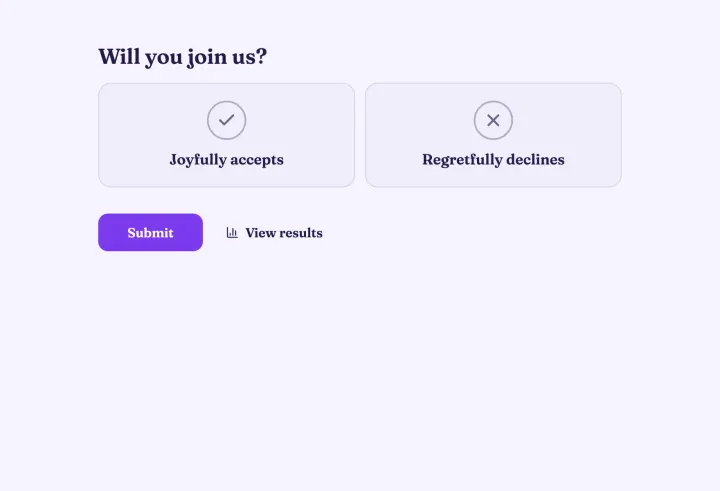
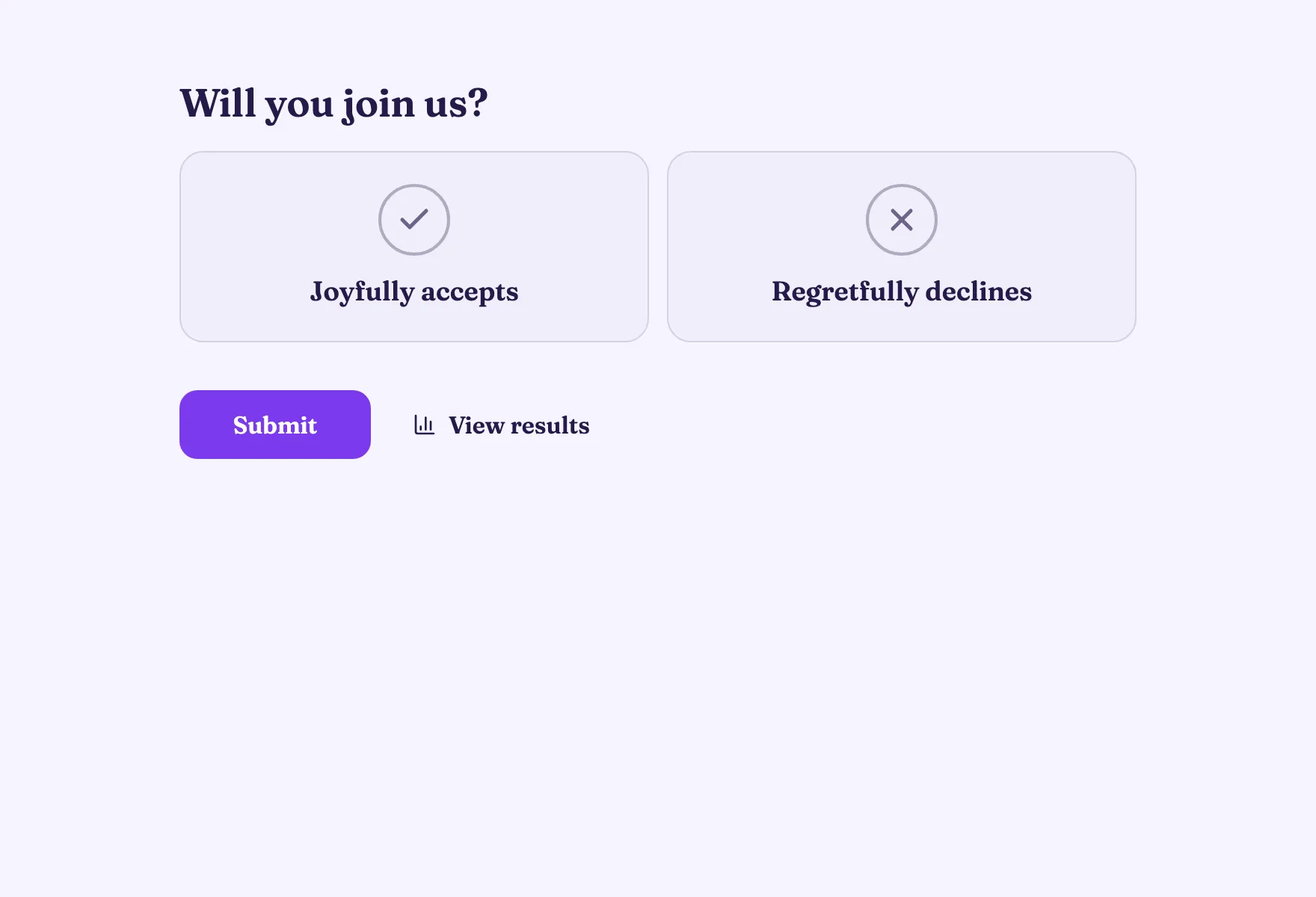
- 1 Start from the Party RSVP template, or add a Yes / No question: “Are you coming?”
- 2 Add a Number question for guests and a Short text question for dietary needs. With conditional logic, only people who say yes see them.
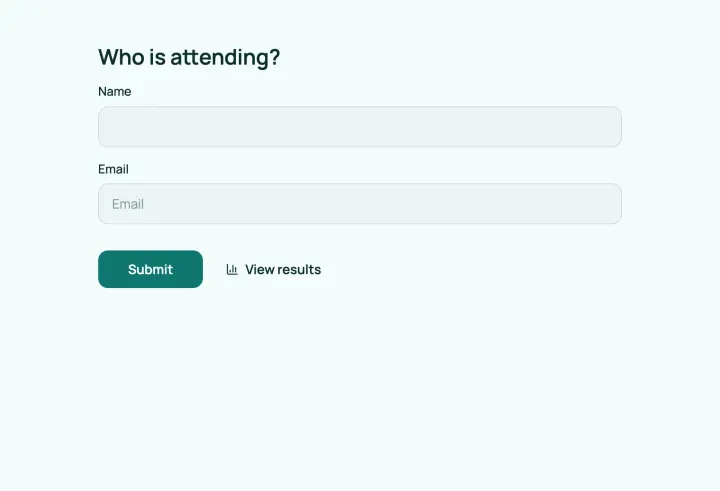
- 3 Ask for a name with Contact info, so you know who replied.
- 4 Turn on Allow changing responses, so guests update their answer.
- 5 Set a close date under Open & close dates a few days before the event.
The results add up the guest counts, and a CSV export gives the venue the full list.
Shifts and places that fill themselves
Add a Multiple choice question with one option per shift, like “Sat 9–12: Bar”. Under Options, turn on Limit votes per option and set how many people each shift needs. Once a shift is full, nobody else can pick it. Turn on Allow more than one answer if people can take several.
Stay in the loop
Turn on email notifications to get an email for each new RSVP, every response or once a day. Send guests a copy of their reply, which doubles as a reminder.
For weddings and bigger events, a theme with your colors makes the form part of the invitation.