Party RSVP
Find out who is coming, how many guests they bring and how to reach them.
- 4 questions
- About 2 min to answer
- Champagne theme
Free, no account needed. Change any question, color or setting.
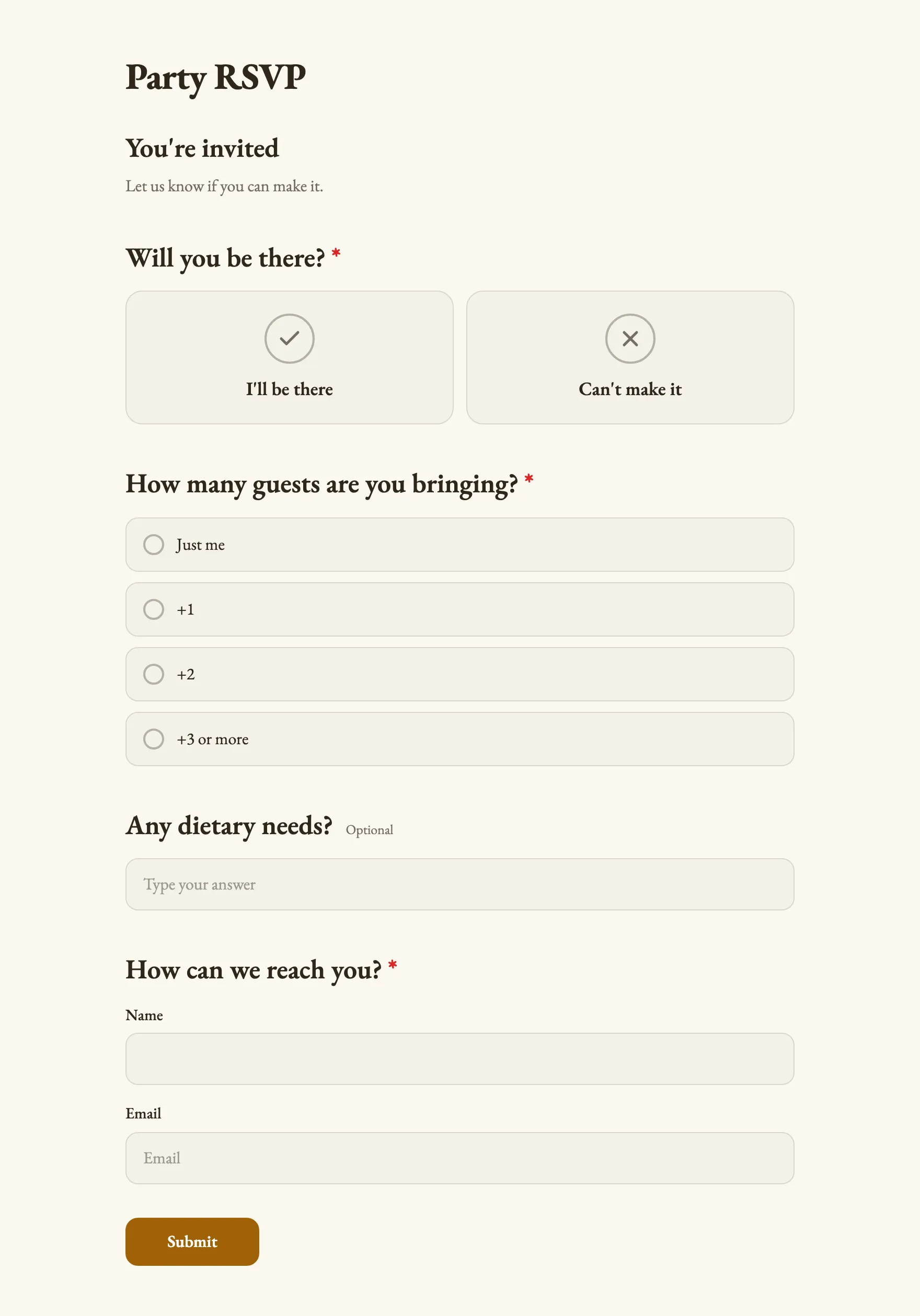
What people see, step by step
Real screenshots of the template, with its own theme. Pick a step to see its page.
Already set up for you
The questions come with settings that suit them. Keep them or change them in the editor.
- Open questions are optional
- Opens with a welcome screen
- Ends with its own thank-you message
- Export every answer as CSV, or send it to Slack and webhooks
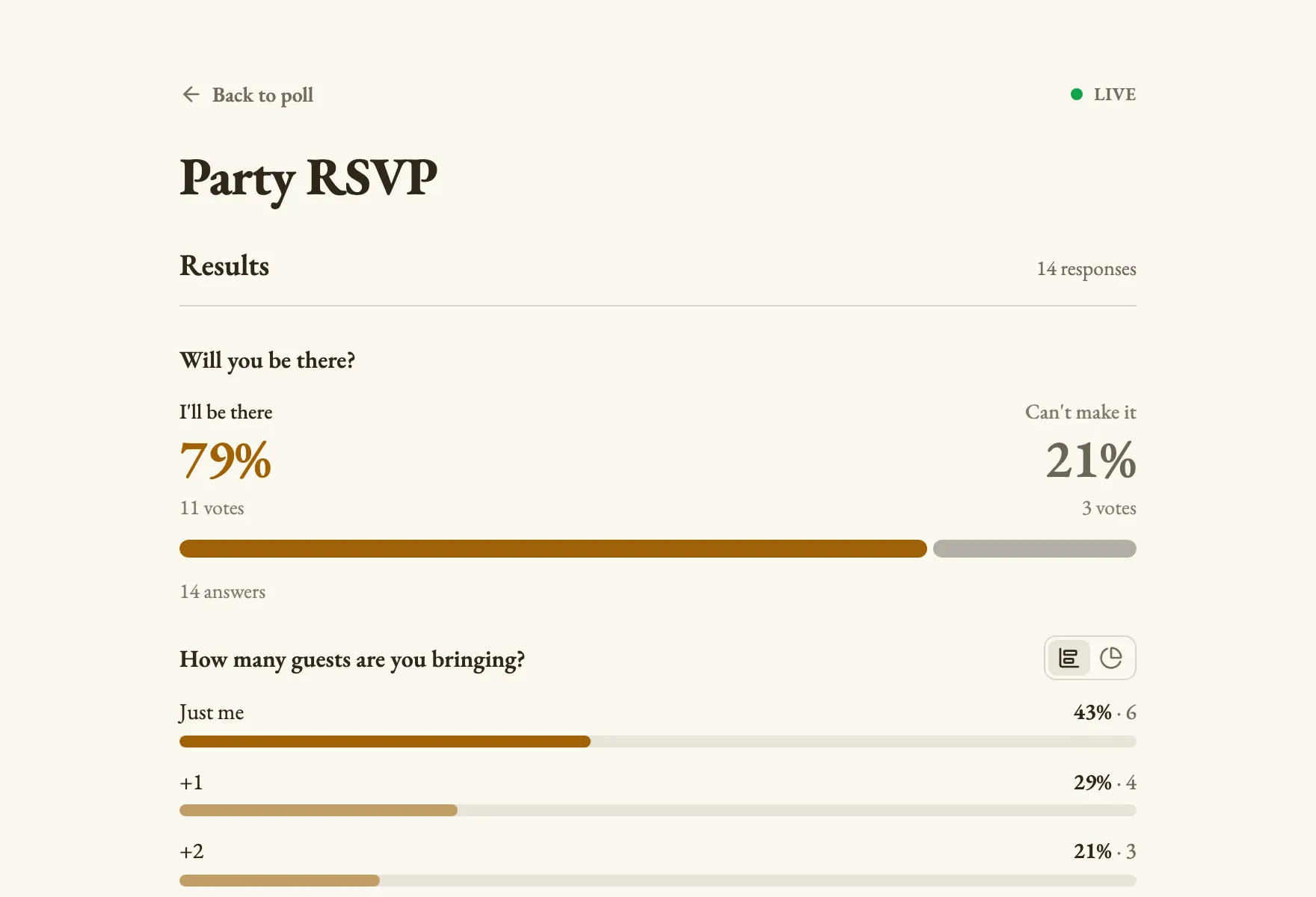
Results with example votes
The settings, and why
Who sees what and who can vote how often, as a poll from this template starts out.
- Results visible Template pick
- Only you
- Guest details like names and contact info stay between you and each guest.
- Duplicate check Template pick
- Respondent name
- People have no reason to answer twice, so their name is check enough, and families or offices on one network can each answer.
- Changing an answer Default
- Respondents and you
- Plans change, so people can update their answer from the same browser.
Signed in, the settings this template does not pick follow your own defaults. Change any of them under Settings before or after sharing.
Question types inside
Its look
Champagne · EB Garamond
You're invited
Submit- Background #fbf7ef
- Text #2f2618
- Buttons #a16207
- Accent #a16207
Every poll you start from it gets this theme. Swap colors, font or add your logo under Design.
Similar templates
All templates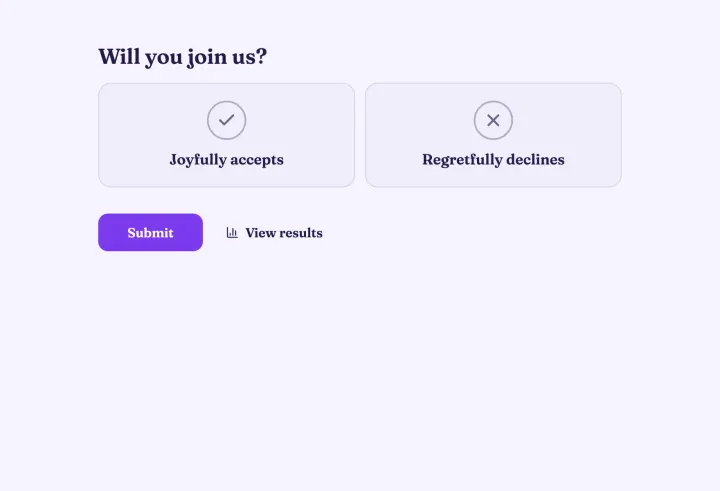
Wedding RSVP
Collect replies, meal choices and song requests for the big day.
- Page title
- Yes / No
- Multiple choice
- Short text
- +1
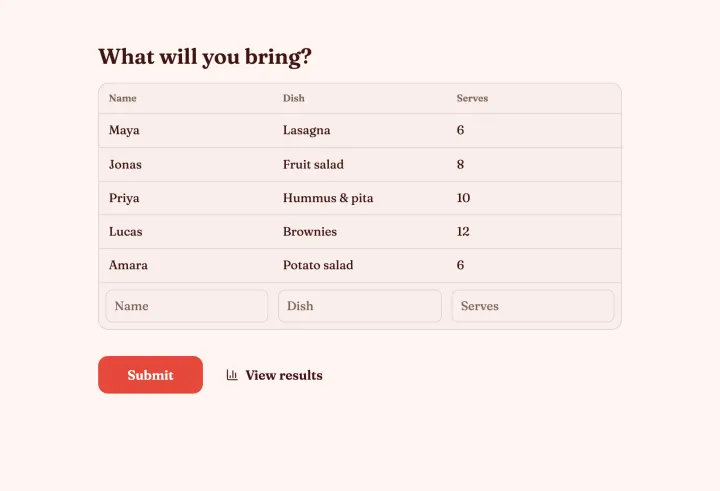
Potluck sign-up
Make sure there are mains, sides and dessert, not five bowls of chips.
- Sign-up sheet
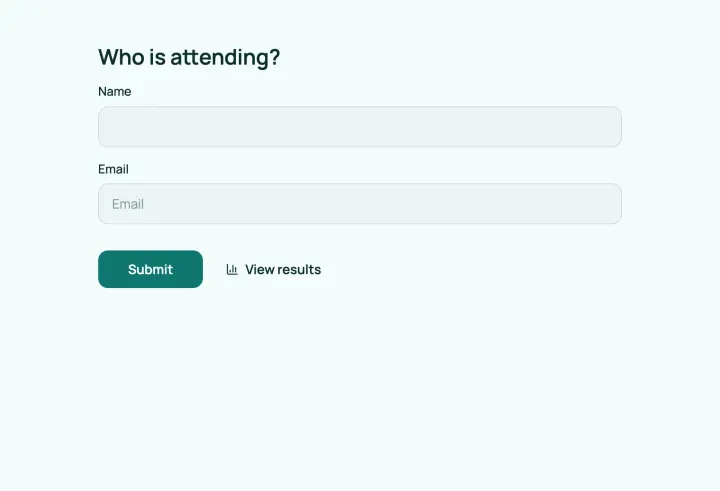
Event registration
Register attendees, let them pick sessions and collect their consent.
- Contact info
- Multiple choice
- Multiple choice
- Consent