Icebreakers that get the room talking

Open a meeting, a workshop or a class with a light question. Everyone answers from their phone and the results appear on screen right away.

Results show the moment people vote.

Two light questions, and the room is already talking.

Two questions, instant results

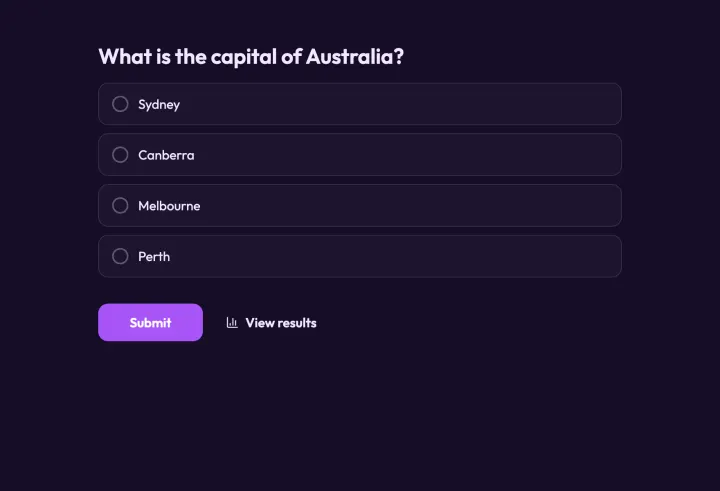
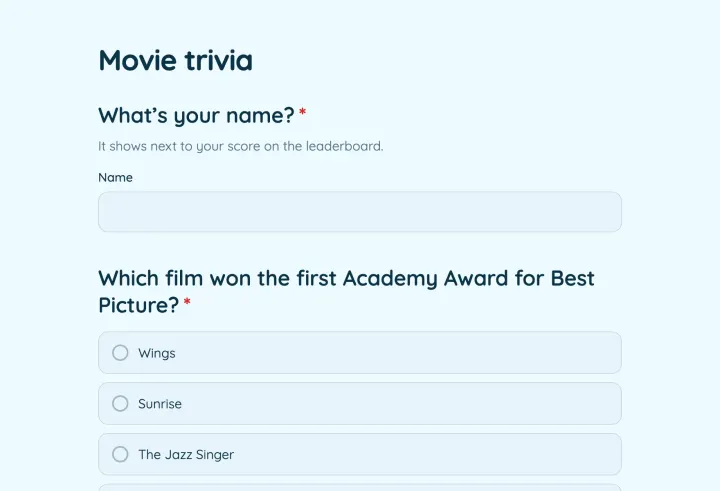
The icebreaker template asks two easy questions, and results appear as soon as people answer. Show them in present mode to get everyone looking at the same thing.

  • Results as soon as people vote
  • Join by QR code
  • No names needed

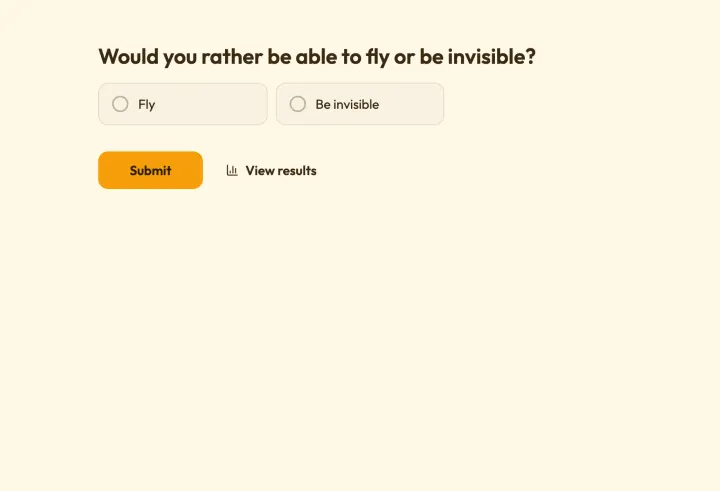
Either-or questions for any group

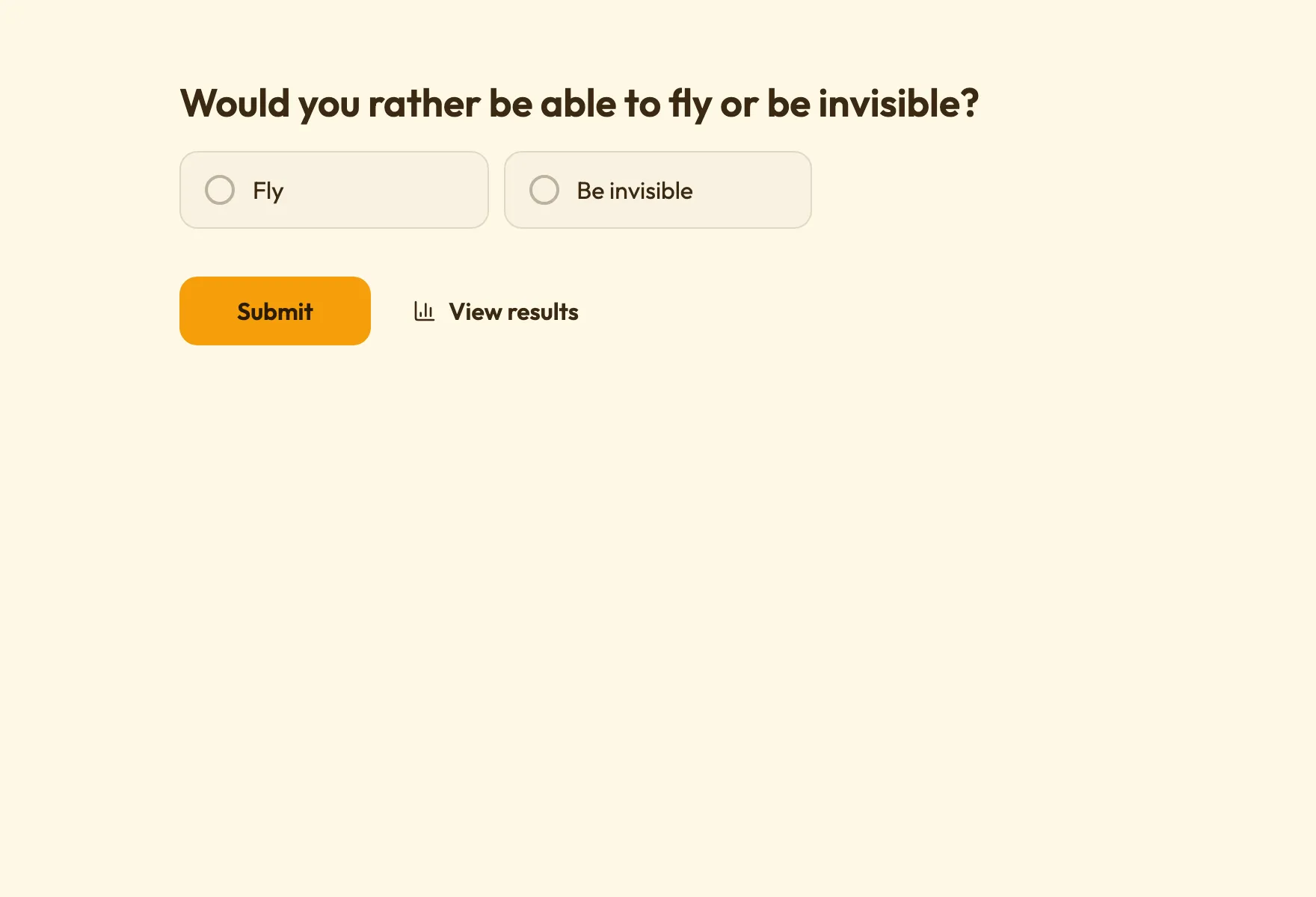
Two options, one tap, and an instant split to argue about. Would you rather questions work in person and in a video call.

  • One tap per question
  • Live on the shared screen
  • Fun without being childish
The Would you rather template with either-or questions

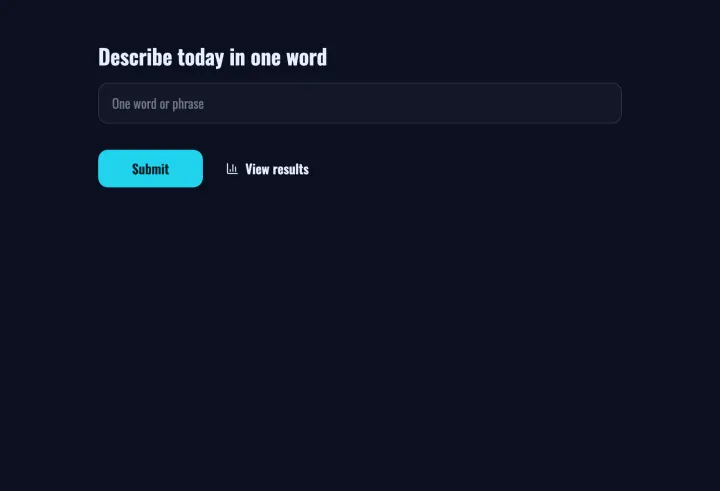
A word cloud to start the week

Ask for one word and watch the cloud grow. It’s quick, inclusive and works for five people or five hundred.

  • One word from everyone
  • Bigger as more people agree
  • Full screen on any display

Good to know

Icebreakers that actually break the ice

What makes a good icebreaker question, which format fits which group, and how to turn a two-minute poll into a real conversation.

2 min read

What makes a good icebreaker

  • No right answer. Opinions and preferences, not knowledge.
  • Easy to answer. Two options or one word; nobody should have to think hard.
  • Safe. Nothing personal, political or embarrassing.
  • A split. The best questions divide the room roughly in half.

Formats that work

  • Would you rather: two options, an instant split. “Would you rather work from a beach or a mountain cabin?”
  • Word cloud: “Describe your weekend in one word.” Inclusive, and it fills the screen.
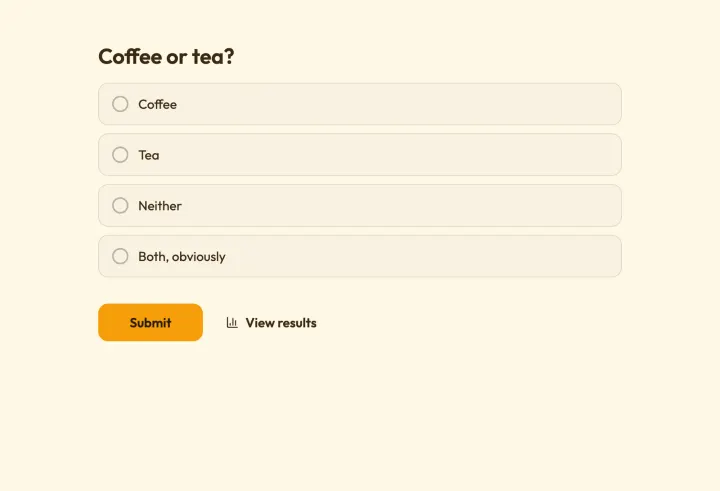
  • Quick poll: “Coffee or tea?” for the shortest possible warm-up.
  • Rating: “How’s your energy today, 1 to 5?” Useful for the facilitator too.

Run it in two minutes

  1. 1 Start from the Icebreaker or Would you rather template.
  2. 2 Set Access to results to Always, so the split appears as people vote.
  3. 3 Open present mode in the room or share it in your video call.
  4. 4 Once the votes are in, ask someone from the smaller side why.

That last step is the icebreaker. The poll just gives people something to talk about.

Remote, hybrid and big groups

In a video call, share the present mode tab; people answer on their phones or laptops with the join code. For five hundred people, word clouds work best: everyone contributes, and nobody needs the microphone.

Don’t ask for names. Icebreakers work because nobody is on the spot.
Questions people ask

Icebreakers

Start the next meeting with a laugh

Pick a would you rather and put it on screen before the agenda.

Would you rather 2 questions · ~1 min