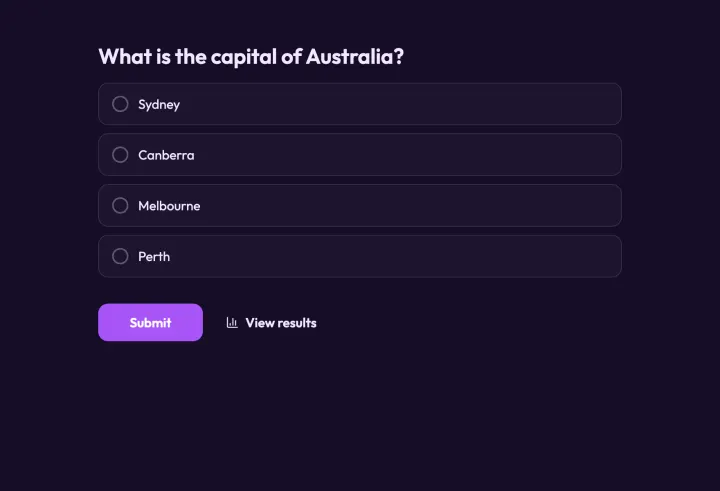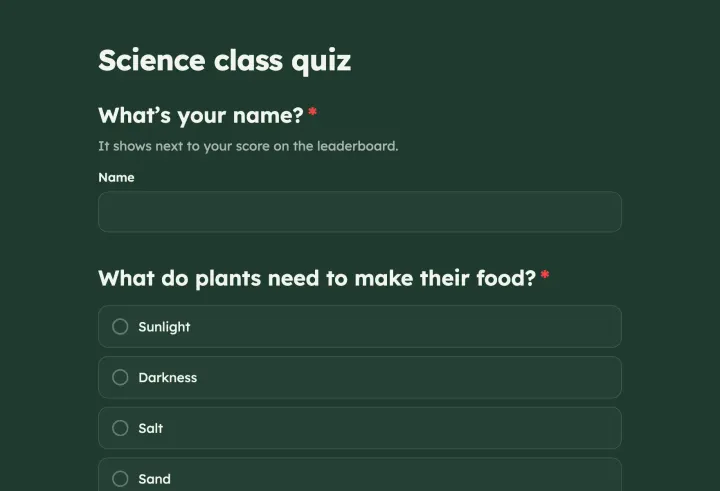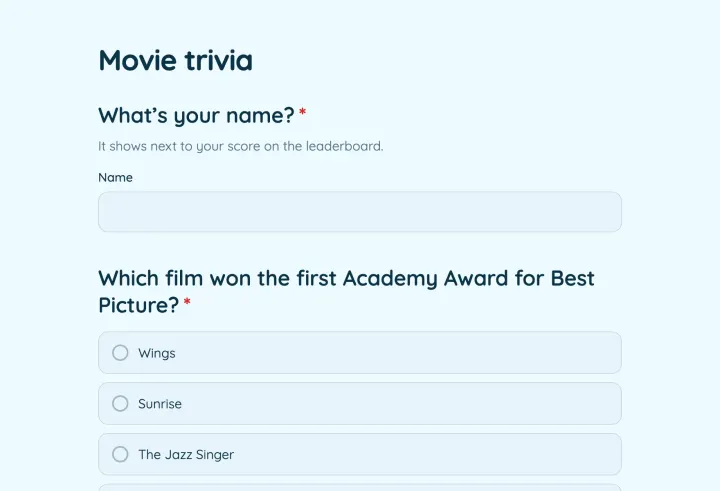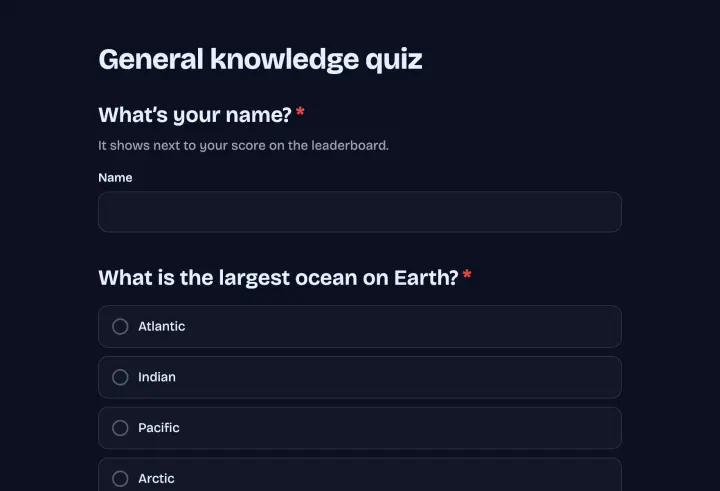
Turn a poll into a quiz
- 1 In the Settings tab, turn on Quiz mode.
- 2 In the Edit tab, mark the correct options on each choice question.
- 3 Publish.
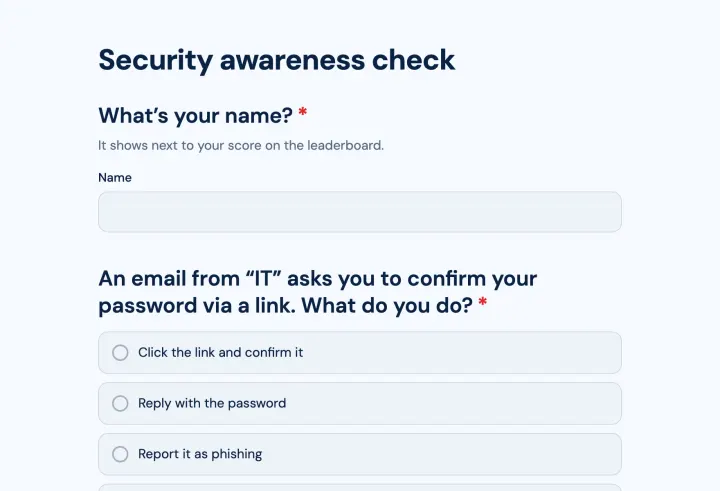
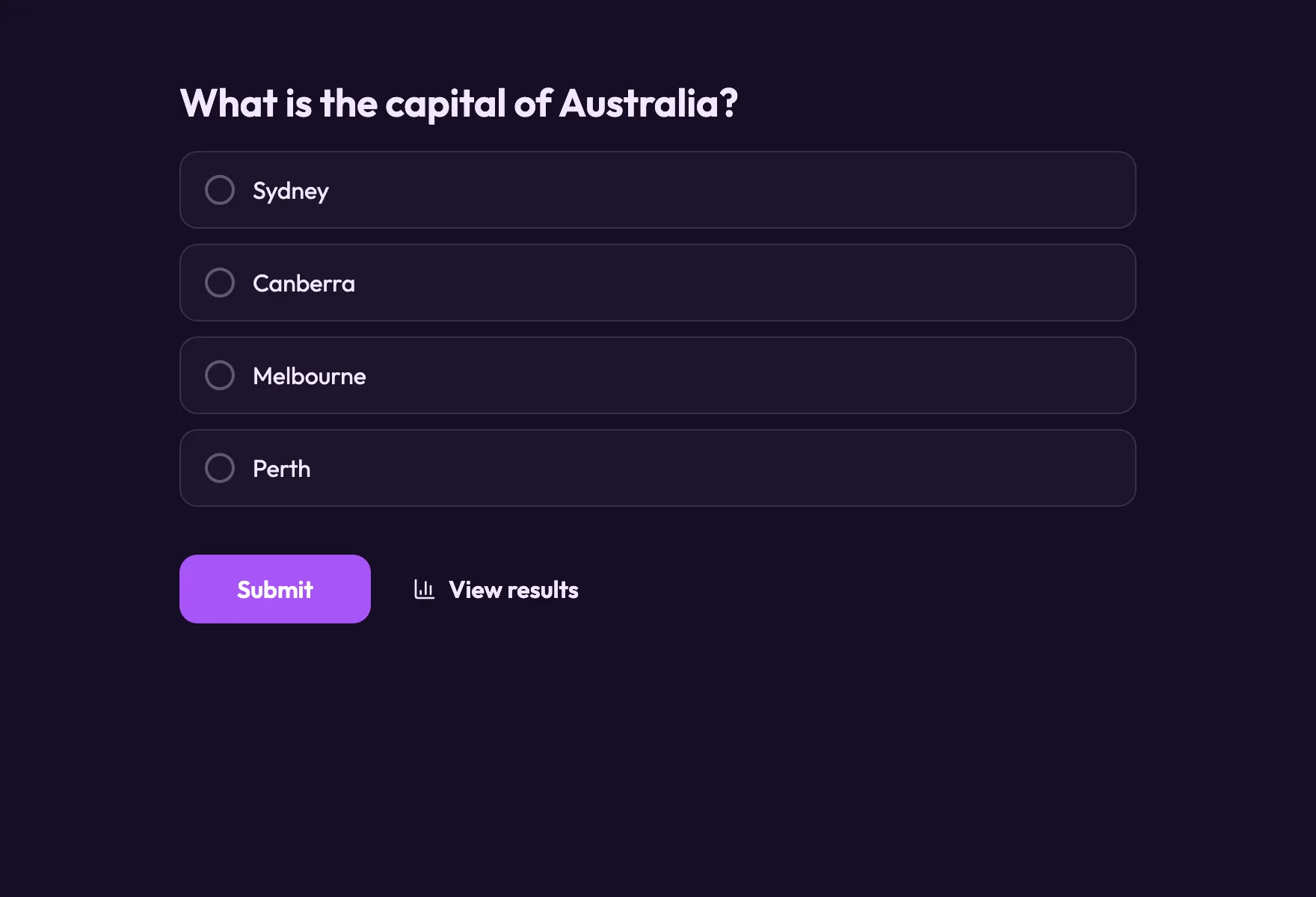
Only choice questions with at least one correct option count toward the score. Other questions, like a name field, are asked as usual.
Points and difficulty
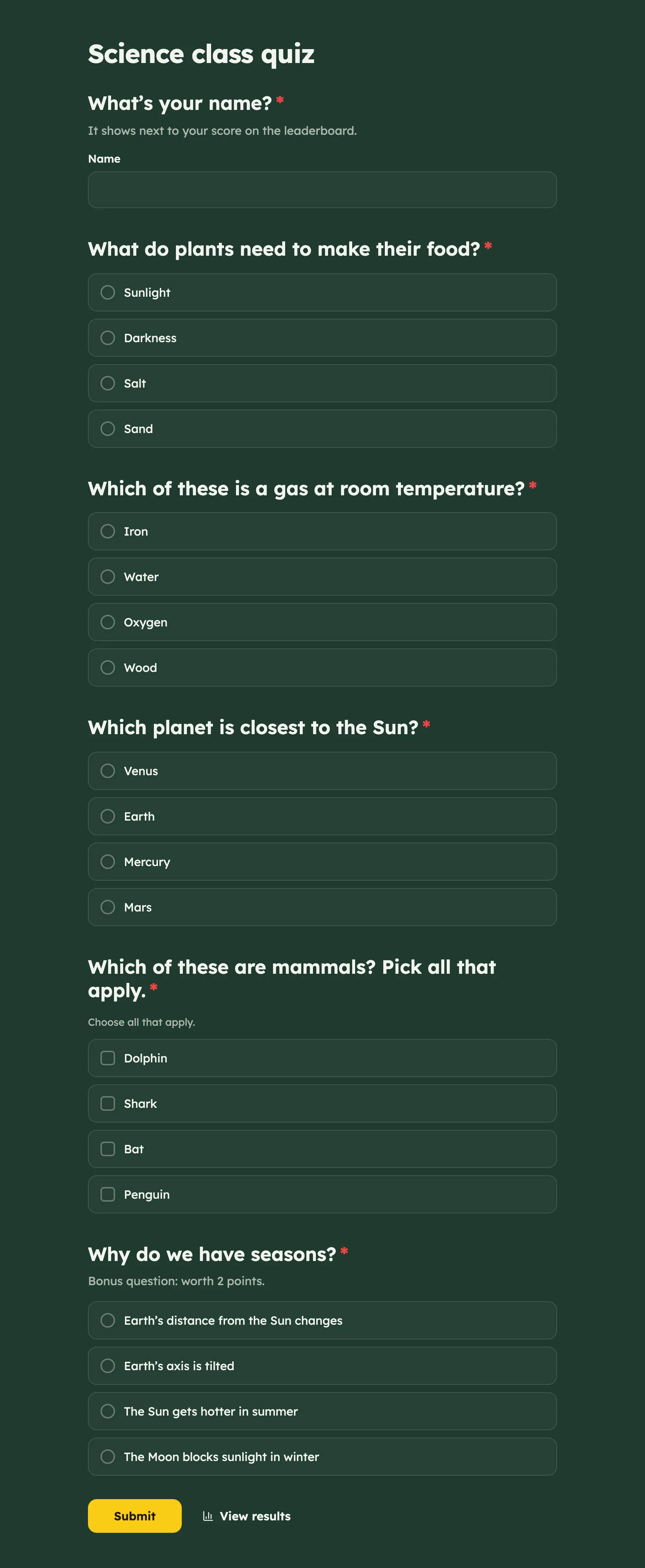
Each right answer is worth one point. Select a question and set Points under Quiz to change it: 2 for a hard question, 0 for a warm-up that shouldn’t count. Mix easy and hard questions, and put an easy one first, so everyone starts with a win.
Endings by score
Add several End screens after the last question. On each, turn on Show only if under Logic and pick Quiz score (points) or Quiz score (%), like “Quiz score (%) is more than 80”. Put the highest range first and leave the last one without a rule for everyone else.
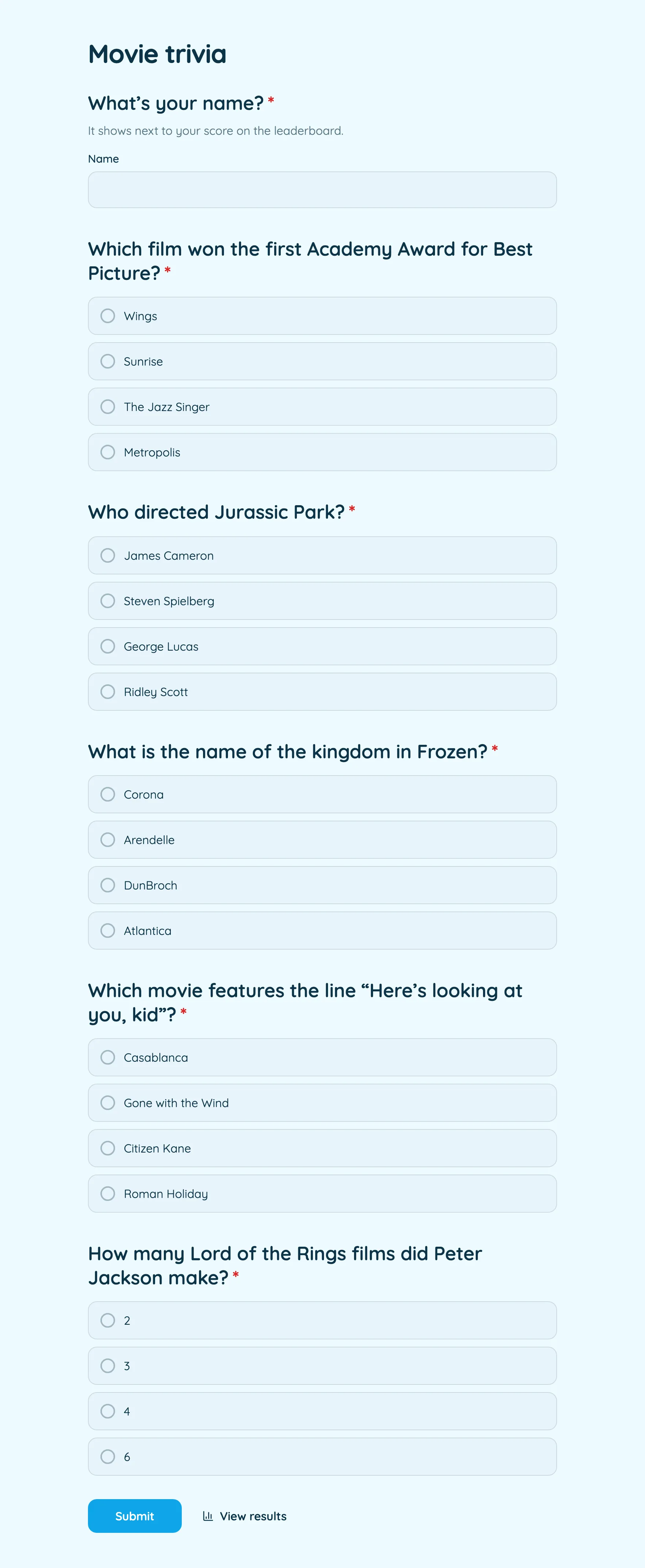
Endings are what make a quiz shareable: “You’re a film buff” is something people post.
Leaderboard and fairness
- Add a Contact info question and remove its email field, so the Leaderboard shows names or nicknames.
- Limit responses strictly, so nobody retakes the quiz to improve their score.
- Turn off Show which answers were right after submitting if others will take the quiz later.
- Questions someone never saw because of conditional logic don’t count toward their score.
Live trivia night
Open present mode on the big screen. The room answers on their phones while the screen keeps the suspense. Press H to hide results until everyone has answered, reveal, then move on. Show the leaderboard at the end.
Afterwards, each question shows how many people got it right, like “71% answered correctly”. In a classroom, that’s the topic to go over again.