What makes a good stream poll
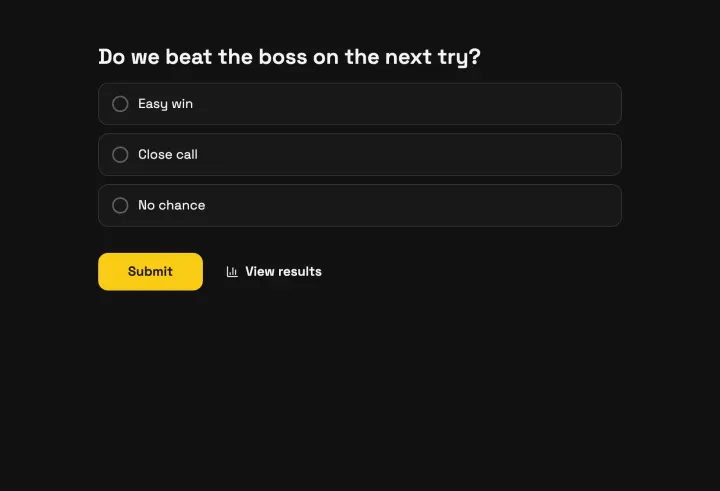
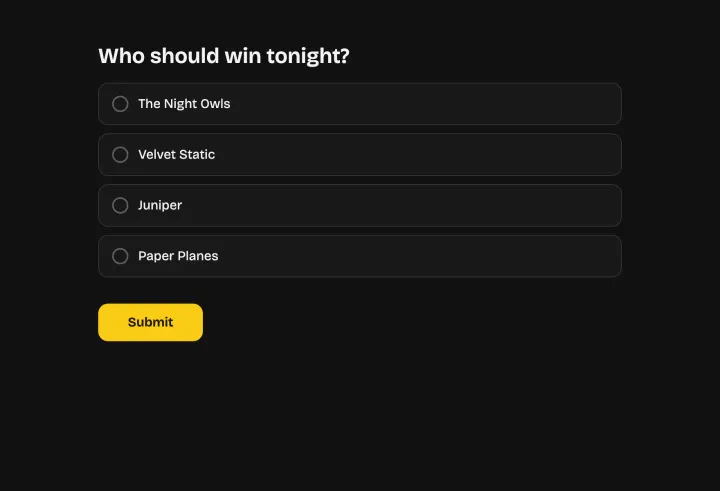
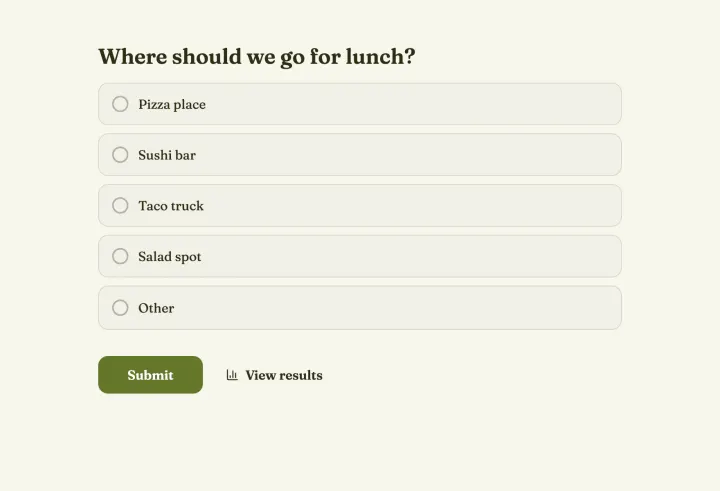
The best stream polls are fast to answer and fun to watch. Two to four options, short enough to read on a phone in a scrolling chat. Ask things your viewers have a stake in: what you play next, which build you try, who wins the next match.
- Predictions before a match or a boss fight, revealed when it’s over.
- Decisions that change the stream: the next game, a challenge, a loadout.
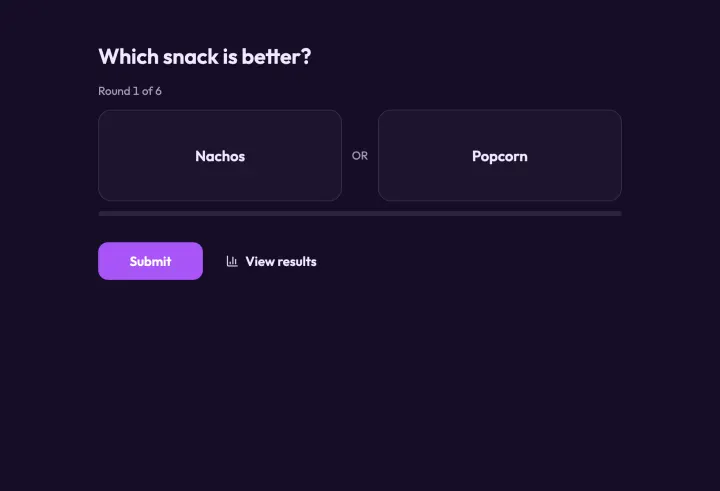
- Matchups with a pairwise comparison when the list is long, like ranking every character in a game.
Keep it fair when thousands join
A public link in a big chat will attract someone who wants to vote fifty times. Set your protection before you post the link: votes that are already in can’t be checked again later.
- Duplicate check: IP address is a good default for public polls. Each connection votes once.
- Block VPNs and proxies rejects votes sent through a VPN, a proxy, Tor or a datacenter. It’s on every plan.
- Require CAPTCHA stops scripts that send hundreds of votes a minute. It comes with Pro and Business.
- Email address is the strictest open option, for votes with a prize on the line. Each viewer confirms their address with a code.
If an option suddenly jumps by hundreds of votes, open the responses table: bursts within seconds of each other are a typical script. Select them and click Invalidate. See Deal with suspicious votes.
Put the count on stream
Open the results in present mode and capture the window in OBS or your streaming software. The count updates live without refreshing.
- Press H to hide the results while votes keep counting, then press it again for the reveal.
- Press Q to hide the QR code if your viewers all vote from chat.
- Press C to switch between bars, columns, a donut or a pie.
Recurring polls and long contests
For a weekly “what should I stream next” vote, you don’t need a new poll each time. Turn on repeat voting and pick Once per week under Response frequency: the duplicate check resets after the interval.
For a community contest that runs for days, let people vote once per day, hide the results until the close date, and set that date before you announce it. When the poll closes, results appear for everyone at once.