Feature budget
Customers spend 100 points on the features they want, showing real priorities.
- 2 questions
- About 1 min to answer
- Terminal theme
Free, no account needed. Change any question, color or setting.
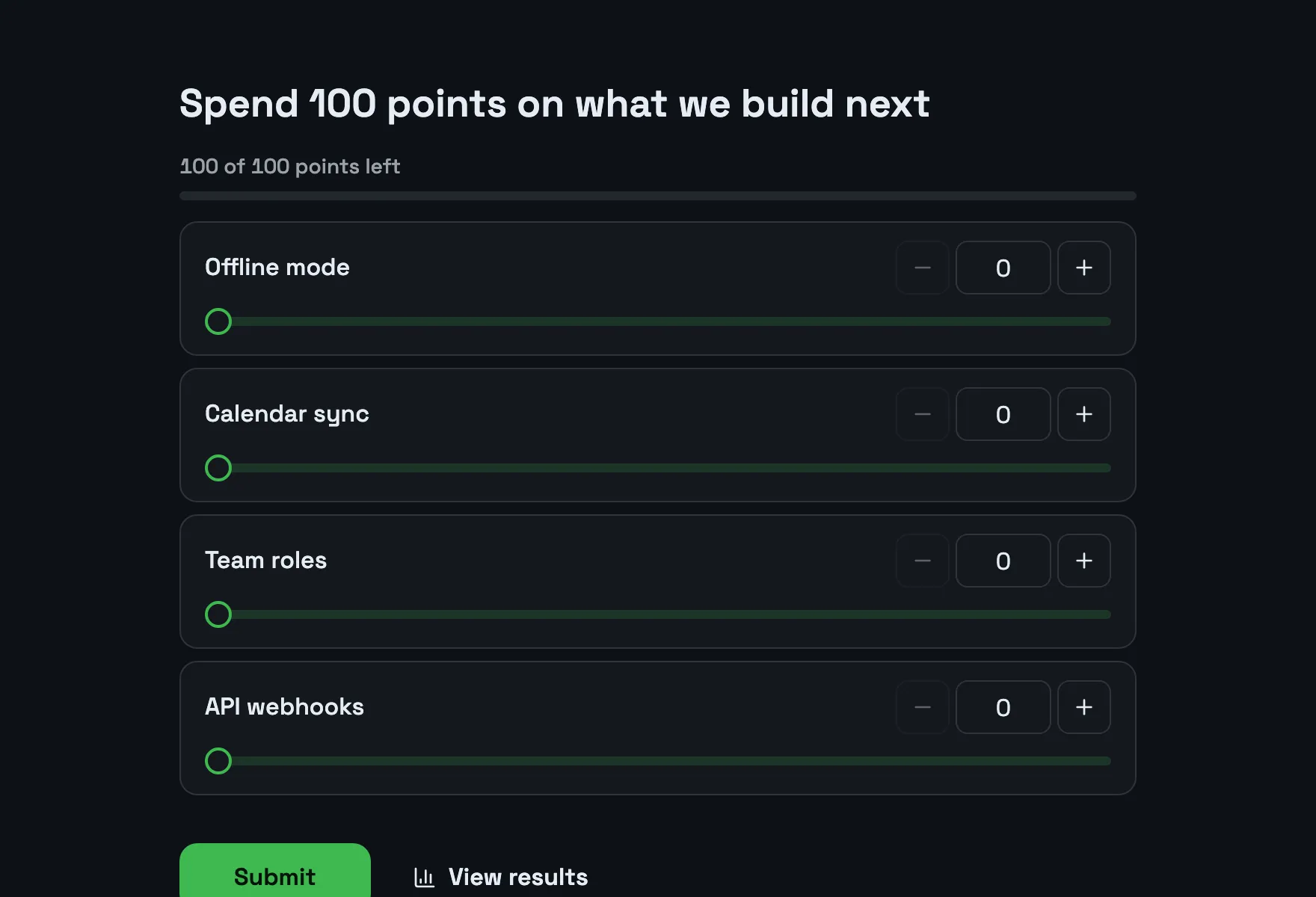
What people see, step by step
Real screenshots of the template, with its own theme. Pick a step to see its page.
Already set up for you
The questions come with settings that suit them. Keep them or change them in the editor.
- Everyone gets the same budget of points to spend
- Open questions are optional
- Export every answer as CSV, or send it to Slack and webhooks
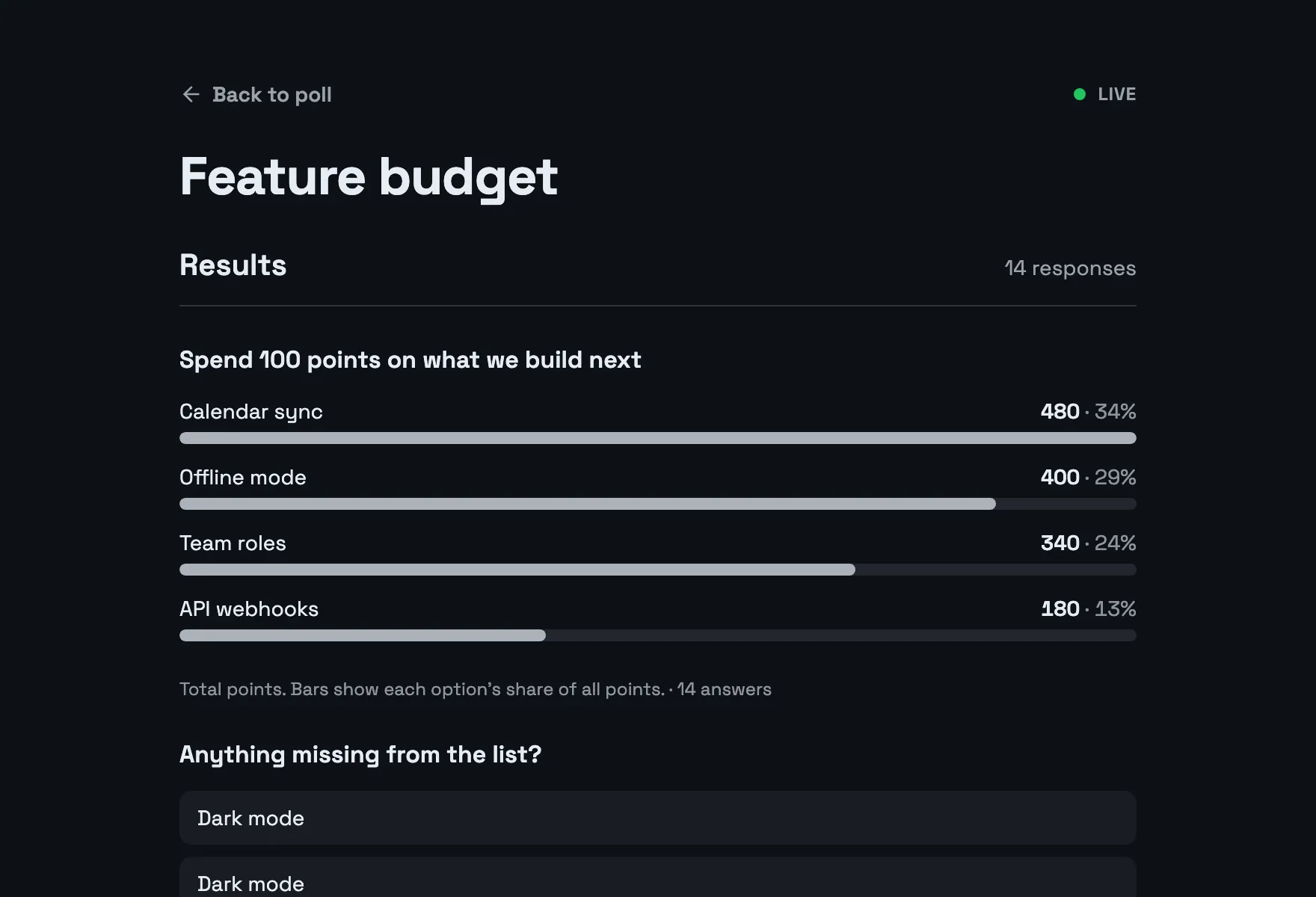
Results with example votes
The settings, and why
Who sees what and who can vote how often, as a poll from this template starts out.
- Results visible Default
- Always
- Nobody has to ask how it turned out: the results are right there after voting.
- Names next to results Default
- Private
- Others see the totals, not who voted for what.
- Duplicate check Default
- IP address
- One response per network and browser stops repeat voting without asking anyone to sign up.
- VPNs and proxies Default
- Blocked
- Switching networks through a VPN is the easiest way around the duplicate check, so it is closed.
- Changing an answer Default
- Respondents and you
- Someone who mistapped or changed their mind can fix it from the same browser.
Signed in, the settings this template does not pick follow your own defaults. Change any of them under Settings before or after sharing.
Question types inside
Its look
Terminal · Space Grotesk
Spend 100 points on what we build next
Submit- Background #0d1117
- Text #e6edf3
- Buttons #3fb950
- Accent #3fb950
Every poll you start from it gets this theme. Swap colors, font or add your logo under Design.
Similar templates
All templates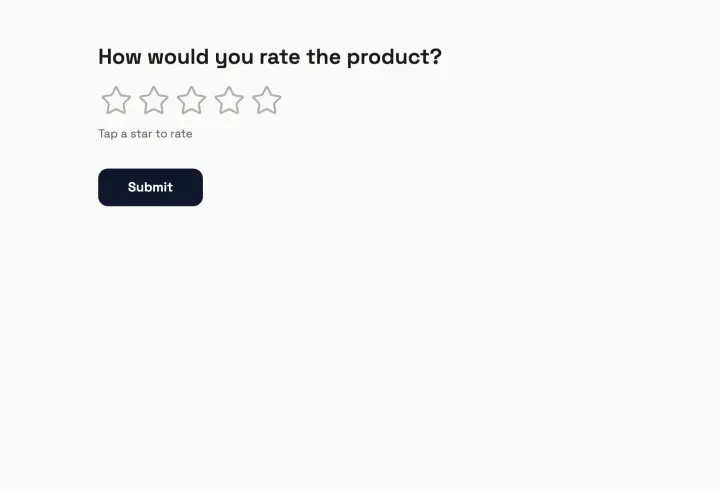
Product feedback
Score the product, rank what to build next and collect ideas.
- Rating
- Ranking
- Long text
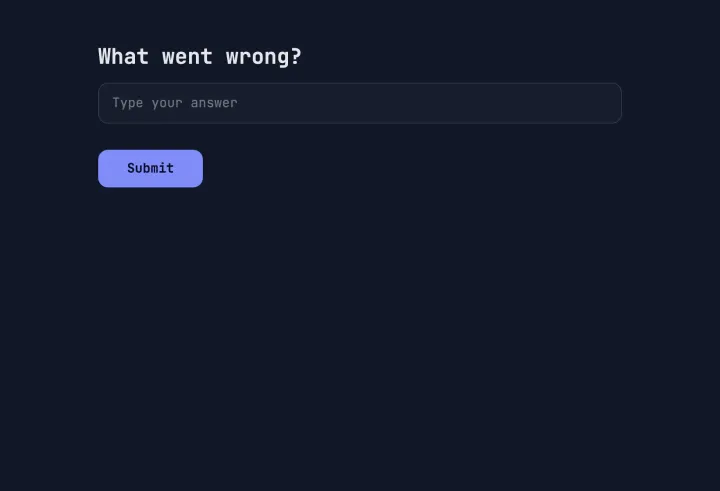
Bug report
Collect what happened, how bad it is and a screenshot, in one tidy form.
- Short text
- Multiple choice
- Long text
- File upload
- +1
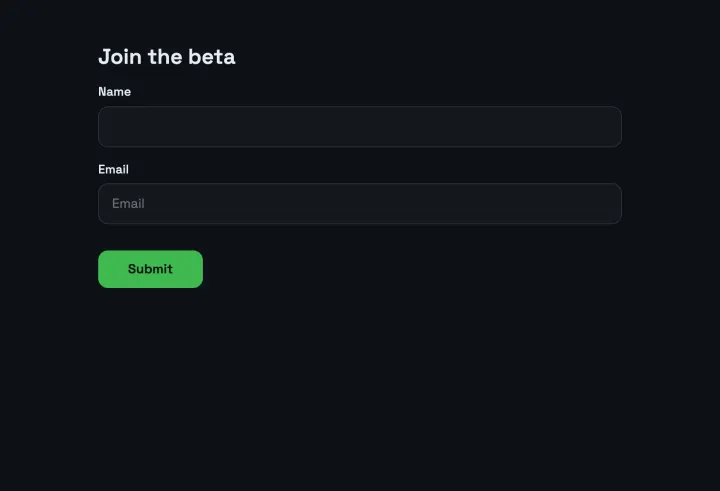
Beta sign-up
A waitlist that asks for the platform and use case, with consent to email.
- Contact info
- Multiple choice
- Long text
- Consent