Start with consent and structure
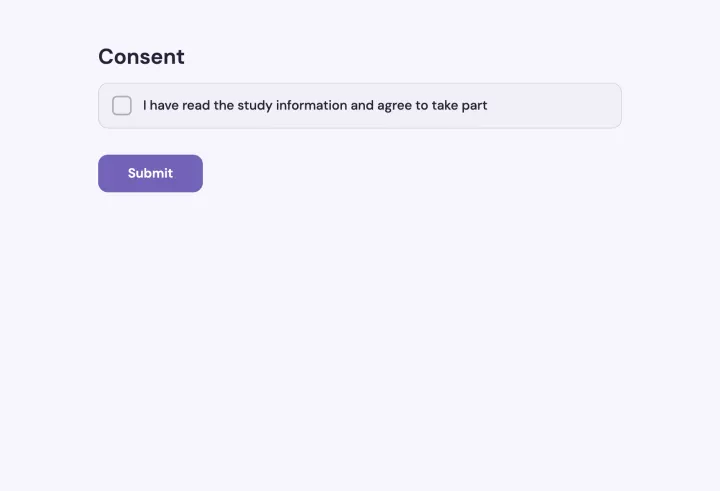
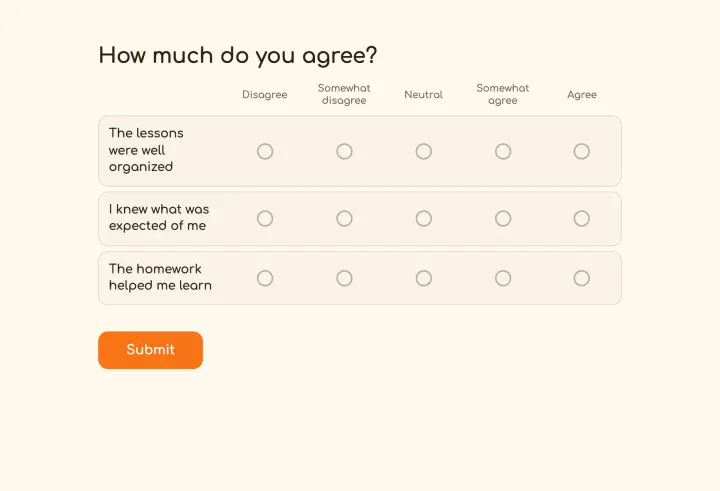
The Research questionnaire template opens with a Consent question, then Likert statements and a few background questions. Make the rest of the survey depend on consent with conditional logic, so nobody who declines sees a single question.
Split the questionnaire into pages with a clear theme each, and add text blocks to explain what comes next. A survey that feels short gets finished.
Questions that measure what you mean
- Put related Likert items in a Matrix: participants rate them on one grid, which is faster and keeps the scale consistent.
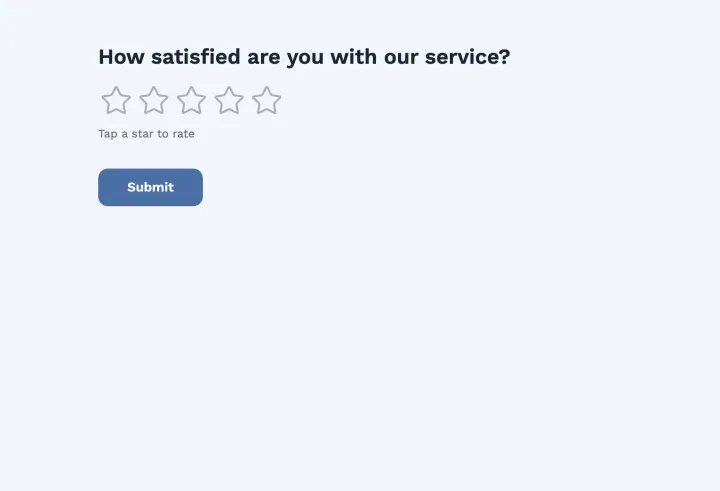
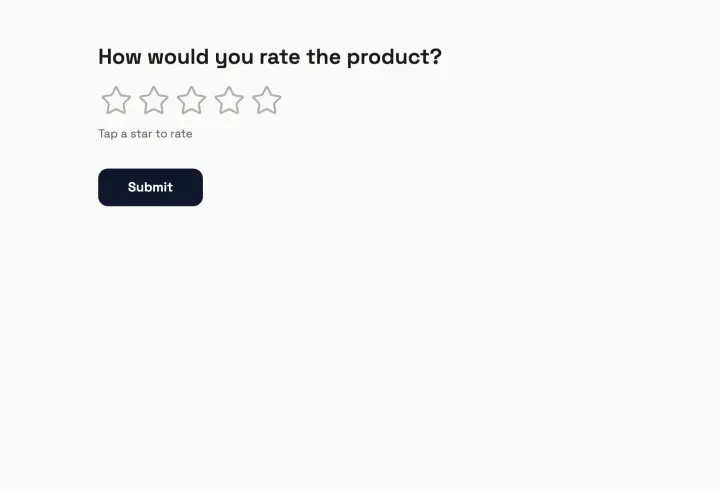
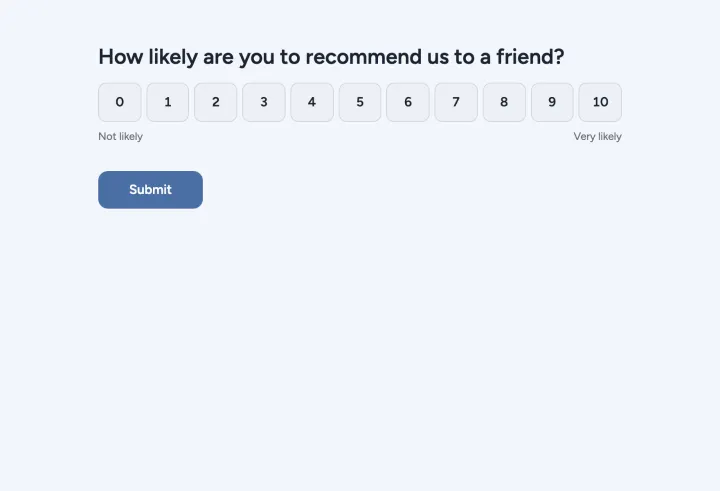
- Use an Opinion scale for single items, with clear labels at both ends.
- Turn on Randomize statements to reduce order effects, or randomize the options of a choice question.
- Ask background questions last. They feel less intrusive once people are invested.
Use Show only if to skip blocks that don’t apply, like questions about a course someone didn’t take.
Sampling and one response per participant
For a closed sample, hand out unique codes: each works once, and codes aren’t linked to names. You can send each participant a personal link with their code already filled in, so they skip the code screen. For an open call, a Browser session check stops casual duplicates without identifying anyone.
Add hidden fields to carry a panel ID or recruitment channel through the link with URL parameters. Participants don’t see them, and they arrive as columns in your export.
Pilot, then run the study
- 1 Share the questionnaire with a few testers and time how long it takes.
- 2 Fix the questions that confused them, then reset the poll to delete their responses.
- 3 Set Access to results to Only you, so early answers can’t influence later participants.
- 4 Set a close date that matches your data collection window.
Export and data protection
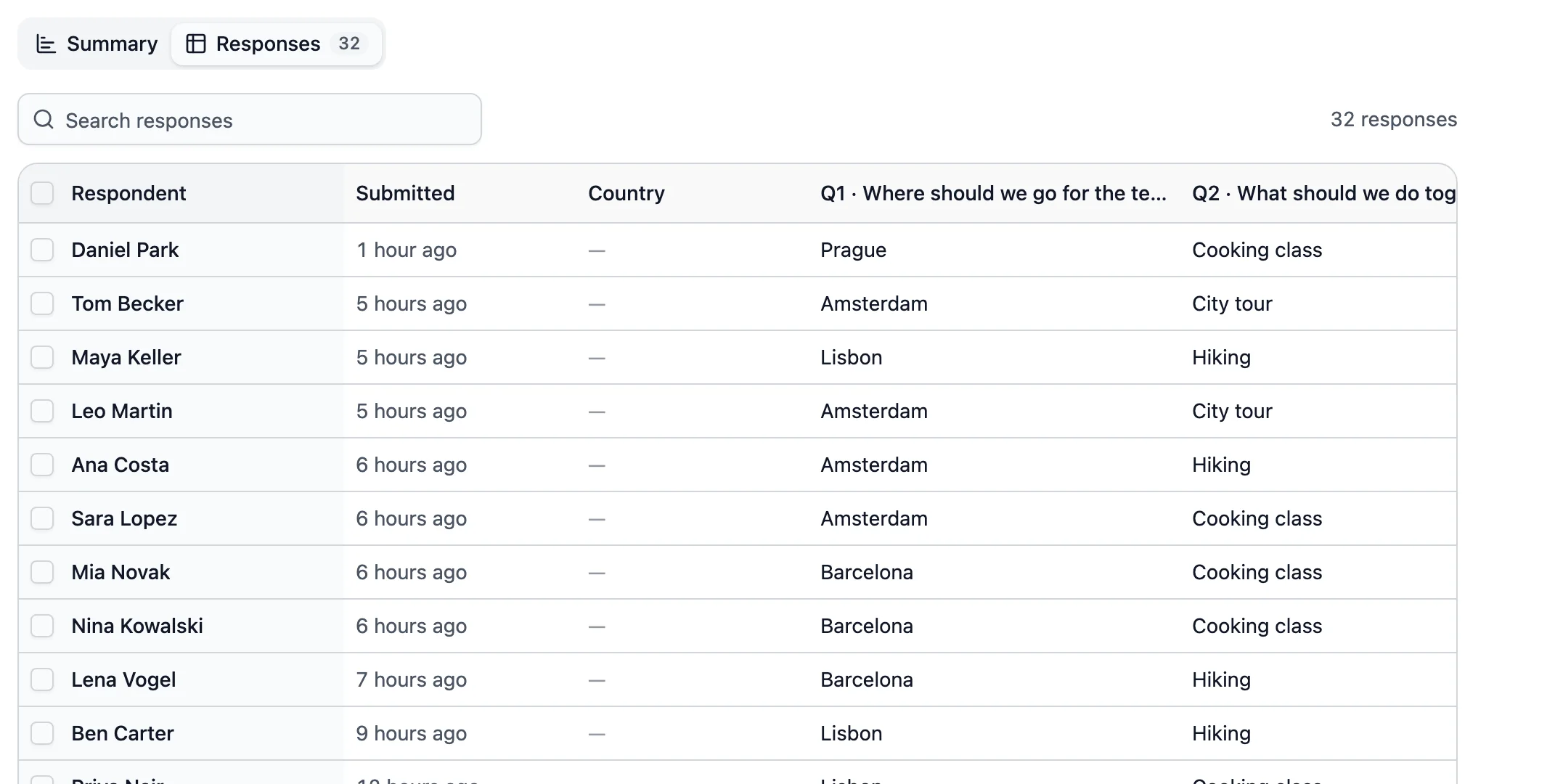
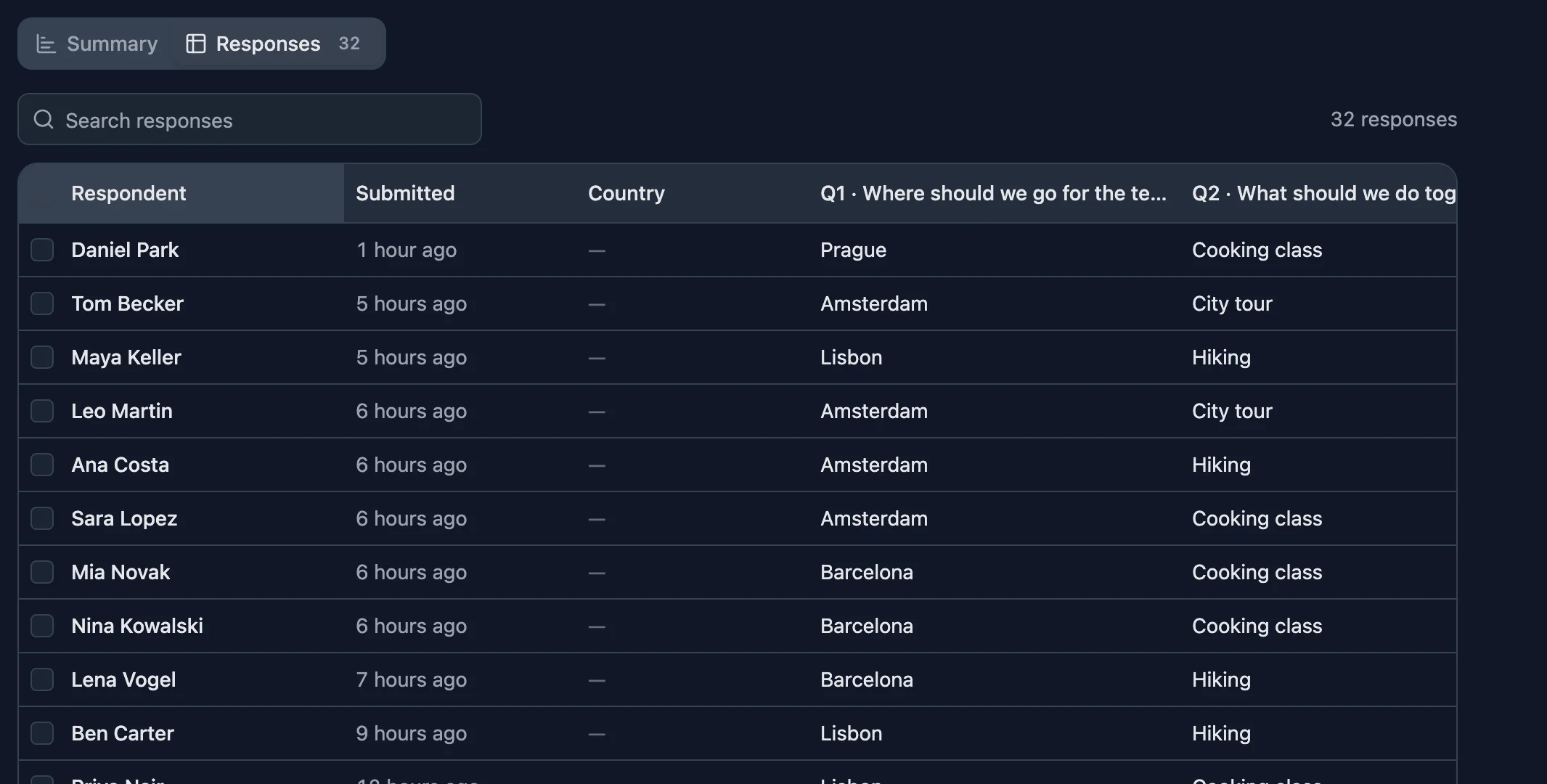
Download every response as a CSV with the time it came in, and open it in R, SPSS, Excel or Google Sheets. Responses are stored on servers and databases in Germany. On Business, responses can delete themselves after a period you choose, which helps with retention rules in your ethics approval.