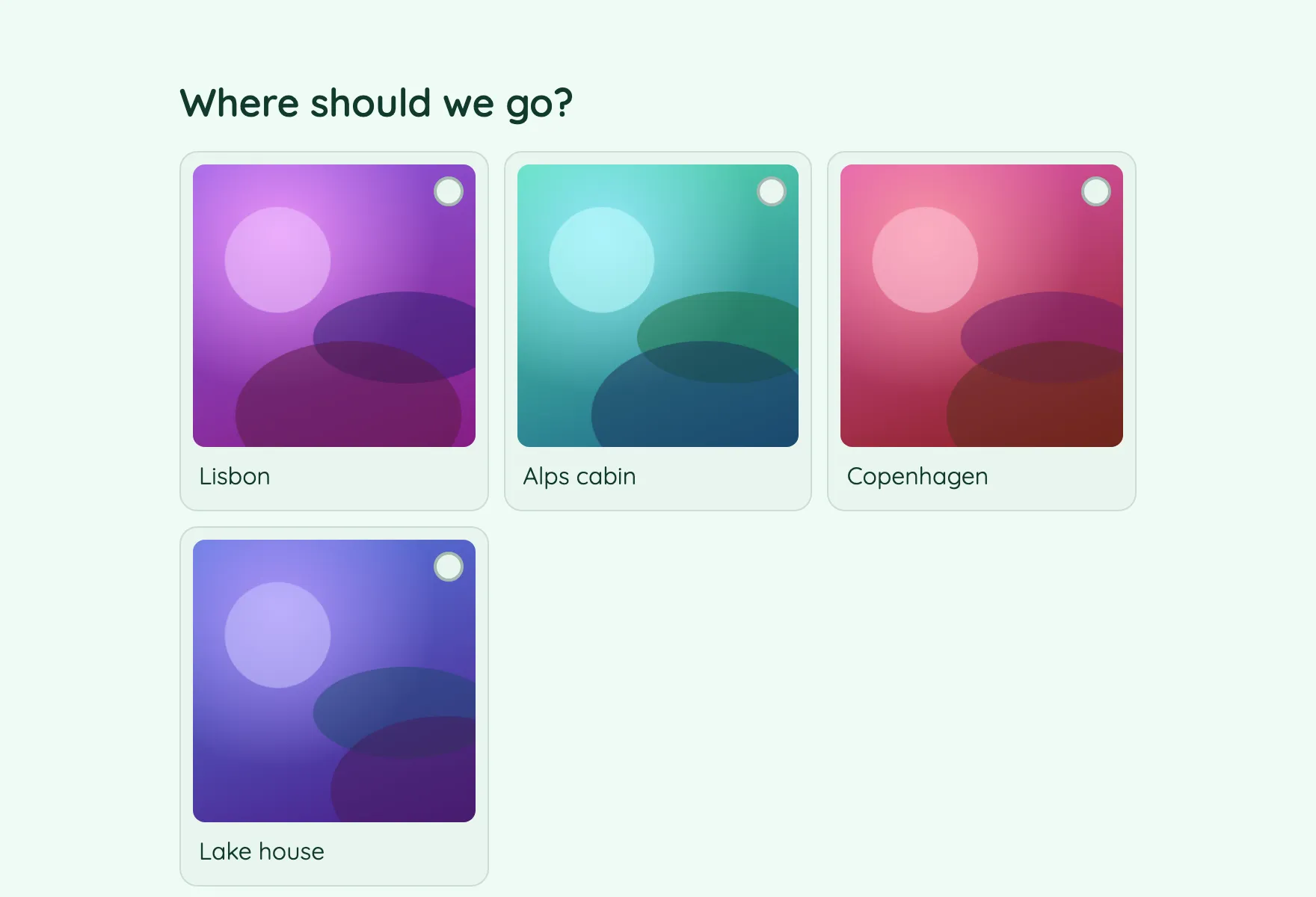
When pictures beat words
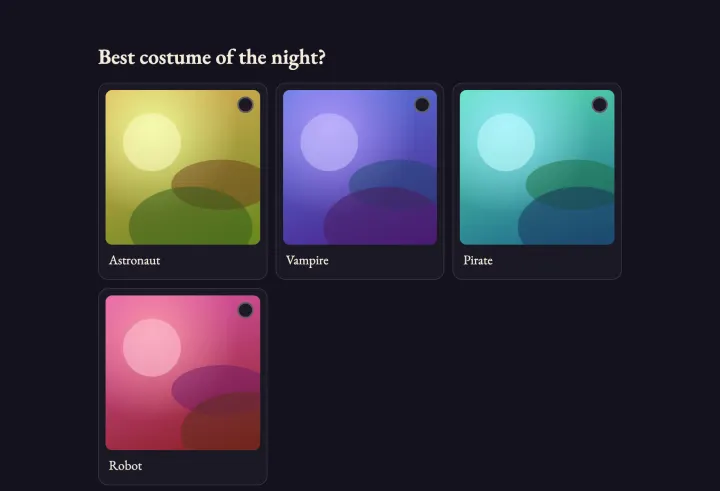
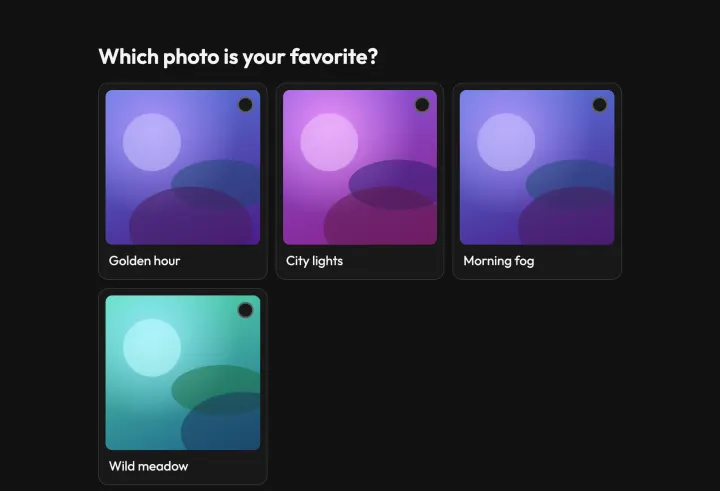
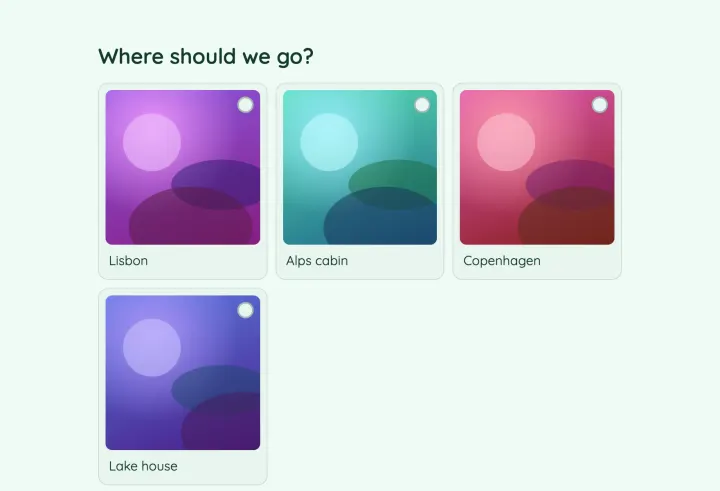
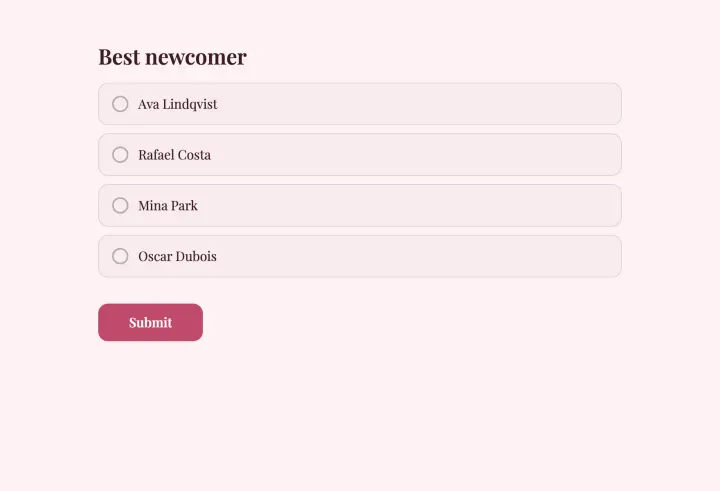
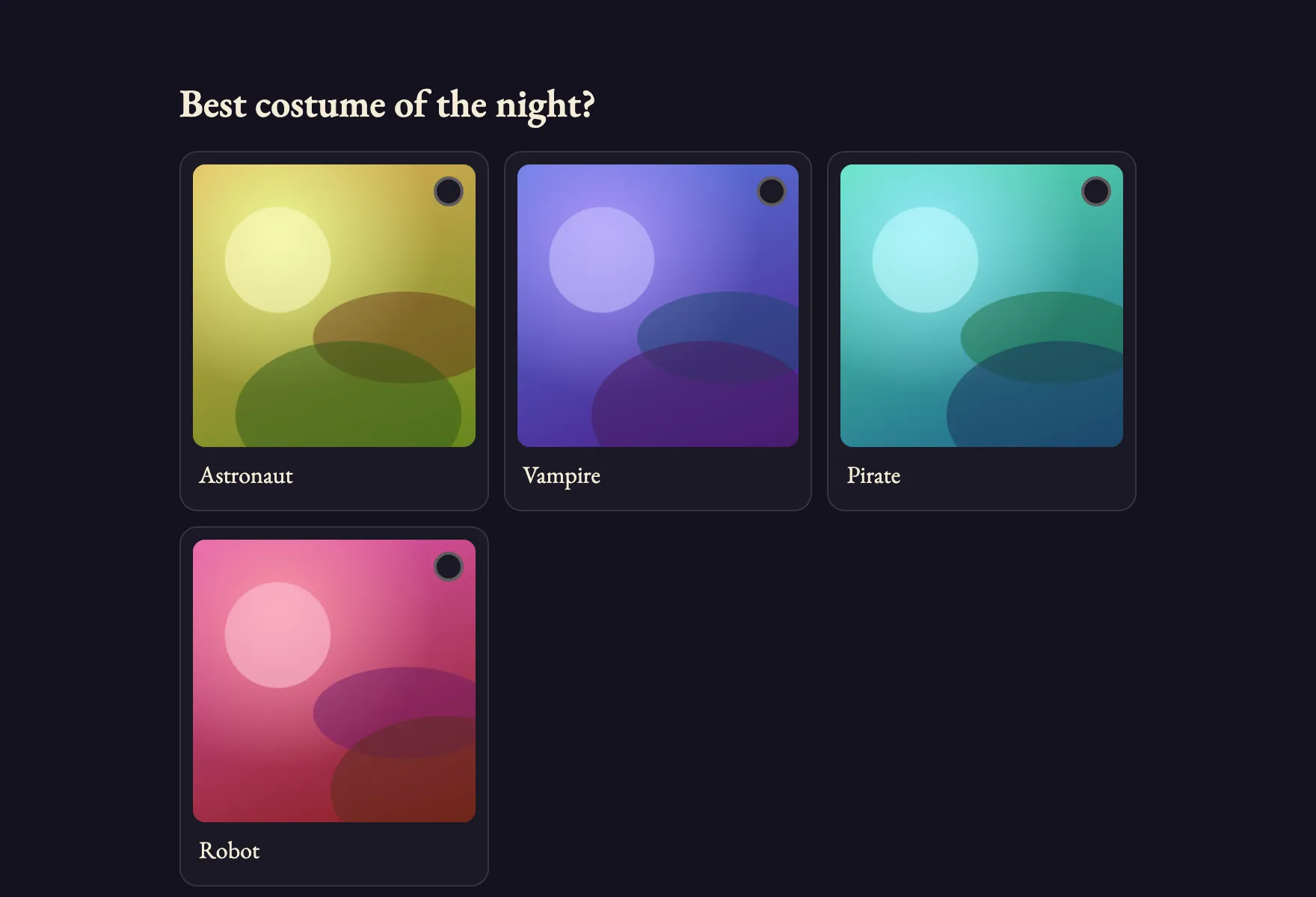
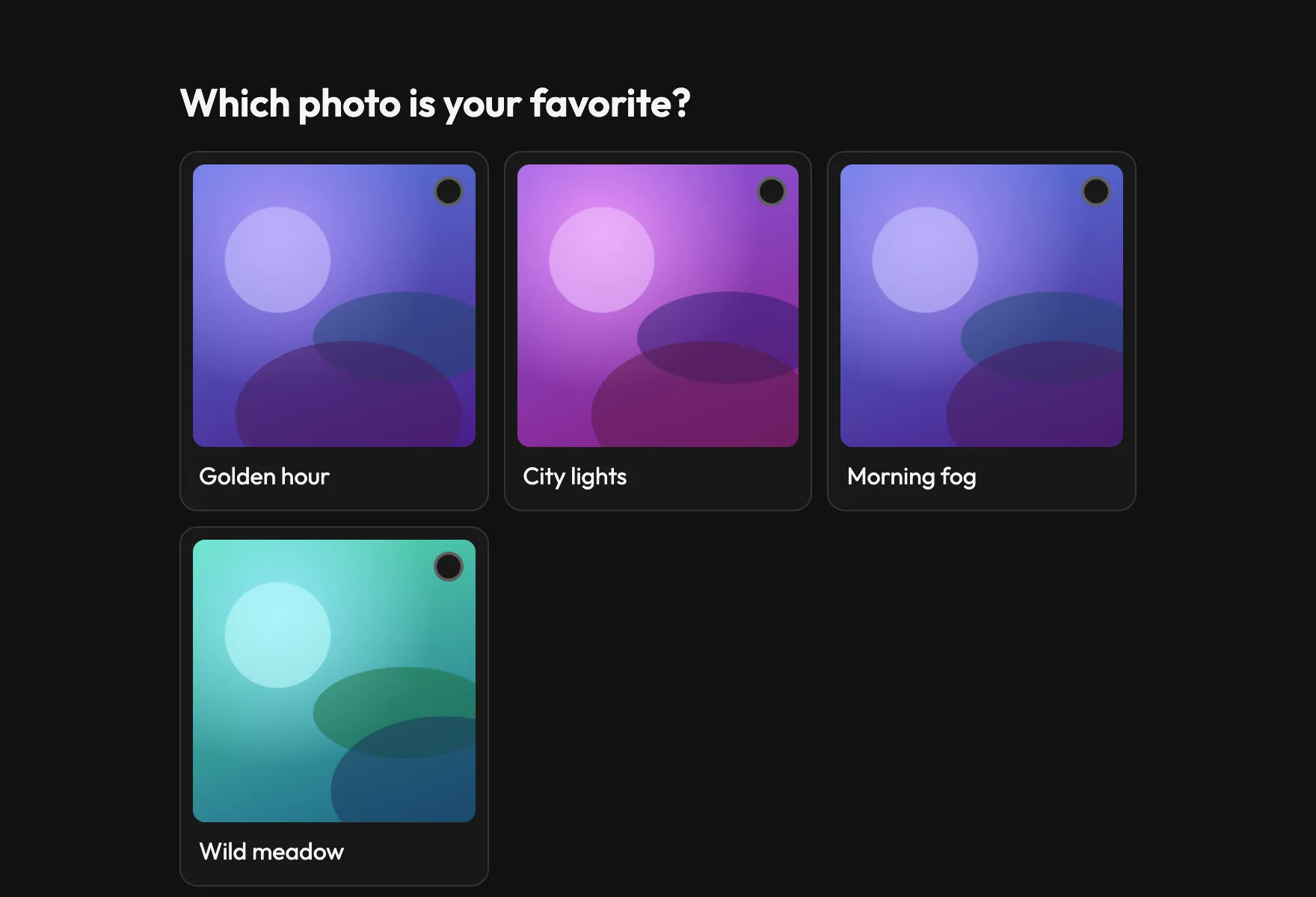
Anything people judge by eye is easier to decide with pictures: logos, designs, outfits, cakes, holiday destinations. A Picture choice question shows an image for each option, large on any phone, and people tap the one they like.
Prepare images that compare fairly
- Use the same shape and similar framing for every image, so none stands out for the wrong reasons.
- Give each option a short title, so people can talk about “number 3” or “the blue one”.
- Crop to what matters. A logo on a white background compares better than a photo of a laptop showing it.
- Turn on Randomize option order: the first picture otherwise gets more votes just for being first.
A photo contest nobody can rig
Contests attract cheaters, because someone always wants to win. Set protection before you share:
- 1 Choose the duplicate check: Email address when there’s a prize, IP address for a casual fan vote.
- 2 Turn on Block VPNs and proxies, and Require CAPTCHA on Pro.
- 3 Set Access to results to After the form closes, so nobody rallies friends behind the leader.
- 4 Set a clear close date.
If something looks off, check the responses for bursts within seconds of each other and invalidate them. See Deal with suspicious votes.
Collecting the entries
Collect submissions first with a separate form and a File upload question, then build the contest from the entries you accept. That keeps the voting poll clean and gives you a chance to check every image.
The reveal
When the poll closes, results appear for everyone at the same moment. At an event, open present mode on the screen and press H to hide the results while votes keep counting, then press it again. Ask for a comment on each vote: the reasons make the announcement much more fun.