What hotspots are good at
A click on an image is more precise than a paragraph of feedback. An Image hotspot question shows an image and asks people to click or tap a spot. Every click shows as a pin on the image in the results.
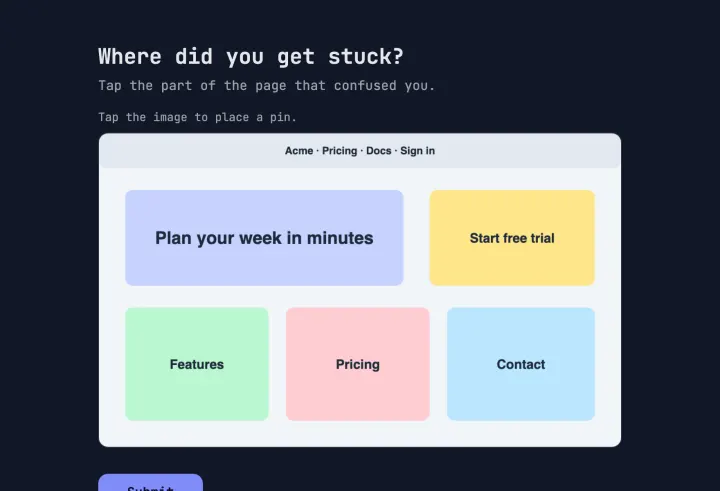
- Design tests: “Where would you click to sign up?” on a screenshot or mockup.
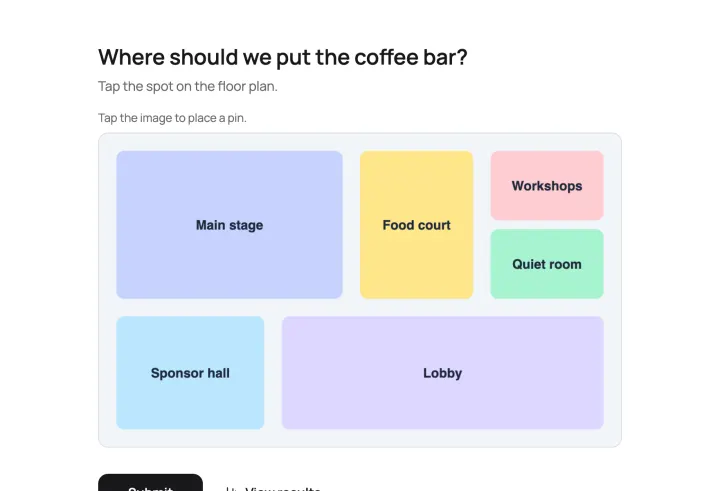
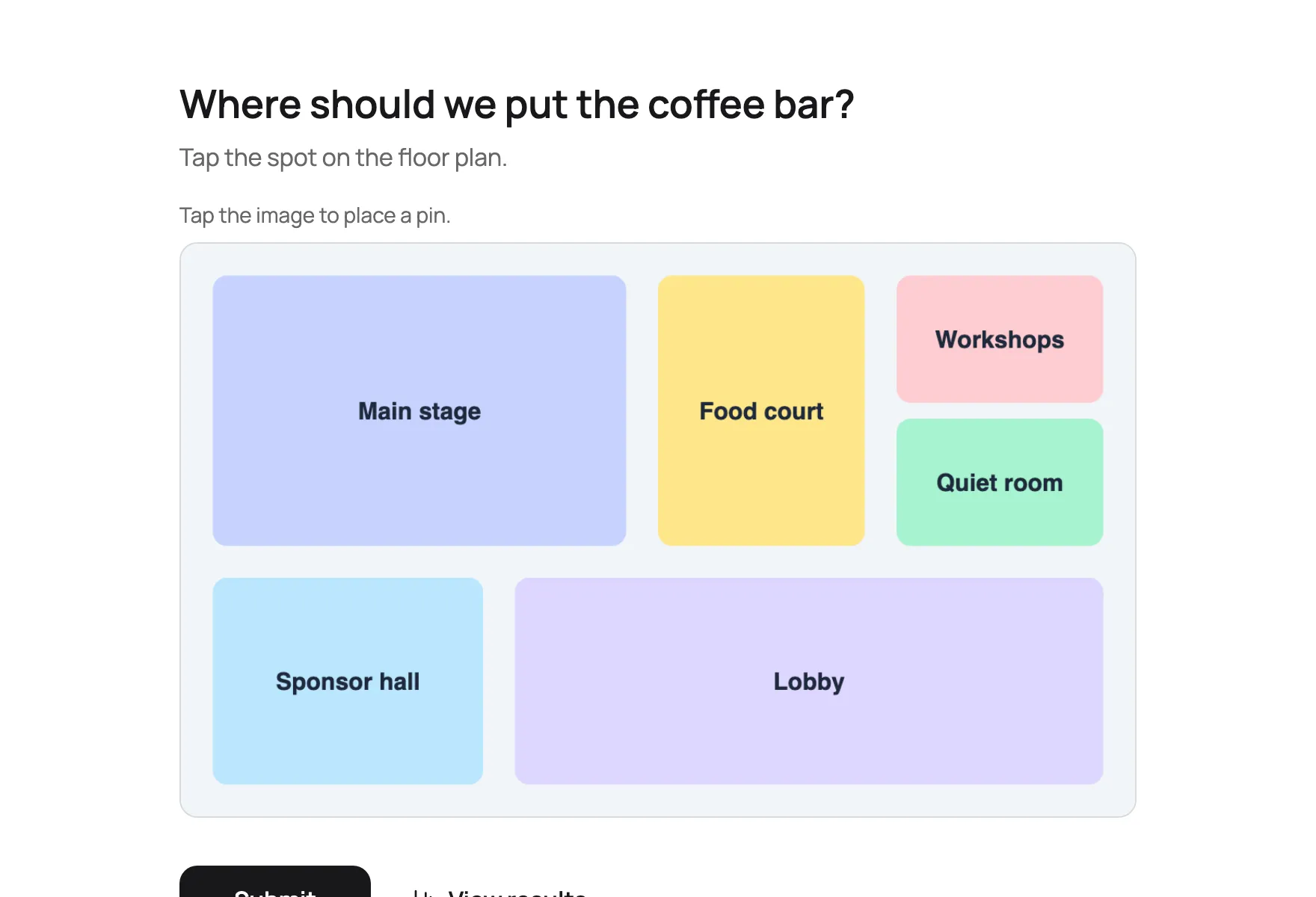
- Space planning: “Where should the coffee station go?” on a floor plan.
- Maps: “Where do you park?” on a site map.
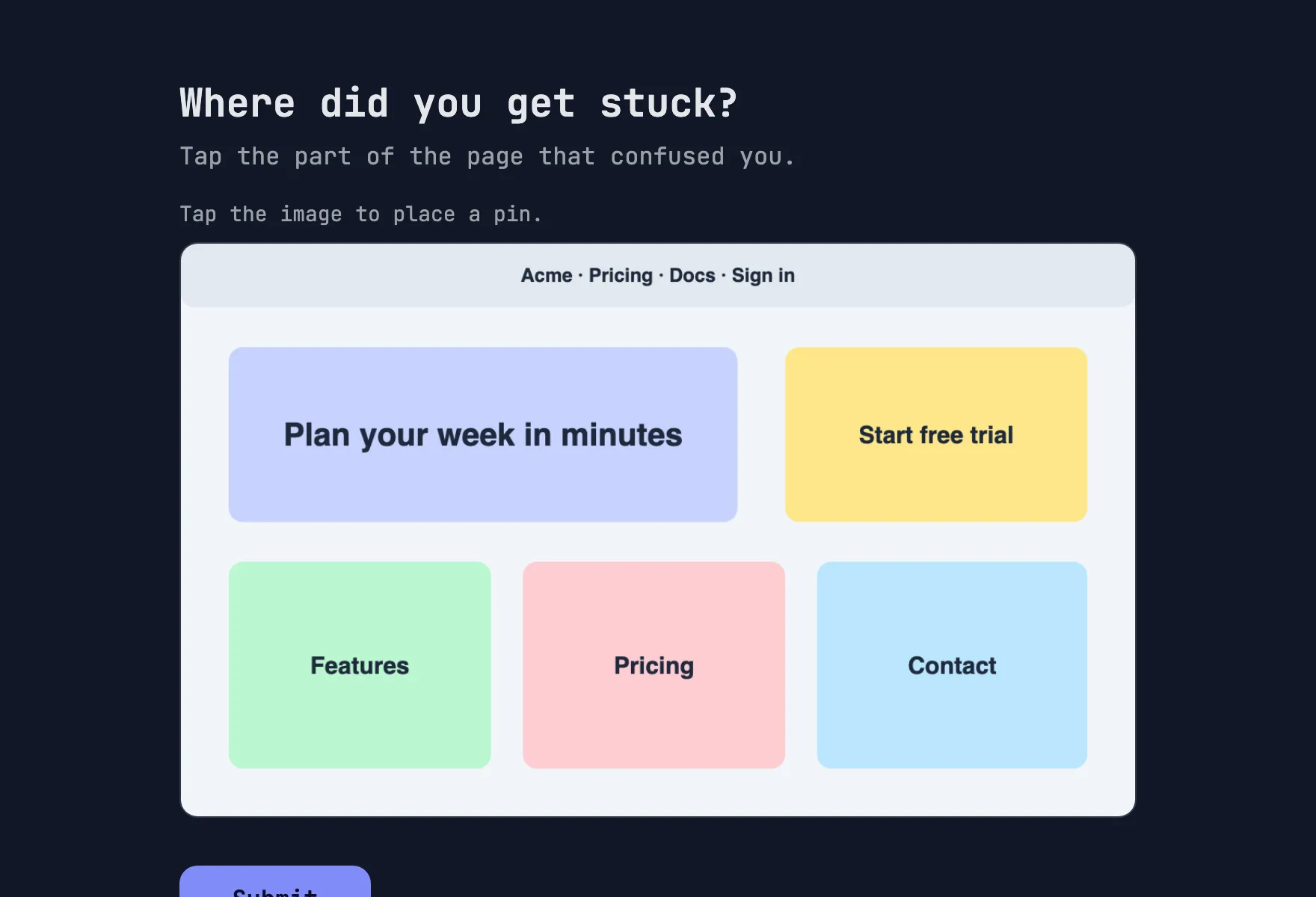
- Feedback: “What confused you?” on a page you shipped.
Ask tasks, not opinions
“What do you think of this page?” produces scattered pins you can’t read. “Where would you click to change your password?” produces a cluster that’s either in the right place or not. Ask one task per question. For several tasks, add a question each, on the same image or a new one.
Prepare the image
- Use a clear image with distinct areas. Floor plans, maps, screenshots and designs work best.
- Crop a busy screenshot to the part you’re testing.
- Mockups and sketches work too: anything that’s an image. Test before you build.
- Check it on a phone. People tap with a finger, so small targets get imprecise.
Reading the results
A tight cluster means a clear answer. Scattered pins mean confusion, or a question that wasn’t specific enough. Pins in an unexpected place are the most valuable: that’s where people expected something you didn’t put there.
Follow every hotspot with a short text question: “What did you expect to find there?” The pin tells you where, the text tells you why. The Website feedback template is set up this way.