Opinion
We read more than ever. Just not the way we used to.
Website embeds
Paste one snippet into WordPress, Wix, Squarespace, Webflow, Shopify or any page you can edit. It sizes itself to fit, works on every phone and never shows your visitors an ad.
A reader poll on a news site, with results as you pick
The Morning Ledger
Opinion
We read more than ever. Just not the way we used to.
<iframe src="https://new.strawpoll.com/r/embed-demo-poll?embed=1" title="A reader poll on a news site, with results as you pick" width="100%" height="520" style="border:0;max-width:100%;border-radius:8px" loading="lazy" allow="clipboard-write"></iframe>
<script src="https://new.strawpoll.com/embed.js" async></script>Why it works
We looked at what people complain about when they put a form or poll on their site: boxes that cut off, ads they never agreed to, results that anyone can stuff. Here is what we did about each.
Most embeds sit in a box of fixed height. Too short and visitors scroll inside a scroll, too tall and a blank gap opens under it. StrawPoll’s embed script measures the poll and resizes the frame as people answer, from a wide desktop to a narrow phone.
A 2 KB script, loaded after your page
Your page is yours. Embedded polls, surveys and forms never show ads, on any plan, now or later. The only thing we add is a small StrawPoll badge at the bottom, and Pro removes that too.
No ads or ad scripts, on any plan
Open polls on websites attract ballot stuffing. Pick how votes are checked: one per browser, IP address, name, verified email or invite code. Block VPNs on every plan, and add a captcha on Pro. The embed keeps recognizing voters even where browsers block third-party cookies.
Duplicate checks on every plan
Pick a theme or make your own with your colors, font and corner radius, in light or dark. Add your logo on Pro, or bring your own CSS on Business. Visitors shouldn’t have to wonder whose form they’re filling in.
Themes on every plan
Three ways in
Pick the one that fits the page. You can switch any time: the poll stays the same, only the snippet changes.
Works where your site is
No plugin to install or keep updated. Every site builder has a place for a snippet of code.
Step-by-step help for embeddingAfter they answer
Votes and responses come in live, with no cap on how many, on every plan.
Templates
Reader polls, visitor surveys, contact and quote forms, ready to embed as they are.
One question under an article or post, with the results right after voting.
A yes or no at the end of a help article or doc page, with room to say why.
Ask visitors how they found you, why they came and whether they got it done.
Name, email, topic and message, for the contact page of any site.
What a lead needs, their budget and timing, before you send a price.
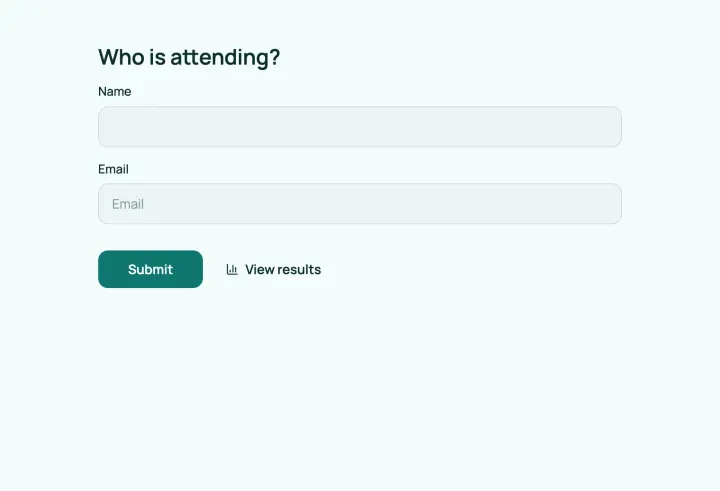
Register attendees, let them pick sessions and collect their consent.
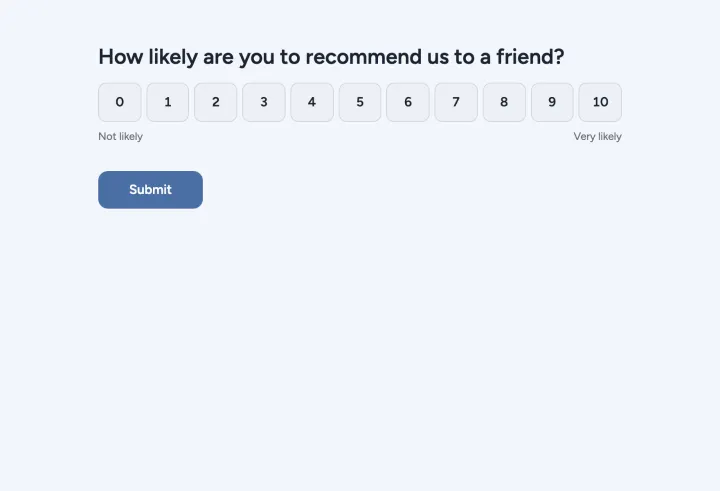
The classic 0–10 recommendation question with a follow-up on why.
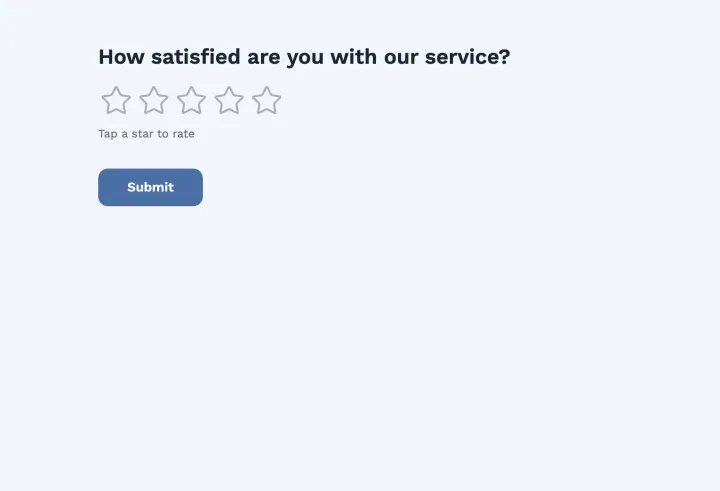
Rate the service, learn how people found you, and offer a follow-up.
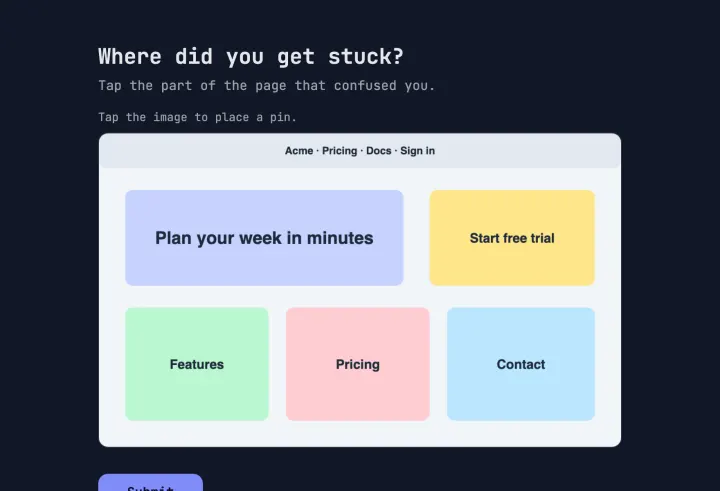
Visitors pin what confused them on a screenshot and rate how easy it was.
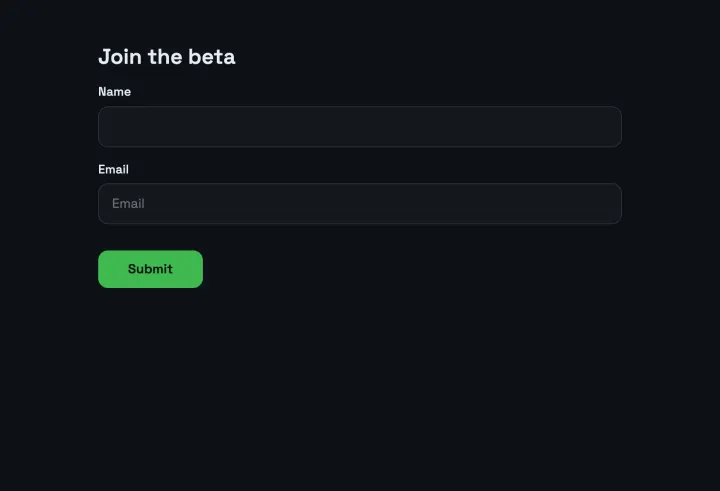
A waitlist that asks for the platform and use case, with consent to email.
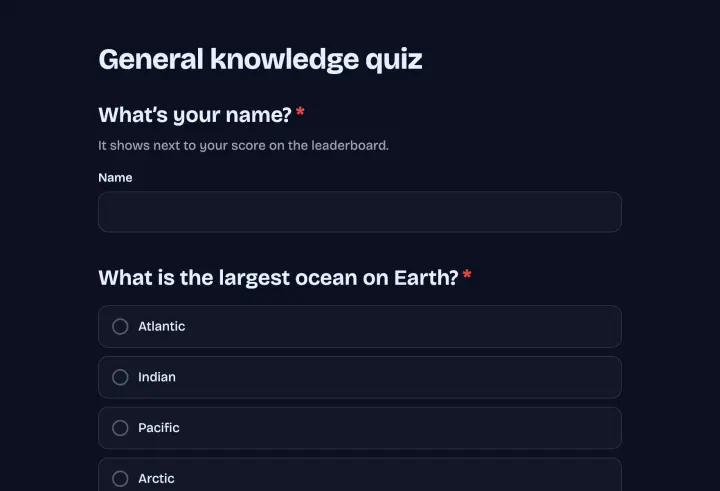
Five quick questions, then a result screen that matches the score.
Collect subscribers with the topics they care about and their consent.
Make one in a minute, paste one snippet and watch the answers come in. No ads, no cap on votes.