Speaker Q&A
Audience questions for the speaker, then a quick rating of the talk.
- 2 questions
- About 1 min to answer
- Neon theme
Free, no account needed. Change any question, color or setting.
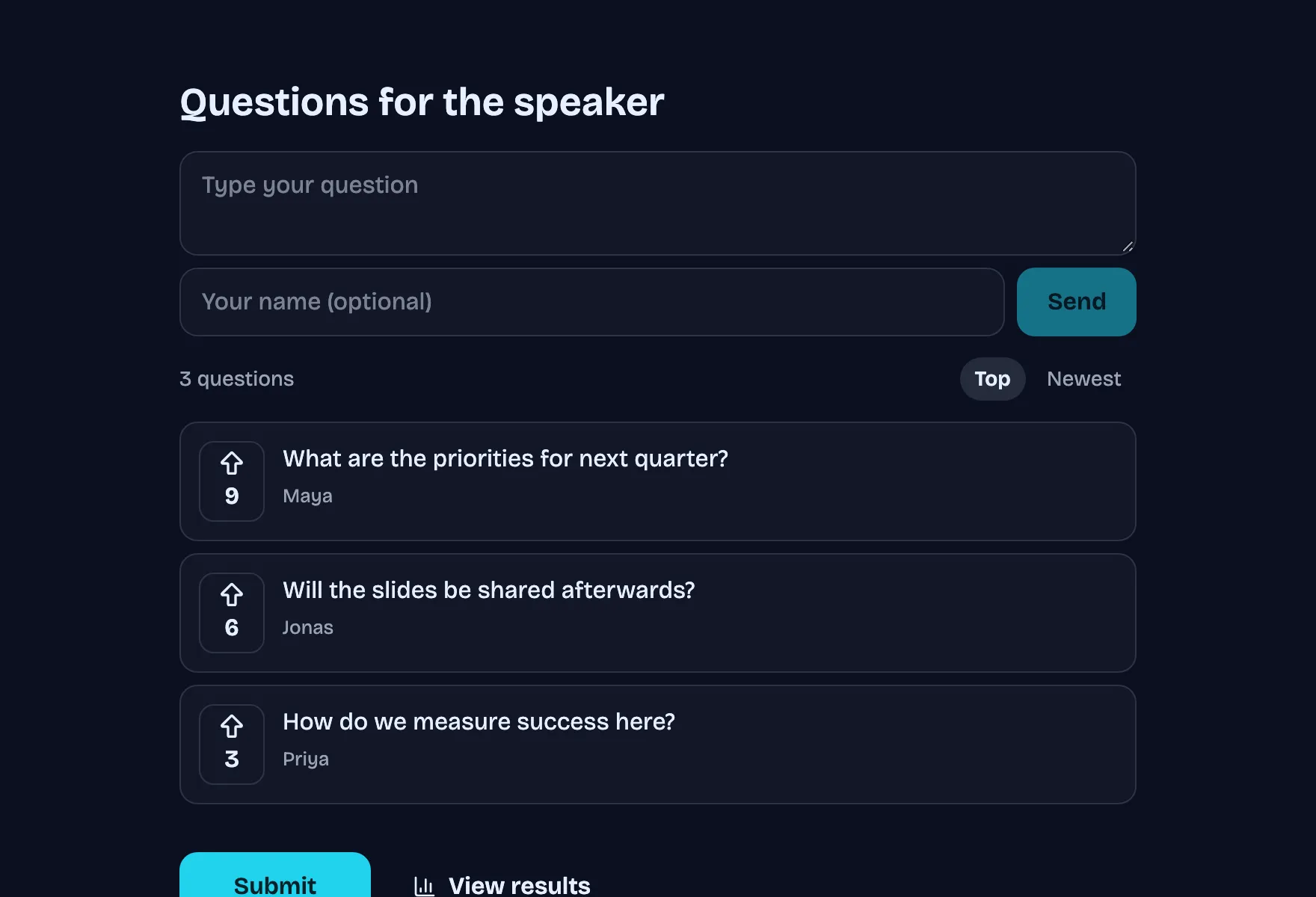
What people see, step by step
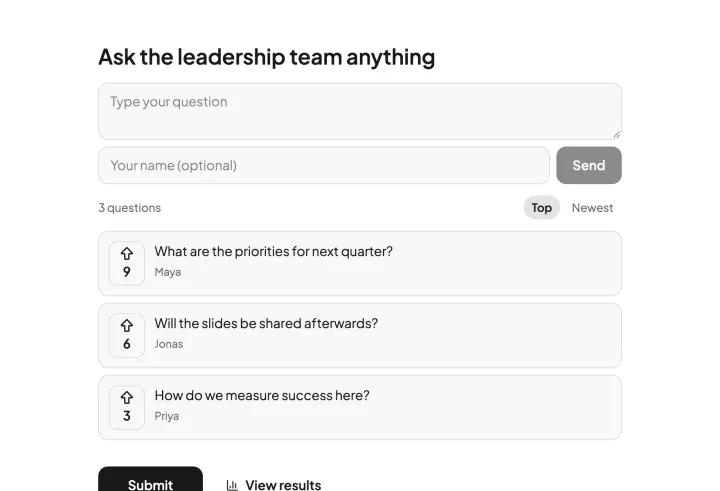
Real screenshots of the template, with its own theme. Pick a step to see its page.
Already set up for you
The questions come with settings that suit them. Keep them or change them in the editor.
- Questions are upvoted, so the best rise to the top
- Export every answer as CSV, or send it to Slack and webhooks
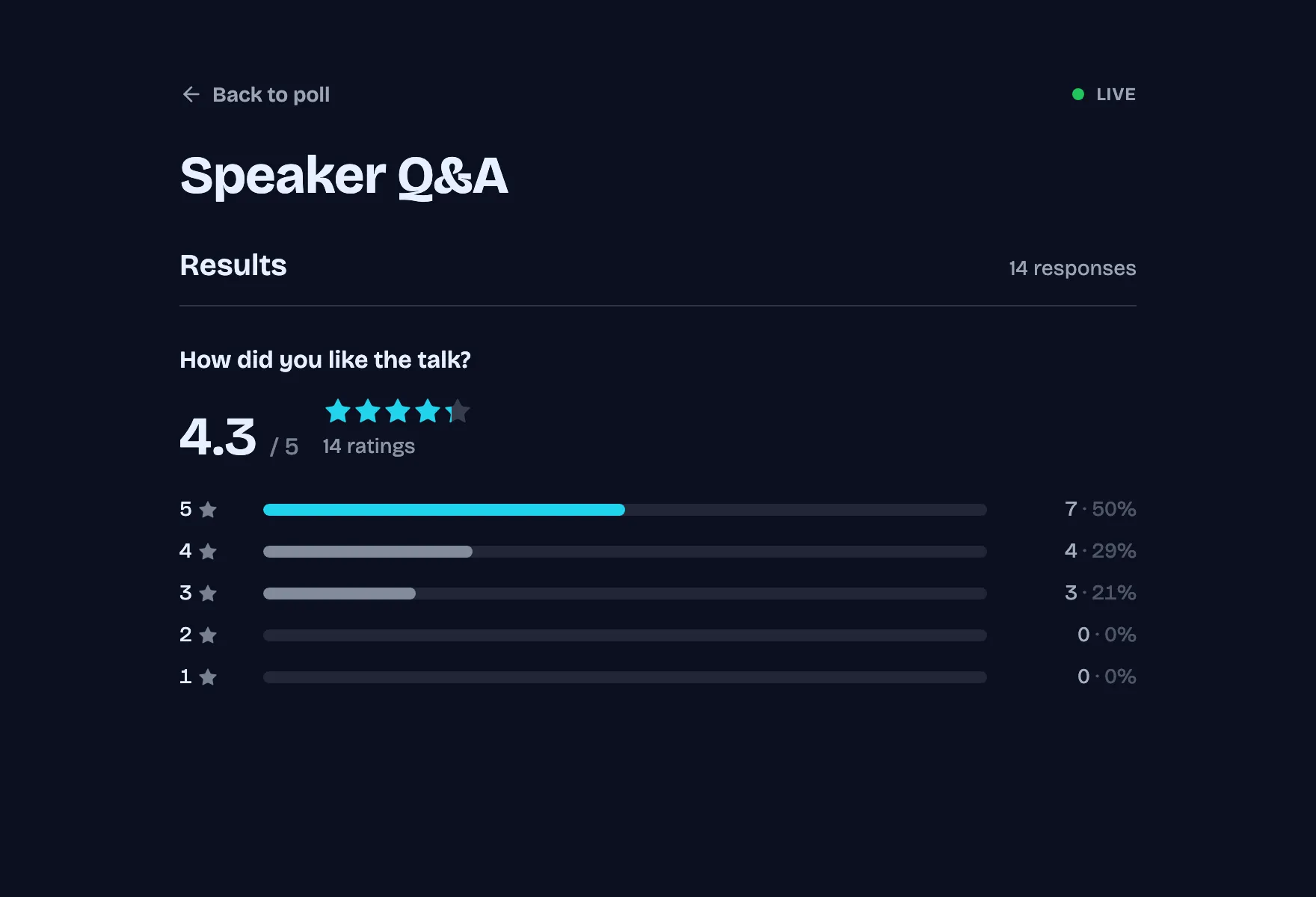
Results with example votes
The settings, and why
Who sees what and who can vote how often, as a poll from this template starts out.
- Results visible Default
- Always
- Watching the answers come in is the point of a live poll.
- Names next to results Default
- Private
- Others see the totals, not who voted for what.
- Duplicate check Template pick
- Browser session
- A cookie stops the same browser from answering twice, without blocking a shared network.
- Changing an answer Default
- Respondents and you
- Someone who mistapped or changed their mind can fix it from the same browser.
Signed in, the settings this template does not pick follow your own defaults. Change any of them under Settings before or after sharing.
Question types inside
Its look
Neon · Bricolage Grotesque
Questions for the speaker
Submit- Background #0b1020
- Text #e6f0ff
- Buttons #22d3ee
- Accent #22d3ee
Every poll you start from it gets this theme. Swap colors, font or add your logo under Design.
Similar templates
All templates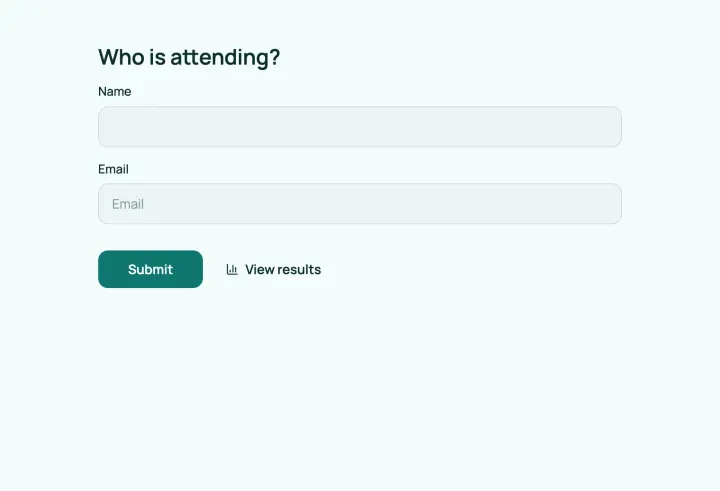
Event registration
Register attendees, let them pick sessions and collect their consent.
- Contact info
- Multiple choice
- Multiple choice
- Consent
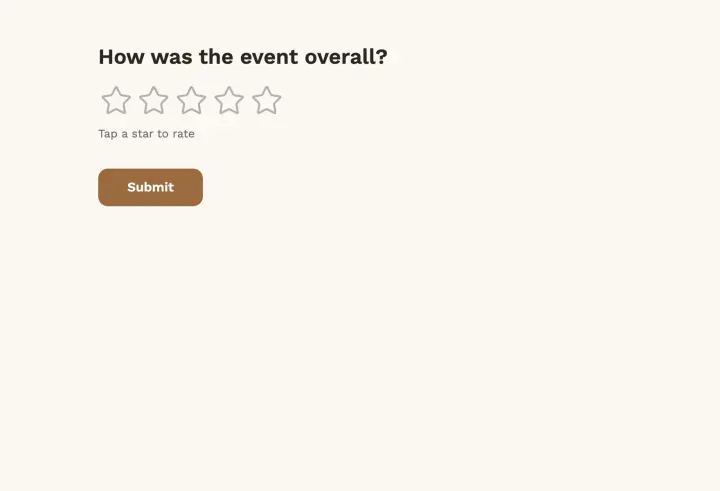
Event feedback
A rating, a recommendation score and what people liked most.
- Page title
- Rating
- Multiple choice
- Opinion scale
- +2
Town hall Q&A
People ask and upvote questions, so the best ones come up first.
- Audience Q&A