Why a Q&A beats raised hands
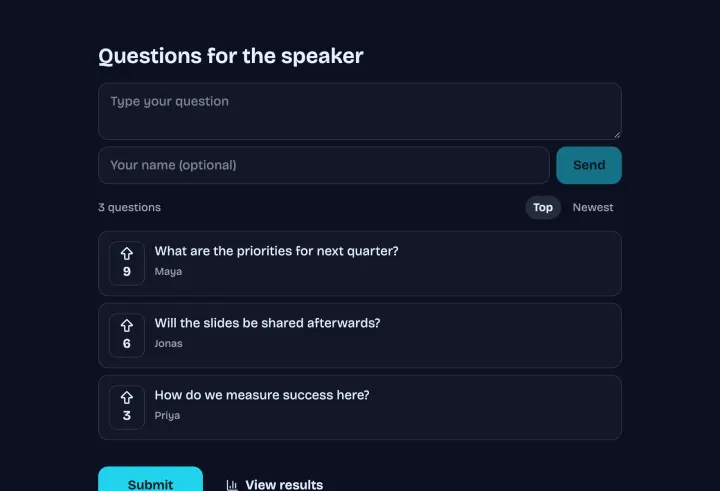
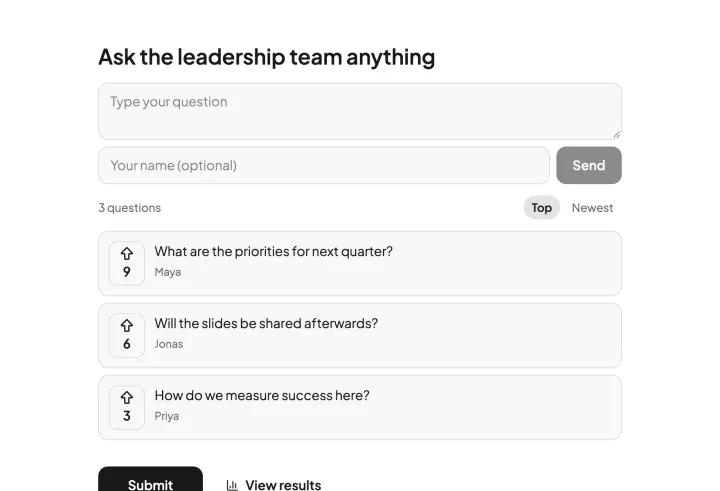
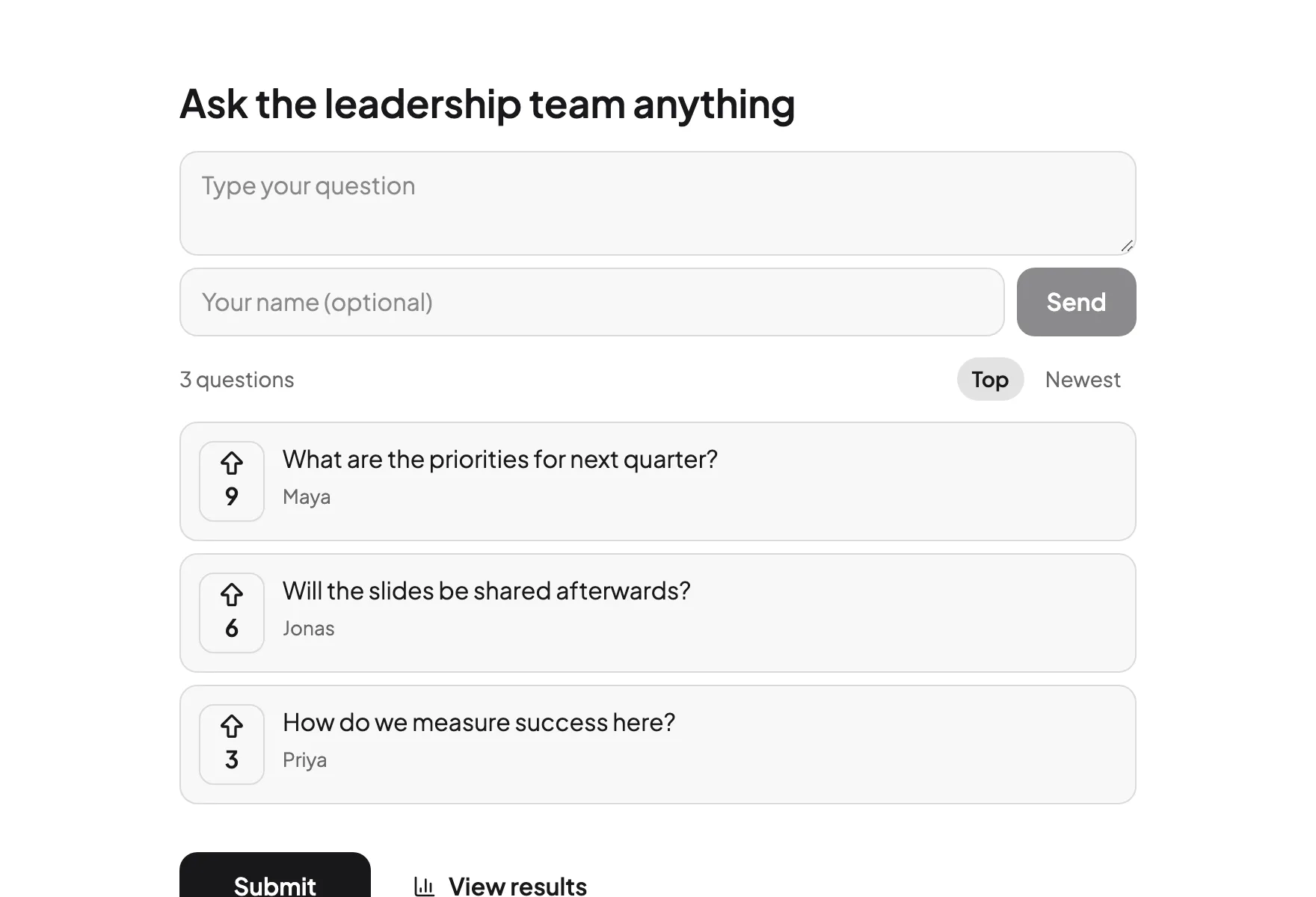
At the end of a talk, the same three people ask questions, and most of the room never does. A digital Q&A lets everyone ask during the talk, when the question comes up, without standing up. Upvotes sort the list, so you answer what most people want to know, not what the first hand asked.
Setting it up
- 1 Start from the Speaker Q&A or Town hall Q&A template, or create a poll and choose Audience Q&A.
- 2 Write a short prompt, like “What would you like to ask the speaker?”
- 3 Turn on Approve questions first if you want to review before anything appears.
- 4 Set Duplicate check to Browser session, so each person upvotes a question once.
- 5 Don’t require names.
Moderating during the session
With approval on, new questions wait on the Results page until you show them. A co-host in your workspace can approve questions while you speak. Skip the off-topic ones, merge duplicates by approving one, and mark questions as answered once you’ve taken them.
When it’s time for questions, open present mode and work down from the top-voted question.
Getting people to ask
- Put the QR code on your first slide, not the last. Questions come up during the talk.
- Mention it twice: at the start and halfway through.
- Answer one early question live, so people see it works.
- Keep it anonymous. People ask the questions they really have when they can stay anonymous.
Remote and hybrid audiences
Share the link in the webinar or stream chat, and people ask from wherever they are. In a hybrid town hall, the room scans the code and remote viewers open the same link, so everyone ends up in one list.