Exit ticket
End the lesson with how confident students feel and one takeaway.
- 3 questions
- About 1 min to answer
- Notebook theme
Free, no account needed. Change any question, color or setting.
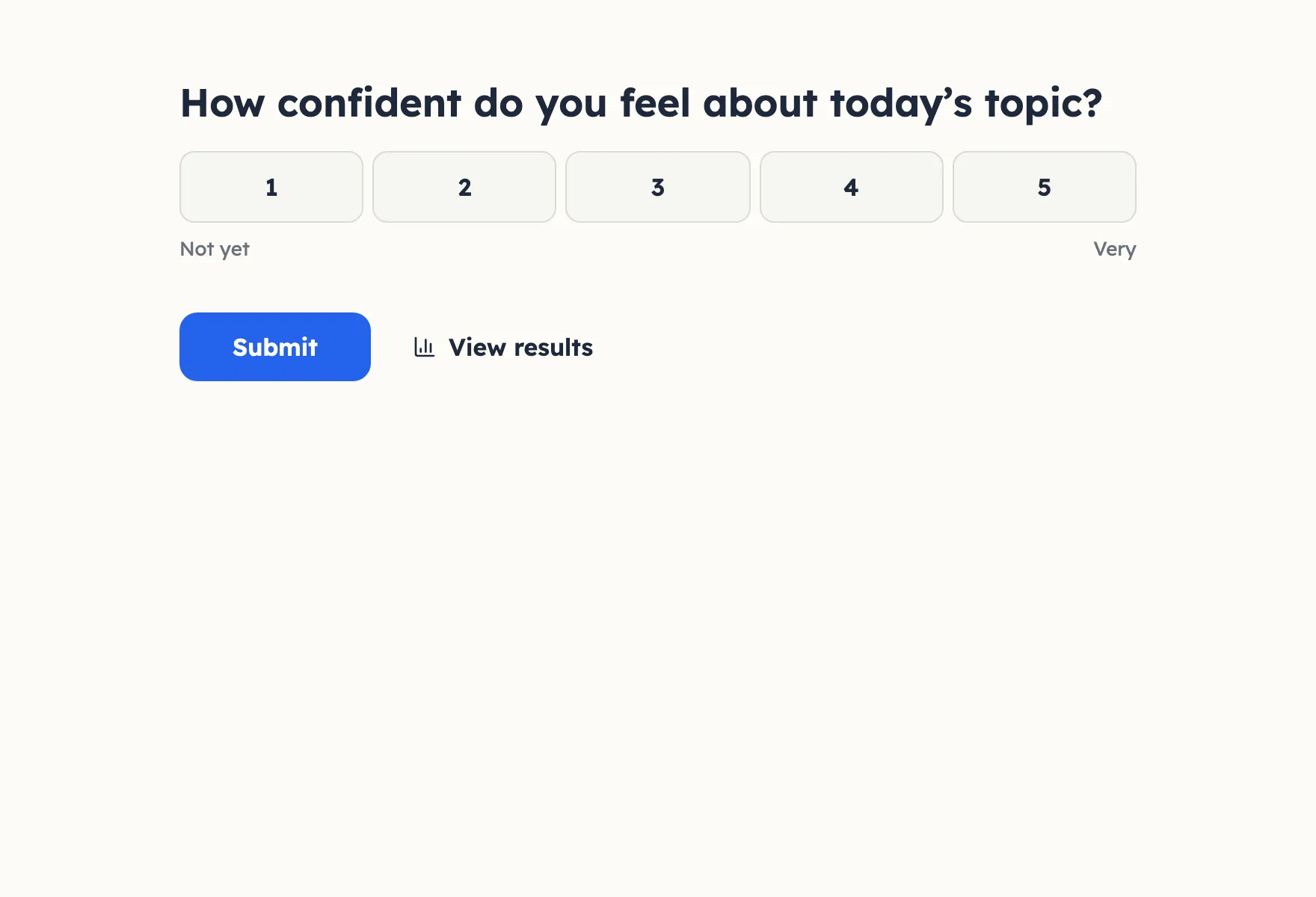
What people see, step by step
Real screenshots of the template, with its own theme. Pick a step to see its page.
Already set up for you
The questions come with settings that suit them. Keep them or change them in the editor.
- Live results appear the moment someone picks
- Open questions are optional
- Made for Present mode on a big screen
- Export every answer as CSV, or send it to Slack and webhooks
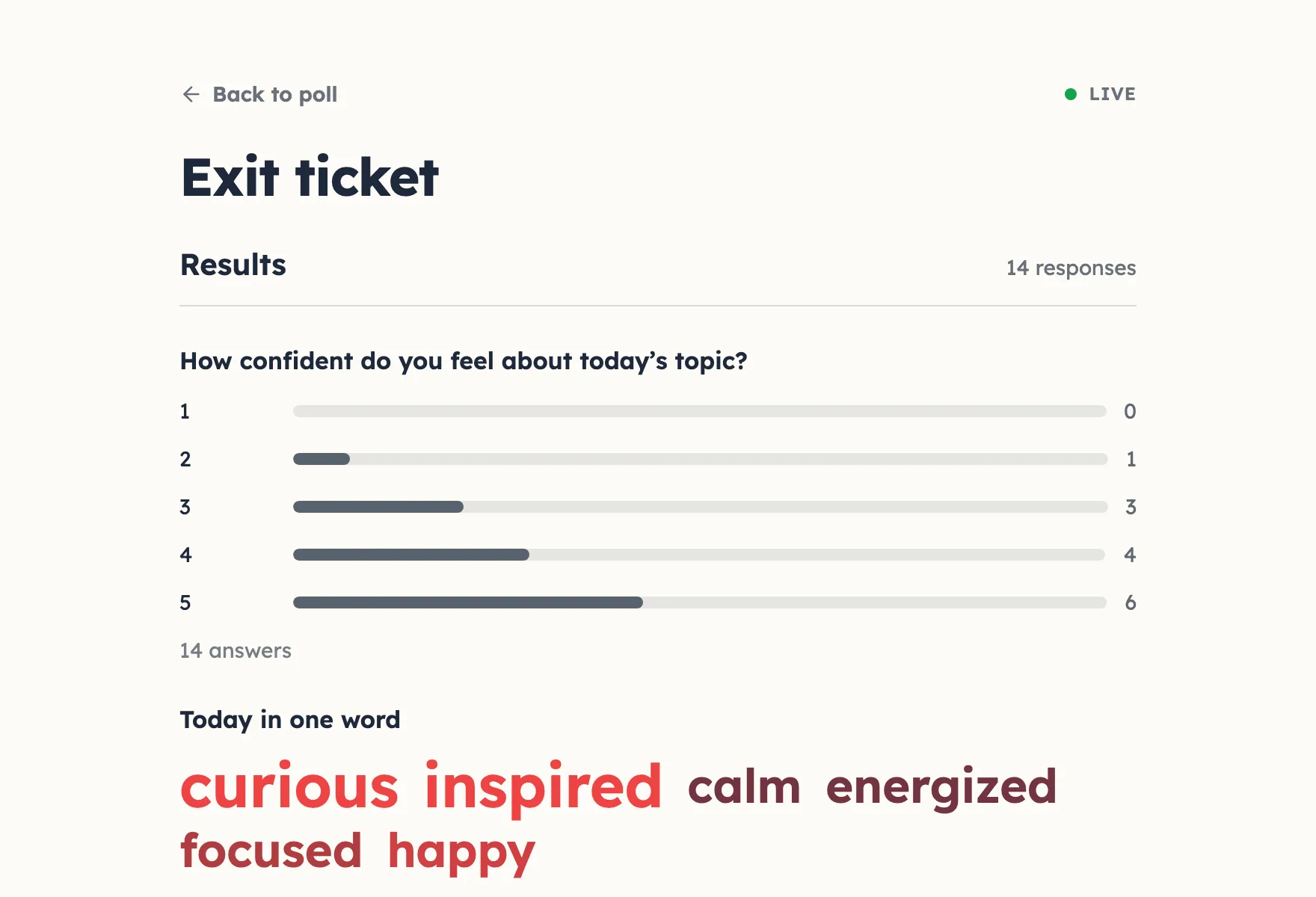
Results with example votes
The settings, and why
Who sees what and who can vote how often, as a poll from this template starts out.
- Results visible Default
- Always
- Watching the answers come in is the point of a live poll.
- Names next to results Default
- Private
- Others see the totals, not who voted for what.
- Duplicate check Template pick
- Browser session
- A cookie stops the same browser from answering twice, without blocking a shared network.
- Changing an answer Default
- Respondents and you
- Someone who mistapped or changed their mind can fix it from the same browser.
Signed in, the settings this template does not pick follow your own defaults. Change any of them under Settings before or after sharing.
Question types inside
Its look
Notebook · Lexend
How confident do you feel about today’s topic?
Submit- Background #fdfcf7
- Text #1e293b
- Buttons #2563eb
- Accent #ef4444
Every poll you start from it gets this theme. Swap colors, font or add your logo under Design.
Similar templates
All templates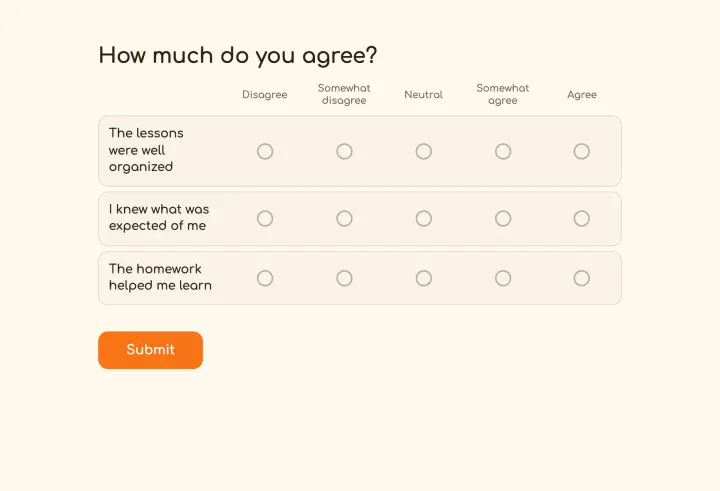
Course evaluation
Anonymous end-of-term feedback with an agreement grid and open comments.
- Matrix
- Rating
- Long text
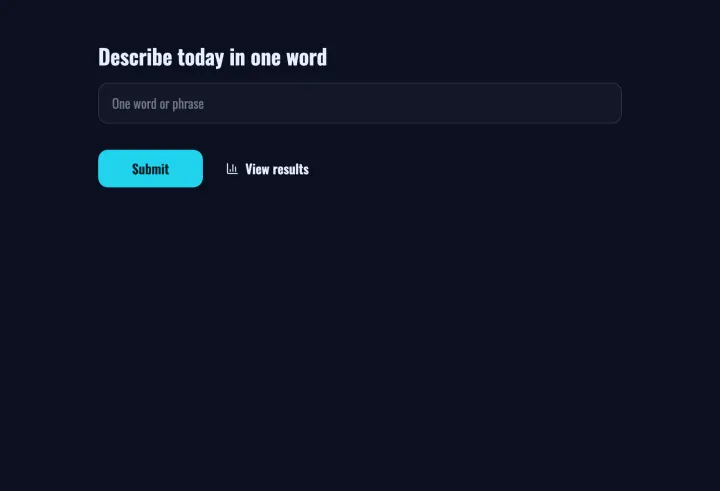
Word cloud
Collect one word from everyone and watch the cloud grow on Present.
- Word cloud
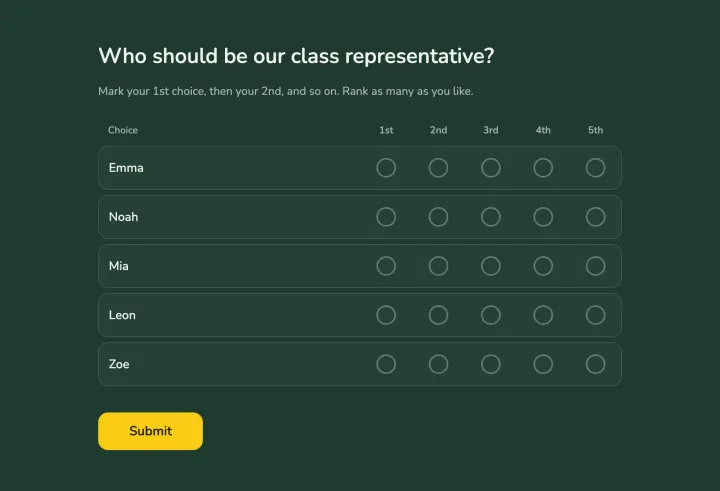
Class representative
Students rank the candidates; ranked choice keeps it fair with many names.
- Ranked choice voting