Contact & files
Consent
Ask people to agree to your terms, a privacy policy or a photo release with one checkbox and a link to the full text.
Last updated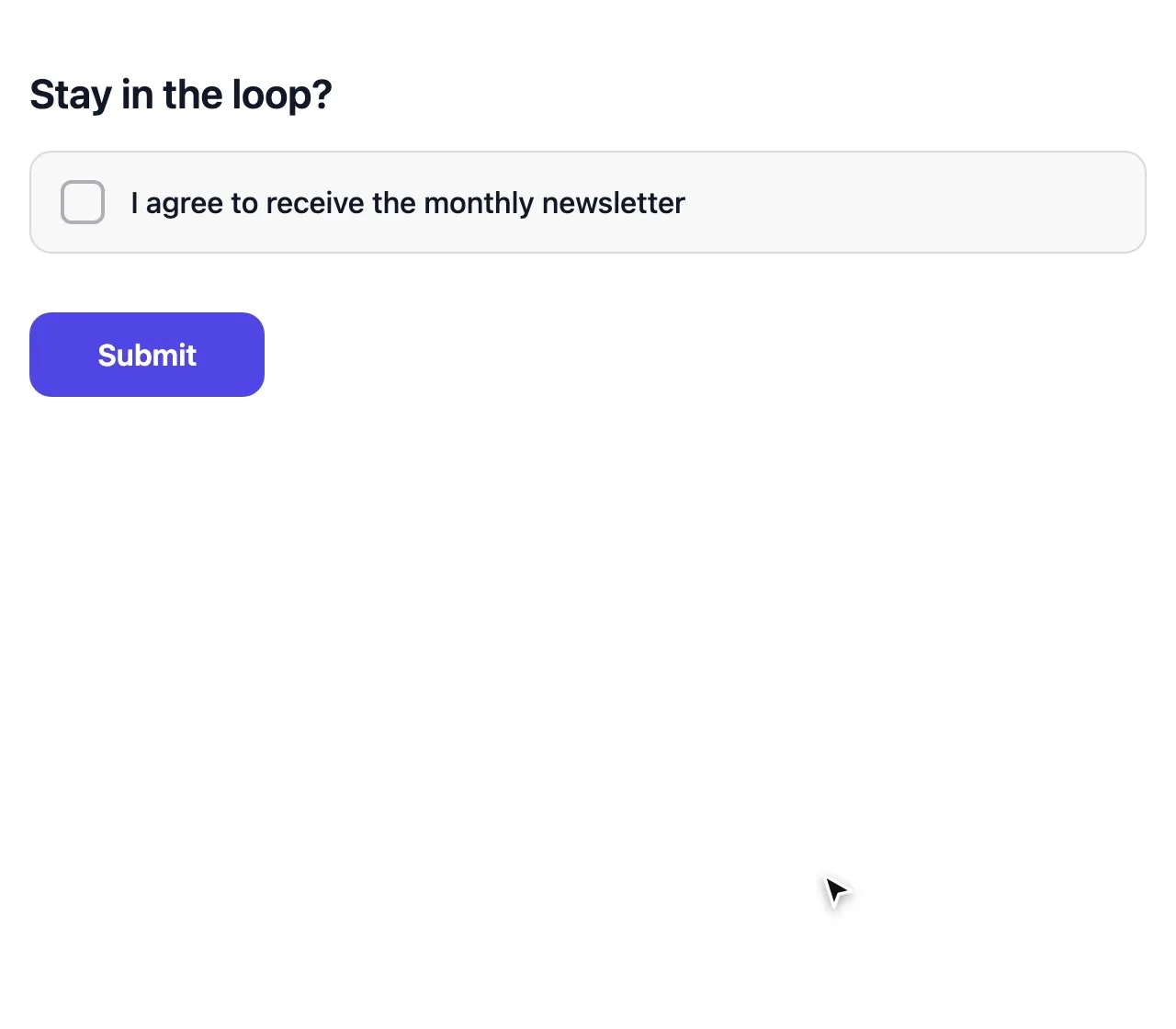
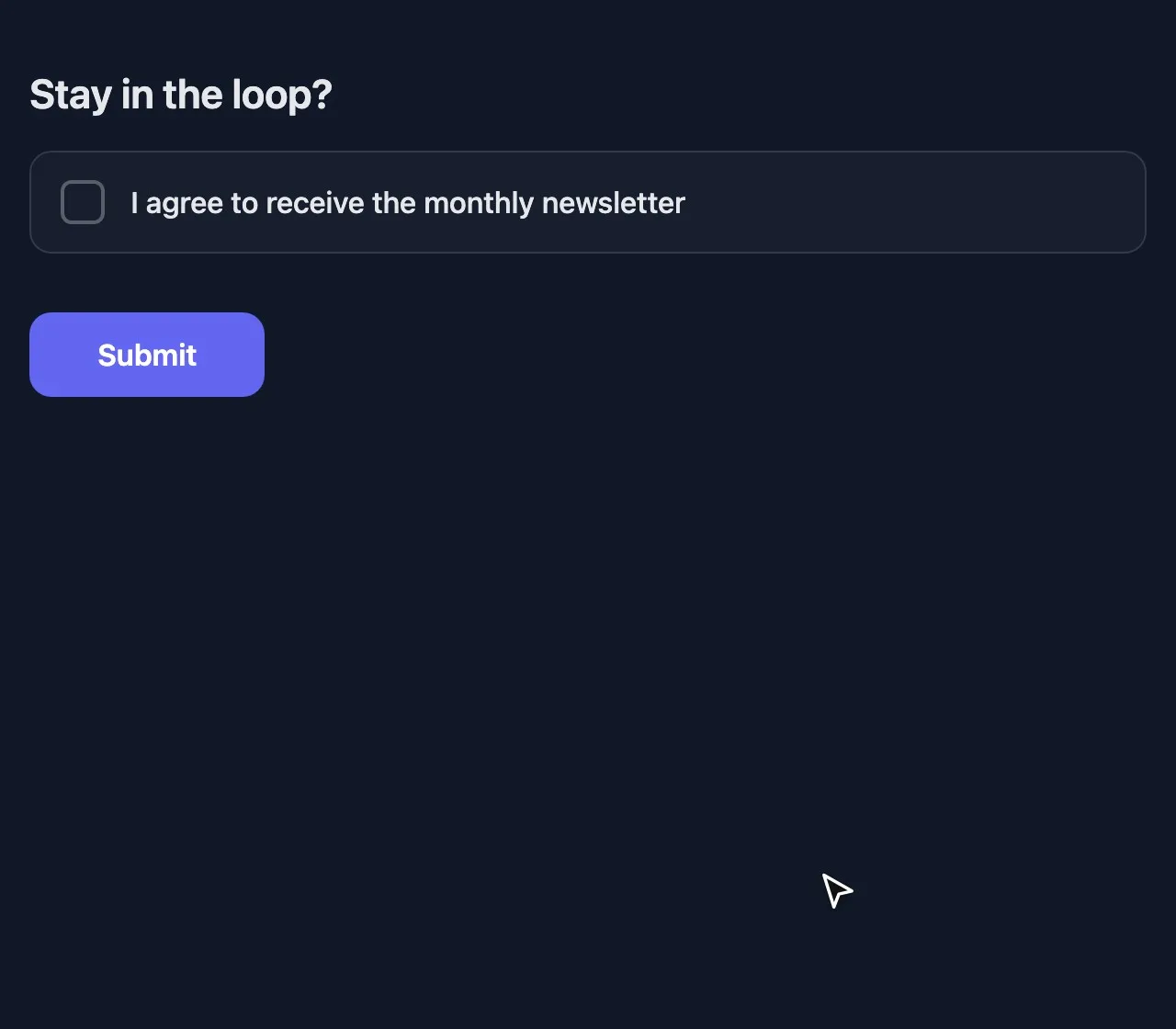
A consent question is a single checkbox that people tick to agree to something, like your terms, a privacy policy or being photographed. You can add a link to the full text next to it.
When to use it
- Privacy policies on a sign-up form: “I agree to the privacy policy.”
- Photo consent at an event: “I agree to appear in event photos.”
- Studies: “I have read the study information and agree to take part.”
- Opt-ins, like a newsletter, where ticking the box is optional.
Set it up
- In the editor, click Add content and choose Consent.
- Type the question, or keep it short and put the agreement in the checkbox text.
- Choose the settings next to the question.
Checkbox text
What people agree to, up to 255 characters. New consent questions start with a default text in your form’s language. Change it to say exactly what people agree to, like “I agree to appear in event photos.”
Link and Link text
Add a web address under Link when the full terms live somewhere else, like your privacy policy. Link text is the words to show for it, up to 80 characters. If you leave the link text empty, the link shows the site’s domain name instead.
Results
The share of people who agreed as a large percentage with a bar, and a line like “12 of 15 agreed”.
See also All question types at a glance and Signature.