Text & numbers
Number
Collect a number, like an age, a budget or a count, with optional limits and a unit.
Last updated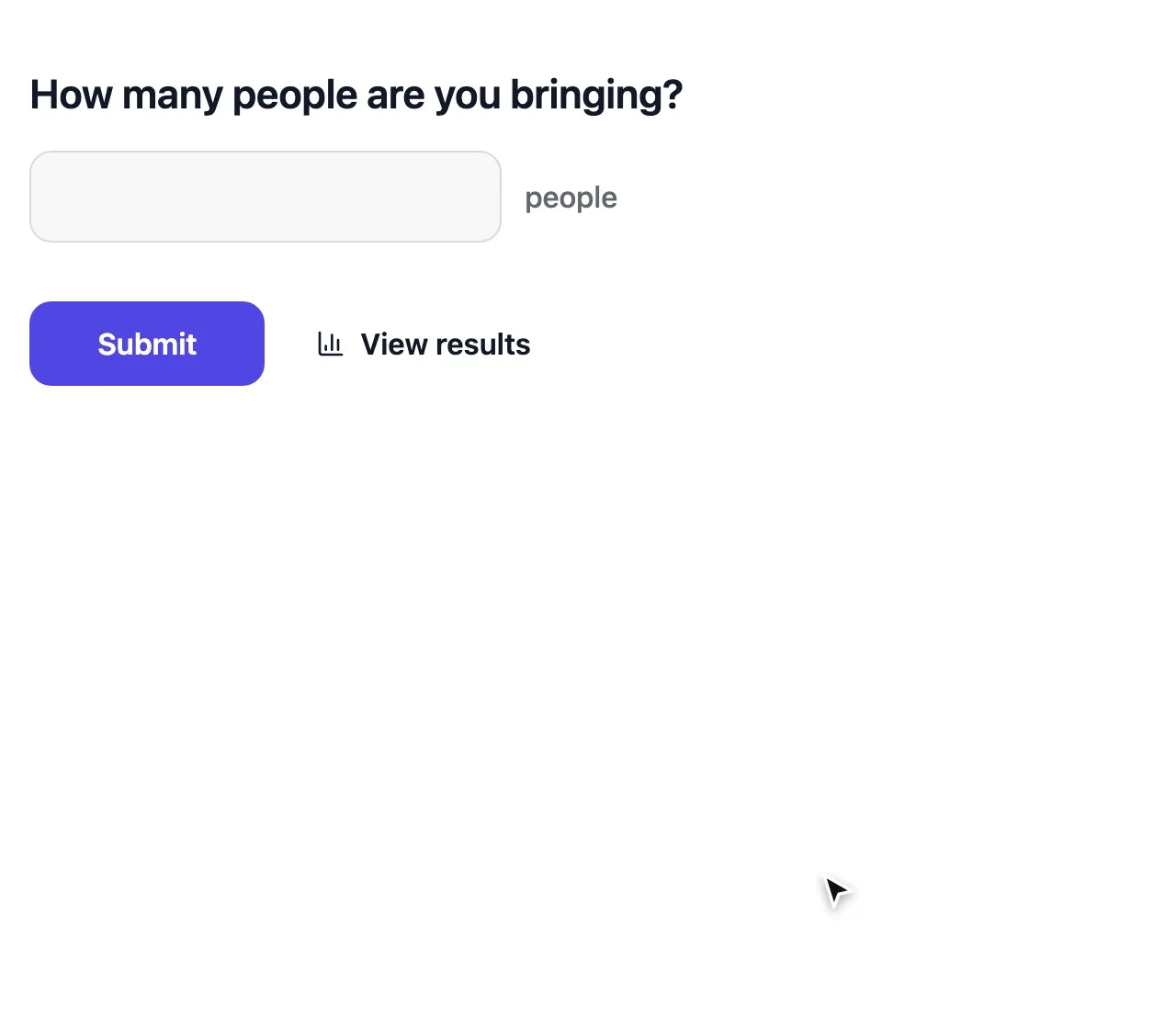
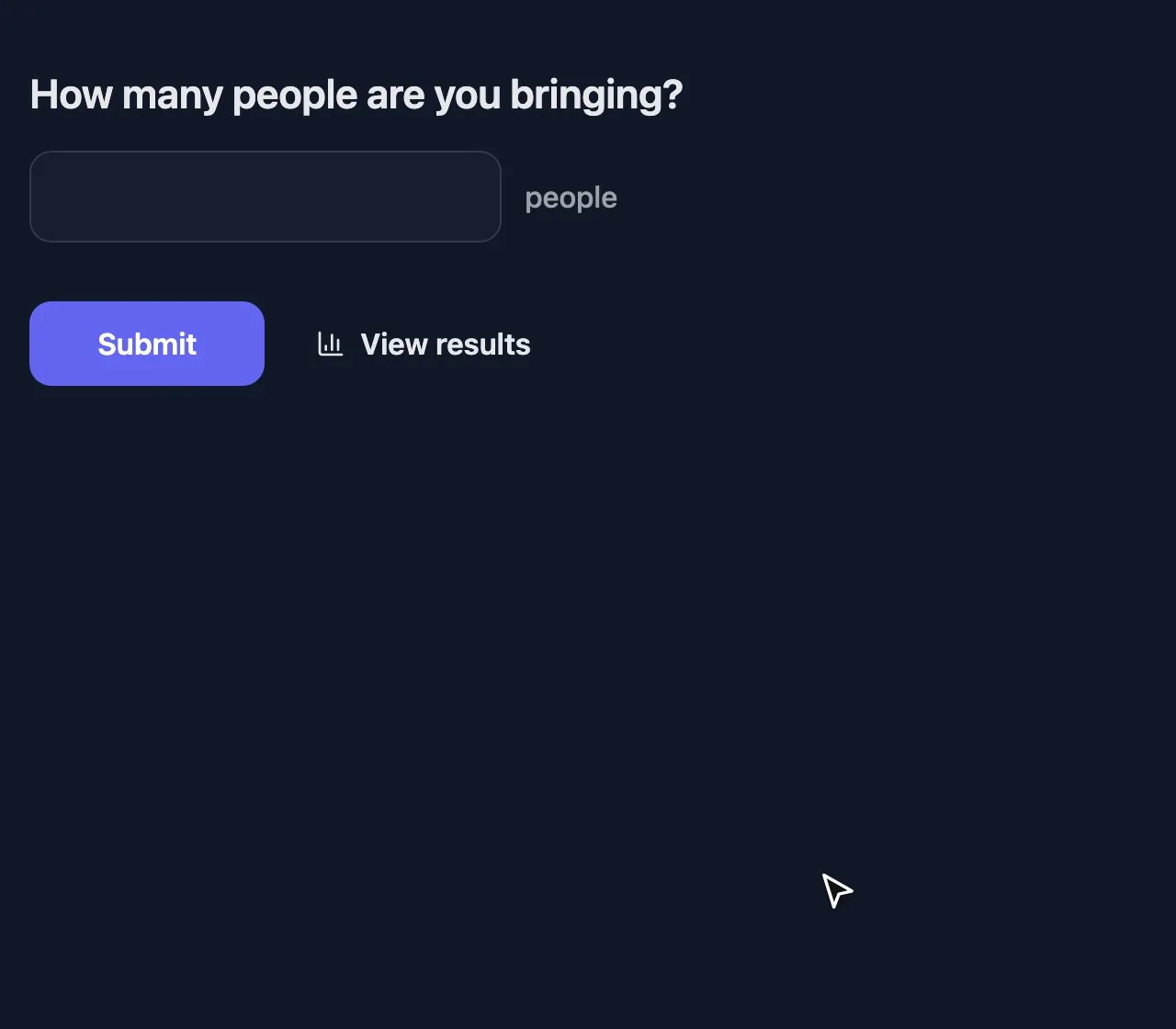
A number question takes a number as the answer, like an age, a price or a count. The results don’t list every answer. They show the average, the median and how the answers spread out.
When to use it
- Counts and ages: “How many people live in your home?”, “How old are you?”
- Budgets and prices: “What would you pay per month for this?”
- Estimates and guessing games: “How many sweets are in the jar?”
- Measurements with a unit, like kilograms, hours or years.
For a date, use a Date question. To let people pick a value on a fixed scale, use an Opinion scale.
Set it up
- In the editor, click Add content and choose Number.
- Type the question. If the unit isn’t obvious, say it: “in hours per week”.
- Choose the settings next to the question.
Minimum and Maximum
The lowest and highest number people can enter. Both are empty by default (None), so any number works.
Set them to stop typos like an age of 450. You can set just one, like a Minimum of 0 for counts.
Decimal places
Whole numbers by default. Choose 1 to 4 to allow that many digits after the decimal point, for prices or measurements.
Unit
Up to 20 characters, like €, kg or years. It shows next to the answer field and with each number in the results, so people know what to enter and the results read clearly.
Results
Four figures, Average, Median, Lowest and Highest, each with your unit, and a histogram of how the answers spread. If the average and the median are far apart, a few very high or very low answers are pulling the average, so the median is the better guide.
See also Date and All question types at a glance.