Scheduling & sign-ups
Date
Ask each person for one day, like a birthday, a start date or an arrival date, and limit the dates they can pick.
Last updated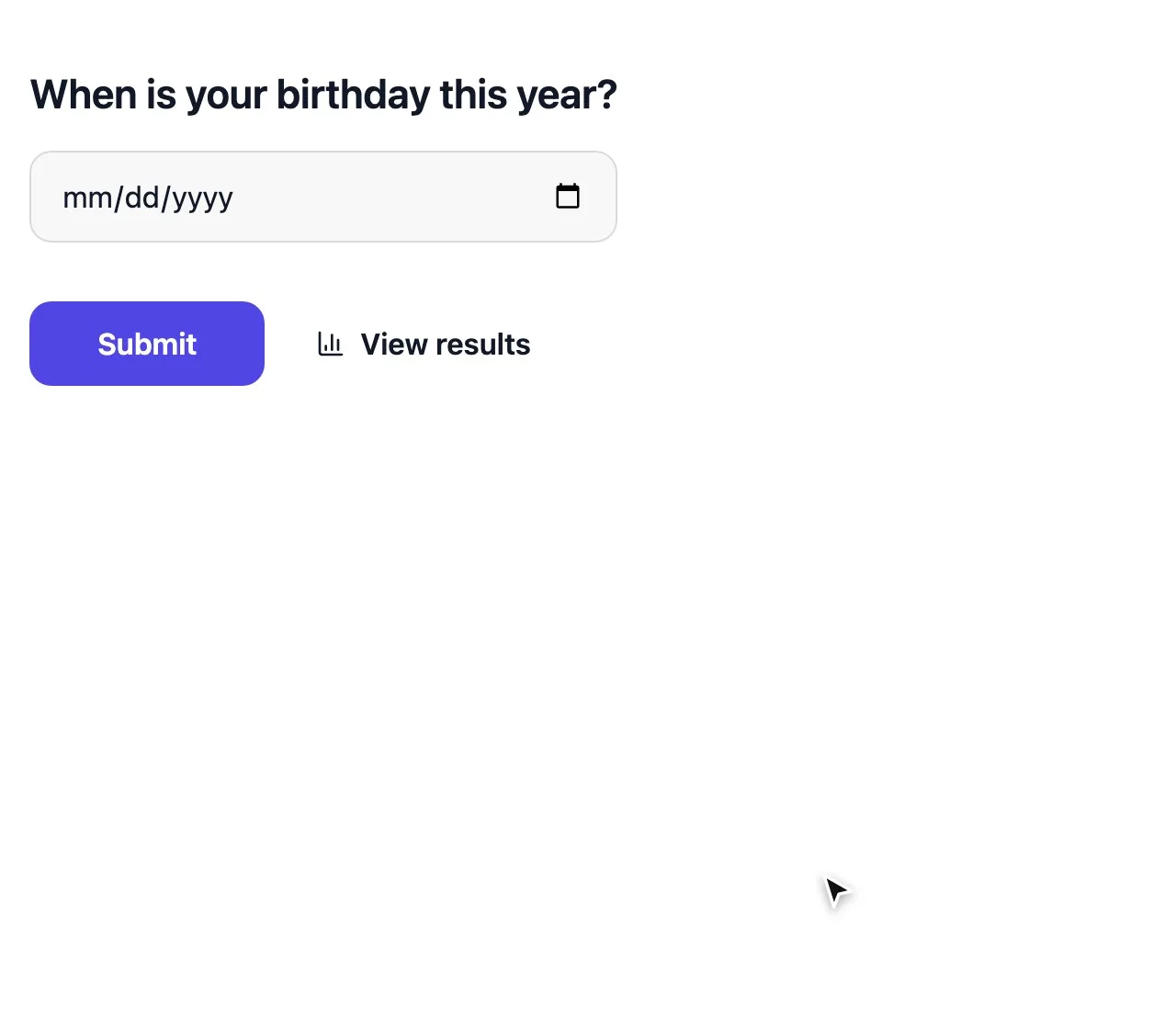
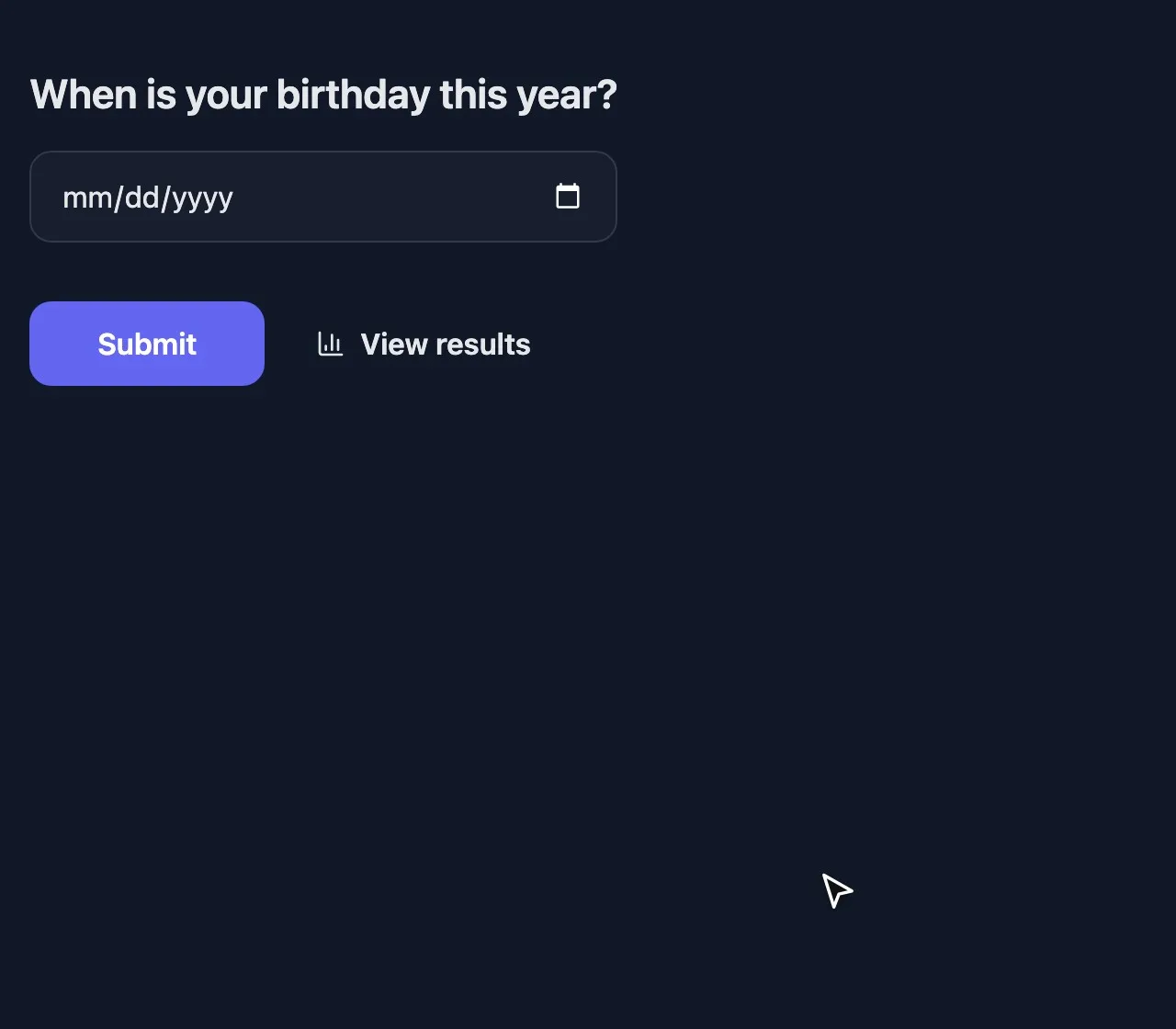
A date question asks each person for one day. People pick it in their device’s own date picker, and the results count how many gave each date.
When to use it
- Dates of birth on a registration form: “When were you born?”
- Applications: “When can you start?”
- Events and trips: “What day do you arrive?”
- Support forms: “When did the problem first happen?”
A date question takes one day per person. To find a time that works for a whole group, use a Meeting poll, where everyone marks all the times they can make.
Set it up
- In the editor, click Add content and choose Date.
- Type the question. Say which date you mean: “What day do you arrive?”, not just “Date”.
- Choose the settings next to the question.
Earliest and Latest
The first and last date people can pick. Both are empty by default, so any date works.
Set them when only some dates make sense. For arrival dates at a conference, set them to the days around the event.
Results
Every date people gave, each with a bar and the number of people who picked it. The most common date is marked.
See also All question types at a glance and Number.