Live & interactive
Image hotspot
Show an image and let people click the spot they mean, like on a map, a floor plan or a design.
Last updated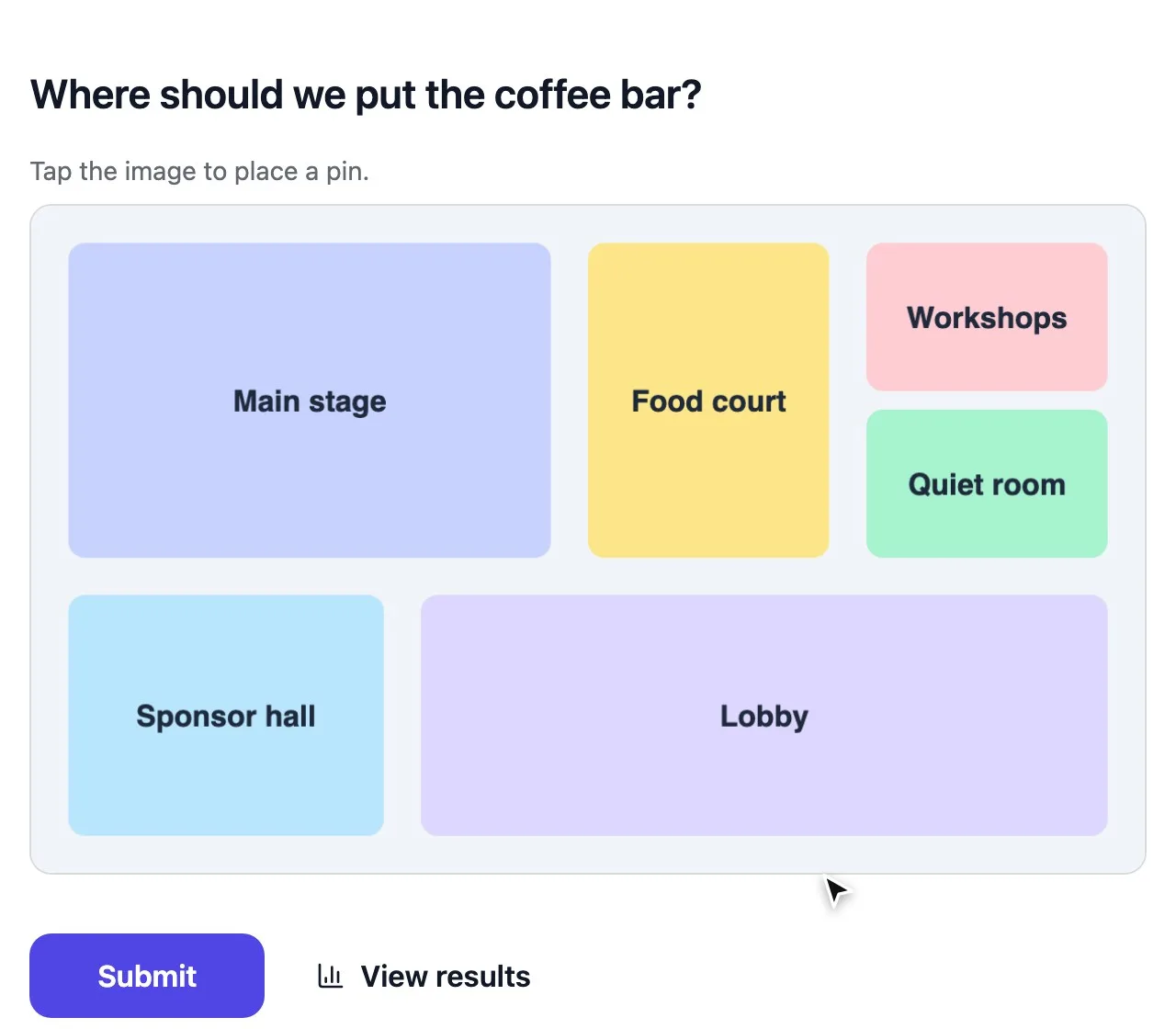
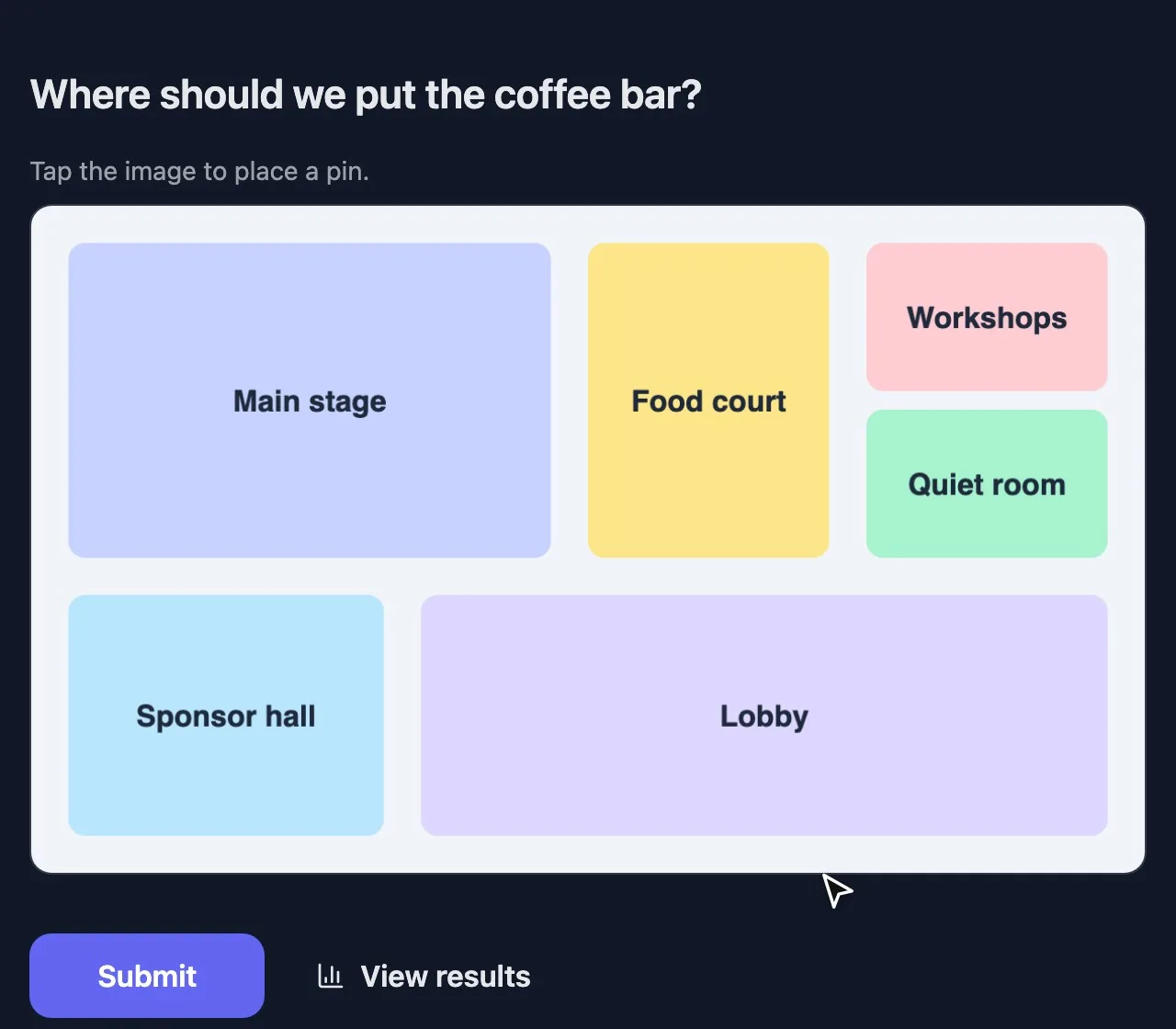
An image hotspot question shows an image, and people answer by clicking a spot on it. Each click places a pin. The results draw all the pins on the image, so you see where people agree.
When to use it
- Maps and floor plans: “Where should we put the new bench?”
- Design feedback: “Click the part of the page that confuses you.”
- Photos and products: “Where would you put the logo?”
- Games and quizzes: “Find the mistake in this picture.”
To let people choose between a few images, use Picture choice.
Set it up
- In the editor, click Add content and choose Image hotspot.
- Click Upload the image voters pin on. The image can be JPEG, PNG, GIF or WebP, up to 5 MB. Replace image swaps it later.
- Write the question so people know what to click.
- Choose the settings next to the question.
Choose an image that’s clear at phone size too, since many people answer on their phones.
Pins per voter
How many pins each person can place, from 1 to 5. The default is 1, which works best when you want one clear answer, like “Where should we put the new bench?”. Allow more when people may point out several spots, like “Click everything that confuses you.”
Results
Your image with every pin drawn on it, together with the number of pins. Where many pins overlap, the spot gets darker, like a heat map.
See also All question types at a glance.