Rating & scales
Matrix
Let people rate several statements on the same scale in one grid, with one answer per row.
Last updated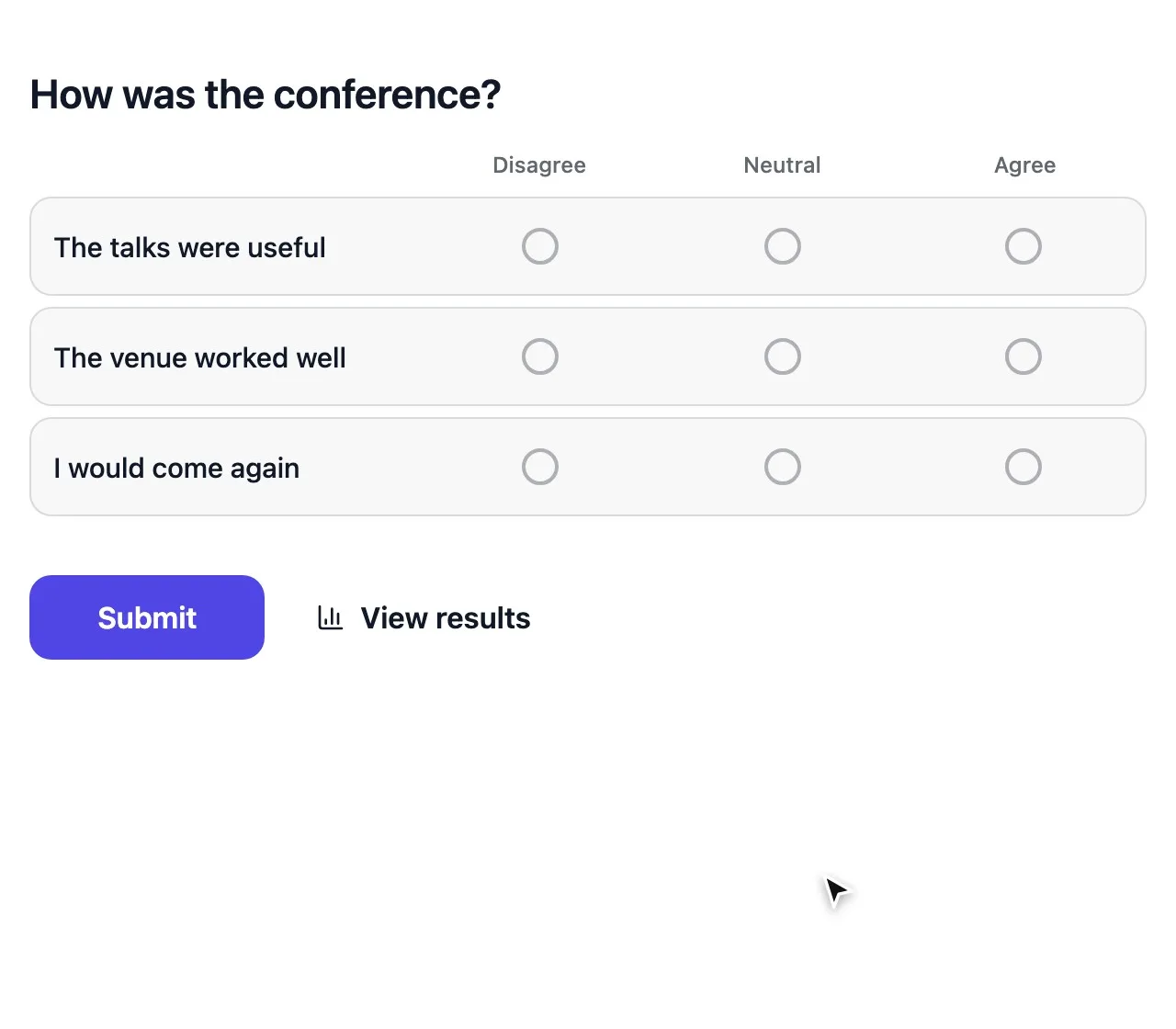
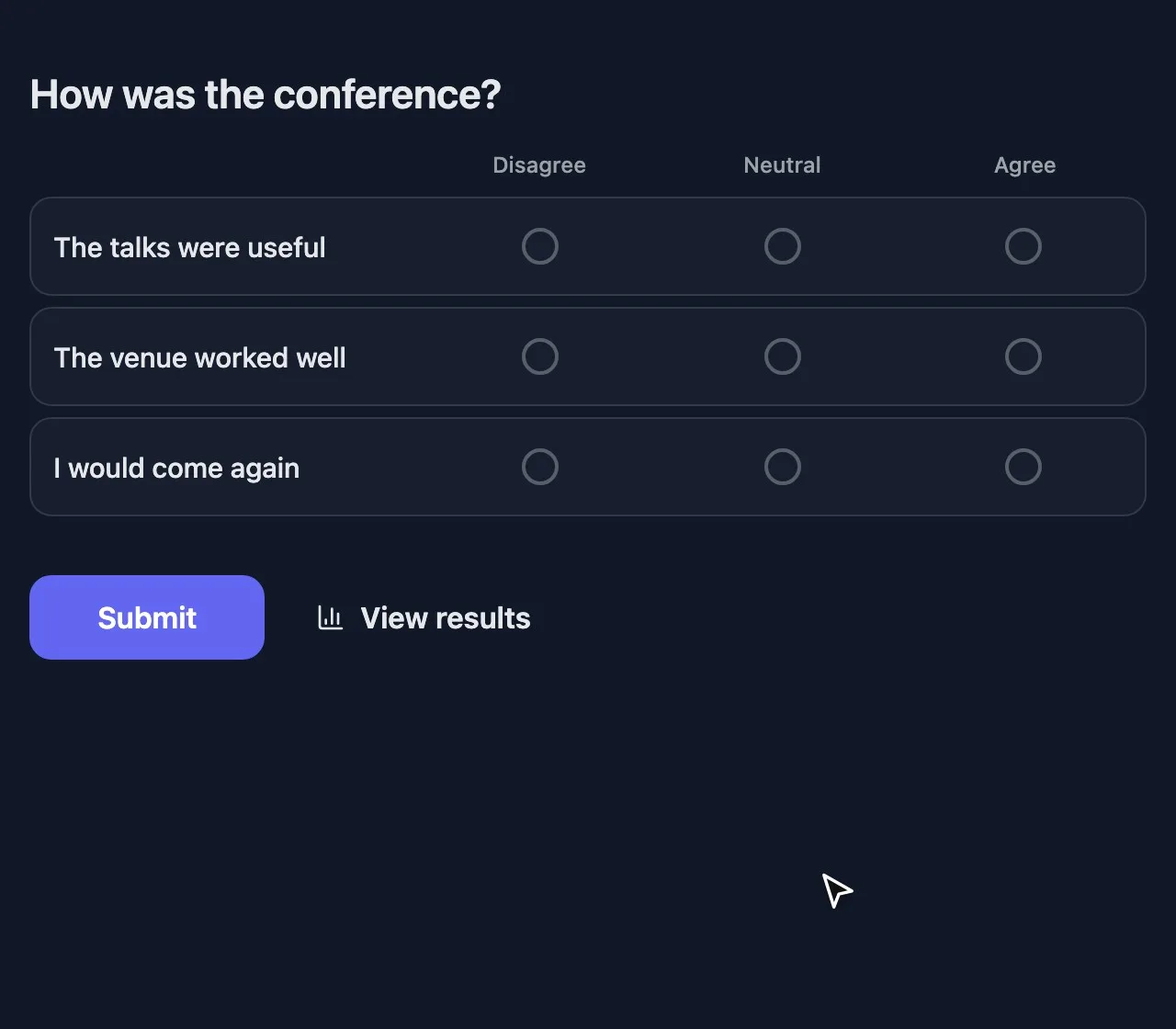
A matrix question is a grid. Each row is a statement, each column is an answer, and people pick one answer per row. It saves asking the same question again and again.
When to use it
- Likert surveys: “The workload is manageable.”, “I get the support I need.”, each from “Strongly disagree” to “Strongly agree”.
- Course evaluations: rate the content, the pace and the materials on one scale.
- Rating several services at once: “How satisfied are you with delivery, packaging and support?”
For a single statement, use an Opinion scale or a Rating. For help with the scale itself, see Create a Likert scale survey.
Set it up
- In the editor, click Add content and choose Matrix.
- Type the question, then a statement in each row. Add statement adds a row, and pressing Enter in a row adds the next one.
- The columns start with five answers, from “Strongly disagree” to “Strongly agree”. Click a column to change its label. Add column adds one, up to 10, and you need at least 2.
- Choose the settings next to the question.
Keep the statements short, and ask one thing in each. If people agree with half of a statement, they can’t answer it.
Randomize statements
Shows the statements in a different order to each voter. The columns keep their order.
Turn it on for long grids, so no statement always comes first or last.
Required
On by default. Here it means voters have to answer every statement before they can submit, not just one.
Turn it off when some statements may not apply to everyone, so people can skip a row instead of guessing.
Results
A stacked bar for each statement, showing how the answers split across the columns.
See also Create a Likert scale survey and All question types at a glance.