Contact & files
Signature
Let people sign with a mouse or a finger, and see every signature with the signer’s name.
Last updated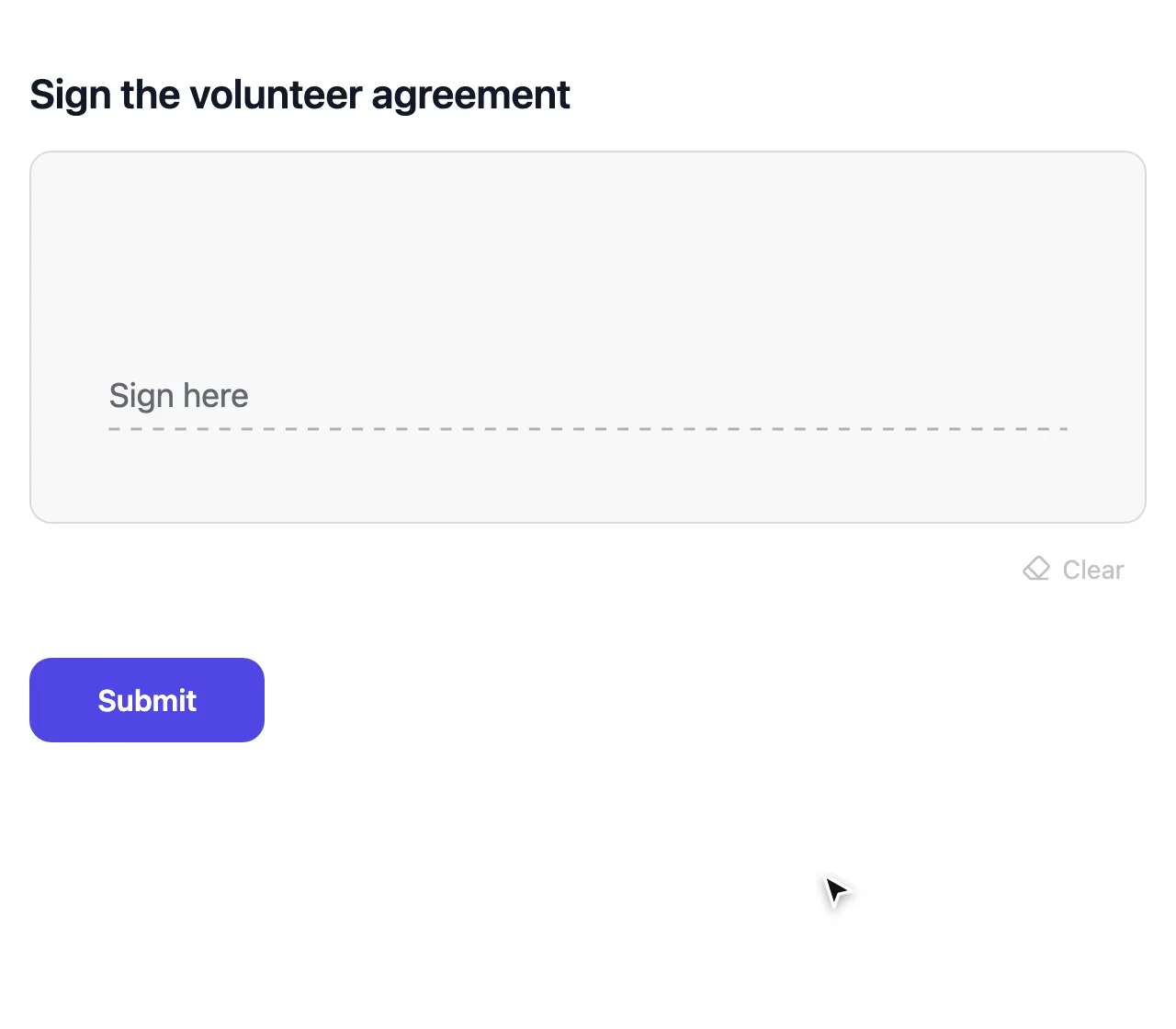
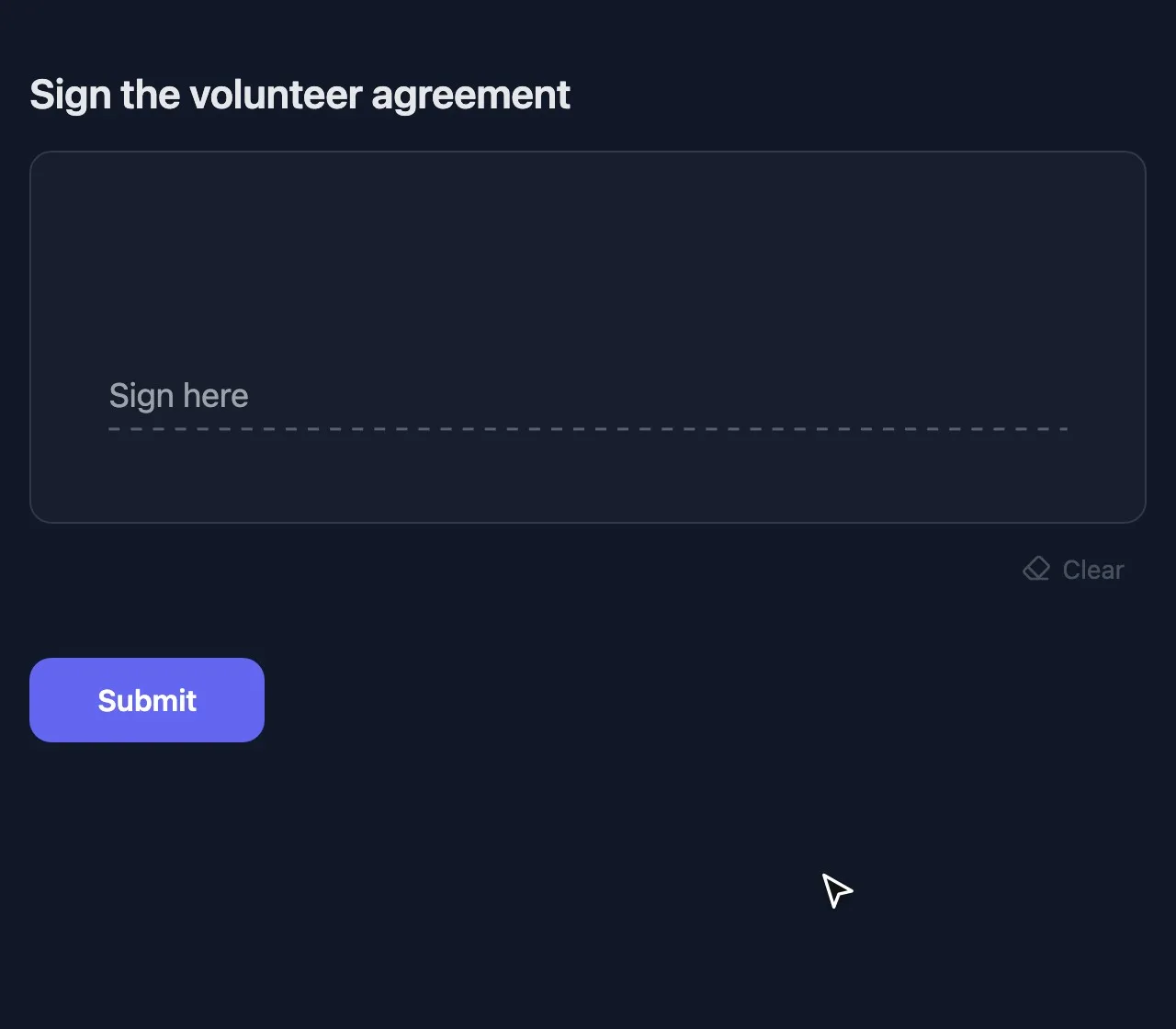
A signature question gives people a pad to sign on, with a mouse on a computer or a finger on a phone or tablet.
When to use it
- Permission slips: “Parent or guardian signature.”
- Sign-offs: “Sign to confirm you’ve read the safety rules.”
- Agreements with volunteers, players or participants.
To record who agreed to what, pair it with a Consent question and a Name question.
Set it up
- In the editor, click Add content and choose Signature.
- Type the question. Say what people are signing for: “Sign to confirm your booking.”
- Choose the settings next to the question.
Results
Every signature as an image in a grid, each with the signer’s name when there is one, and a count below. Only you, the poll owner, can see them.
See also All question types at a glance and Consent.