Rating & scales
Opinion scale
Let people pick a number on a scale, like 1 to 5 or 0 to 10, with your own labels at each end.
Last updated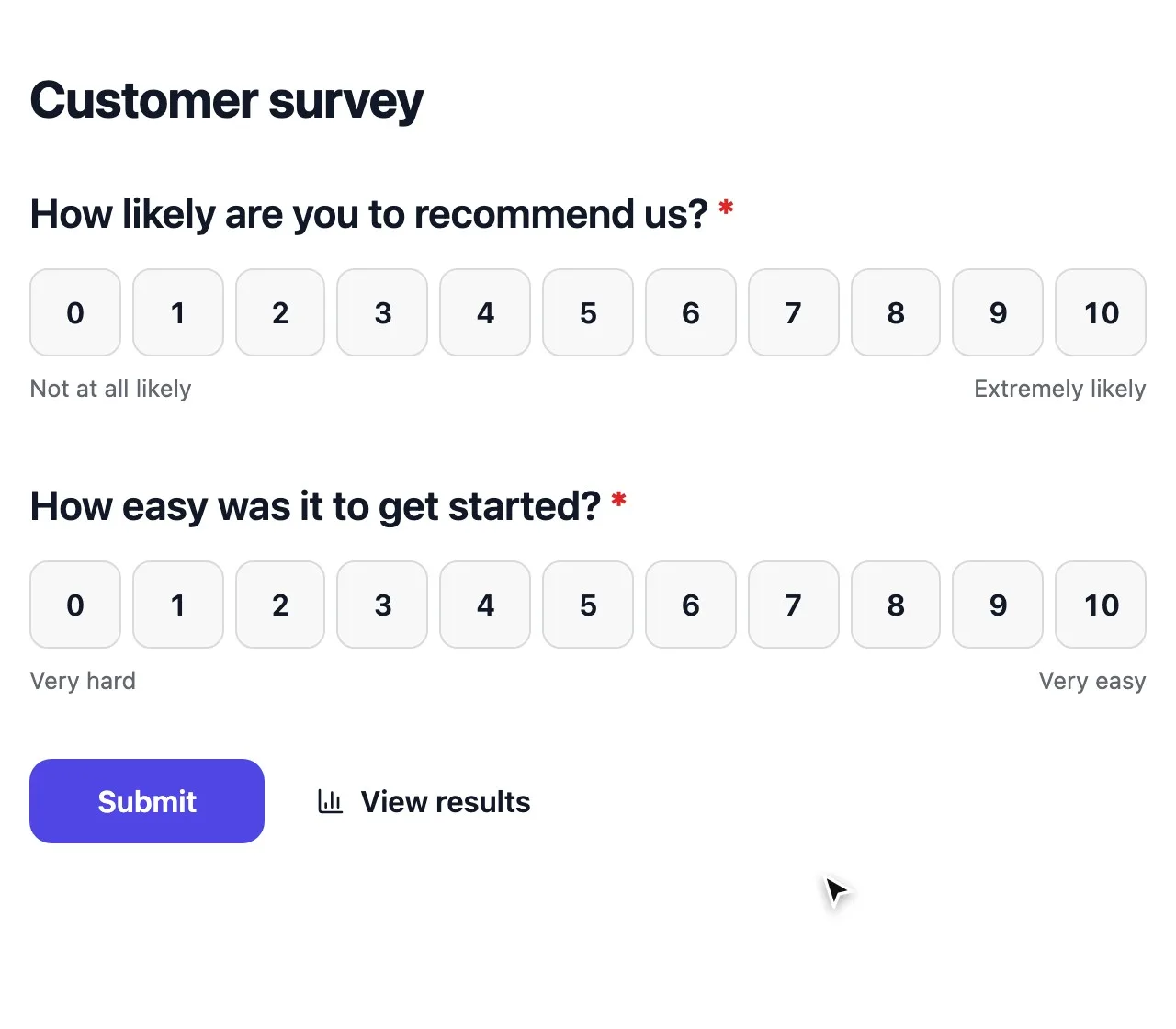
An opinion scale shows a row of numbers, and people pick one. Labels at the low and the high end tell them what the numbers mean.
When to use it
- Agree or disagree: “The new schedule works for me.” from 1 to 5.
- How likely someone is to recommend you: “How likely are you to recommend us to a friend?” from 0 to 10.
- Effort and confidence: “How easy was it to sign up?”, “How sure are you about your answer?”
For a familiar star rating, use Rating. To ask several statements on the same scale, use a Matrix. For help with the labels and the number of points, see Create a Likert scale survey. For the 0 to 10 question and how to work out the score, see Run a recommendation score survey.
Set it up
- In the editor, click Add content and choose Opinion scale.
- Type the question.
- Choose the settings next to the question: where the scale starts and ends, and the labels.
From and To
Where the scale starts and ends. From is 0 or 1, and To is anything from 3 to 10. The default is 1 to 10.
Use 1 to 5 for agree or disagree questions. Use 0 to 10 for “How likely are you to recommend us?”, so the score works the usual way.
Low label and High label
Short text under the lowest and the highest number, like “Not likely” and “Very likely”. Both are empty by default.
Add them whenever the numbers alone don’t say which end is good. With labels, a 1 can’t be mistaken for a top score.
Results
A bar for each number on the scale, with how many people picked it, and the total number of answers.
See also Create a Likert scale survey, Run a recommendation score survey and All question types at a glance.