Contact & files
Name
Ask people for their name in one short field, and see it with each response.
Last updated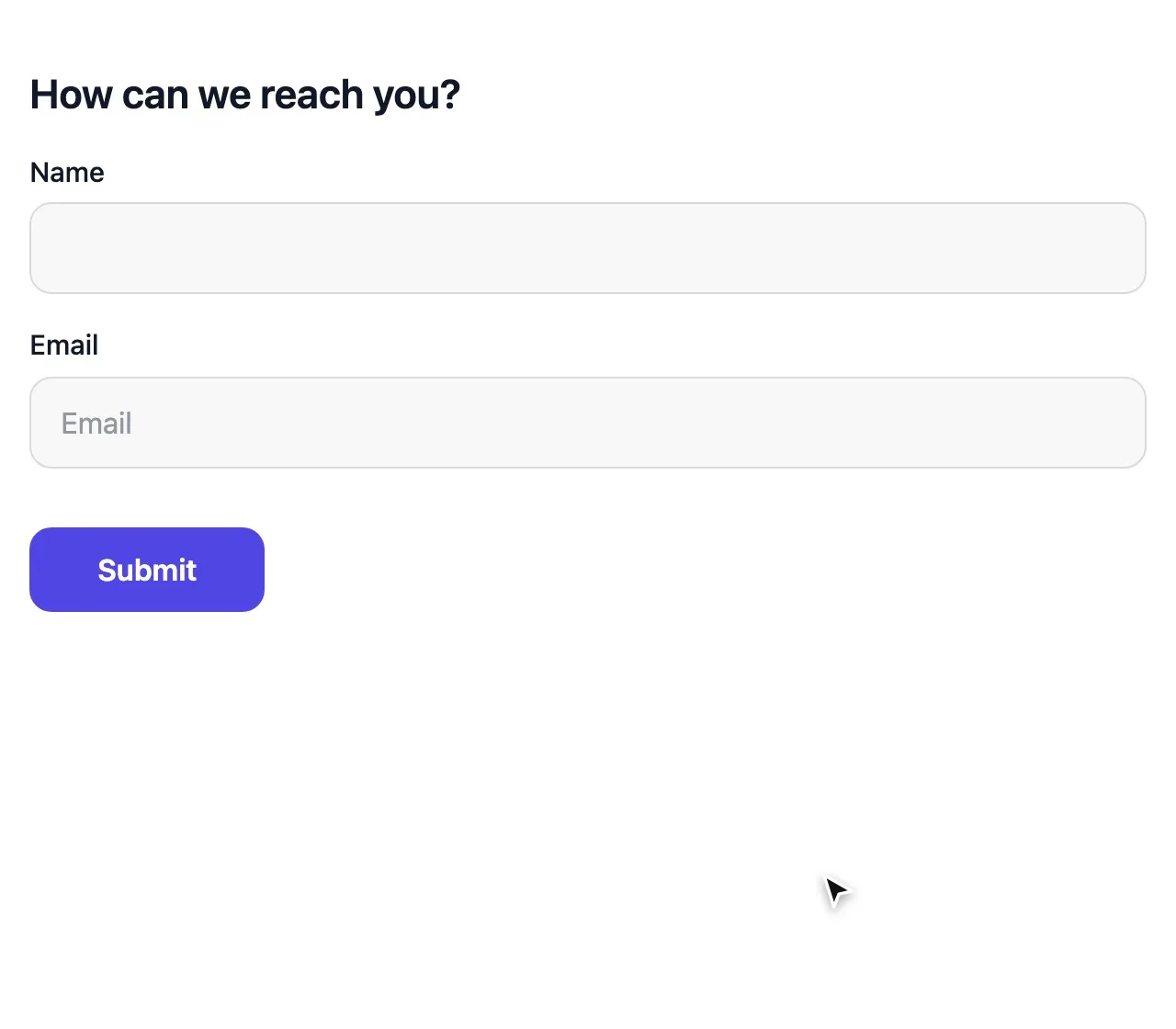
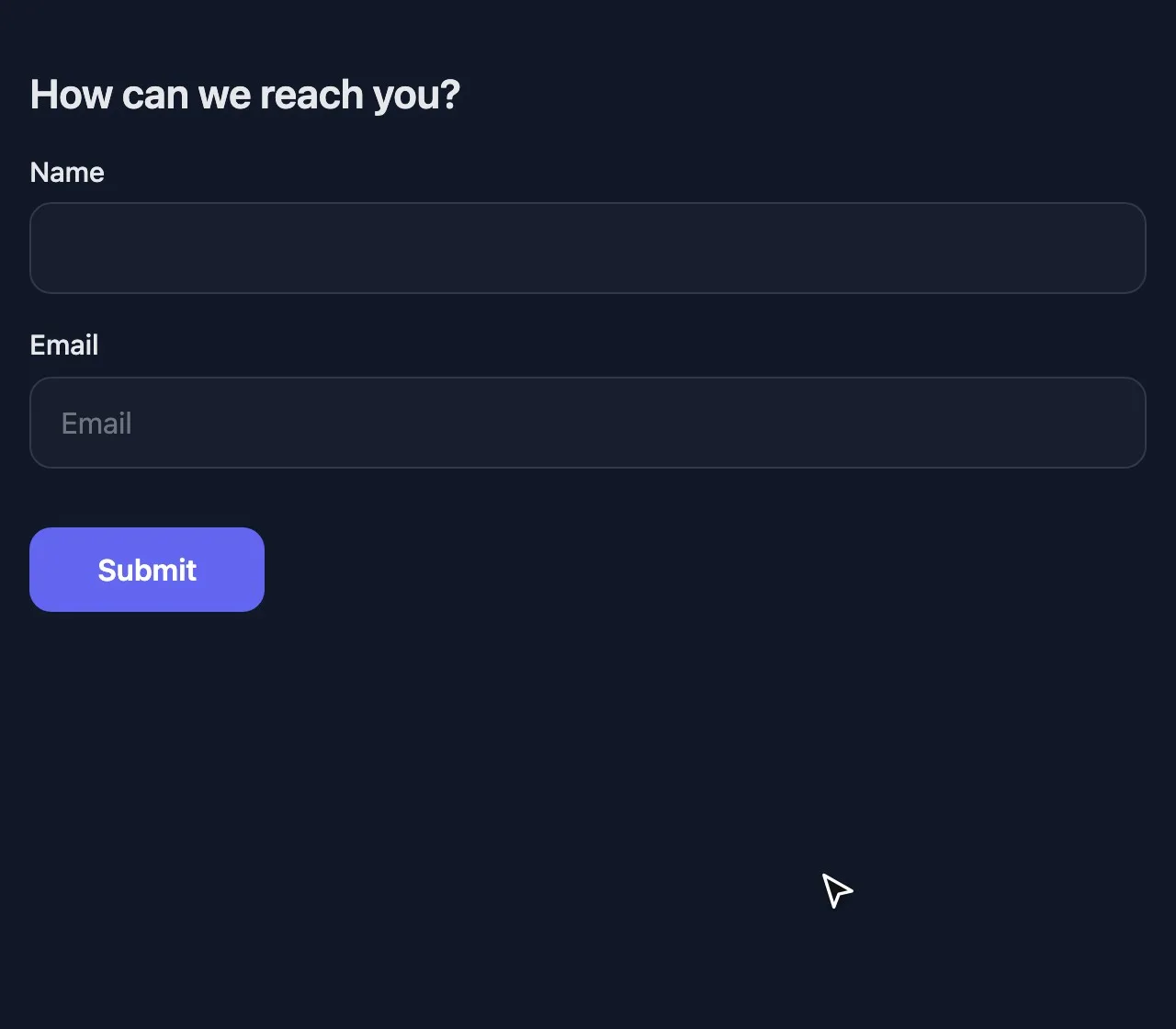
A name question asks people for their name in one short field. It starts with “What’s your name?” in your poll’s language, and the answer becomes the name shown with each response.
When to use it
- RSVPs: “Who’s coming to the team dinner?”
- Class lists or check-ins, where you need to know who answered.
- Follow-ups, when you want to get back to someone about their answers.
- The Respondent name duplicate check, which needs a name to compare. See Choose how to limit responses.
If you also need an email address or a phone number, one Contact info question is quicker to fill in.
Set it up
- In the editor, click Add content and choose Name.
- Keep the question as it is or reword it.
- Choose the settings next to the question.
A few things to know:
- The first name counts. If a form asks for a name more than once, the first answer is the one shown with the response.
- Names aren’t checked. Anyone can type any name, so the duplicate check only stops honest mistakes.
Results
A list of the names people entered, and each response is listed under its name. Only you, the poll owner, see these answers. They never appear in public results or for other voters.
See also All question types at a glance and Email.