Ranking & voting
This or that
Show voters two options at a time, round by round, and find the favourite from a long list.
Last updated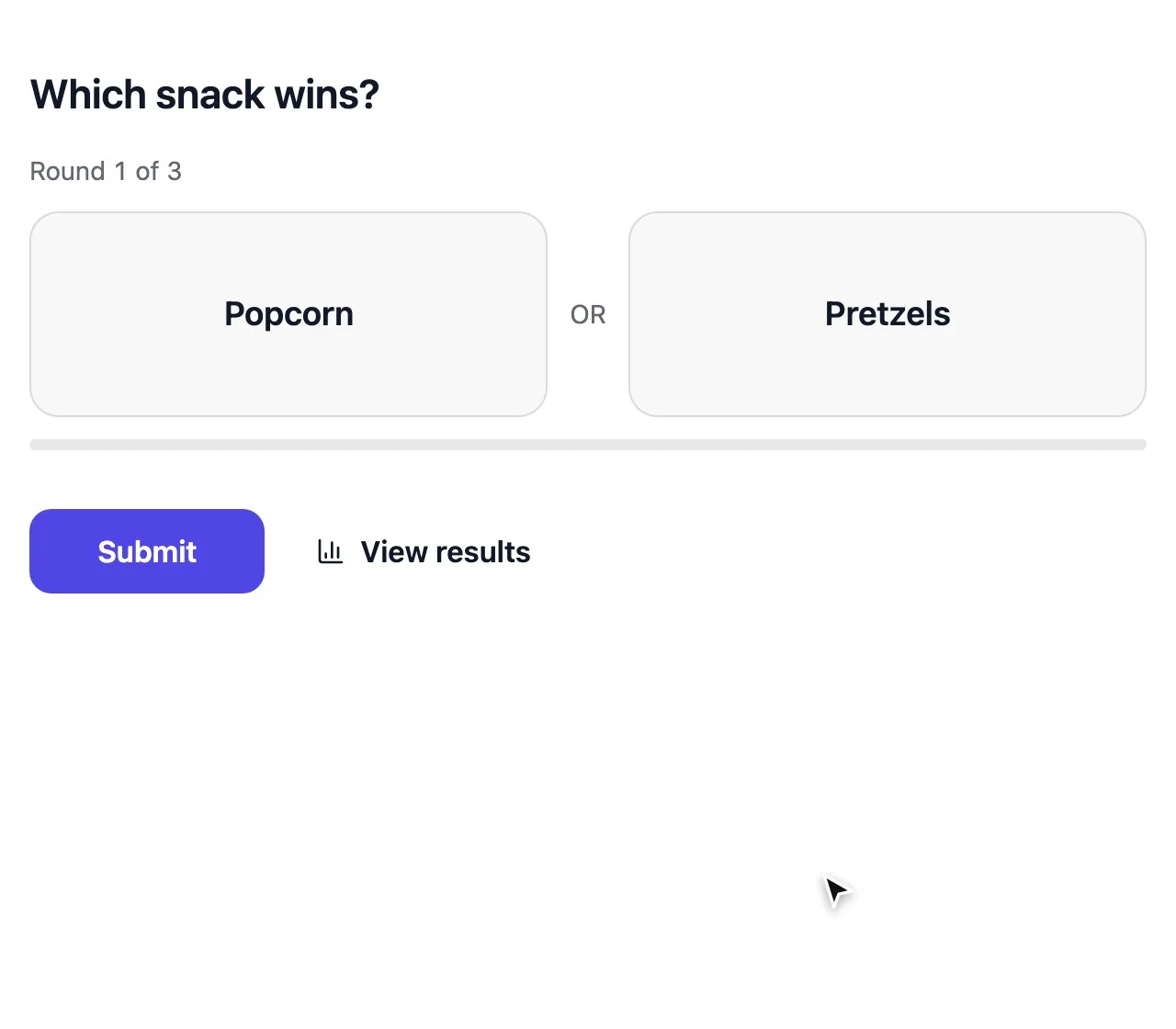

A this or that question shows two of your options at a time. Voters pick one, then the next pair appears, round by round. Each choice takes a second, even when the list is long, and together the picks show which options win most often.
When to use it
- Long lists of ideas: “Which name should the new product get?”
- Brackets and matchups: “Best snack of the office kitchen?”
- Choices that are hard to rank all at once: “Which feature should we build next?”
For a short list, Ranking gives the full order in one go. For a quick round of two-word questions like “Coffee or tea?”, see This or that questions to run as a poll.
Set it up
- In the editor, click Add content and choose This or that.
- Type the question, then the options. Add option adds one at a time. Paste list takes a whole list, with each option on its own line.
- Choose the settings next to the question.
While voting, people can go back with Undo last pick.
Rounds per voter
How many pairs each voter sees: 3, 5, 10, 15, 20 or 30. The default is 10.
Each round shows two random options. With few options, voters see every pair once. With a long list, more rounds give clearer results, but take longer to answer.
Results
The results list the options by the share of rounds they won, from the option that won most often down.
See also All question types at a glance.