Contact & files
Contact info
Ask for a name, an email, a phone number and more in one question, with fields you set up yourself.
Last updated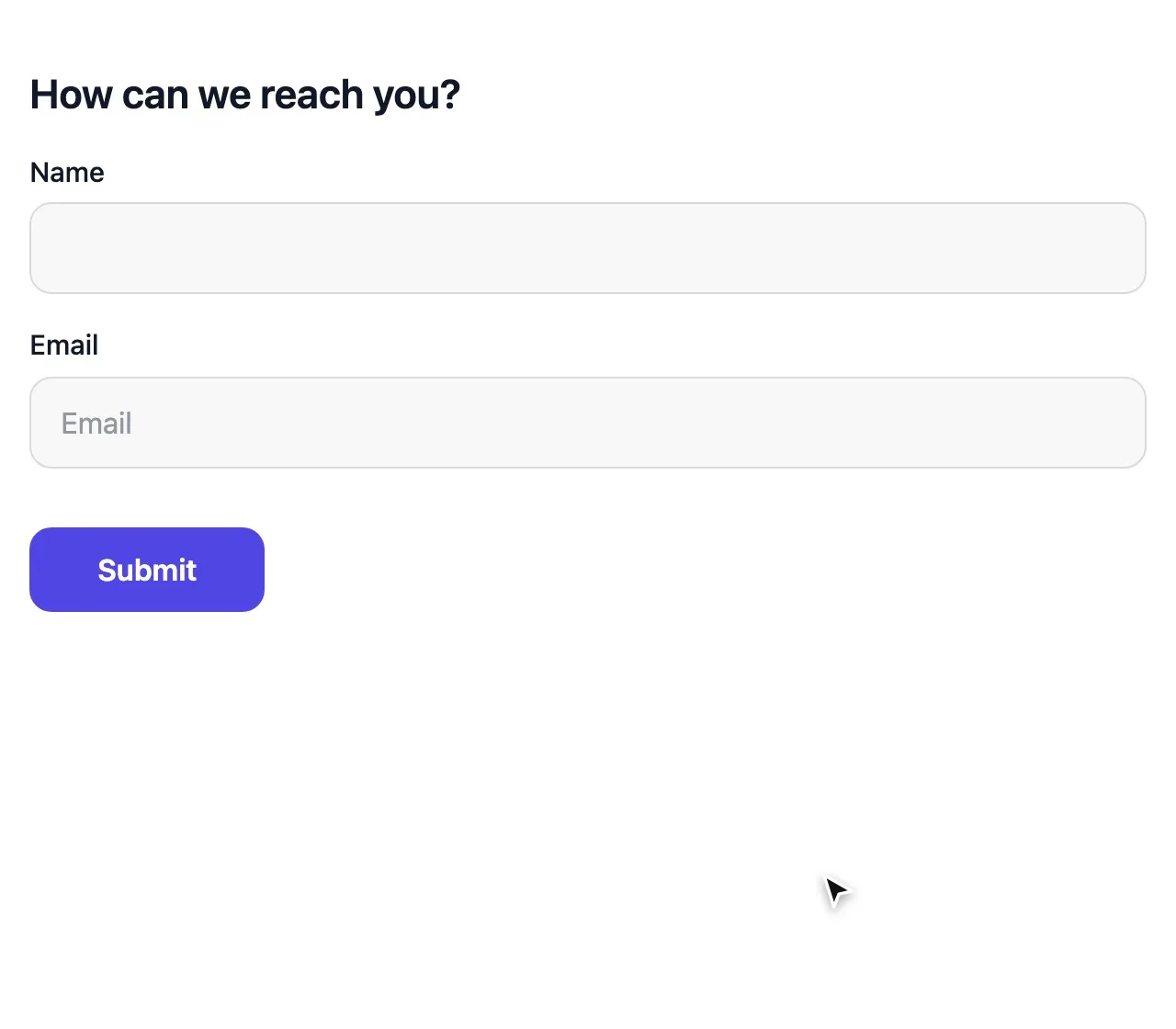
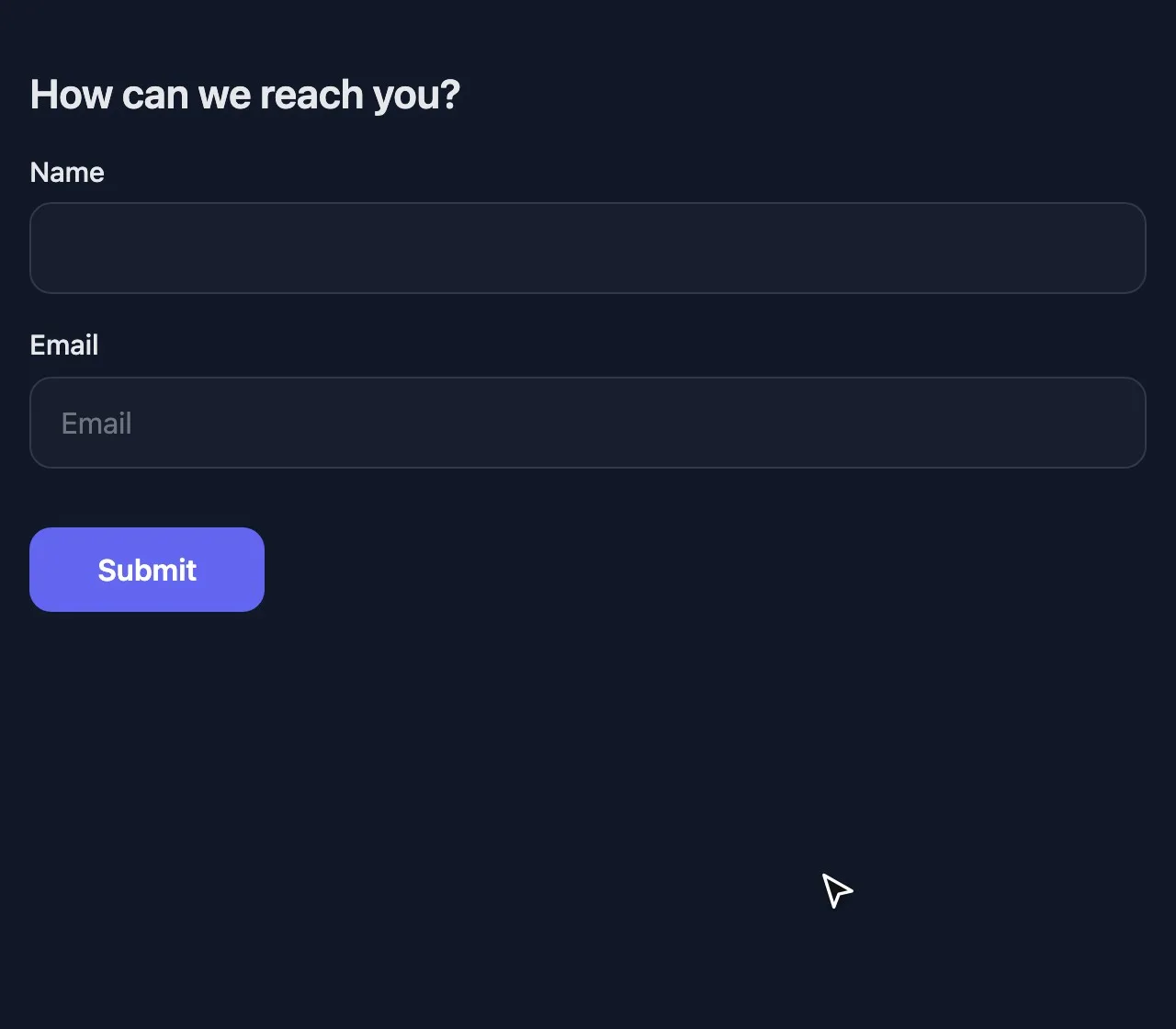
A contact info question groups several short fields into one question, like name, email and phone number. It starts with “How can we reach you?” and two fields, Name and Email. You can rename the fields, add more and choose what kind of answer each one takes.
When to use it
- Event registrations: “Your name, email and phone number.”
- Lead forms, where you need several details at once.
- Giveaways, where winners have to be reachable.
When you only need one detail, or want one field required and another optional, use separate Name and Email questions. In a contact info question, Required applies to every field at once.
Set it up
- In the editor, click Add content and choose Contact info.
- Type the question, then click Add field for each detail you need. Drag a field by its handle to change the order, or remove it with the cross. One field always stays.
- Choose the settings next to the question.
The first Email field fills in the email shown with each response, and the first Text field fills in the name. So keep the name as the first text field. A name or email question earlier in the form comes first.
Fields
One row per field, with a Field label and a type:
- Text for names and anything else.
- Email for an address. It has to look like a valid email address.
- Phone for a phone number.
- Number for a number.
Pick the type that matches the detail, so phones show the right keyboard and email addresses get checked.
Results
A list of answers for each field, under the field’s label. Only you, the poll owner, see these answers. They never appear in public results or for other voters.
See also All question types at a glance and Address.