Text & numbers
Long text
Give people a larger field to explain, give feedback or tell a story in their own words.
Last updated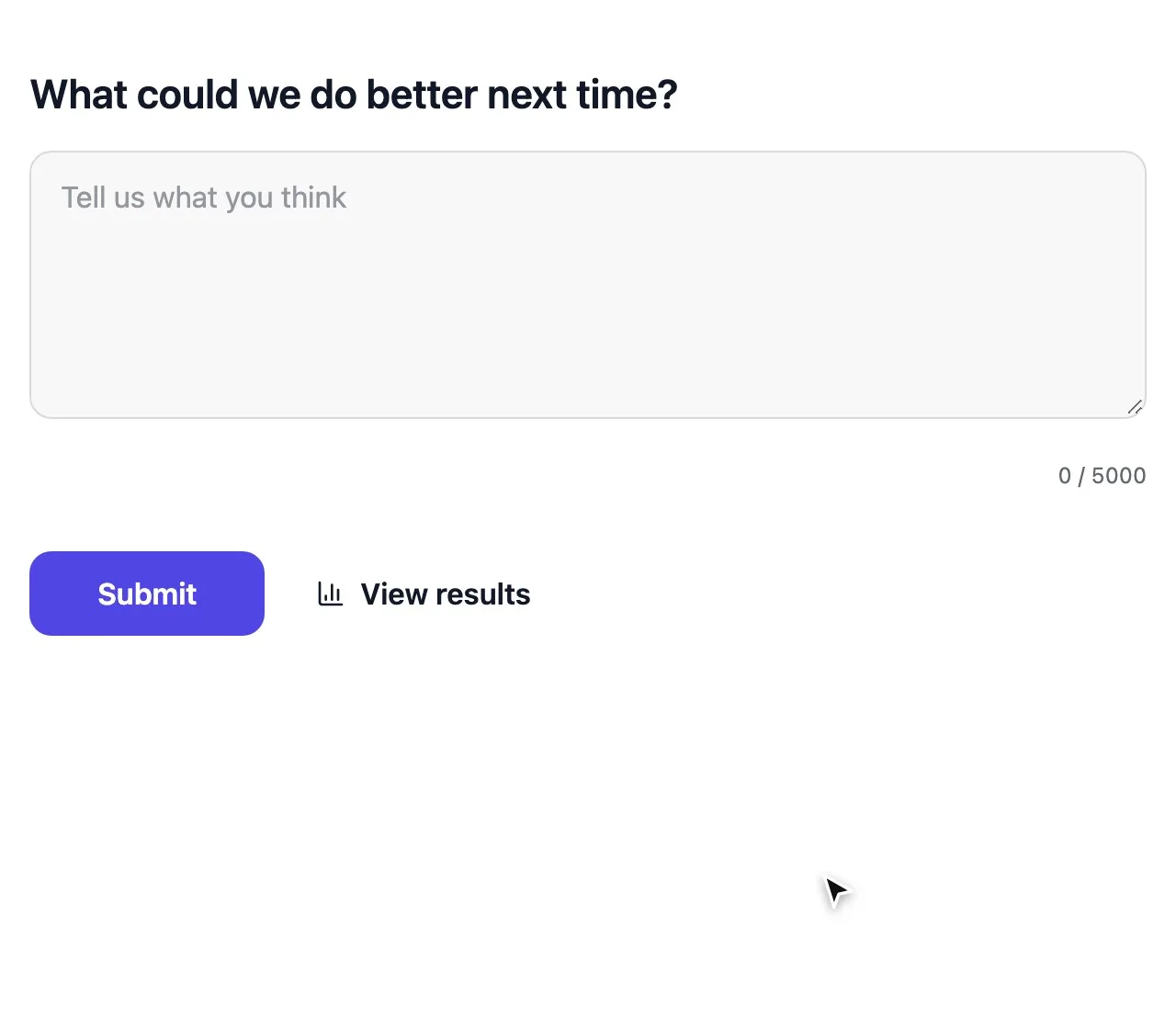
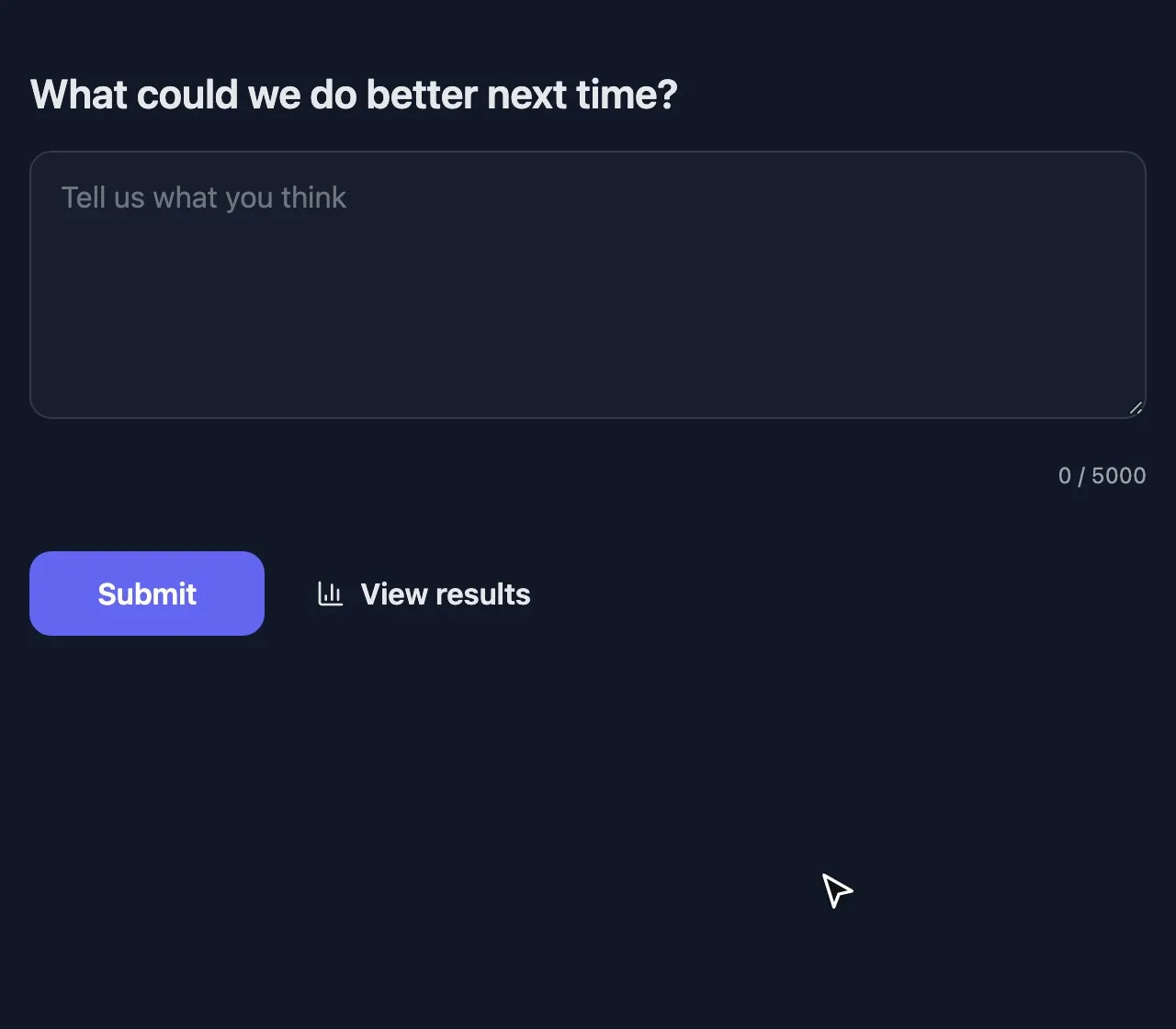
A long text question gives people a bigger field with room for several sentences. Use it when you want them to explain, not just to name something.
When to use it
- Open feedback: “What could we do better next time?”
- The last question of a survey: “Anything else you’d like to tell us?”
- Stories and explanations: “Describe a time the process didn’t work for you.”
- Reasons behind an earlier answer: “Why did you give that score?”
For an answer of a few words, use Short text. Open questions take longer to answer, so use only one or two in a survey.
Set it up
- In the editor, click Add content and choose Long text.
- Type the question. Ask about one thing, so the answers stay focused.
- Choose the settings next to the question.
Placeholder
A hint in the empty answer field, shown until someone types. By default it says “Type your answer”.
Use it to get people started, like “What worked, what didn’t, what would you change?”. The hint disappears as soon as people start typing, so put anything they must know in the question itself.
For open feedback, it’s often better to turn off Required, so people can skip the question.
Results
Every answer in a list, in people’s own words.
See also Open-ended and closed-ended questions and All question types at a glance.