Ranking & voting
Point allocation
Give each voter a budget of points to spread across options, to see how strongly people feel about each one.
Last updated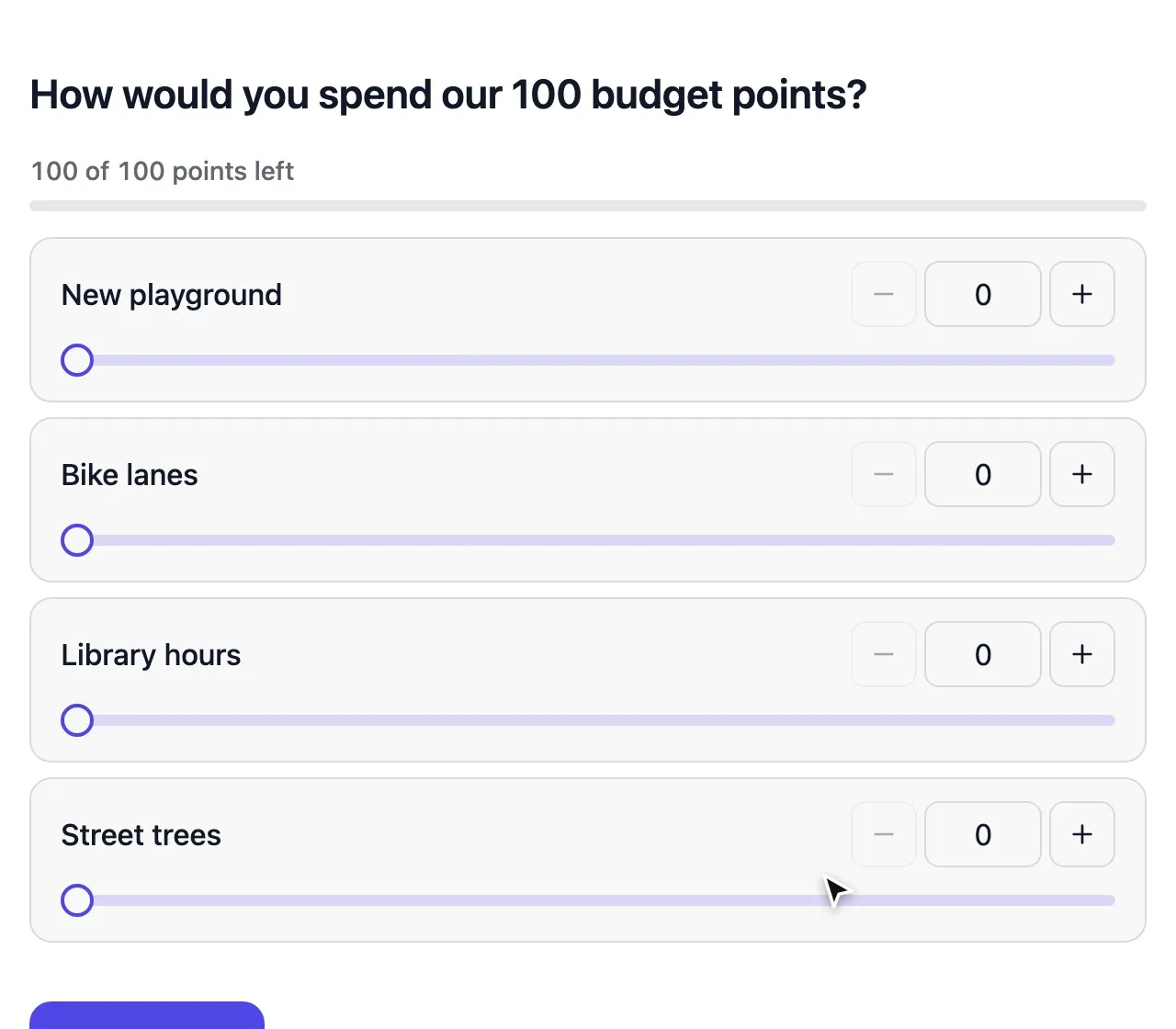
A point allocation question gives each voter a budget of points, 100 by default, to spread across the options. People can put everything on one option or split it up. You learn not just what people prefer, but how much.
When to use it
- Budgets: “How would you split 100 euros between these projects?”
- Dot voting in workshops: “Spend 10 points on the ideas you like best.”
- Feature priorities: “Spread 100 points across what we should build next.”
To learn only the order of preference, use Ranking. It’s quicker to answer.
Set it up
- In the editor, click Add content and choose Point allocation.
- Type the question, then the options. Add option adds one at a time. Paste list takes a whole list, with each option on its own line.
- Choose the settings next to the question.
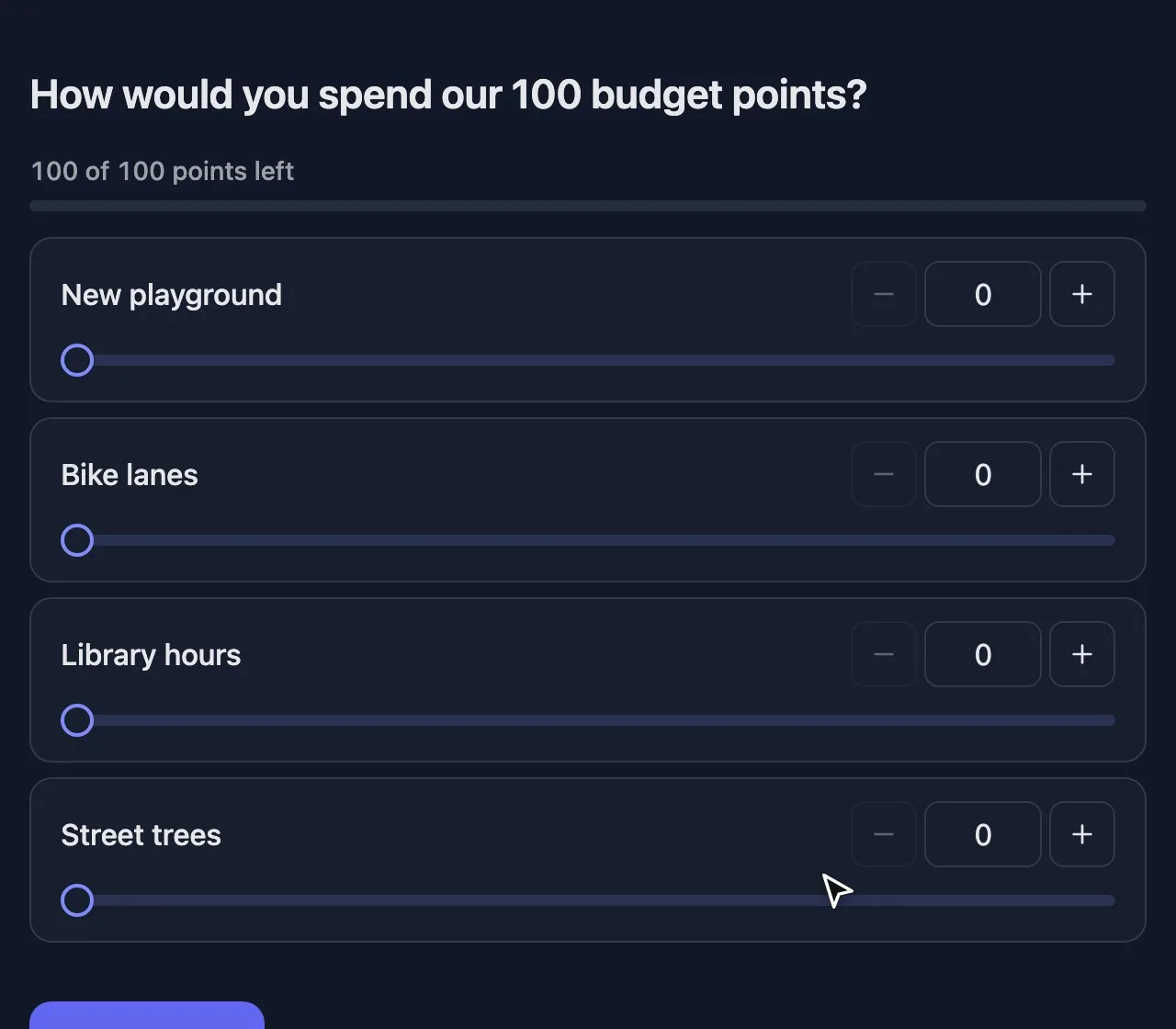
Say in the question what the points stand for: money, time or simply importance. While voting, people see how many points they have left, like “40 of 100 points left”.
Points to give
The budget each voter spreads across the options, from 1 to 1000. The default is 100.
Pick a number that matches what the points stand for: 100 for percentages or euros, 10 for a quick dot vote in a workshop.
Use every point
Off by default, so voters can submit with points left over. Turn it on and voters can only submit once all points are given out. Use it for budgets, where every euro has to go somewhere.
Results
The results show the total points for each option, with a bar for its share of all points given. A large share for one option means people feel strongly about it, not just that many liked it.
See also All question types at a glance.