Text & numbers
Short text
Collect a one-line answer in people’s own words, like a suggestion or a name.
Last updated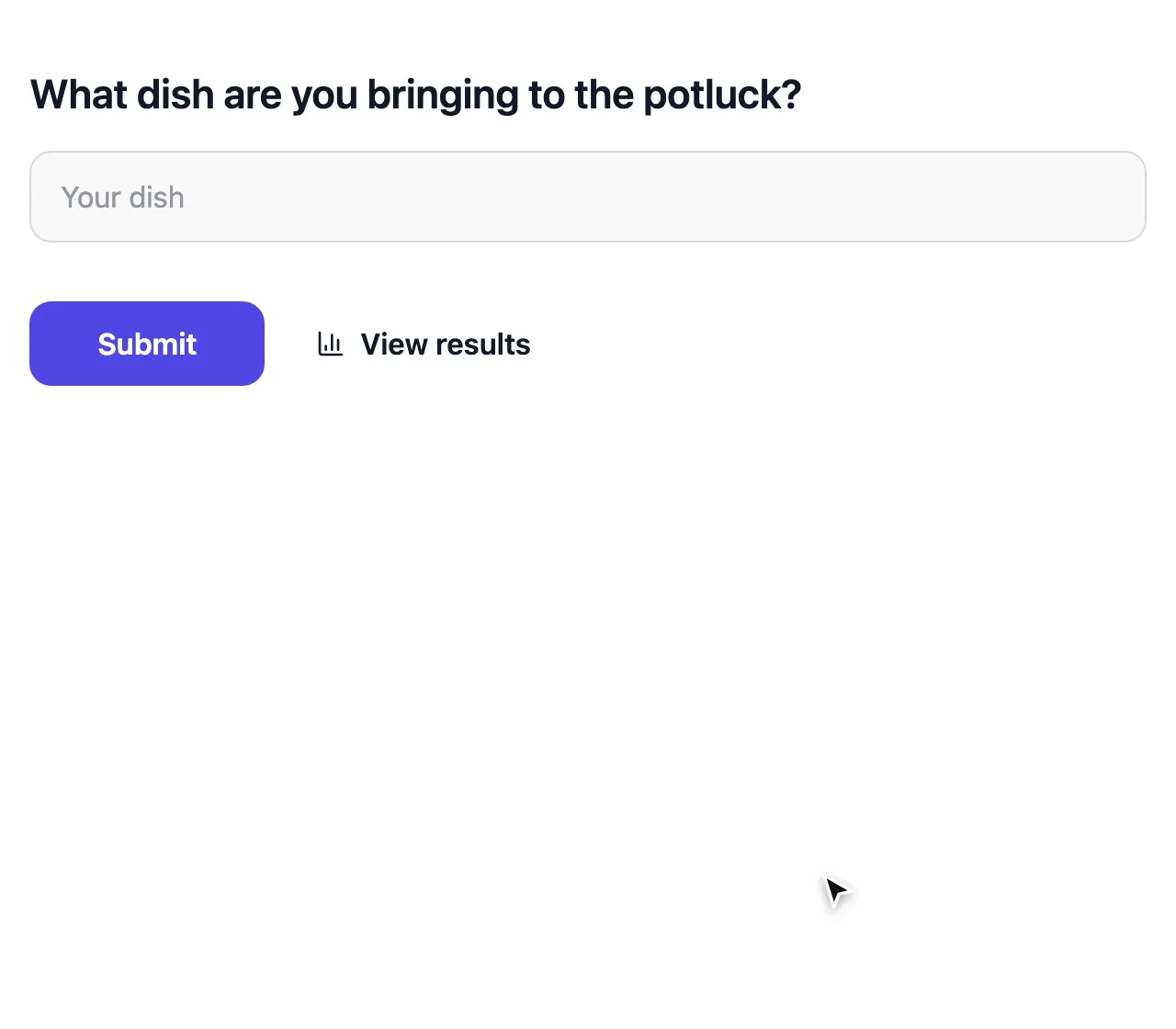
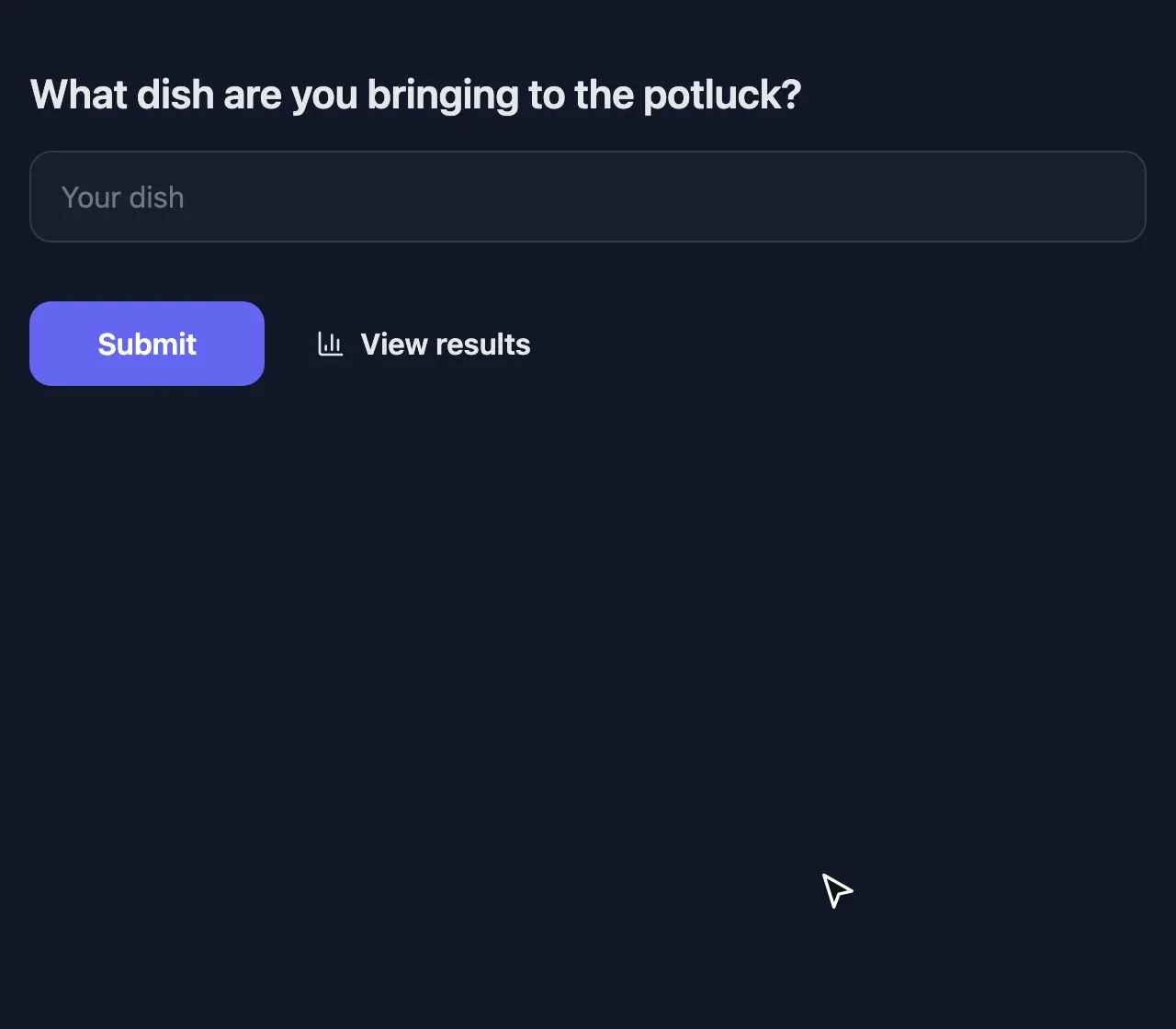
A short text question gives people one line to type their own answer. Use it when you can’t list the answers in advance and a few words are enough.
When to use it
- Suggestions: “What should we call the new team?”
- Who brings what: “What will you bring to the potluck?”
- Short follow-ups: “Which tool do you use for this?”
- Answers that differ for everyone, like a job title or a favourite book.
For answers longer than a sentence, use Long text. For a name or an email address, use Name or Email, which check the answer. When the answers fall into a few groups, a Multiple choice question is easier to count.
Set it up
- In the editor, click Add content and choose Short text.
- Type the question. Say what kind of answer you want, like “one or two words”.
- Choose the settings next to the question.
Placeholder
A hint in the empty answer field, shown until someone types. By default it says “Type your answer”.
Use it to show what a good answer looks like, like “e.g. The Night Owls” for a team name. The hint disappears as soon as people start typing, so put anything they must know in the question itself.
Results
Every answer in a list, in people’s own words.
See also Open-ended and closed-ended questions and All question types at a glance.