Contact & files
File upload
Let people attach an image or a document to their answer, with the file types and size you choose.
Last updated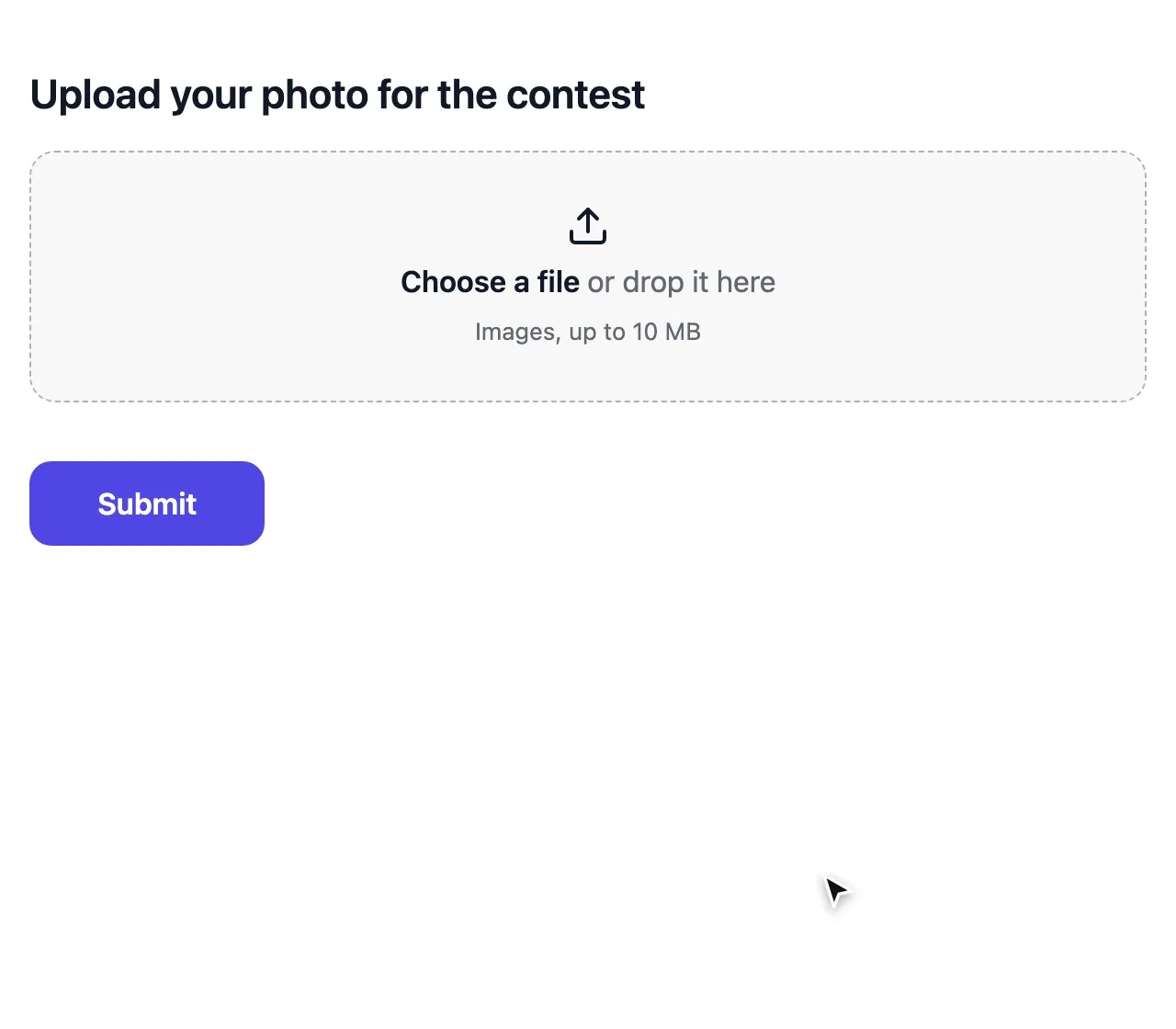
A file upload question lets people attach a file to their answer, like a photo, a CV or a receipt. Files are stored with your account, so you need to be signed in. Polls made without an account can’t take files. See Polls without an account.
When to use it
- Applications: “Upload your CV.”
- Photo contests: “Send us your best holiday photo.”
- Expense claims: “Attach the receipt.”
- Homework or assignment hand-ins.
Set it up
- In the editor, click Add content and choose File upload.
- Type the question. Say what to upload and in which format: “Upload your CV as a PDF.”
- Choose the settings next to the question.
File types
Choose what people can upload: Images and documents (the default), Images only or Documents only. Narrow it down when you need one kind of file, like Documents only for a CV.
Largest file
1, 2, 5 or 10 MB. The default is 10 MB, which is also the limit. Choose a smaller size to keep uploads quick, for example for photos taken on a phone.
Results
A list of every uploaded file with its name, its size and a Download link. Only you, the poll owner, can download the files. Voters and anyone else who sees the results can’t.
See also All question types at a glance and Signature.