Ranking & voting
Score voting
Let voters give every option a score, from 0 up to the highest score you choose, and find the option with the best average.
Last updated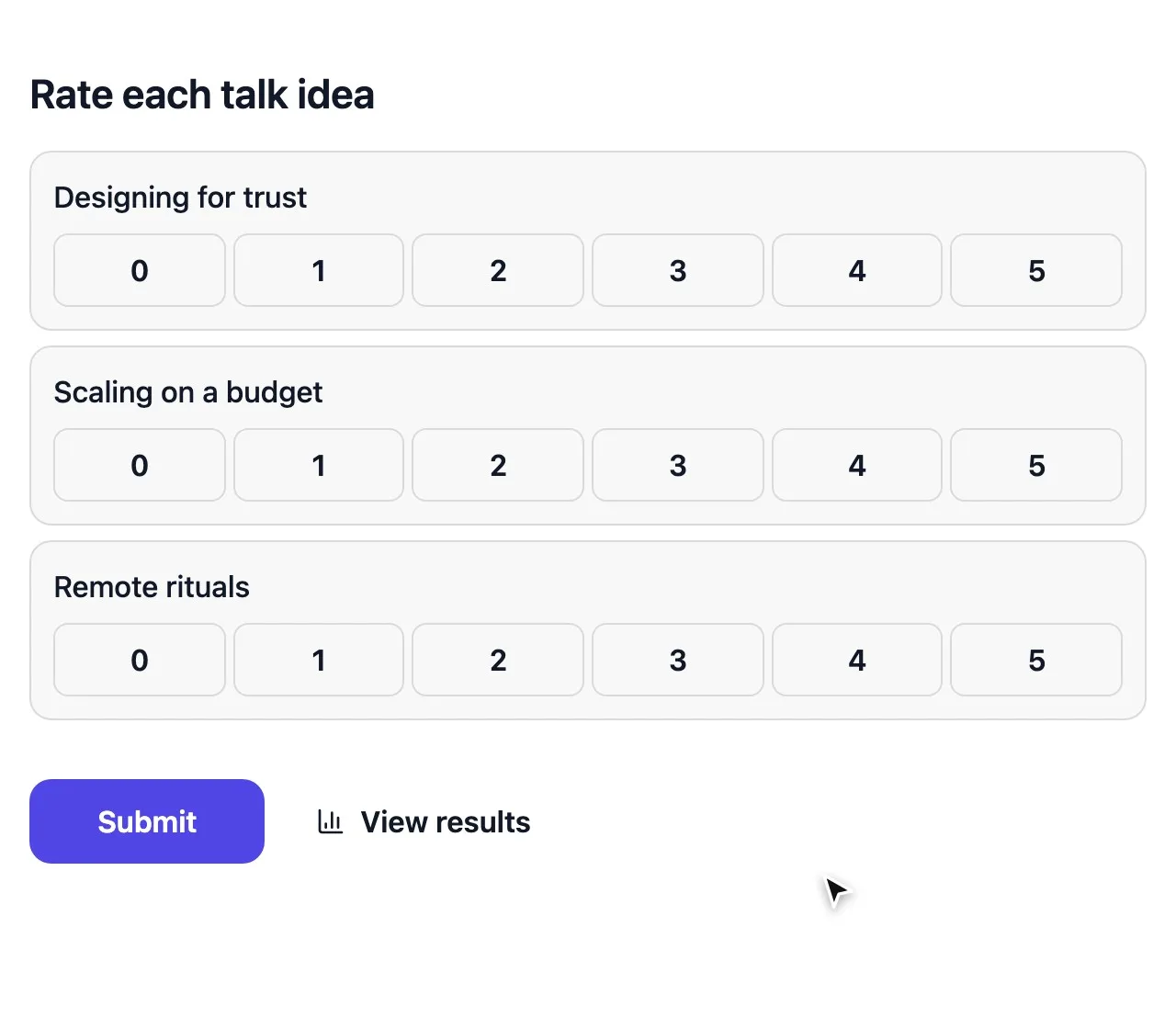

In a score vote, people give every option a score, from 0 up to a highest score you choose. The option with the best average score wins. Unlike a multiple choice question, voters can like several options a lot, and say which ones they don’t like at all.
When to use it
- Juries and judging: “Score each entry from 0 to 10.”
- Choosing between candidates or proposals, where people should judge each one on its own.
- Picking a name, a venue or a design from a few good options.
- Product feedback: “How useful is each of these features?”
To rate a single thing, use Rating. To find one winner by majority, use Ranked choice voting.
Set it up
- In the editor, click Add content and choose Score voting.
- Type the question, then the options. Add option adds one at a time. Paste list takes a whole list, with each option on its own line.
- Choose the settings next to the question.
Say in the question what a high score means: “0 is the worst, 5 is the best.” Once voters start, they have to score every option, so all averages compare like with like.
Highest score
Voters score each option from 0 up to this number. Choose 0 to 3, 0 to 4, 0 to 5, 0 to 7 or 0 to 10. The default is 0 to 5.
A short range is quicker to answer. A longer one, like 0 to 10, lets juries show finer differences between strong entries.
Results
The results show the average score for each option, best first. Two options with close averages are close to a tie, so look at both.
See also All question types at a glance.